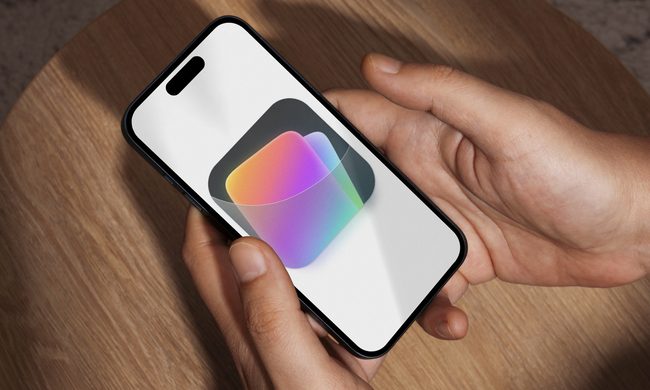
What’s happened? Having tested the Beta earlier in October, Nothing has begun publicly rolling out Nothing OS 4.0, based on Android 16, beginning with the Phone 3 and followed by other models later. The update introduces no small number of changes: a redesign of UI elements, new multitasking features, and the much-advertised Glyph enhancements that Nothing phones are known for.
- The update features “Glyph Progress,” which uses the rear LED matrix (Phone 3) or lights (Phone 3A series) to show the live status of timers, deliveries, or rides.
- New multitasking support lets you open two floating windows and switch between them via gestures.
- There’s a new Extra Dark Mode with deeper blacks and improved battery usage, plus refined animations and haptics for a smoother feel.
- According to Nothing, other eligible models and the CMF-branded phones will receive the update in due course, though exact timelines vary.
Why this is important: For Nothing phone owners, especially those with the Phone 3, this update marks a major leap rather than just a patch. The features combine software polish with functional upgrades: better multitasking, more file-control, smarter UI behaviour, and a deeper integration of the brand’s glyph-lights aesthetic into daily use. That means older phones in the lineup may now feel more “alive” and modern.
- The live status updates via Glyph can reduce the need to open apps just to check progress.
- Improved multitasking blurs the line between phone and small-tablet experience, making the device more flexible
- For the brand, it strengthens Nothing’s reputation for timely major-OS upgrades, which can influence buyer trust and resale value.
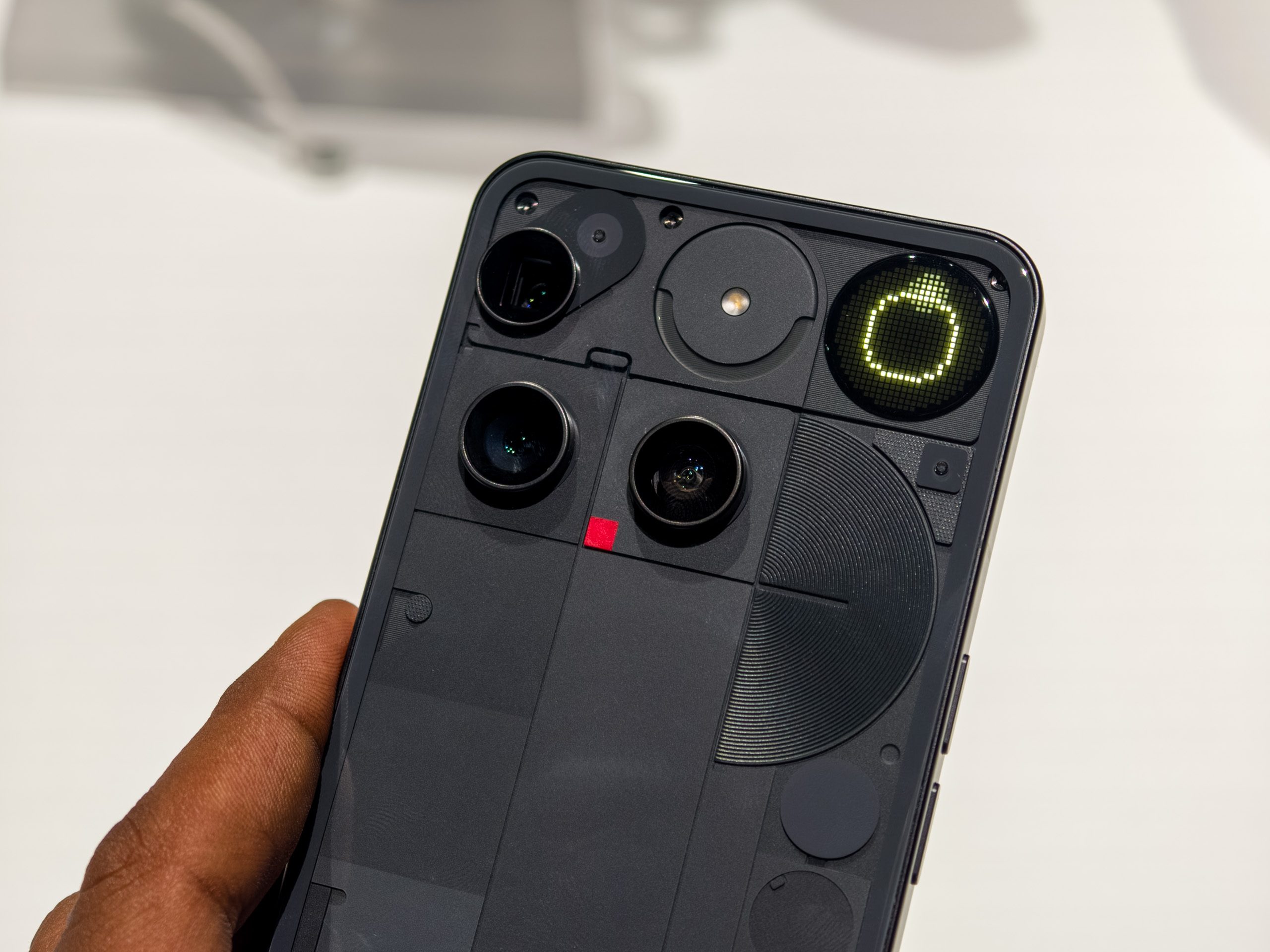
Why should I care? If you own a Nothing phone (especially Phone 3 or similar), this update means you’re getting real, visible changes and not just small bug-fixes. You’ll likely notice snappier animations, better multitasking, and more natural interactions with your device. The brand’s signature glyph lights aren’t just show-offs anymore, either, as they now carry meaningful status updates you can see at a glance.
But there’s also a practical side to keep in mind: with new features come new questions. Will all the promised models get the update soon? Are the new multitasking and glyph features optimised for regular use rather than just flagship phones? And of course, whenever an update this big rolls out, there’s always the risk of early bugs or device-specific issues. If you’re using an older device in the Nothing ecosystem, you may want to check compatibility & battery behaviour before diving in.

Okay, so what’s next? Over the next few weeks, Nothing will expand the Android 16 rollout to more models, so you’ll want to keep checking for updates if you don’t have it yet. To do that, simply head over to Settings > System > Software update if you’re on a compatible Nothing phone. Look out for how the update affects your everyday usage: battery, multitasking flow, glyph behaviour, and whether the UI feels more premium. If the update lands well, Nothing phones could become even more compelling for users who want a fresh, non-generic Android experience without sacrificing longevity.