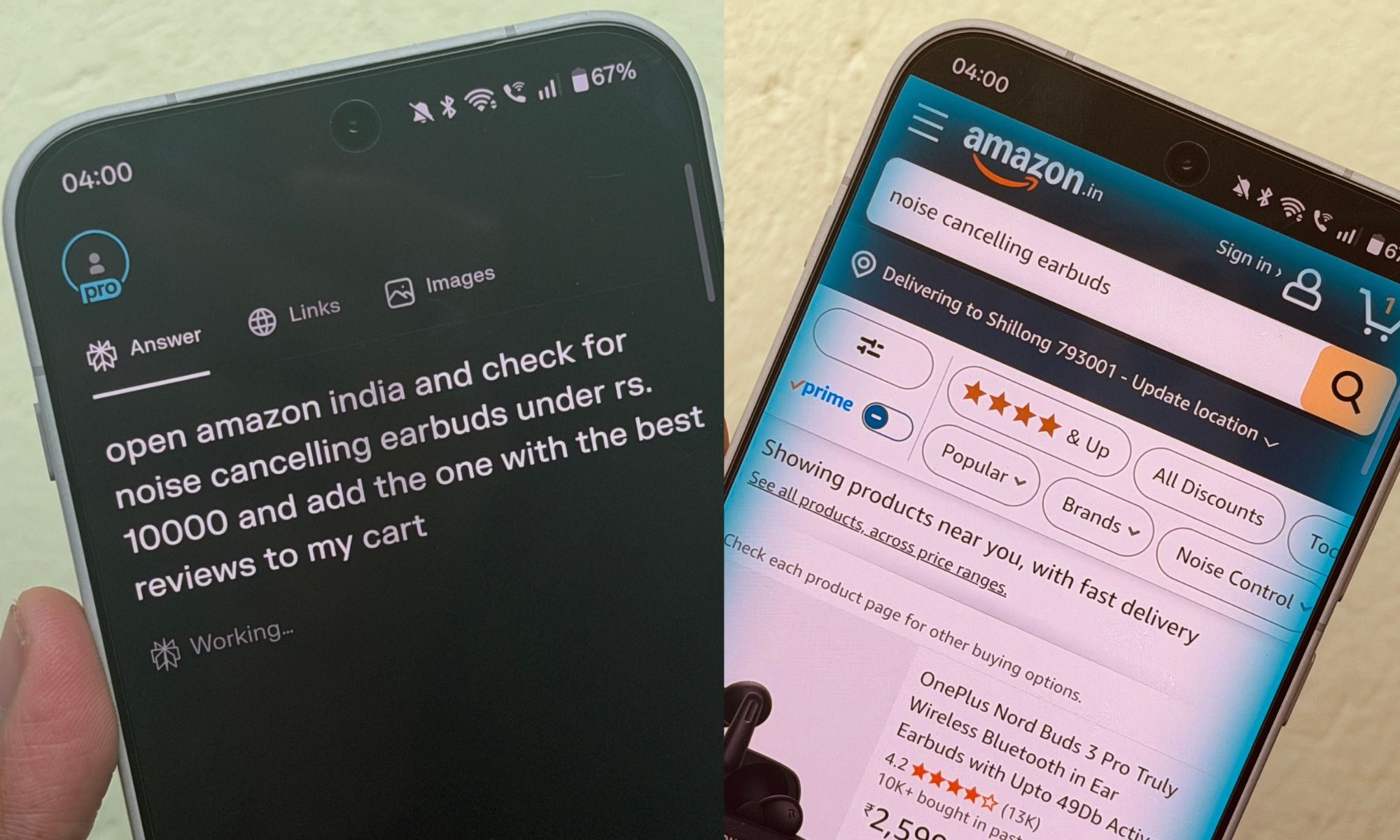
Imagine telling a mobile browser to “close all the tabs that are inactive since yesterday.” And it complies. You go a step further and tell it to “find noise-cancelling earbuds under $200 with the highest rating and add it to the cart.” The browser gets the job done in two minutes.
That’s essentially the future of web browsing on mobile. And it’s already here, thanks to Comet. Perplexity’s AI-powered Comet browser has finally made its way to the mobile platform, starting with Android. I just tried it on my OnePlus 15, and it showed me a glimpse of a dramatically convenient future of web browsing on mobile.
It shines bright

Comet takes the concept of what you already have on mobile browsers, but gives it a subtle nudge towards automation, thanks to a built-in AI assistant. All the core browsing controls are neatly located towards the bottom edge for easy reach.
There’s a built-in blocker system that gives a real-time overview of ads and trackers thwarted by the system. It also comes with a native summarization system, as well. But the real star of the show is Perplexity Assistant.
With a tap on the waveform button in the universal search field, you can talk to the tabs. It can summarize articles, pull relevant background information, and reformat it in bullet points for easier reading. But that’s just the tip of the iceberg.
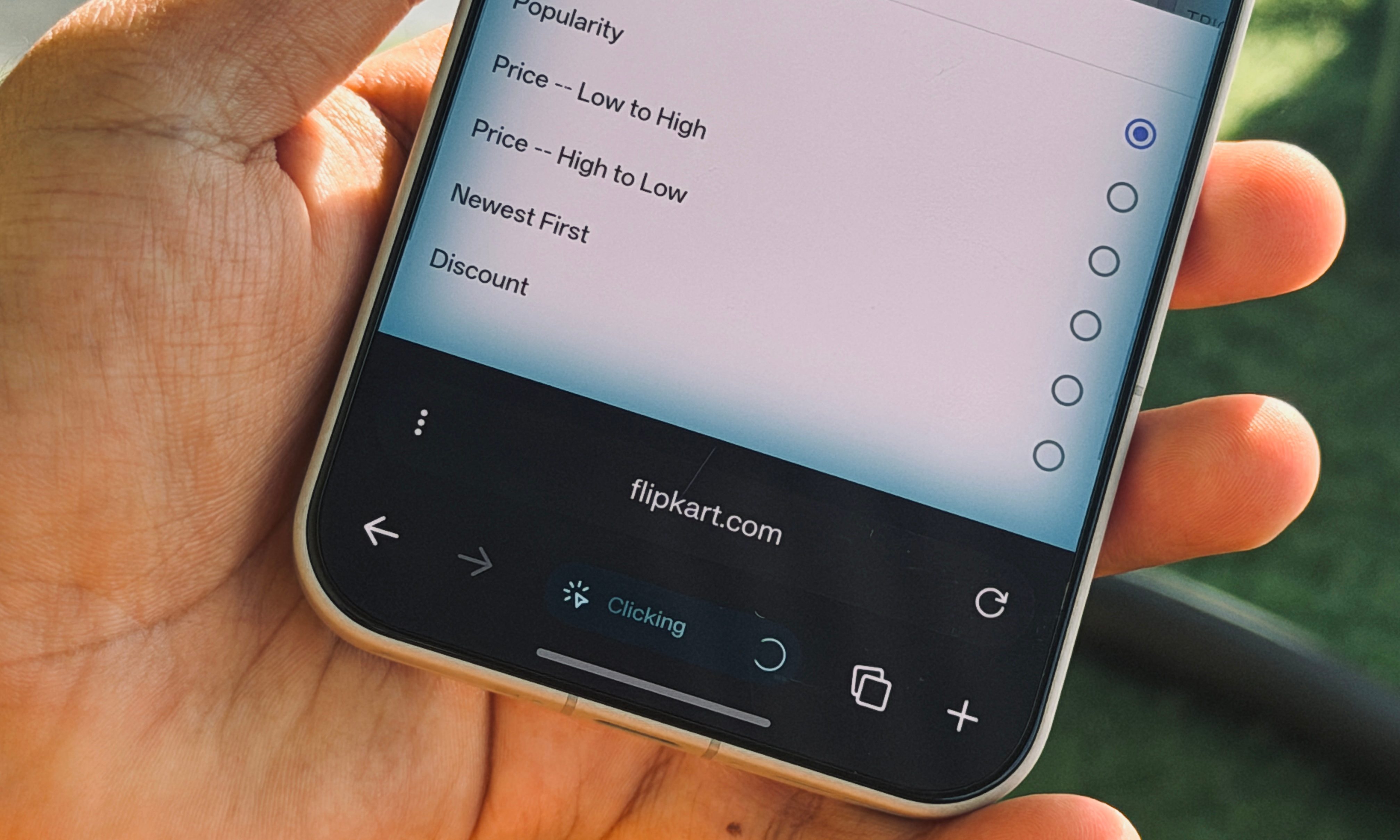
The AI-assistant is context aware, which means it knows what’s appearing on the screen and can take relevant action. For example, if you’re shopping for power banks during Black Friday, you can simply ask the assistant questions like “which one is getting the best discount” or “pick two options under $100 with the highest star rating and positive reviews.”
Shopping, hunting for code, and making reservations are some of the obvious use case scenarios. But it also comes in handy for research, especially when you have a vague memory of the source. For example, this is the query I typed:
“I recently saw a short clip where Yann LeCun said LLMs are not the future of the AI field. Find me the video on YouTube and lead me straight to the right moment where he said it.”
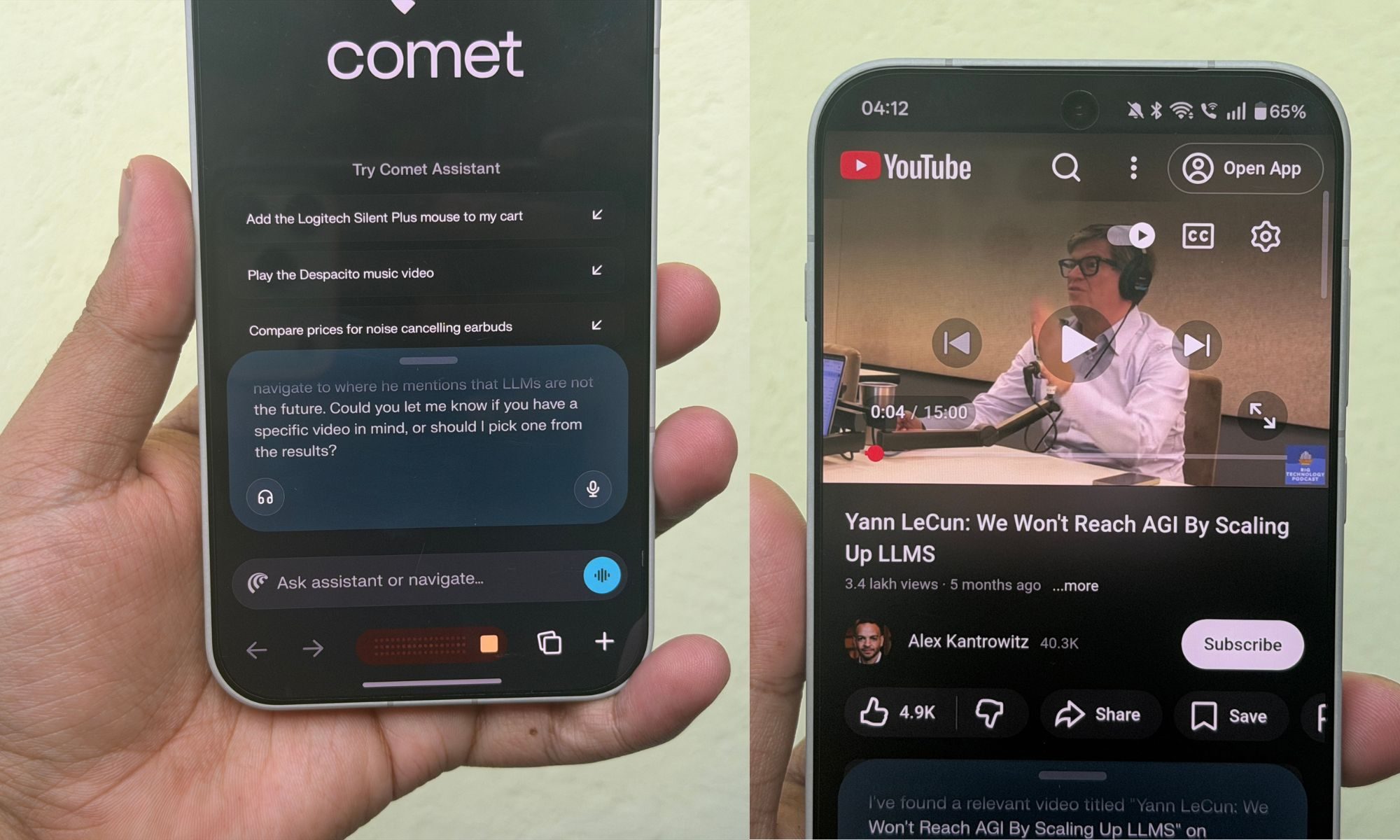
The AI assistant kicked into agentic mode, found a series of videos on YouTube, and then opened one that started playback at just the right time stamp where LeCun made the LLM statement. With a regular internet search, it would have taken a lot of time, or searching through the machine-generated transcript on YouTube.
But with the latter, you would need an exact word(s) match. With Perplexity Assistant, it can understand the query contextually and find the right match even with a broad direction. Likewise, when watching a YouTube video, it can summarize or find specific moments (or key takeaways) for you.
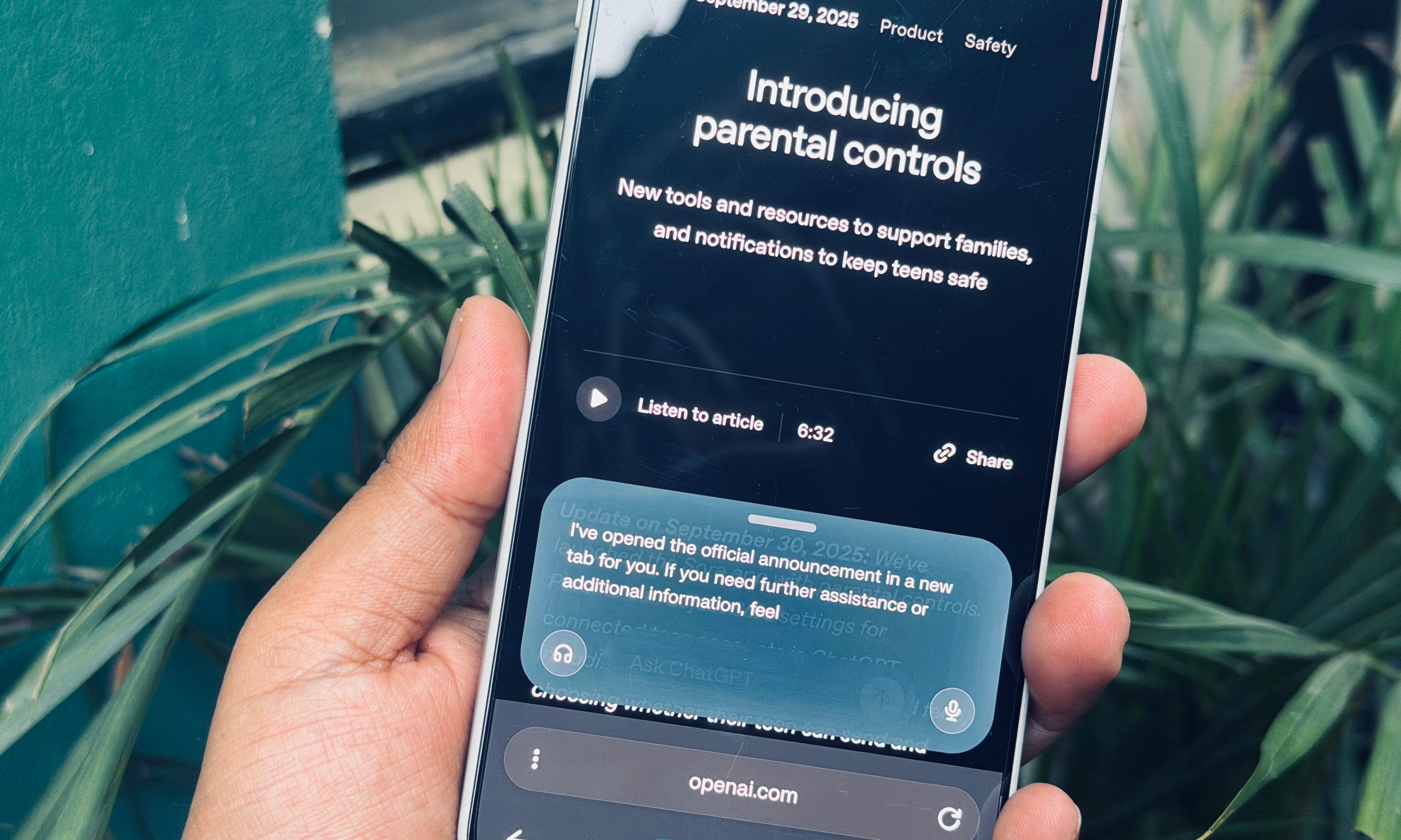
It’s a fundamental shift in how we search for information on the web or engage with a web browser in general. For example, I asked the assistant, “In a new tab, open the official announcement by OpenAI about adding parental controls to ChatGPT.” Comet opened the right tab in roughly two seconds.
Overall, I am fairly impressed by the sheer ease which Comet introduces to the browsing experience. On a mobile device, this is what you need. And getting multi-step back-and-forth work done with just voice commands within a second, or two, simply feels like the future is here.
A few rough edges
Comet is terrific at executing multi-step chores using natural language prompts or voice commands. But there are a few areas where it needs some polish, or to put it more specifically, fixing bugs. That’s because it occasionally fails at fundamentally simpler tasks.
When I asked it to save a webpage as a bookmark, it wouldn’t comply. When I asked the Perplexity assistant to save that page as a favorite, it didn’t offer any help. The AI agent told me that there is no bookmarking or favoriting system in Comet. That’s simply false.
There’s a built-in system for that. You need to just open the menu page and hit the star icon to set a page as a favorite. And when you tap on the book icon at the bottom of the screen, it opens a page where you get a dedicated section for bookmarks, alongside browsing history and chats with the assistant.
Comet appears to be using the Favorite and Bookmark names interchangeably, because the same star icon represents both, but in different places. Ironically, the AI assistant fails at realizing the existence of either option.
Another issue is the action consistency. When you are in voice chat mode, the AI assistant mostly sticks to offering answers like a chatbot, which means you get a summarized answer with links. On the desktop version, there’s a dedicated toggle to enable the agentic mode that actually performs a task.
On the mobile version, agentic mode kicks in when you type the query in the universal search field. You can’t create reading lists, use extensions, or access a dedicated reader mode. There’s no tab grouping facility available either. These are all papercuts that can be fixed.
The big privacy conundrum
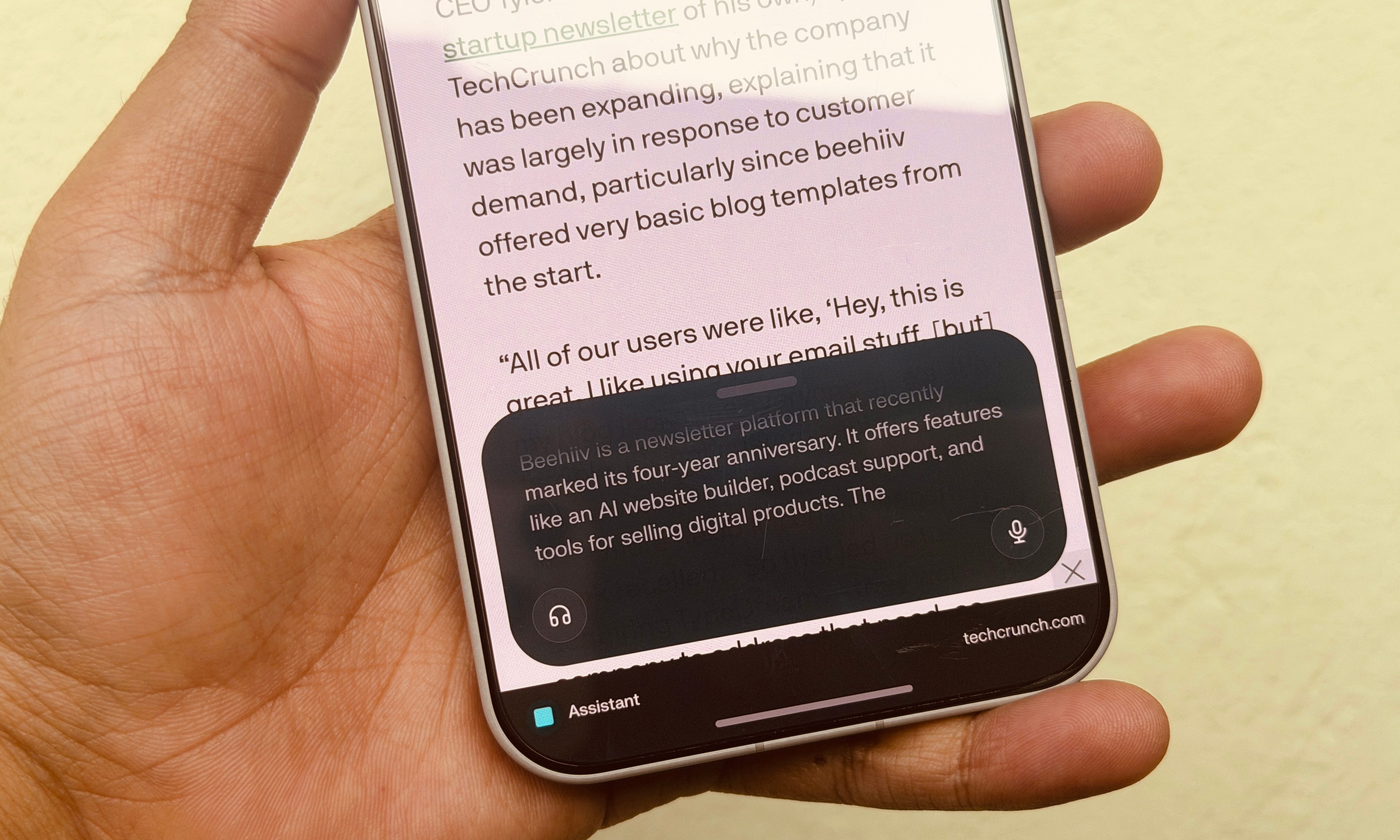
The biggest concern is the privacy risks that come with agentic browsing, and how easy it is to deceive AI agents as they crawl websites on your behalf. The folks over at Brave recently highlighted how the Comet browser is vulnerable to prompt injection attacks. In another instance, researchers tricked an AI browser into downloading malware.
Hidden natural language text on a webpage can trick them into reading and summarizing absolutely false information. Based on the instructions the AI agent comes across, it can even extract user files since these apps have access to the local data container.
And let’s not forget the privacy aspect. To truly get an AI browser to act as your digital butler, it will need access to a whole bunch of personal information, from your saved log-ins to your home address, and everything in between. Yes, you can take over at any given point, especially when entering sensitive information. But that beats the whole point of agentic, right?

Perplexity says Comet stores browsing data, add-ons, passwords, payment details, and more locally. But there’s a caveat. “With your permission, passwords, payment methods, profile info, and settings may be saved to your Comet profile,” says the privacy page.
The company says cloud sync between Perplexity and Comet will be opt-in, and users can disable it at any given time. But that’s like passing the ball in users’ court, instead of offering a robust safety net. At the end of the day, Comet is an extremely convenient take on mobile browsing, but you must take the leap of faith.