  1. Home
  2. Computing
  3. Phones
  4. News

Google is supercharging Circle to Search with AI Mode, giving you better follow-up answers

By blending visual lookup with AI-powered reasoning, the update turns every circle gesture into a smarter, more intuitive way to explore what’s on your screen.

Add as a preferred source on Google
Using Circle to Search on the Google Pixel 8a.
Circle to Search Andy Boxall / Digital Trends

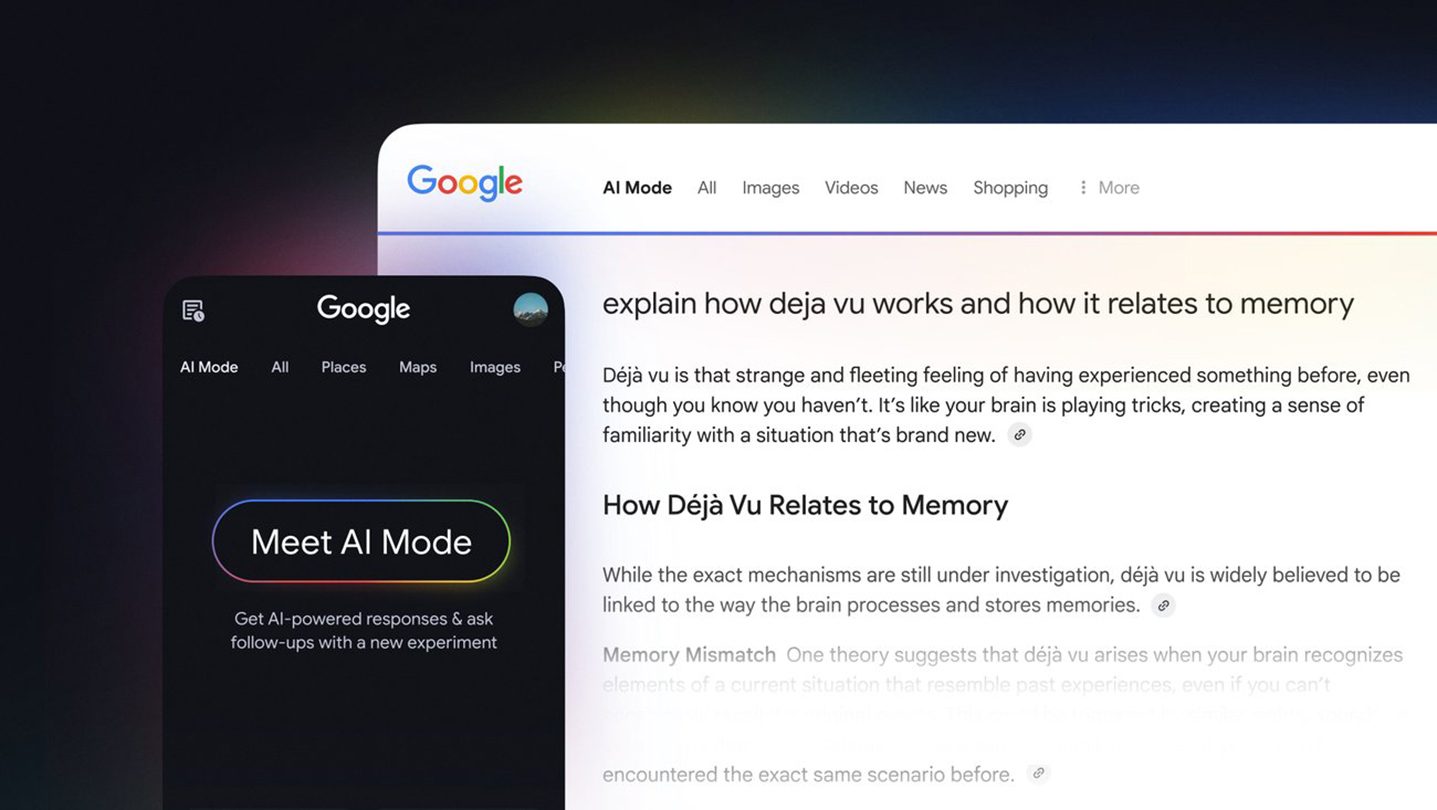
What’s happened? Google’s Circle to Search is now using AI mode for follow-up queries by default, shifting away from the standard image search.

  • According to a report by Android Authority, the change occurred with Google’s app version 16.47.49.
  • This means when you circle something on your Android phone, and then ask a follow-up question, the feature will relay the query to AI Mode.
  • The follow-up search bar is now at the bottom of the results panel, making it easier to ask additional questions.

Why is this important? In my opinion, the update makes Circle to Search more useful, transforming it from a “point-and-see” image lookup tool into an AI-backed conversational assistant.

  • Since the AI Mode supports multimodal inputs, strong reasoning (thanks to Gemini), and has the entire Google database at its disposal, you should get richer, more contextually relevant answers for your follow-up questions.
  • It is a significant step up from visually similar images or links.
  • In a way, the change also helps unify the search experience on Android, as you don’t need to switch between image- and text-based search manually.
Recommended Videos

Why should I care? As a Cirle to Search user, you’ll now get better, more useful answers, with an opportunity to ask follow-up questions directly to Google’s AI Mode.

  • For instance, you could circle a diagram from a textbook, get a response from Circle to Search, and ask a related query at the search bar at the bottom.
  • Instead of manually copying image descriptions into a search bar or switching to another app, everything happens with a single gesture.
  • The integration of AI Mode also means you can effortlessly dig deeper into what you see.
OK, what’s next? As the update rolls out to more Android devices, more users should gain access to AI Mode in Circle to Search.

  • Over time, we might see even more advanced AI-based features that leverage AI Mode’s multimodal skill set.
  • The update could also influence how other apps in the Android ecosystem handle search and discovery.
Shikhar Mehrotra
For more than five years, Shikhar has consistently simplified developments in the field of consumer tech and presented them…
The refurbished MacBook Neo may be your best way around Apple’s price hike
MacBook Neo has hit Apple’s refurbished store after its price increase
Student using MacBook Neo in classroom.

The MacBook Neo launched in March as Apple’s most affordable notebook, but it has already been caught in the company’s recent price hike. The base model with 8GB of RAM and 256GB of storage now costs $699, while the 512GB version with Touch ID is priced at $799.

Just days later, Apple has already listed refurbished MacBook Neo models on its online store, giving buyers a cheaper official option, though the savings are not as generous as you might expect.

Read more
This cross-device clipboard app solves the copy-paste problem I keep running into on my Mac
ClipboardAI keeps a searchable history of everything you copy
Text, Electronics, Mobile Phone

I have lost count of how many times I have copied something important, copied another thing before pasting it, and then realized the first item was gone. It is a small frustration, but it happens often enough to become annoying. I recently came across ClipboardAI, which caught my attention because it goes beyond Apple’s built-in clipboard by saving copied items into a searchable history.

Instead of replacing the last thing you copied every time, ClipboardAI keeps a searchable record of copied text, links, codes, email addresses, phone numbers, addresses, and images across iPhone, iPad, and Mac. That means an older clip does not disappear just because you copied something new.

Read more
If you miss the feel of paper in the digital age, this app gives your Mac’s screen a textured look
A paper-like screen overlay could make long work sessions feel less harsh.
Advertisement, Poster, Electronics

Most screen-comfort tools work by changing color temperature. Apple’s Night Shift makes the screen warmer, often giving everything an orange tint. Paperman is an interesting alternative because it adds a subtle paper-like texture over the display instead.

The app is available for Mac and Windows, and it is designed to make a screen look closer to paper, matte glass, or an e-ink display. It softens the harsh contrast and reduces the glossy look of modern screens during long reading or writing sessions.

Read more

