1. Home
  2. Computing
  3. Deals

Digital Trends may earn a commission when you buy through links on our site. Why trust us?

This Copilot+ laptop deal drops the ASUS Vivobook 14 to $349.99 at Best Buy (save $400)

A $400 price cut makes this Snapdragon X Vivobook 14 a serious under-$400 everyday laptop option

Add as a preferred source on Google
Amazing Deal ASUS Vivobook 14 deal
Best Buy

If you’re shopping for a lightweight “daily driver” laptop and you don’t want to spend midrange money, Best Buy has the ASUS Vivobook 14 (Copilot+ PC) down to $349.99. That’s $400 off (about 53%) for a modern Windows laptop with Snapdragon X, 16GB RAM, and a 512GB SSD, which is a lot of hardware for this price tier.

What you’re getting

This model pairs a 14-inch display with a taller 1920 x 1200 (WUXGA) resolution in an IPS panel with 300 nits brightness and a 60Hz refresh rate.

On the portability side, the product specs call out 3.28 lb weight and 0.7-inch thickness, plus a battery claim of up to 29 hours with FastCharge (100% in 1 hour).

You also get practical extras people actually use: an FHD IR camera with Windows Hello, a physical webcam shield, and a port mix that includes 2x USB-A, 2x USB-C (with PD + DP), HDMI, and an audio combo jack.

Why it’s worth it

At $349.99, the value is mostly about getting the “big three” right for everyday work: 16GB memory, 512GB storage, and a modern platform that’s meant to feel responsive for browsing, docs, streaming, and general productivity.

One real-world note: because this is a Snapdragon (ARM-based) Windows laptop, it’s smart to sanity-check any niche software or older peripherals you rely on: some apps and drivers may require ARM-compatible versions.

The bottom line

If you want a lightweight 14-inch laptop for school, email, web work, and everyday productivity, this is a strong buy at $349.99, given the $400 discount. If you need guaranteed compatibility with specialized Windows apps, older printer drivers, or certain games, double-check your must-have software before pulling the trigger.

Omair Khaliq Sultan
I'm a writer, entrepreneur, and powerlifting coach. I’ve been building computers and fiddling with PC parts since I was a…
Topics
This free Mac app lets you lock individual apps with Face Unlock and Touch ID
Someone finally built the app locker every Mac user has been asking for.
FaceGate in action on Mac

If you have ever handed your Mac to a friend, family member, or coworker for "just a minute," you know the mild panic that follows. Sure, your Mac has a lock screen, but once someone is past it, they can open Messages, Photos, Notes, Mail, WhatsApp, and your browser.

iPhones had the same issue, but Apple solved it by adding an app lock feature with the iOS 18 update. Sadly, no such feature exists for macOS. That’s where the new FaceGate app for Mac can help you. It’s a free and open-source app that lets you lock apps on your Mac and even has some novel tricks up its sleeve. So, let’s talk about it, shall we?

Read more
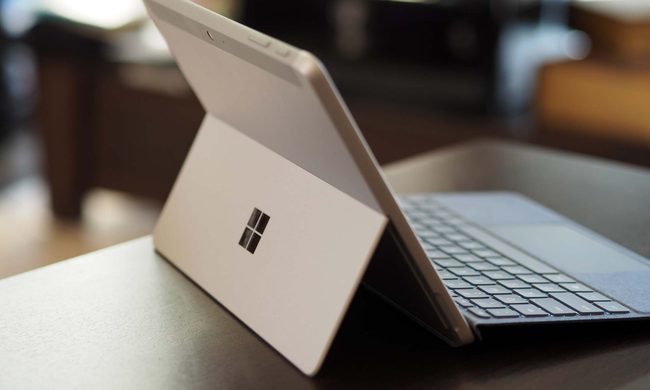
The charm of a tiny Windows tablet is apparently at Microsoft. Long live the Surface Go!
Microsoft’s budget Surface era may be over
Microsoft Surface Go 3 stand.

Microsoft might be cleaning up its Surface lineup. According to Windows Central, Microsoft has stopped manufacturing the Surface Go and Surface Laptop Go lines, with no successors currently planned. Surface Go 4 and Surface Laptop Go 3 are reportedly out of stock in most places, and once remaining retail stock is gone, that may be it.

If this is true, then we are looking at the end of the brand's budget Surface PCs as Microsoft has plenty of premium Windows hardware.

Read more
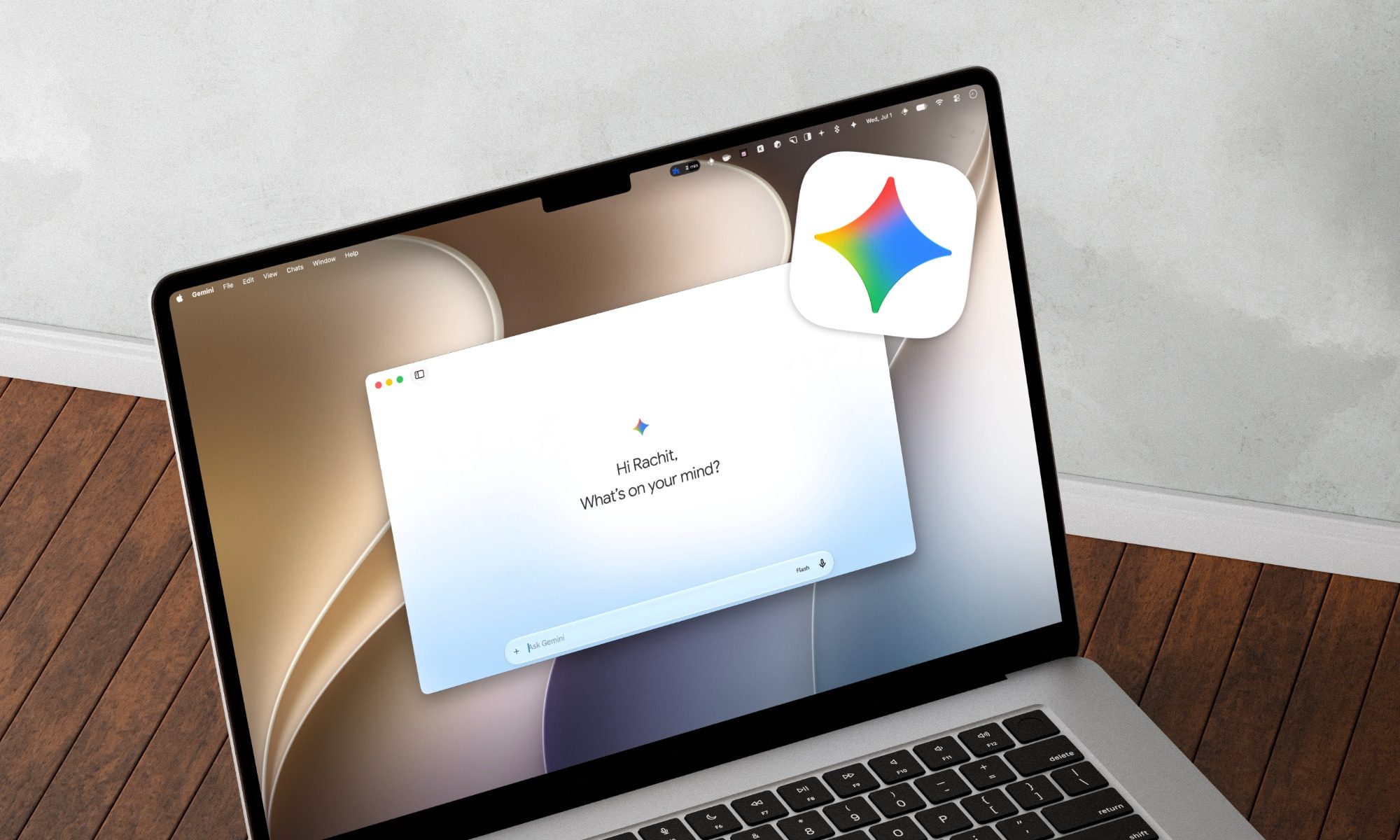
Gemini Spark lands on the Mac, and it wants to tackle your chores while you relax
From messy downloads to date night reservations, Spark is here to lighten your load.
Gemini Spark mac app

Google has just announced a big batch of updates for Gemini Spark, making the assistant far more useful than before. Gemini Spark is finally coming to the Mac desktop app, bringing deeper app connections and a new way to keep tabs on what you care about. Let us break it down.

What can Spark do on your Mac now?

Read more