1. Home
  2. Phones
  3. News

Your portraits could look more natural if this S26 Ultra leak is right

The tipster also says Samsung improved skin tones that skew yellow.

Add as a preferred source on Google
Samsung Galaxy Camera
Samsung

A Galaxy S26 Ultra camera leak is making a very specific pitch: people photos that look more like the person in front of you, not a warmer, yellow-leaning version. The claim comes from a post by tipster Ice Universe, and it suggests Samsung is tweaking both its color tuning and the camera’s optics.

The same leak says Samsung has cut lens flare with an updated lens and revised coating. That’s not the kind of change you brag about in a keynote, but it can decide whether a portrait looks crisp or slightly hazy when a bright window, streetlight, or neon sign sneaks into frame. Samsung hasn’t confirmed any of this though.

Portrait color is the giveaway

Skin tone is the fastest way to spot a phone camera’s “taste.” If the processing runs too warm, faces can look off indoors, and the effect gets louder under mixed lighting.

Recommended Videos

We’ve called out this exact look in past Galaxy testing. In a Galaxy S23 vs Galaxy S21 camera test, it’s noted that the S23 rendered a subject “a tad yellow,” which is basically the complaint this leak says Samsung is addressing.

Flare can pile on, too. Stray reflections and streaks around bright highlights can flatten contrast across a face, and we’ve seen that in recent comparisons, including the Galaxy S25 Plus vs iPhone 16 Pro camera shootout, which flagged flare in portrait situations.

Why a small optics tweak matters

If this rumor holds up, the takeaway isn’t new megapixels, it’s cleaner images. Lens coatings and processing choices can change what you get in everyday shots, even when the spec list looks familiar.

That’s timely because the broader S26 chatter has leaned incremental. The Galaxy S26 camera upgrade rumor may not match the biggest expectations, so a fix you notice on every portrait could matter more than a minor hardware bump.

What to watch before you buy

When early hands-ons arrive, skip the flattering sample galleries and look for repeatable stress shots: backlit faces, mixed indoor bulbs, and night portraits with harsh point lights (streetlights, headlights, bright signs). Those scenes expose both skin tone tuning and whether coatings really reduce haze. If Samsung has improved facial color and cut glare, it should show up quickly in those side-by-sides.

Check out the best camera phones right now if you can’t wait for these leaks to become available.


Paulo Vargas
Paulo Vargas is an English major turned reporter turned technical writer, with a career that has always circled back to…
Android desktop mode made me miss my laptop in record time
I tried writing and publishing from Google’s phone-to-monitor setup, and the future of mobile computing immediately started sweating.
Computer, Electronics, Laptop

Android 17 desktop mode has a very simple pitch. Plug your phone into a monitor, add a keyboard and mouse, and watch the slab in your pocket pretend to be a computer. I wanted to give that pitch a fair shot, so I tried using it for an actual workday instead of a cute demo.

The goal was boring on purpose: write an article, edit it, build the page in WordPress, upload whatever needed uploading, and publish the thing without running back to my laptop like a coward.

Read more
After test-driving iOS 27, my iPhone still doesn’t feel like it has made a substantial leap
Siri learned new tricks. Safari got smarter tabs. My morning routine didn't change at all.
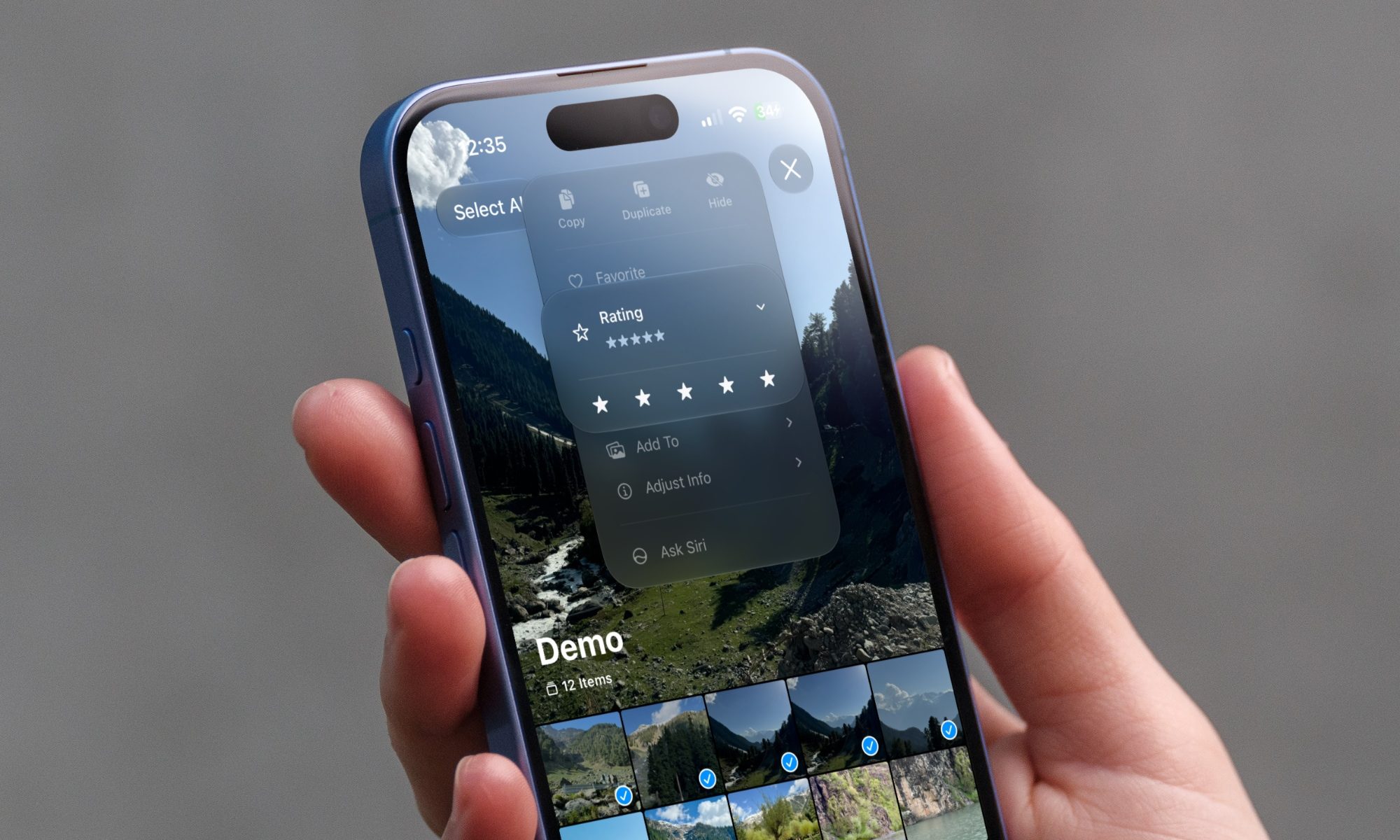
iOS 27 new star rating feature in Photos

Every June, after Apple wraps up its annual WWDC keynote, I install the latest iOS beta on my iPhone, watch the progress bar crawl to completion, and wait for the inevitable restart. For years, picking up my phone afterward felt almost identical to how it did before the update. 

I saw the same grid of icons, the same Control Center, and the same version of Siri until iOS 26 finally broke that pattern in 2025.

Read more
Android 17 makes a strong case for ignoring Android version numbers entirely
When the most noticeable change is a better Quick Settings button, the annual update cycle starts looking more like branding than progress.
Android 17 logo.

Android 17 finally separated the Wi-Fi and mobile data buttons, and I hate how much that improved my mood. For years, Android treated internet access like one mysterious blob, as if Wi-Fi and cellular data were emotionally codependent. In Android 17 Beta 3, Google split the old combined Internet button into separate Wi-Fi and mobile data tiles, making each connection easier to switch off with a single tap.

That’s a good change, which is also why it’s a little damning. When one of the cleanest wins in a major OS update is “the buttons make sense again,” the celebration gets awkward fast.

Read more