1. Home
  2. Phones
  3. Deals

Digital Trends may earn a commission when you buy through links on our site. Why trust us?

This Pixel 10 Pro XL sale is ideal if you’re ready to replace an aging phone

Add as a preferred source on Google
Good Deal Pixel 10 Pro XL deal
Best Buy

Flagship phones have gotten expensive enough that a small discount barely moves the needle. This one does. The Google Pixel 10 Pro XL (unlocked, 256GB) is down to $949.00, which is $250 off the $1,199.00 compared value. If you’ve been sitting on an older phone because you didn’t want to pay full price for a top-tier model, this is the kind of markdown that actually changes the decision.

What you’re getting

The “Pro XL” format is all about a more comfortable daily experience: a bigger screen for reading, maps, and media, plus that roomy feel when you’re typing or multitasking. The 256GB storage is the other underrated win here. It’s the difference between using your phone normally and constantly cleaning up space, especially if you take lots of photos, save videos, download playlists, or keep big apps installed.

And because it’s unlocked, you’re not boxed in. It’s a practical choice if you switch carriers, travel, or just prefer keeping your options open over the life of the phone.

Why it’s worth it

This deal makes sense for people who use their phone hard every day and want something that stays pleasant to live with. A larger display and more storage tend to “age” better than the cheapest configuration, because you’re less likely to hit the two most common frustrations: cramped screen time and storage warnings.

The $250 discount is also the kind of savings you can feel. It can cover a protective case, a good screen protector, and still leave money on the table, or it can simply make the upgrade feel less like a luxury purchase and more like a practical replacement.

The bottom line

At $949, the Pixel 10 Pro XL (unlocked, 256GB) is a solid value if you want a big-screen flagship and you’d rather pay once for the storage you’ll actually use. If you prefer compact phones or you mainly need basics, spending less will still work. But if you’ve been waiting for a meaningful price cut on a top-end Pixel, this is a good moment to jump.


Omair Khaliq Sultan
I'm a writer, entrepreneur, and powerlifting coach. I’ve been building computers and fiddling with PC parts since I was a…
Android desktop mode made me miss my laptop in record time
I tried writing and publishing from Google’s phone-to-monitor setup, and the future of mobile computing immediately started sweating.
Computer, Electronics, Laptop

Android 17 desktop mode has a very simple pitch. Plug your phone into a monitor, add a keyboard and mouse, and watch the slab in your pocket pretend to be a computer. I wanted to give that pitch a fair shot, so I tried using it for an actual workday instead of a cute demo.

The goal was boring on purpose: write an article, edit it, build the page in WordPress, upload whatever needed uploading, and publish the thing without running back to my laptop like a coward.

Read more
After test-driving iOS 27, my iPhone still doesn’t feel like it has made a substantial leap
Siri learned new tricks. Safari got smarter tabs. My morning routine didn't change at all.
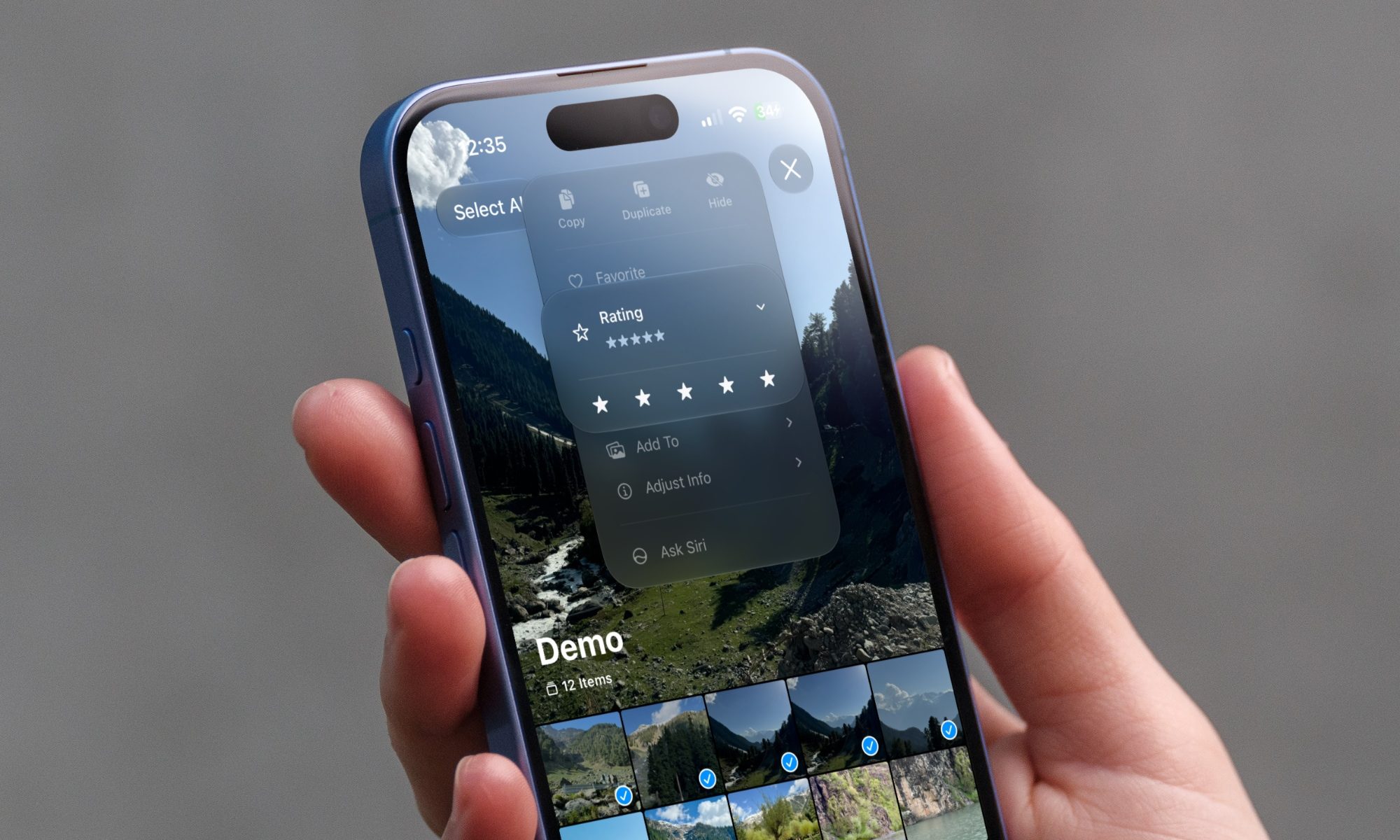
iOS 27 new star rating feature in Photos

Every June, after Apple wraps up its annual WWDC keynote, I install the latest iOS beta on my iPhone, watch the progress bar crawl to completion, and wait for the inevitable restart. For years, picking up my phone afterward felt almost identical to how it did before the update. 

I saw the same grid of icons, the same Control Center, and the same version of Siri until iOS 26 finally broke that pattern in 2025.

Read more
Android 17 makes a strong case for ignoring Android version numbers entirely
When the most noticeable change is a better Quick Settings button, the annual update cycle starts looking more like branding than progress.
Android 17 logo.

Android 17 finally separated the Wi-Fi and mobile data buttons, and I hate how much that improved my mood. For years, Android treated internet access like one mysterious blob, as if Wi-Fi and cellular data were emotionally codependent. In Android 17 Beta 3, Google split the old combined Internet button into separate Wi-Fi and mobile data tiles, making each connection easier to switch off with a single tap.

That’s a good change, which is also why it’s a little damning. When one of the cleanest wins in a major OS update is “the buttons make sense again,” the celebration gets awkward fast.

Read more