1. Home
  2. Social Media
  3. How tos

How to change your old Gmail username?

Add as a preferred source on Google
Promotions in Gmail.
Google

I get it, your Gmail username from 10 years ago probably seemed fine at the time. Back then, everything about the internet was different, and picking a quirky, silly, or random email ID didn’t seem like a big deal. But now, handing that old username to someone can be awkward. When they ask why you still use it, your answer might come with a cringe or a hint of regret.

The good news is you don’t have to live with it anymore. Gmail now lets you change your old username and pick something fresh, something that actually fits the professional, grown-up, or just plain cooler version of yourself you have become. 

Step-by-step guide to change it

To start, open the Gmail app on your smartphone or the desktop version on your computer. Next, click or tap your profile icon and select Manage your Google Account from the drop-down menu. From there, go to the Personal Info section.

Recommended Videos

Once you’re there, tap your current email ID, then select the Google Account Email box. From this point, simply follow the on-screen instructions to change your old Gmail username to a new one. It’s straightforward and guided, so you won’t get lost along the way.

A quick note: this feature is currently available only to users in the US. Google hasn’t confirmed when it will roll out to other regions, so for now, it appears to be limited to that region alone.

Glow-up your Gmail

Thank you, Google, for finally bringing this feature. I’m sure they understand the struggle of holding onto an old username that no longer fits who you are, or worse, one that sparks instant regret when you share it. It does make a big difference, and honestly, it only gets better from here.

The only hiccup is that this handy update is currently limited to users in the US. Fingers crossed it reaches other regions soon because, truth be told, I can’t wait to give my Gmail ID the glow-up it deserves.

Shimul Sood
Shimul is a contributor at Digital Trends, with over five years of experience in the tech space.
Instagram is testing a more convenient way to tune recommendations
A Reels shortcut is being tested to make Instagram’s Your Algorithm tool easier to access
Instagram

We have all had an Instagram feed go off track. A random Reel catches your attention for a moment, and before long, the app starts serving up the same kind of content again and again.

Instagram already has a way to fix some of that through Your Algorithm, a feature that lets users adjust the topics shaping their recommendations. Now, the company wants to make that tool easier to reach while people are actually using the app.

Read more
Snapchat Planets Meaning: Order, Rankings, and How Friend Solar System Works
Snapchat Planets turns your best friends list into a solar system, and yes, your orbit says a lot
Snapchat Planets being shown on the Snapchat app on iPhone.

Snapchat+ includes several exclusive features, but few have generated as much curiosity as Snapchat Planets. Part of the app's Friend Solar System, it transforms your Best Friends list into a planetary ranking, assigning each of your top eight friends a planet based on how often you interact.

From Mercury, which represents your closest friend, to Neptune, which represents your eighth closest, the system offers a quick visual snapshot of your interactions. But what do the different planets actually mean, and how does Snapchat decide who gets which one?

Read more
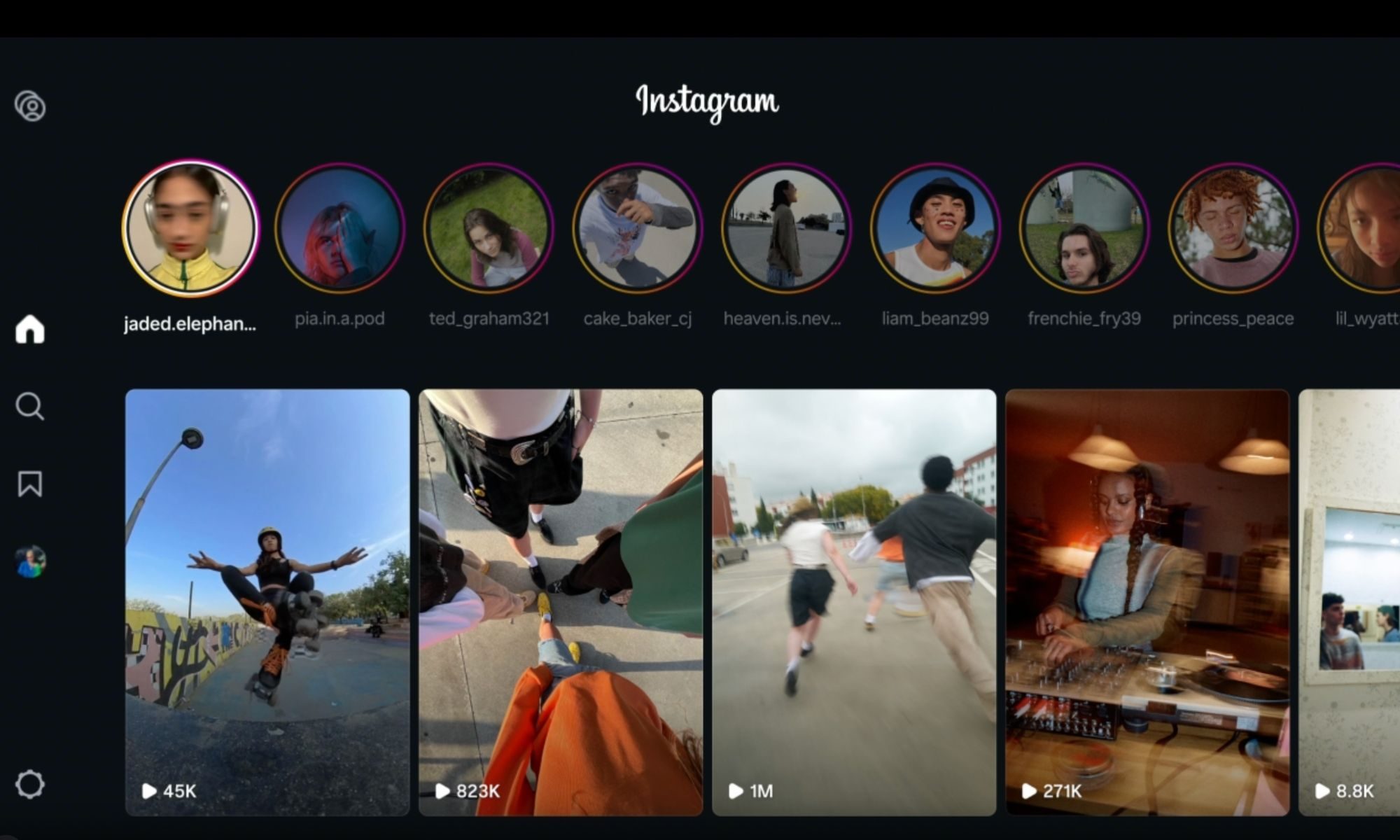
Instagram lands on Samsung TVs, with episodic series and live TV coming to your screen soon
Instagram for TV adds new features for group watching.
instagram-samsung-tv

Meta just expanded Instagram for TV to Samsung Smart TVs across the US, rolling out a bunch of new features built for group viewing. With Samsung now on board, Instagram for TV has officially landed on the three biggest connected TV platforms in the country.

https://twitter.com/metanewsroom/status/2069062429821026732?s=46

Read more