1. Home
  2. Phones
  3. News

Track your World Cup teams right on your iPhone with this Apple Sports update

Apple Sports adds World Cup tracking so you can follow teams, scores, and matches in real time.

Add as a preferred source on Google
Electronics, Phone, Mobile Phone
Apple

Apple Sports is getting ready for the World Cup with an update that targets a real problem for fans. According to MacRumors, the app now supports the 2026 FIFA World Cup, giving you a cleaner way to keep up with your favorite national teams without bouncing between apps.

The tournament now sits alongside your usual leagues, with quick access to scores, stats, and match updates in one place. Apple is leaning into speed here, using Live Activities to surface key moments on your lock screen and Dynamic Island as games unfold.

Recommended Videos

You can search for the World Cup inside the app and add it to your leagues, or just pick specific teams you care about. When matches begin, updates appear automatically, so you’re not stuck refreshing or jumping between services.

With 48 teams and a dense schedule across North America, keeping up is about to get harder. This update is built to take some of that load off.

A smarter way to track matches

The World Cup now shows up as a trackable event inside Apple Sports, alongside the competitions you already follow. Once added, you’ll see group standings, team progress, and match schedules in a single view.

You can follow the full tournament or narrow things down to a few teams. From there, the app handles the flow of information, surfacing live scores and key stats as games happen.

Live Activities do most of the work. As matches kick off, updates land directly on your lock screen, letting you check scores quickly without opening the app. That becomes more useful when multiple matches overlap across time zones.

Why this update matters now

This World Cup expands to 48 teams, which means more matches, more groups, and a much busier schedule than before. That scale makes it easier to miss key moments if you’re tracking more than one team.

Apple’s approach shifts that burden. Instead of manually checking fixtures, you get the most relevant updates pushed to you as the tournament progresses.

It also cuts down on app switching. You can move between scores, upcoming matches, and deeper details like lineups or play-by-play without breaking your flow.

What to do before kickoff

The 2026 FIFA World Cup runs from June 11 through July 19, with matches across the US, Canada, and Mexico.

As games roll out, Apple Sports will deliver live match data through Live Activities, including score changes and in-game stats. It will also track standings and playoff progression, so you can follow how the tournament evolves without digging through brackets.

If you plan to follow closely, it’s worth setting up your teams early. Once kickoff hits, everything will already be in place.

Paulo Vargas
Paulo Vargas is an English major turned reporter turned technical writer, with a career that has always circled back to…
Android desktop mode made me miss my laptop in record time
I tried writing and publishing from Google’s phone-to-monitor setup, and the future of mobile computing immediately started sweating.
Computer, Electronics, Laptop

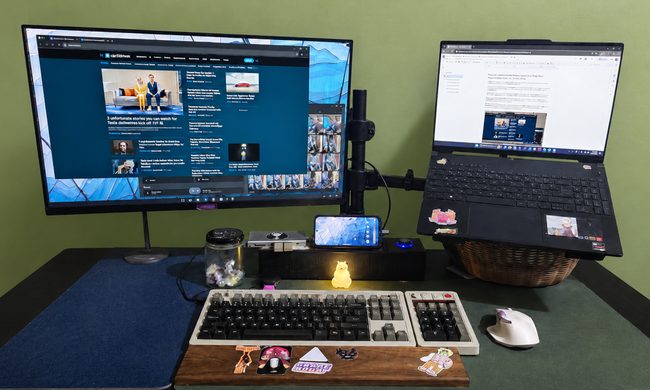
Android 17 desktop mode has a very simple pitch. Plug your phone into a monitor, add a keyboard and mouse, and watch the slab in your pocket pretend to be a computer. I wanted to give that pitch a fair shot, so I tried using it for an actual workday instead of a cute demo.

The goal was boring on purpose: write an article, edit it, build the page in WordPress, upload whatever needed uploading, and publish the thing without running back to my laptop like a coward.

Read more
After test-driving iOS 27, my iPhone still doesn’t feel like it has made a substantial leap
Siri learned new tricks. Safari got smarter tabs. My morning routine didn't change at all.
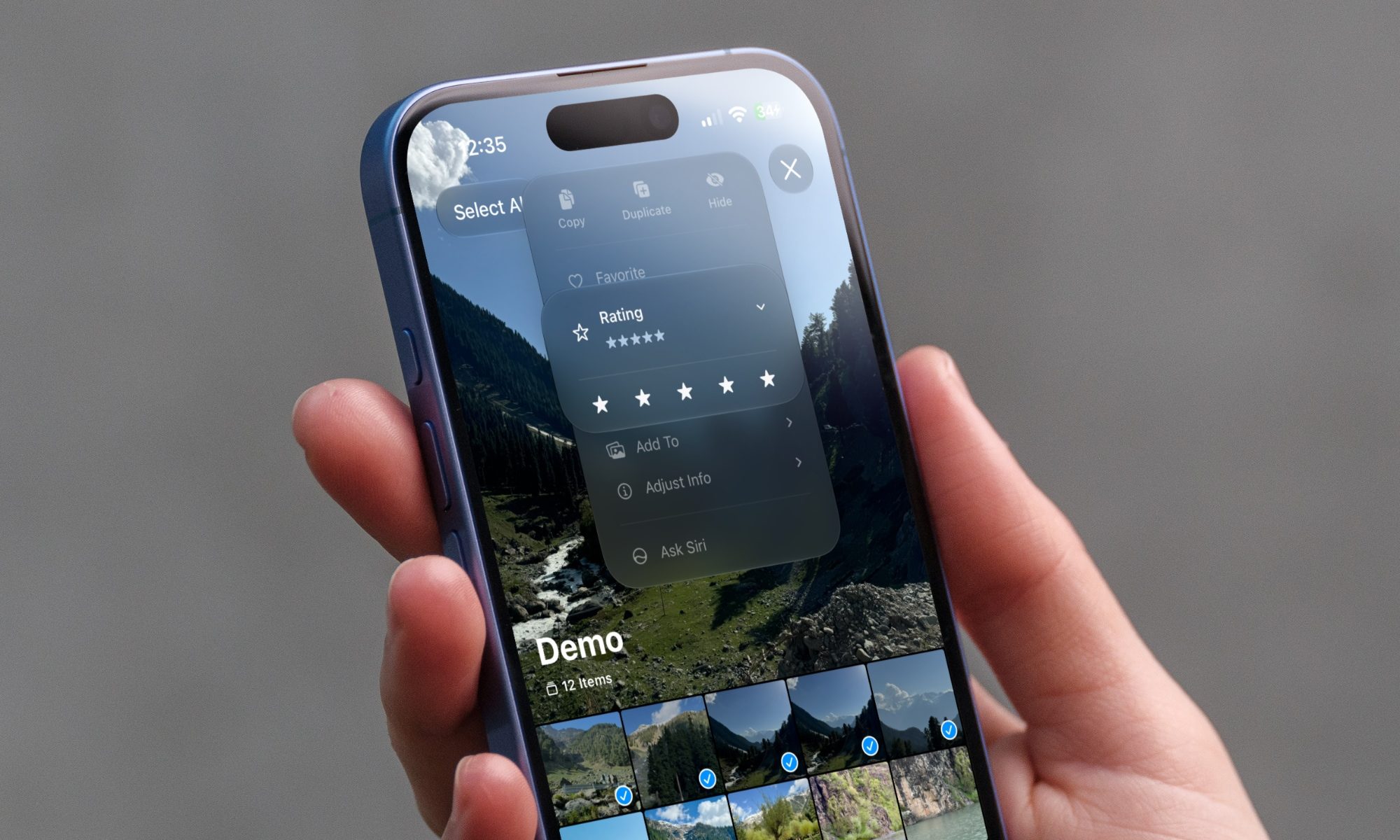
iOS 27 new star rating feature in Photos

Every June, after Apple wraps up its annual WWDC keynote, I install the latest iOS beta on my iPhone, watch the progress bar crawl to completion, and wait for the inevitable restart. For years, picking up my phone afterward felt almost identical to how it did before the update. 

I saw the same grid of icons, the same Control Center, and the same version of Siri until iOS 26 finally broke that pattern in 2025.

Read more
Android 17 makes a strong case for ignoring Android version numbers entirely
When the most noticeable change is a better Quick Settings button, the annual update cycle starts looking more like branding than progress.
Android 17 logo.

Android 17 finally separated the Wi-Fi and mobile data buttons, and I hate how much that improved my mood. For years, Android treated internet access like one mysterious blob, as if Wi-Fi and cellular data were emotionally codependent. In Android 17 Beta 3, Google split the old combined Internet button into separate Wi-Fi and mobile data tiles, making each connection easier to switch off with a single tap.

That’s a good change, which is also why it’s a little damning. When one of the cleanest wins in a major OS update is “the buttons make sense again,” the celebration gets awkward fast.

Read more