1. Home
  2. Computing
  3. News

Open-source GIMP reskin gives it a familiar Photoshop look without the hefty fee

This open-source Photoshop lookalike starts with good old GIMP

Add as a preferred source on Google
PhotoGIMP announced to make GIMP feel like Photoshop
PhotoGIMP

Switching from Photoshop to GIMP might feel like a big move. Everything is suddenly in the wrong place, and the UI could feel alien. This is exactly where PhotoGIMP comes in. PhotoGIMP is a free, community-driven patch for GIMP 3.0 and newer that reshapes the open-source image editor into something much more familiar for Photoshop users.

It doesn’t turn GIMP into Adobe Photoshop. The patch just shakes up the layout, shortcuts, and app identity to match Photoshop, so that new users don’t feel lost on day one.

Why PhotoGIMP is great for new users

The biggest appeal is the interface. PhotoGIMP reorganizes GIMP’s tools to mimic the layout Photoshop users are used to, while also maximizing canvas space by adjusting default settings. It also adds a custom splash screen, custom icon and app name, and a dedicated desktop launcher on Linux.

Recommended Videos

The keyboard shortcuts are another highlight. PhotoGIMP can map shortcuts to follow Adobe’s official Photoshop documentation for Windows, which should make basic editing feel less alien if muscle memory is still wired around Adobe’s tools. This is a powerful tool since GIMP has always been a great free alternative to Photoshop, but its interface can be intimidating for people used to Photoshop’s workflow.

Free, open-source, and a little DIY

Keep in mind that PhotoGIMP is not a standalone Photoshop clone. It is just a patch that overwrites GIMP’s configuration files. The project specifically says that users need to install GIMP first, open it once so it creates its config folders, close it, and then apply the PhotoGIMP files.

The project supports Linux, Windows, and macOS, with separate installation instructions for each. You’re also advised to back up any of your existing GIMP settings first, since PhotoGIMP replaces configuration files like shortcuts, tool ordering, dock layout, session settings, templates, and theme tweaks.

PhotoGIMP won’t give you Adobe’s cloud features like generative AI tools or full Photoshop compatibility. Professional users may still run into gaps depending on their workflows. But the free and open-source platform becoming a little more accessible can be useful for many.

Vikhyaat Vivek
Vikhyaat Vivek is a tech journalist and reviewer with seven years of experience covering consumer hardware, with a focus on…
Think twice before downloading your next Windows 11 app from Google
Your Windows app search results have become a malware minefield
Windows 11 Laptop

Searching Google for a Windows utility and clicking the first convincing result has always carried some risk. A newly uncovered network of fake websites has made that familiar habit considerably more dangerous. More than 70 domains were found impersonating popular Windows apps. This includes Microsoft PowerToys, CrystalDiskMark, EasyBCD, Wintoys, Lively Wallpaper, and SignalRGB.

Windows Latest reports that many of the lookalike sites appear above the genuine project pages in Google results, despite having no connection to the developers behind the apps. Some currently redirect their download buttons to legitimate Microsoft Store pages, which may be part of the attack.

Read more
4 desk lamps I’d actually recommend for your back-to-school study setup
Good lighting won't do your homework, but it'll help you actually finish it.
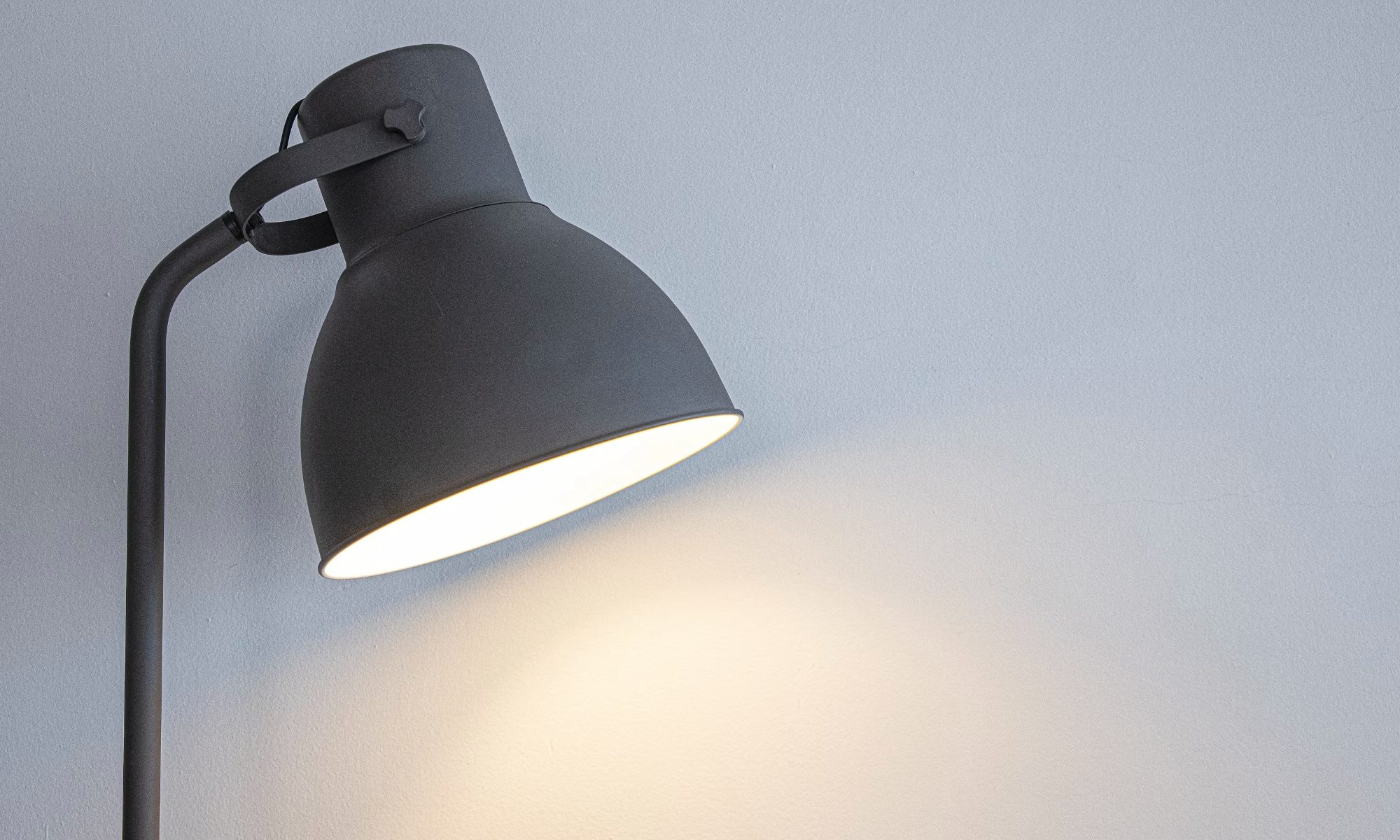
desk lamp with white wall behind it

Back-to-school season means new notebooks, a planner you'll abandon by October, and way too many hours spent hunched over a desk lit by nothing but your laptop screen. If you've ever pulled an all-nighter or squinted through an assignment at 2 AM, you already know a good desk lamp isn't optional. It's survival gear.

I went through a bunch of options this year and picked four that actually earn a spot on your desk, whether you're working with a dorm-room budget or setting up a proper home office.

Read more
China’s Moonshot just handed developers a near-frontier AI model to download
Kimi K3 is now available to download, modify, and host independently
Art, Drawing, Plant

Moonshot AI has released the full weights for Kimi K3, giving developers the freedom to download, modify, fine-tune, and host the model themselves. The move comes shortly after K3’s debut, when Moonshot’s benchmarks placed it close to Claude Fable 5 and GPT-5.6 Sol, and even ahead in a handful of tests. K3 has 2.8 trillion parameters and a 1-million-token context window.

Downloading K3 is easy, but running it is not

Read more