1. Home
  2. Computing
  3. News

Google wants to kill your expensive voice transcription subscription

Add as a preferred source on Google
Google Al Edge Eloquent app screenshot
Rachit Agarwal / Digital Trends

If you have been paying for a voice transcription app, you might want to hold off on renewing that subscription.

Google has launched Google AI Edge Eloquent on macOS, bringing its free dictation app to Mac users. The app captures what you say, transcribes it, and cleans it up in real time by removing filler words and polishing the text for clarity.

Recommended Videos

The app, dubbed “Google Al Edge Eloquent,” was first launched on iOS a few months ago, and it has now finally come to macOS. Alas, as always, Google is treating its own mobile platform as a second-class citizen and has still not released an Android version of the app.

What makes it different from the rest?

The biggest difference is where the processing happens. Unlike most transcription tools that rely on the cloud to process your audio, Eloquent does everything on-device, using Google’s Gemma AI models, which you download directly to your Mac. That means your audio never leaves your Mac, which is a significant privacy win.

Beyond privacy, the app lets you pick from different writing styles to match the tone you’re going for. You can also add custom words to its dictionary, whether that’s a client’s name, industry jargon, or any term your dictation app loves to mangle. 

Anyone who has watched their transcription app butcher a person’s name for the tenth time will appreciate this feature.

Is this a threat to paid transcription apps?

It certainly looks that way. Many popular transcription and dictation apps charge a monthly or annual subscription for features that Eloquent appears to cover for free. On-device processing, polished transcriptions, and style customization are not basic features; they are the kind of things users happily pay for.

For casual users, students, and writers who want a reliable and private way to dictate their thoughts, Google AI Edge Eloquent might be all they need..

Rachit Agarwal
Rachit is a seasoned tech journalist with over ten years of experience covering the consumer technology landscape.
Buying a monitor? This Mac app can expose problems before the return window closes
Your new monitor may look perfect, but it doesn't hurt to double check.
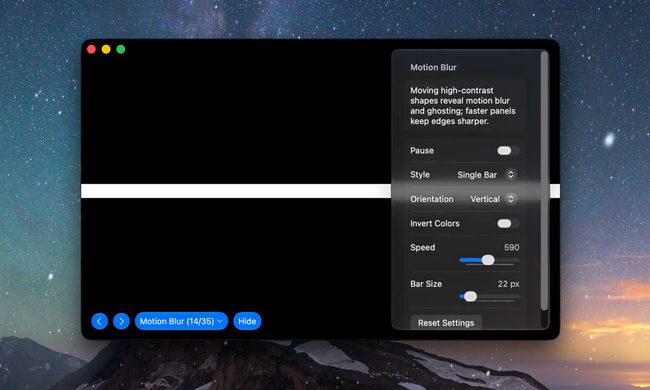
Screen Test v1.1

Making a brand-new tech purchase doesn't always carry the guarantee of a perfectly functioning unit. But a tiny Mac app called Screen Test can help you find a defect before it gets too late. Screen Test (version 1.1) is a native macOS utility containing more than 25 patterns and diagnostic tools for evaluating built-in and external displays. It can help reveal dead or stuck pixels, backlight bleeding, and other issues. The app works completely offline, so you don't have to rely on browser tabs or an internet connection.

Every pixel gets scrutinized

Read more
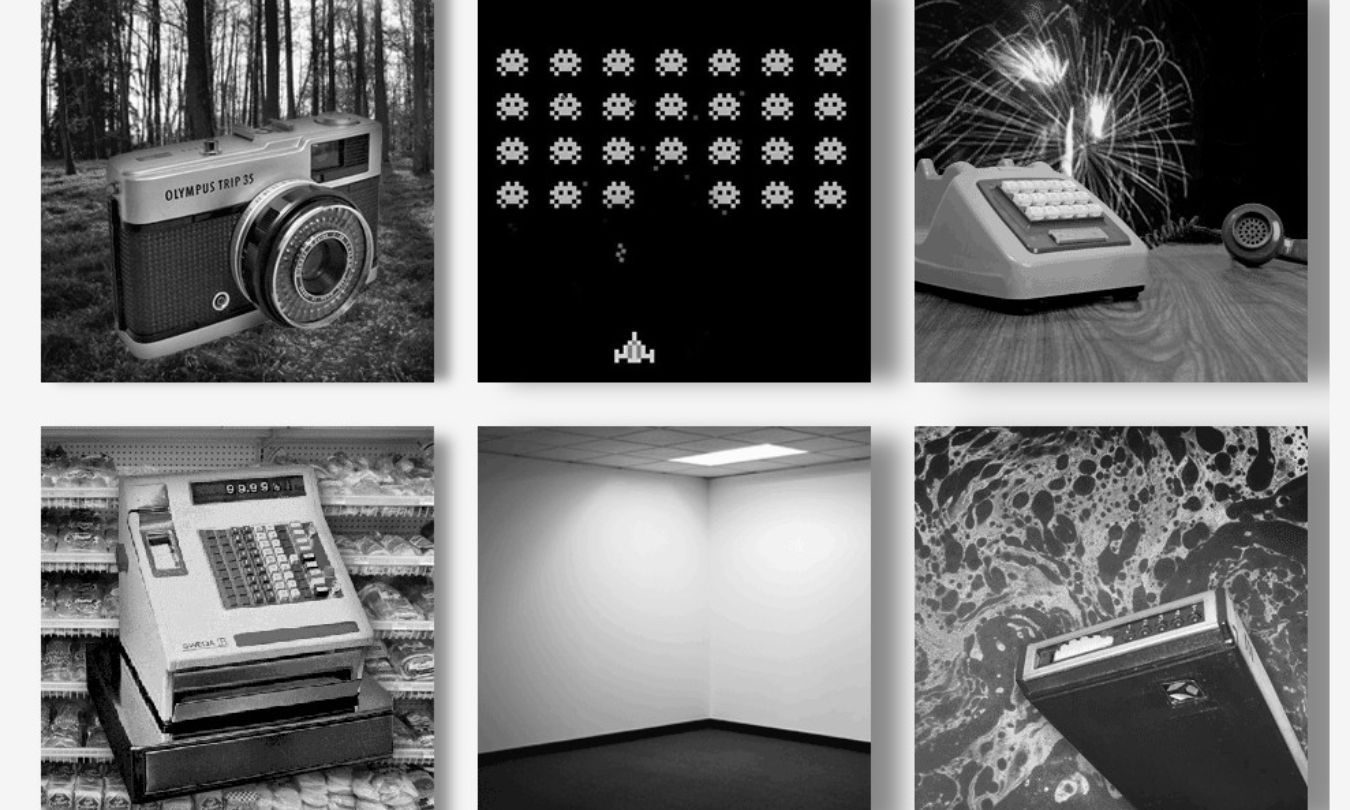
The old internet built a museum for dying tech sounds, and it’s somehow still alive
The wonderfully dated site has outlasted many of the noisy gadgets it was created to preserve
Camera, Electronics, Art

Before our gadgets became silent glass rectangles, they complained constantly. Dial-up modems screeched through every connection, while dot-matrix printers sounded like they were slowly chewing through the desk.

The Museum of Endangered Sounds keeps that irritating soundtrack alive. It first appeared in 2012, but the site is still online 14 years later, inviting visitors to hear technology that has mostly disappeared from everyday life.

Read more
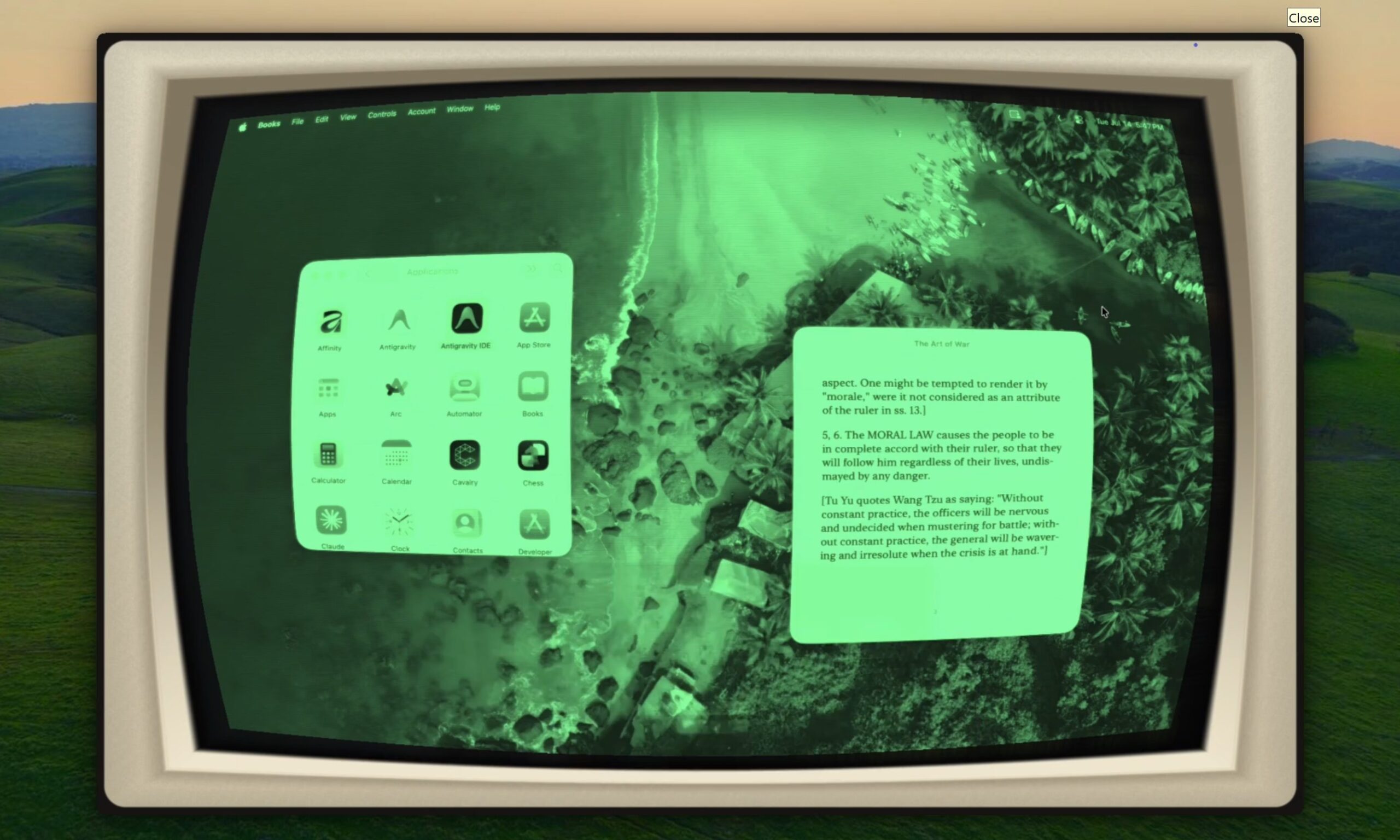
This Mac app can turn every window into a CRT fever dream or a nostalgic Game Boy
Apple doesn't let offer wacky customization on Macs, but Glaze has got you covered.
Glaze 1.9

If you're tired of only being able to customize your wallpaper, accent colors, and other basic aspects of your MacBook, an indie called Glaze could be something you might want to try out. The latest release, Glaze 1.9, can transform your Mac's entire live display using more than 50 GPU-powered visual effects. Those include convincing recreations of CRT monitors, Game Boy screens, worn VHS tapes, comic books, oil paintings, old film, vintage paper, and even Sony's Trinitron displays.

Your Mac can finally cosplay as a CRT

Read more