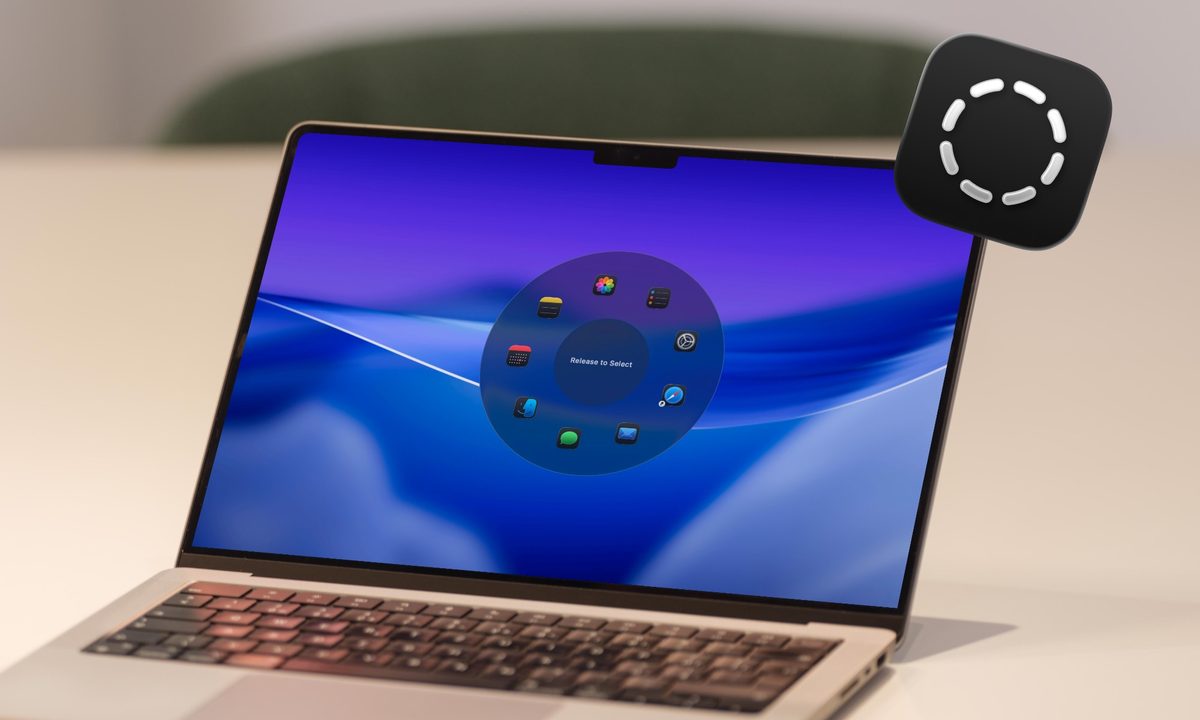
I have been testing Radial for the past week, and it’s quickly become one of those apps I didn’t know how I could live without. It’s a radial menu for macOS that puts your shortcuts, scripts, and automations right where your cursor is, so you never have to go hunting through menus to find what you need.
The app just received its 5.0 update, adding AI actions powered by Claude, window layouts, variables, a redesigned settings interface, a new Atmosphere background effect, and a squircle menu shape. I got to try most of these, and here’s what I found.
How Radial fits into my workflow
Before I even got into the new features, let’s first understand the problems this app is trying to solve. All of us have several repetitive tasks we perform on our Macs. Whether it’s renaming documents, compressing and converting files, opening the same set of apps every morning, typing out the same replies, or running the same terminal commands, our day is filled with repetitive tasks. Radial makes it easy to execute these repetitive tasks, saving you both time and headache.
From the menu, I can launch apps, open files, folders, and URLs, insert text snippets, simulate keyboard shortcuts, manage app windows, and run system actions, all without leaving what I’m doing. I can invoke the app with a simple jiggle of my mouse cursor and all my shortcuts appear at my fingertips.
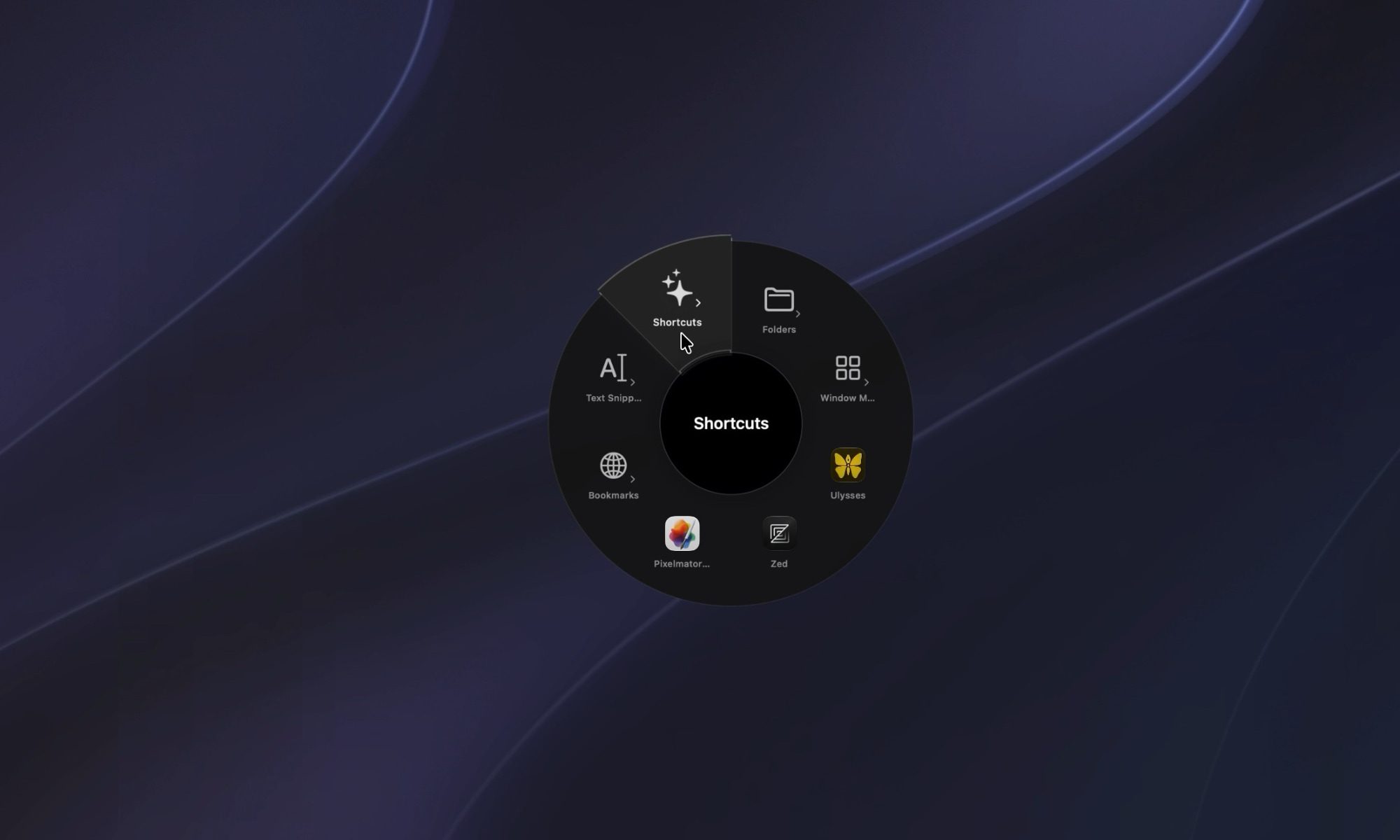
The app also offers app-specific shortcuts. For example, when I invoke the Radial menu with Finder selected, it gives me options to copy the file path, create a new text file, batch-rename selected files, and more. Similarly, when I open my CleanShot X menu, it lets me capture a screenshot, record the screen, extract text, and more.
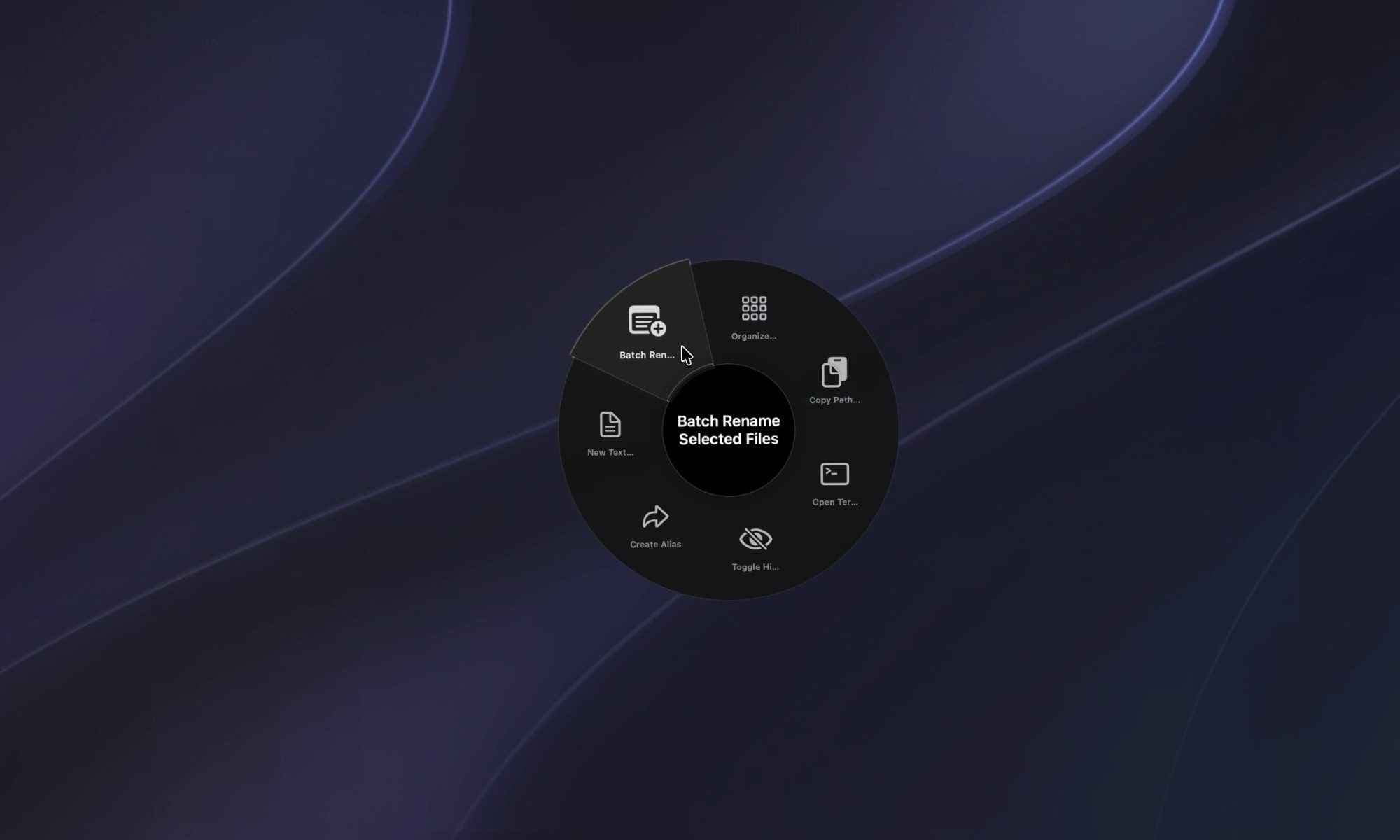
This means I no longer have to learn all the keyboard shortcuts for different apps. I just invoke the Radial menu, and it gives me quick access to all the actions I need for the app.
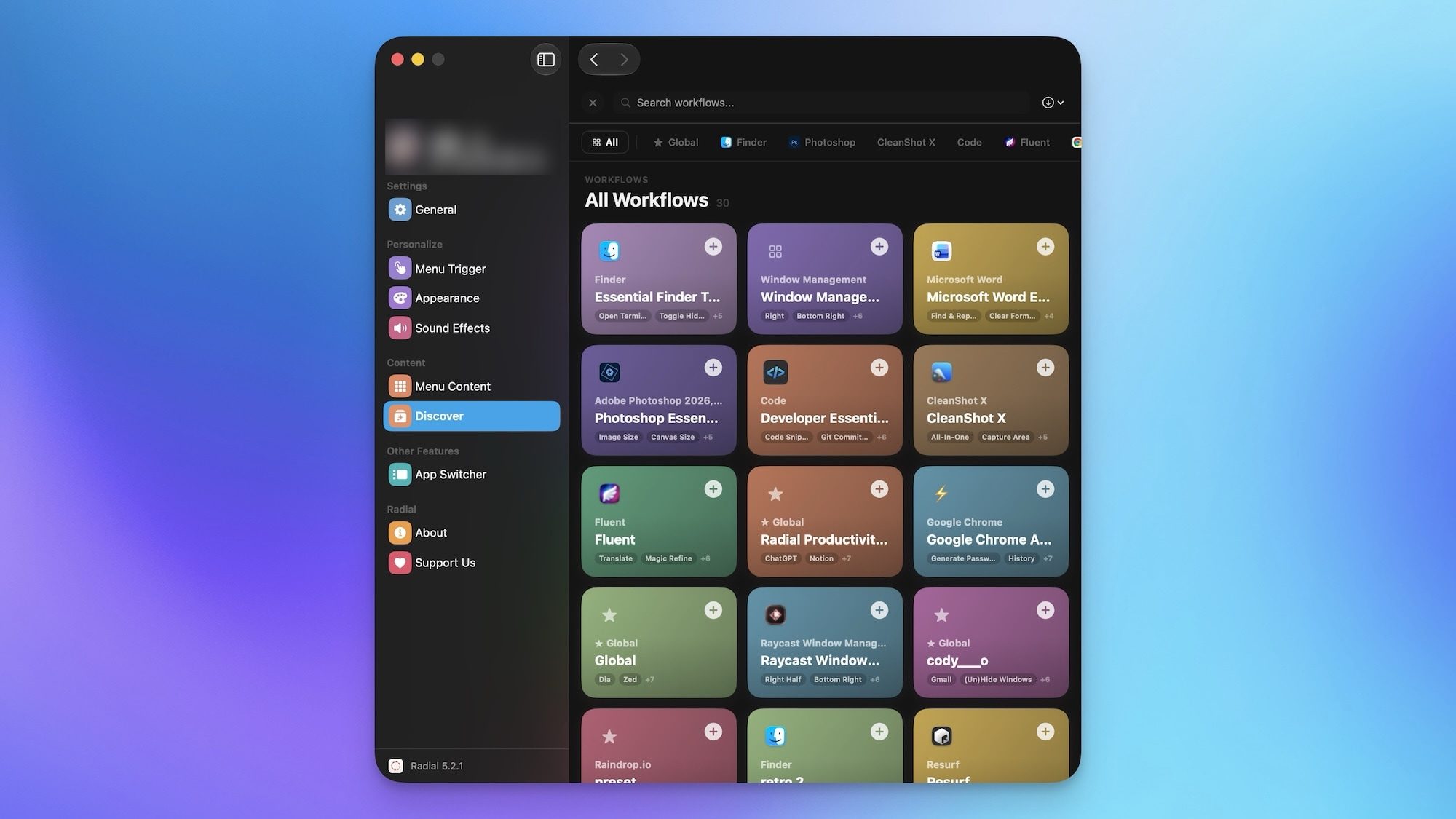
There’s a community section which you can browse to find and install shortcuts other Radial users have already built. This makes it easy to get started with the app, as you don’t have to meticulously build all the shortcuts you use. If there’s a need, it’s possible that someone else has already built a shortcut for it.
Using Radial to execute shortcuts is great, but stacking them together is where the app gets genuinely useful. You can chain multiple shortcuts to execute routines with a single gesture, and once you get used to it, it’s honestly hard to go back.
Some new tricks up its sleeve
As I mentioned, the app has just received its version 5.0 update, and it has added several new useful features. The AI actions are the feature I keep coming back to. Powered by Claude, they let me select any text on my Mac and have Radial summarize, rewrite, or transform it on the spot, without switching apps. It sounds small, but it has quietly saved me a lot of time.
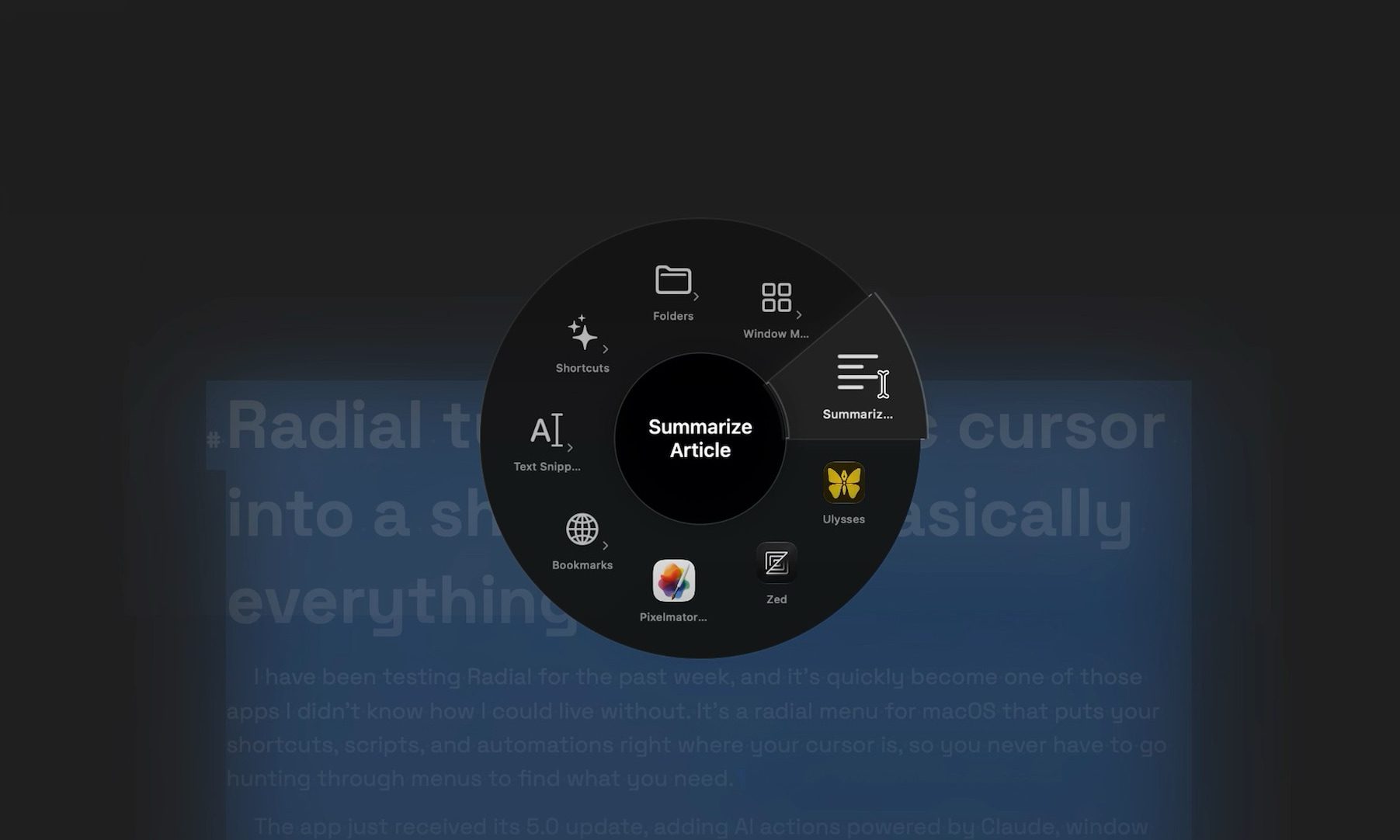
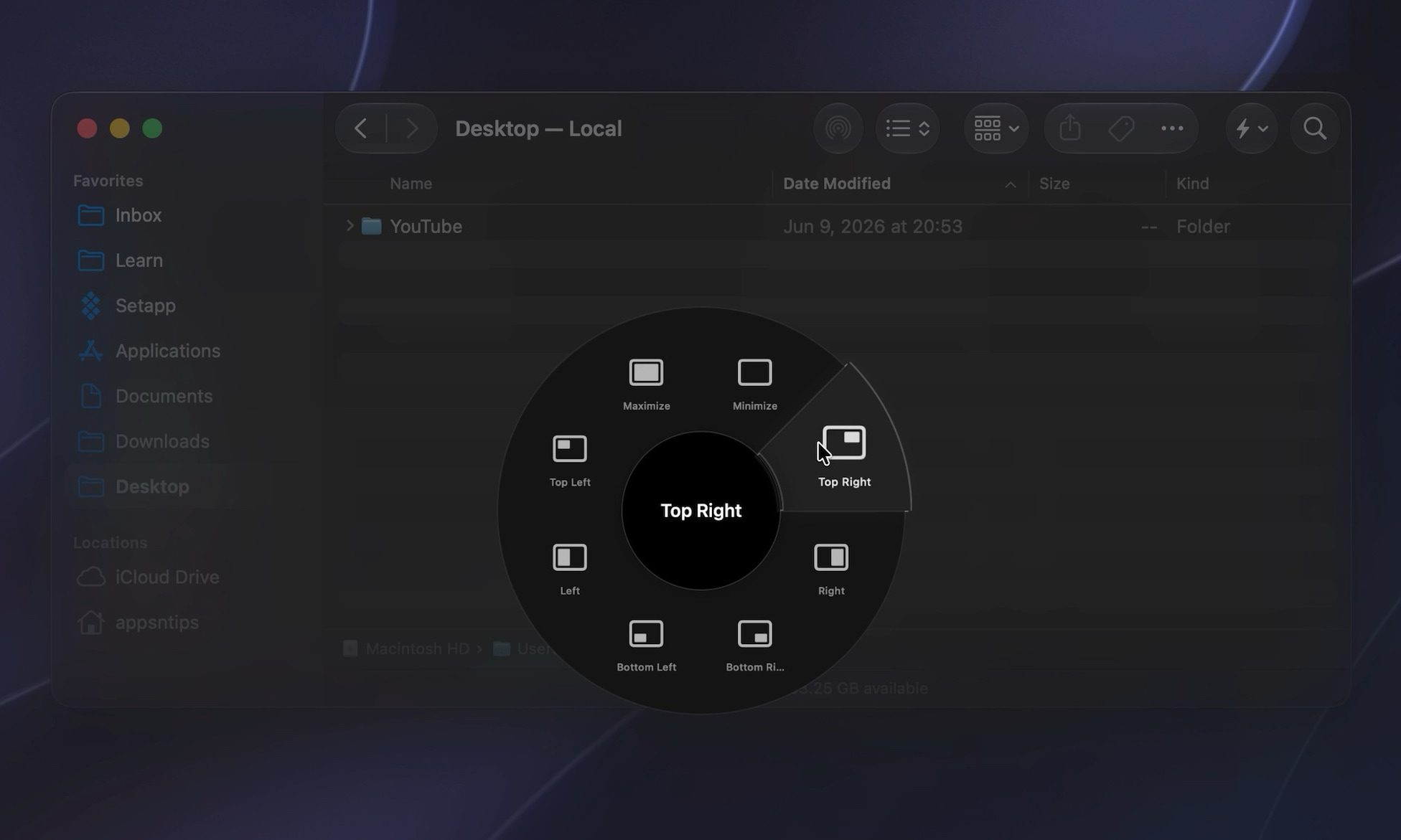
Window layouts are another one I ended up using more than expected. Instead of manually arranging my apps every morning, I saved a layout once and now trigger my entire workspace setup with a single gesture. And I have not even scratched the surface of what I can do with the app. It also lets users run macros, Apple scripts, shortcuts, and create automation and workflows.
Radial has quietly become part of how I use my Mac every day. It’s not a flashy app, but it saves me time in a dozen small ways that add up fast. If you’ve been looking for a faster way to get things done, it’s worth trying for yourself.