1. Home
  2. Phones
  3. News

If you shoot RAW, Snapseed just solved one of your biggest headaches

Version 4.1 brings broad RAW format support to Android, with an iOS release coming soon.

Add as a preferred source on Google
Electronics, Phone, Mobile Phone
Snapseed

If you shoot RAW and edit on your phone, Google’s free photo editing app Snapseed just got a lot more useful. The app has received a fresh update on Android, adding support for a long list of RAW formats it previously couldn’t handle.

What’s new in Snapseed v4.1

Expanded RAW support is the big change in the new release. In a post on Reddit, the Snapseed team says version 4.1 covers most of the major formats and cameras on the market, including Sony’s ARW, Canon’s CR3, Nikon’s NEF, Fujifilm’s RAF, Olympus’ ORF, Pentax’s PEF, and the generic DNG format. The post adds that a few formats “aren’t quite there yet,” but the team still decided to release the update rather than wait to get everything right.

The release also adds undo and redo controls inside individual editing tools, so you no longer have to exit to the main editor screen to reverse a change. It’s a small tweak, but one that should make fine-tuning edits noticeably faster.

Rollout is phased, and you may encounter bugs

Snapseed 4.1 is rolling out gradually so that the team can catch any major bugs before the update reaches everyone. As such, you may not see the expanded RAW support immediately. The team has also warned that a “few bugs might pop up” even after extensive internal testing, asking users to report anything they run into to get it fixed faster. An iOS version of the update is also coming soon, though the team hasn’t shared a firm release date yet.

Recommended Videos

This update builds on Snapseed’s major redesign from earlier this year, which added a built-in camera with real-time film emulation. These features first rolled out on the iOS version this February. Broader RAW support closes one of the last real gaps in the app, making it a strong choice for professionals and casual users alike.

Pranob Mehrotra
Pranob is a seasoned tech journalist with over eight years of experience covering consumer technology. His work has been…
How to install iOS 27 public beta on your iPhone?
iOS 27’s public beta is here, and its loaded with new features and experiences you might want to try.
iOS 27 beta update open on iPhone

After iOS 27’s third developer beta shipped on July 6, Apple released the first public betas for iOS 27 on July 13, 2026. While the main additions remain the same across the builds, the latter is the more refined and polished version, free of rudimentary bugs and glitches.

If you have a compatible iPhone, you can install the first public beta of iOS 27 today and experience the new Siri AI and other features yourself, provided that you know exactly what to do.

Read more
This Android malware can spy on your screen, read your texts, and control your phone remotely
Upgraded RedHook Android malware now abuses Android's built-in Wireless ADB to hijack your phone without root access.
android-redhook-malware

A nastier version of the RedHook Android malware is making the rounds, and it does not need a USB cable or a rooted phone to take over your device. Researchers at Group-IB discovered the upgraded variant, which is a significant step up from the version spotted in 2025. The scariest part? It uses one of Android's own built-in tools to do it.

How RedHook malware tricks your Android phone into handing over control

Read more
iOS 27’s public beta is finally here, and you don’t need a developer account to get in
Siri's biggest comeback is finally leaving the lab.
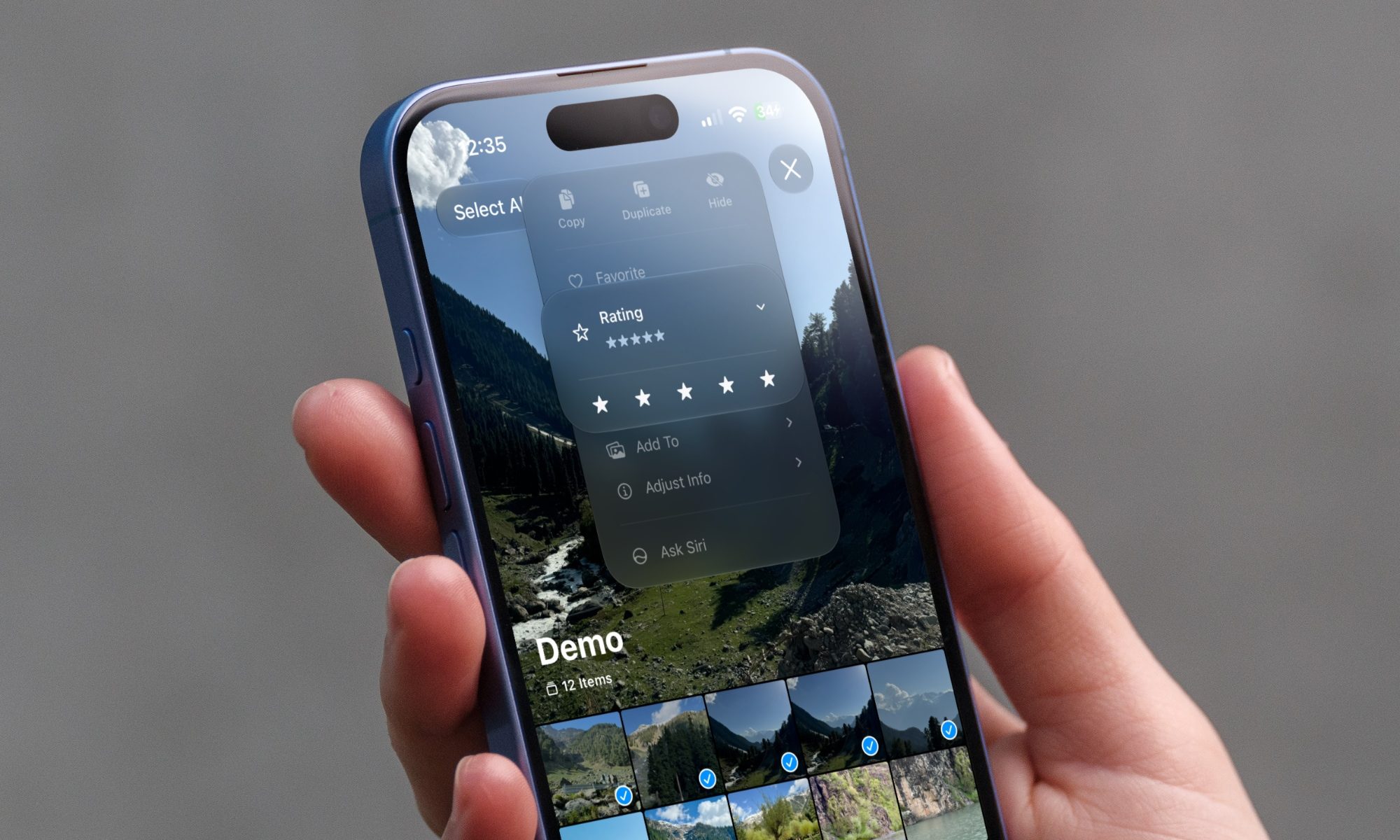
iOS 27 new star rating feature in Photos

Greg Joswiak just made it official. A few minutes ago, Apple's marketing chief confirmed the availability of public betas for iOS 27, macOS 27, iPadOS 27, and other Apple devices.

If you've spent the last month watching developers gush over Siri AI, patiently waiting for the public beta, that wait is over.

Read more