  1. Home
  2. Wearables
  3. News

Pixel Watch permission error won’t go away, but there’s a weird fix

Turns out the fix has nothing to do with permissions, and everything to do with notifications.

Add as a preferred source on Google
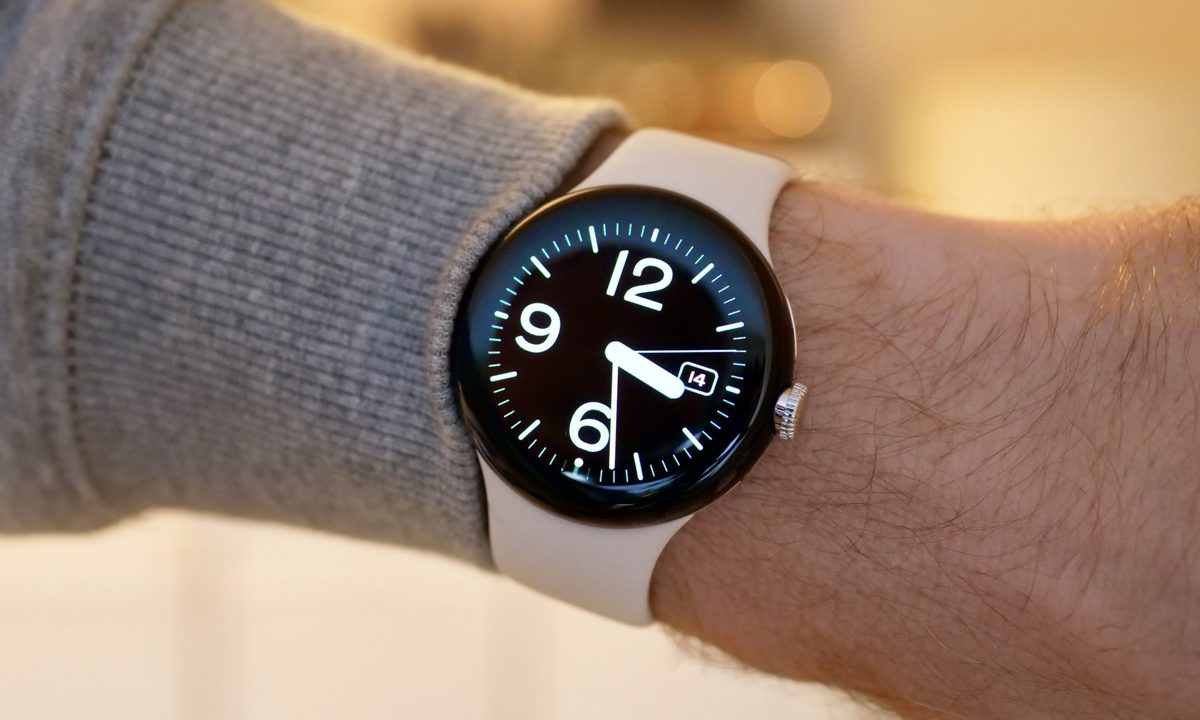
Pixel Watch on Wrist
Andy Boxall / Digital Trends

If you own a Pixel Watch, there’s a chance you have seen a stubborn permission prompt carrying the Fitbit logo on your wrist. It asks for access to your sensor data and refuses to leave no matter how many times you dismiss it.

The frustrating part is that most people hit by this have already granted every permission the watch could possibly want. Everything is toggled on, and yet the warning keeps persisting. 

Recommended Videos

Several users on Reddit have also pointed out that the Health app is still recording their sensor data without any trouble, which suggests the error message is crying wolf. Others have not been so lucky, and report that their data has stopped syncing to the phone entirely.

Is your watch model the problem?

There’s no clear pattern here linking the bug to one specific device. The user who first raised the issue mentioned owning the watch for over two years, which places it at a Pixel Watch 3 or an older model, but the complaints are not neatly limited to any single generation.

What we do know is that the error started popping up only in the last few weeks. That timing has led many users to point their fingers at a recent Google Health update, and honestly, that’s the most reasonable explanation available right now.

So how do you fix it?

Here’s where it gets strange. Factory resetting your watch will not help, and neither will any of the usual permission juggling. A user “Suelg” wrote on the Google support forum that he went through the entire shenanigan of resetting his watch, but it didn’t fix the issue. 

Instead, what fixed it was enabling notifications for the Health app on the watch itself. That is a weird fix, but it works, and several users have corroborated his fix. 
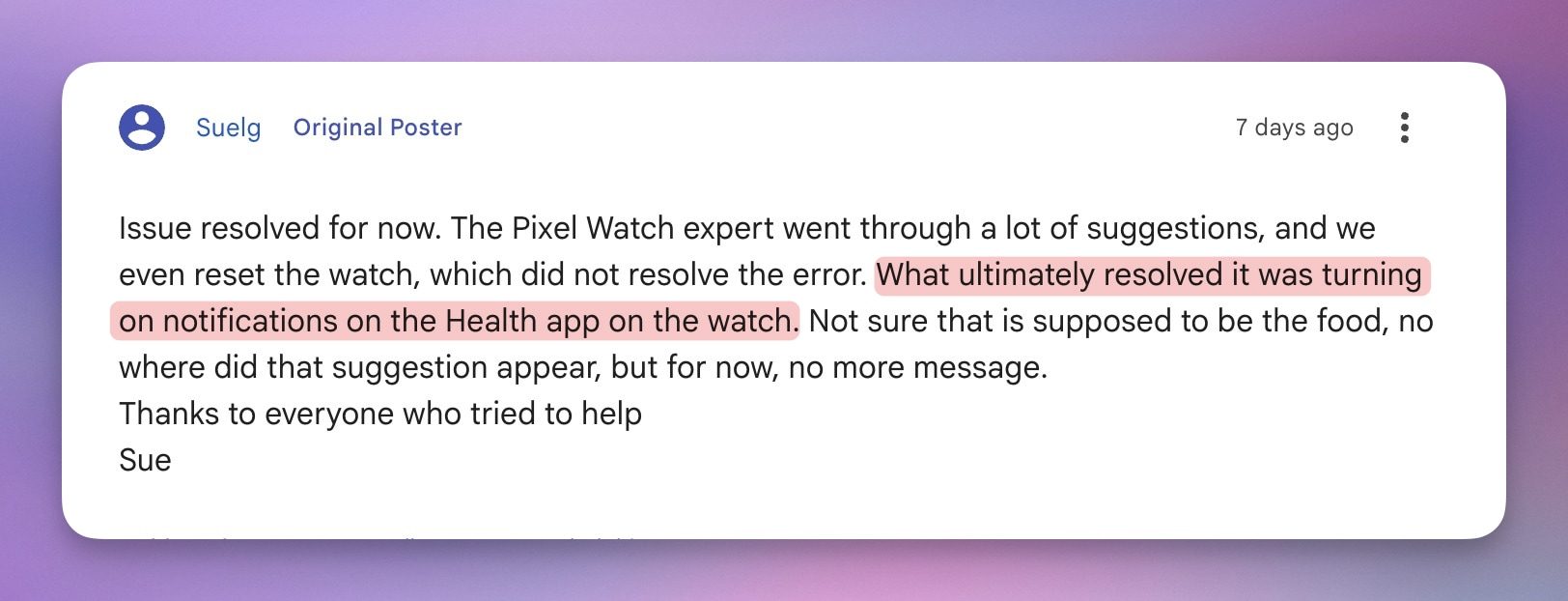
So, if you are also facing the same issue, turn on notifications for the Health app on your Pixel Watch, and the permission error should go away. Nobody can explain why a notification toggle fixes a sensor permission warning. But if it works, it works.

Rachit Agarwal
Rachit is a seasoned tech journalist with over ten years of experience covering the consumer technology landscape.
I tried to parody the most absurd AI products, but the tech industry beat me to it
The joke was supposed to be that every household object gets cameras, AI insights, and a premium tier. Apparently, that’s now a business plan
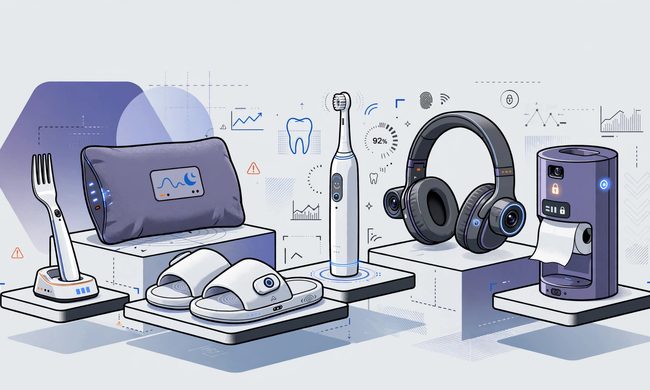
Imaginary AI products

I wanted to invent an AI product so silly that no founder could turn it into a seed round.

It had to solve a problem nobody had, collect far more data than the problem deserved, and turn normal behavior into an insight that sounded vaguely disappointed in its owner. Somewhere around the third feature, it would ask for a subscription.

Read more
Galaxy Watch 9 and Ultra 2 may arrive on July 22, and this new leak leaves little to the imagination
Qualcomm chips could power the Galaxy Watch 9 and Ultra 2
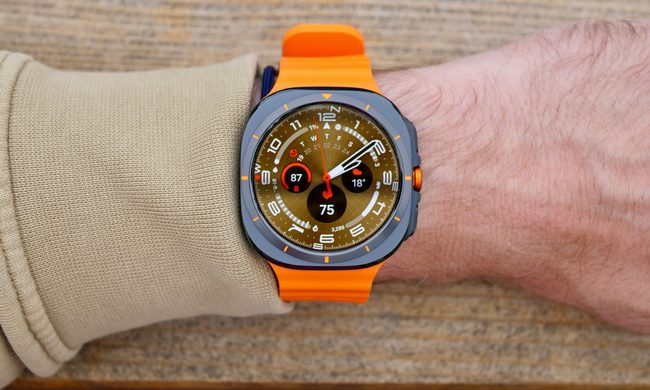
A person wearing the Samsung Galaxy Watch Ultra showing the Ultra Analogue watch face.

Samsung’s upcoming Galaxy Watches may cost more than their predecessors, but the latest leak suggests buyers will at least get some meaningful hardware upgrades for the extra money.

WinFuture claims to have obtained the technical specifications for the Galaxy Watch 9 series and Galaxy Watch Ultra 2. Samsung reportedly plans to replace its Exynos processors, increase battery capacity on selected models, and introduce updated connectivity hardware across the lineup.

Read more
XREAL’s $299 AR glasses are finally here, and they could be a great travel companion
These AR glasses give you a 147-inch virtual display you can carry around in your pocket
X by XREAL with different front frames

XREAL announced its lower-cost xbx sub-brand earlier this year, and its first product is now available in the U.S. The xbx a01+ costs $299 through XREAL’s online store, putting it below the company’s more expensive AR glasses.

The a01+ is mainly built for watching videos, playing games, or using a laptop on a large virtual screen. It connects to compatible phones, handheld consoles, and computers over USB-C, so it works more like a wearable display than a standalone headset.

Read more