
For small businesses and home offices alike, the printer has become something more than a peripheral. Remote and hybrid work, side businesses, and small teams handling their own operations have all raised the bar on what a shared office printer needs to do. A machine that handles the occasional document is no longer enough when invoices, contracts, client paperwork, and employee forms are moving through it every day.
What follows is not a feature checklist. It is a walk through a typical hybrid workday and the moments where the printer either earns its keep or quietly costs you time you cannot get back. The features that matter most are the ones that show up in those moments.
7:45 AM: The morning print queue
The workday starts and the first jobs are already in the queue. A contract that needs to be signed and returned before a 9 AM client call. A report to mark up before the team meeting. . A shipping label for a package going out at lunch. Someone on the team has sent a document from their laptop. Someone else is printing from a phone.
This is the first feature test of the day: speed. If the printer takes 90 seconds to warm up and pushes pages at 12 per minute, that small stack of documents eats meaningful time before the day has properly started. . Laser printers are built for fast first-page-out times, meaning the first page is ready in seconds rather than after a lengthy warm-up. At up to 35 pages per minute on the HP LaserJet Pro MFP 3101fdw, a 10-page contract is done before the coffee is cold. Laser printing is built for consistent, reliable output whether the printer runs constantly throughout a busy workday or sits over a weekend.
That speed advantage matters in moments you do not anticipate.. A document a client sends 15 minutes before a call, asking for a printed copy. A revised version of a report that needs to go out within the hour. Fast printing is not a feature that announces itself. It is a feature you notice only when it is missing.
10:30 AM: The scan-to-email workflow
A signed contract comes back from a client. You need to scan it, save a copy, and email it to two people on the team within the next ten minutes. This is a workflow that happens multiple times a day in most small offices, and how quickly it gets done is a real productivity variable.
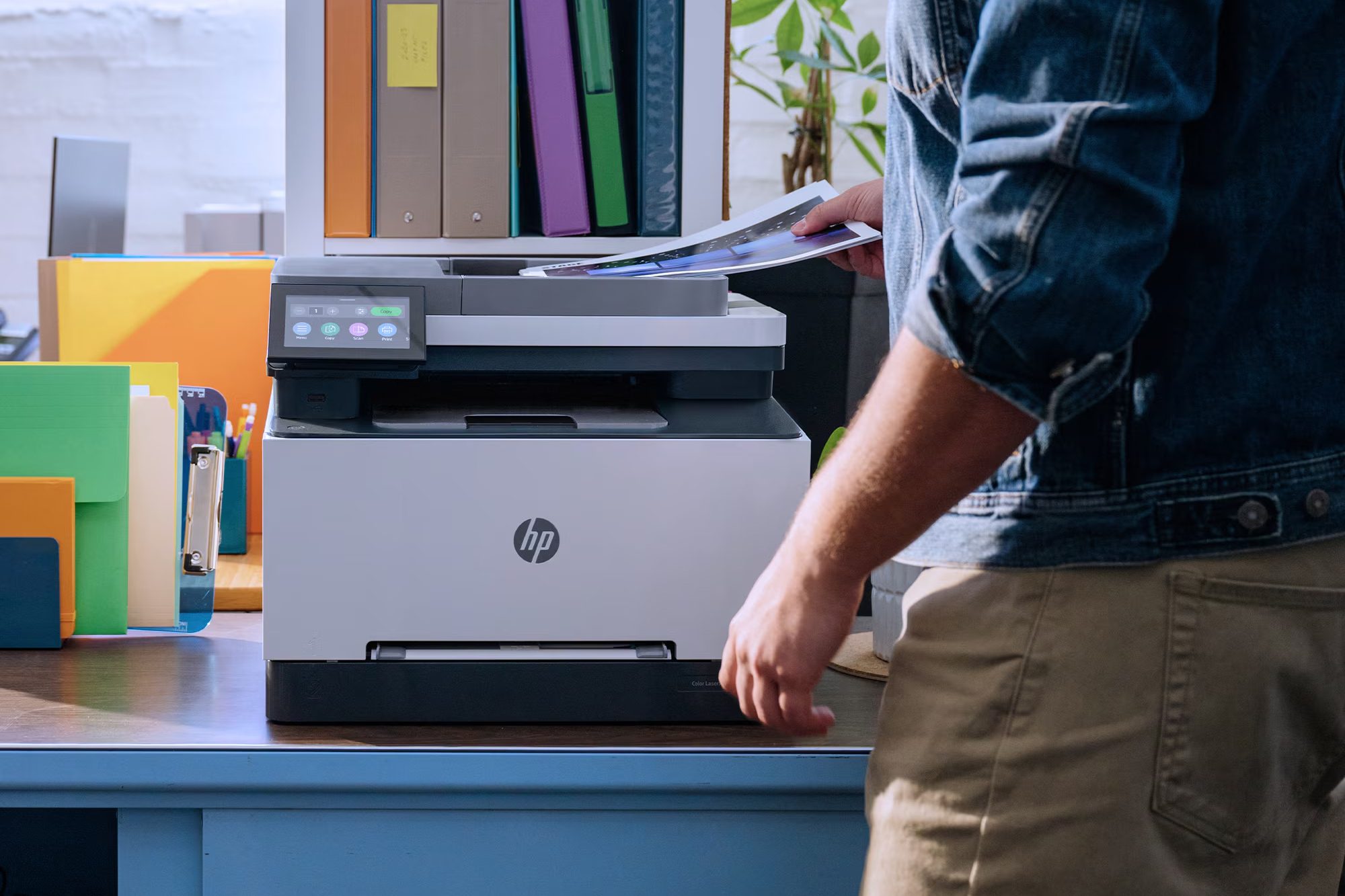
On a basic home printer, this is a four-step process: scan the document, find the file on your computer, open your email, attach it, write a subject line, write a brief explanation, and send. On a printer designed for home office work, it is closer to one step. The HP LaserJet Pro MFP 3101sdw and the 3101fdw both include HP AI features through the HP app. When scanning documents, HP AI can automatically generate smart subject lines, file names, and actionable summaries, helping streamline scan-and-send workflows and making files easier to find later.
For a small team or home office worker scanning signed documents, completed forms, expense receipts, or client paperwork as a regular part of the workday, this is the kind of feature that compounds. A minute saved on each scan, across 10 or 15 scans a week, becomes meaningful working hours over a quarter.
11:15 AM: The shared printer reality
The office is busy. The office is busy. A team member sends a print job from their laptop. Someone else needs to scan a signed contract and get it back to a client before noon. A third person pulls up the HP app on their phone to print a report before a midday meeting. Three different people, three different devices, one printer.
A shared office printer that requires manual reconnection every time the network blinks, or that only prints reliably from one device, fails this test constantly. HP LaserJet Pro 3000 series printers are designed for shared use across small teams, with wireless connectivity that handles multiple devices simultaneously. The 3101fdw includes self-healing Wi-Fi, which automatically reconnects to the strongest available network connection without manual intervention, so the printer stays available even when the office network has its moments. The HP app manages printing across phones, tablets, laptops, and desktops from anyone in the household without separate setup for each device.
For a small business or home office where the printer has to serve multiple people reliably throughout the day, wireless reliability and multi-device support are not nice-to-haves. They are the difference between infrastructure that works and one that creates friction at the worst possible moments.
1:00 PM: The compact footprint question
Most small businesses do not have a dedicated print room. The printer sits in a shared office space, a back room, or on a counter alongside other equipment. For a home office, it is a corner of a desk or a shelf in a room that serves multiple purposes. Either way, the printer has to fit without dominating the space.
This is where the form factor of the HP LaserJet Pro 3000 series matters practically. The 3101fdw, the 3101sdw, and the HP Color LaserJet Pro MFP 3301fdw are all designed compact enough for desktop or counter placement without sacrificing the output capacity a working team needs. They handle the full multifunction workload of print, scan, copy, and (on the fdw models) fax in a single device, which means a small office does not need separate equipment for each function eating up additional space.
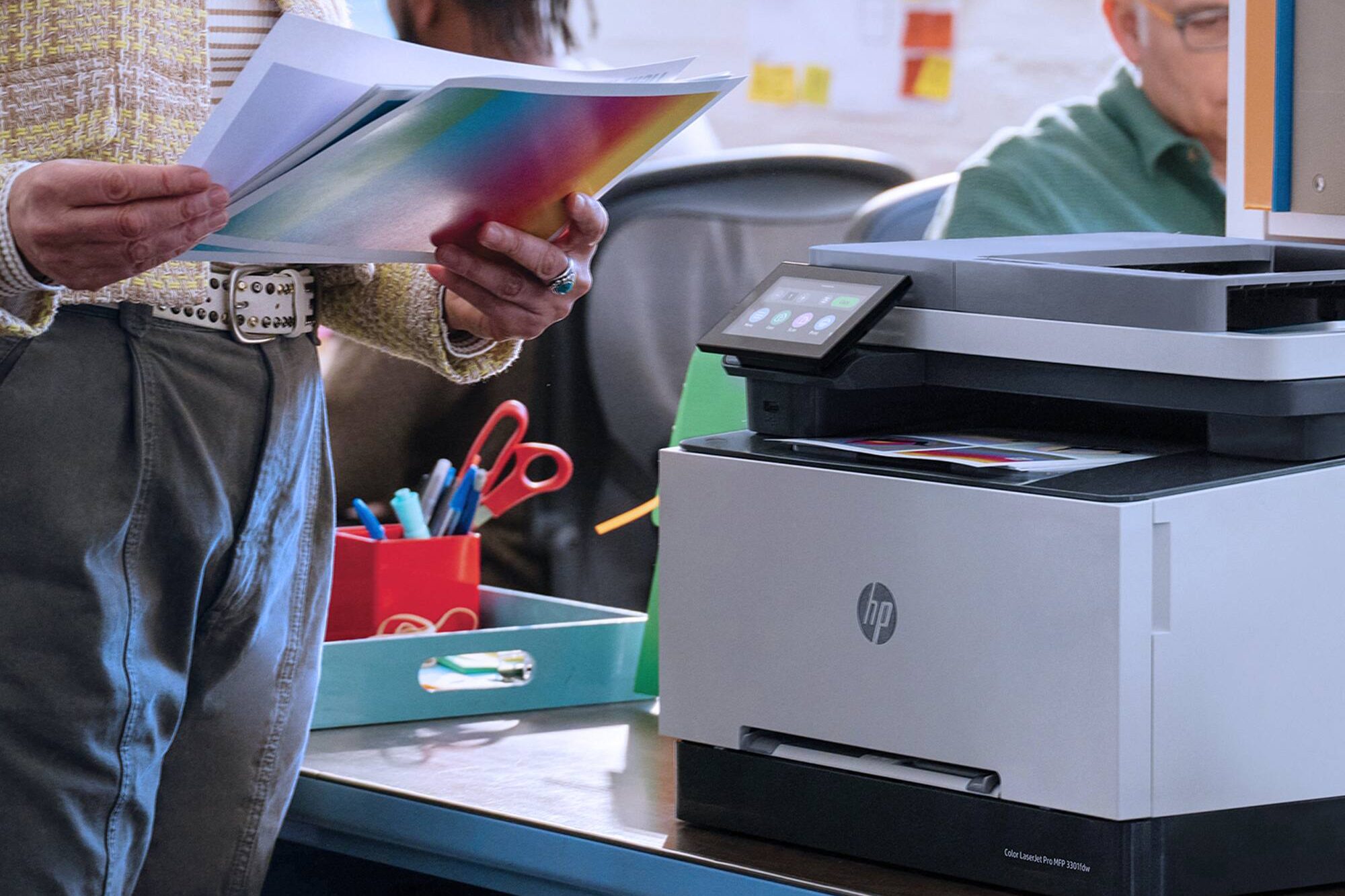
In a small office where people are on calls throughout the day, a printer that runs quietly matters as much as one that runs fast. The HP LaserJet Pro 3000 series is engineered to handle shared workloads without becoming a noise variable in a working environment.
3:30 PM: The color document moment
A client proposal needs to go out tomorrow morning. It includes brand colors, charts, screenshots, and a few images from a recent project. It is the kind of document where a black-and-white printed proof will not tell you whether the actual presentation works. Marketing materials, employee handbooks, branded reports, and customer-facing documents all fall into the same category.This is where the type of printer in a small business or home office becomes a real question. An inkjet printer can handle color, but the output on standard office paper often comes out softer than it looks on screen, and color ink runs out faster than most home users expect. A color laser printer produces sharper, more saturated color on standard paper, dries instantly, and does not require special photo stock to look professional.
The HP Color LaserJet Pro MFP 3301fdw prints at up to 26 color pages per minute using HP TerraJet Toner, HP’s next-generation toner formulation engineered for more accurate and vivid color output on business documents. For a small business or home office that regularly produces client-facing materials, marketing collateral, branded proposals, or visual reports, color laser is the option that holds up across that workload at the speed a working team needs.
For a small business or home office where most output is contracts, invoices, reports, and operational documents, the mono LaserJet Pro 3101fdw or 3101sdw is the right call. The decision is not which is better in the abstract. It is which one matches the work the office actually produces most days.
5:00 PM: The end-of-day reliability test
The day wraps up with a final batch of print jobs: the next day’s meeting agenda, updated project files, or the expense receipts that need to go to accounting in the morning. Someone sends a job from a phone on the way out. You hit print, walk away, and trust that the documents will be in the tray when you come back. This is the test that separates printers built for light or occasional use from printers built for daily business output. A printer that fails this test once in three months is a printer a small team stops trusting, and one they eventually route around rather than rely on.The HP LaserJet Pro 3000 series is designed for dependable day-to-day performance across small teams and home offices . Toner does not degrade between uses. The output quality holds from the first page to the last. HP Wolf Pro Security is built into the 3101 models as a standard feature, protecting document data and the printer’s firmware without requiring IT configuration, which matters for small businesses handling sensitive client documents without dedicated IT staff. The HP app provides toner monitoring with low-supply alerts well before a cartridge runs out, so the printer never surprises you mid-job.
Which HP LaserJet Pro fits your home office
The three models in the HP LaserJet Pro 3000 series cover the range of small business and home office needs, calibrated to the specific demands of different work patterns.
The HP LaserJet Pro MFP 3101sdw is the right fit for small businesses and home offices printing primarily black-and-white documents daily: invoices, contracts, operational paperwork, reports, and shipping documents. Fast, dependable print, scan, and copy without the overhead of features the work does not require.
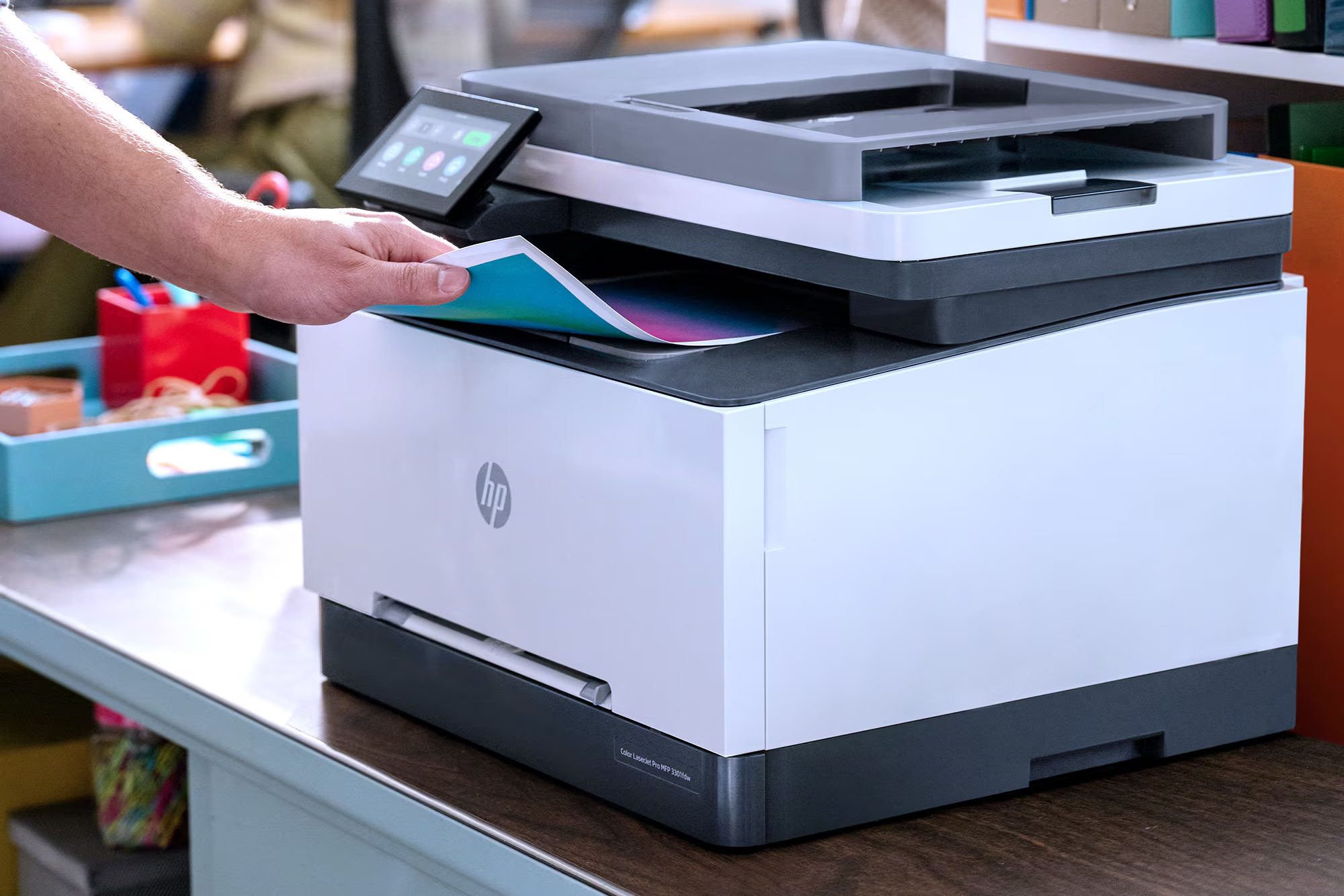
The HP LaserJet Pro MFP 3101fdw adds fax capability and self-healing Wi-Fi, suited for small teams in healthcare, legal, finance, and real estate where fax remains a compliance or communication requirement, and for home offices that need the printer to stay connected without manual intervention across a shared network.
The HP Color LaserJet Pro MFP 3301fdw is the option for small businesses and home offices producing client-facing color materials regularly: branded proposals, marketing documents, presentations, and visual reports. The 4.5-inch touchscreen and 50-sheet automatic document feeder make it practical for a busy office where multiple document types and multiple users move through it daily.
Frequently asked questions
What is the best HP laser printer for a small business or home office?
For small businesses and home offices printing primarily black-and-white documents at high volume, the HP LaserJet Pro MFP 3101fdw and 3101sdw deliver fast print speeds, dependable multifunction performance, and reliable wireless connectivity designed for shared use across teams of up to seven users. For businesses producing client-facing color materials regularly, the HP Color LaserJet Pro MFP 3301fdw adds professional-quality color output at up to 26 pages per minute. The right choice depends on document types and whether color output is a regular business requirement.
Is a laser printer or inkjet better for a home office?
For most small business workloads (contracts, reports, invoices, shipping documents, scanned paperwork) a laser printer is the more dependable choice for shared daily use. Laser printers deliver fast first-page-out times, handle sustained shared workloads consistently, and produce professional-quality output suited for business documents. For businesses producing a high volume of color materials or client-facing documents, a color laser printer like the HP Color LaserJet Pro MFP 3301fdw offers vibrant output at business speeds without the per-page costs of color inkjet printing.
What home office printer features are most important for remote work?
The features that affect small business and home office productivity most directly are fast print speeds for time-sensitive documents, multifunction capability combining print, scan, copy, and fax in a single device, reliable wireless connectivity across multiple users and devices, and security features that protect sensitive business documents without requiring IT management. HP AI-enabled scan-to-email on the HP LaserJet Pro 3000 series automatically generates smart subject lines, file names, and summaries from scanned documents, reducing manual administrative time across high-frequency scan-and-send workflows common in small business operations.