
Every gamer knows the pain of trying to do too much with the wrong hardware. Back-to-School is the perfect excuse to fix that. A good gaming laptop shouldn’t just hit high frame rates — it should also survive endless browser tabs, assignments, coding sessions, video edits, and everything else college throws at it. These five machines strike that balance better than most, which is exactly why they’d be my picks this semester.
Alienware 16 Aurora
- Premium Alienware design and build
- RTX 5050 graphics with DLSS support
- 16-inch 120Hz display
- Spacious 1TB SSD
- 120Hz panel isn’t as fast as rivals
- Core 7 processor is better suited to mainstream gaming
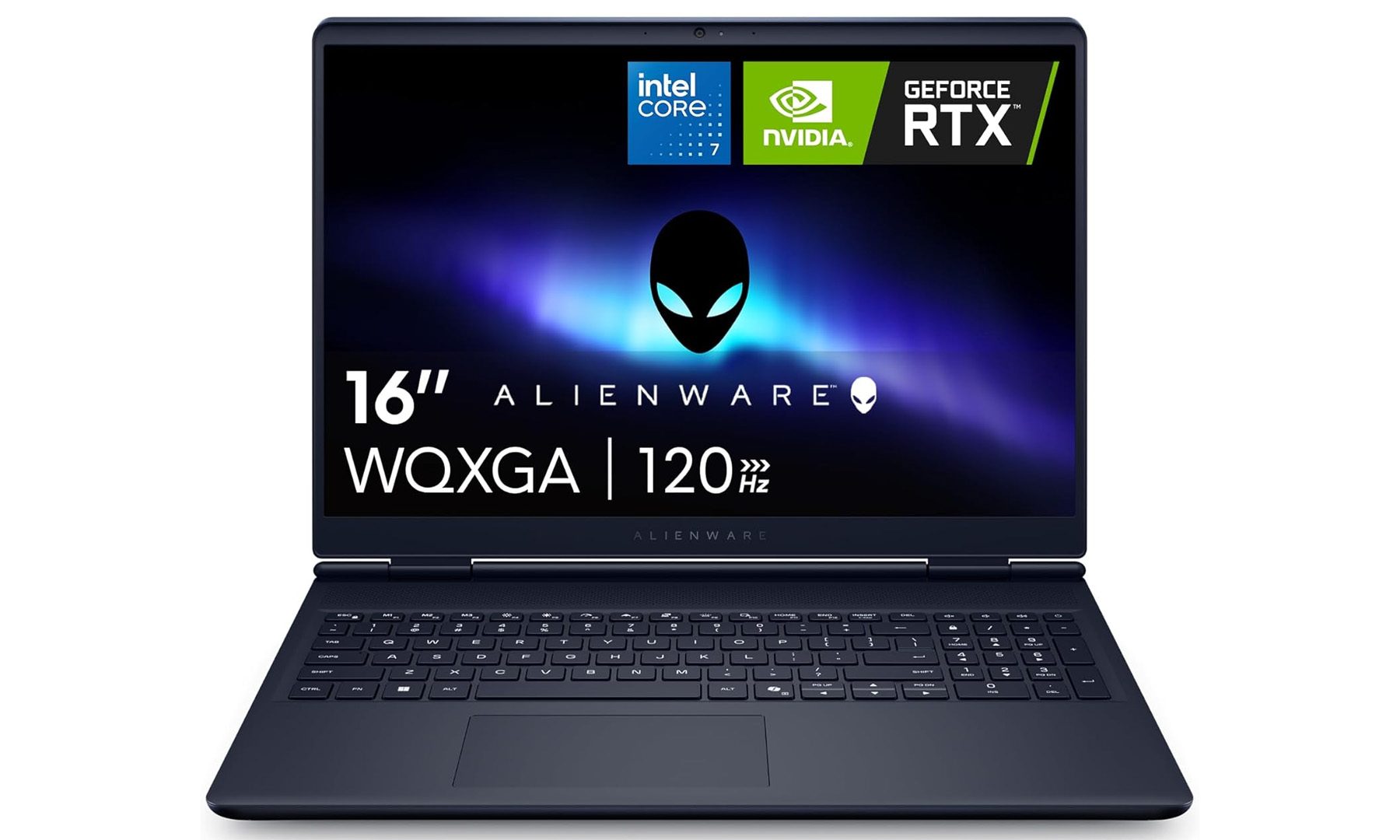
Not everyone needs the fastest gaming laptop on campus, and that’s exactly where the Alienware 16 Aurora fits in. It delivers the premium Alienware experience without venturing into the eye-watering prices usually associated with the brand, making it a solid choice for students buying their first gaming laptop.
The combination of Intel’s Core 7 240H processor, 16GB DDR5 memory and an RTX 5050 Laptop GPU is more than capable of handling modern multiplayer titles, while also having enough horsepower for coding projects, Photoshop work, video editing and everyday multitasking. The 16-inch WQXGA display refreshes at 120Hz, giving games a much smoother feel than a standard 60Hz laptop, and the generous 1TB SSD leaves enough room for coursework alongside a healthy Steam library.
If gaming is something that’s balanced alongside classes rather than being the primary focus, this is the kind of laptop I’d confidently recommend. It offers the reliability of the Alienware name while keeping the hardware practical for everyday use.
MSI Katana 15 HX
- RTX 5060 delivers excellent gaming performance
- Sharp 165Hz QHD display
- Powerful Core i7-14650HX processor
- Upgrade-friendly hardware
- Battery life isn’t its strongest suit
- Design feels more functional than premium
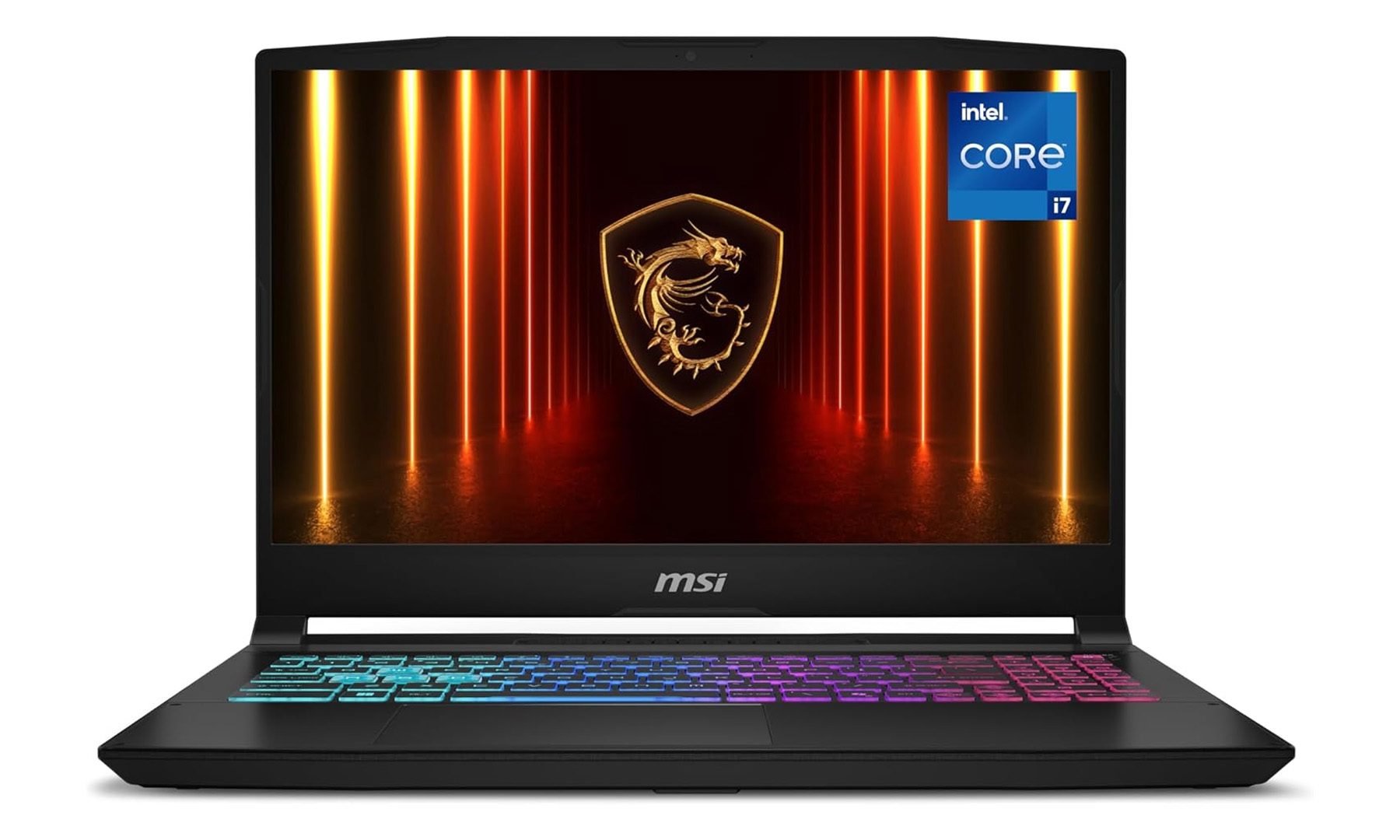
The MSI Katana 15 HX feels like it’s built for students who know gaming will be a big part of college life. Instead of focusing on flashy gimmicks, it packs serious hardware into a machine that’s designed to spend most of its time plugged in and pushing high frame rates
The Intel Core i7-14650HX is paired with NVIDIA’s GeForce RTX 5060 Laptop GPU, backed by 16GB of DDR5 memory and a fast 1TB NVMe SSD. Together, they’re capable of comfortably handling demanding AAA games while also chewing through heavier workloads like Blender projects, Unreal Engine development, or video editing. The 15.6-inch QHD display refreshes at 165Hz, giving competitive shooters and esports titles the responsiveness they deserve
I’d recommend the Katana 15 HX to anyone who wants desktop-class gaming performance without stretching into premium flagship pricing. It’s not the flashiest laptop here, but it gets the fundamentals right.
Acer Nitro V 16S AI
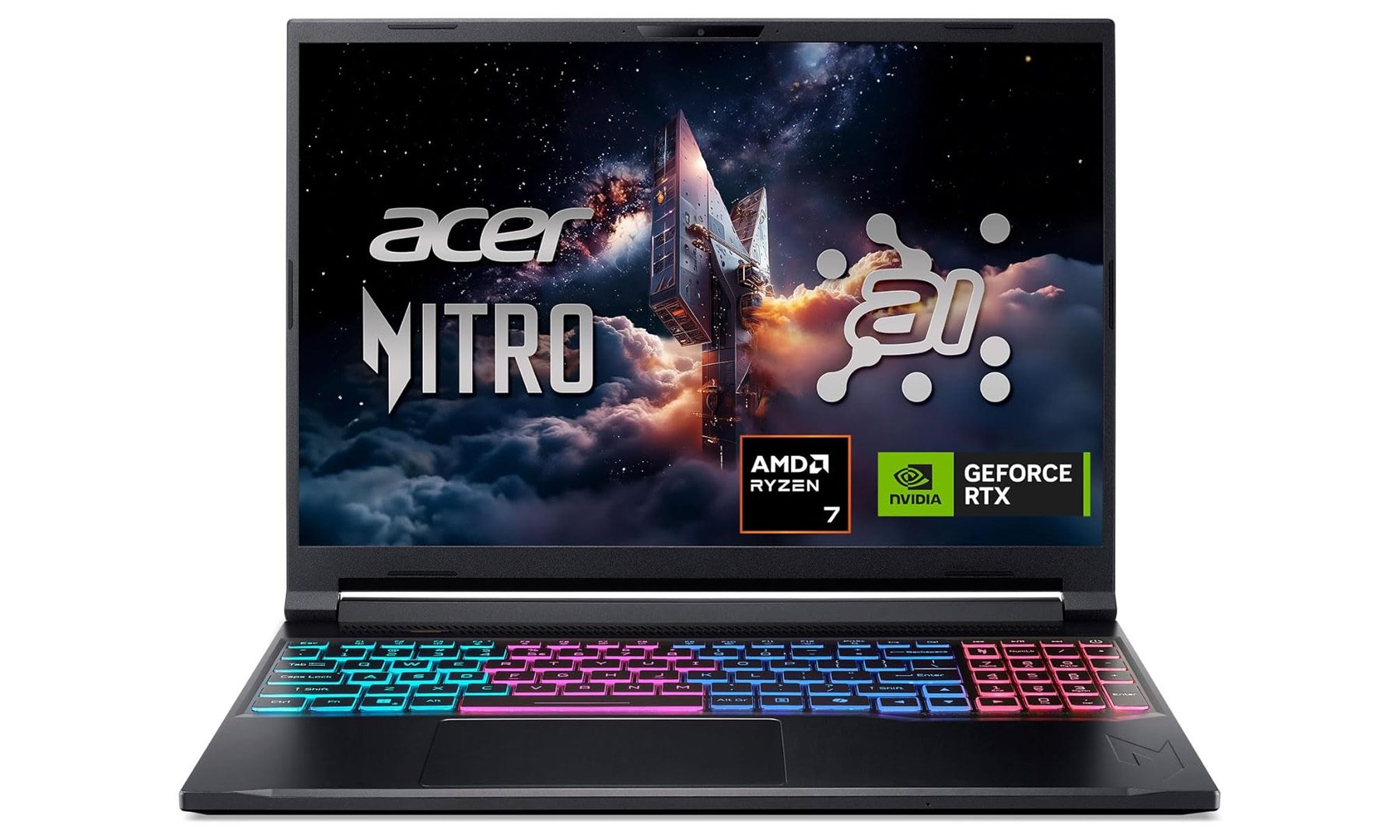
- Powerful Ryzen 7 260 processor
- RTX 5060 graphics paired with 32GB RAM
- Fast 180Hz IPS display
- Plenty of memory for multitasking
- IPS panel can’t match OLED contrast
- Design is understated compared to premium gaming laptops
The Acer Nitro series has always been about delivering strong gaming hardware without unnecessary extravagance, and the Nitro V 16S AI continues that approach. It’s the laptop I’d point students towards if they want performance that comfortably lasts beyond graduation.
Power comes from AMD’s Ryzen 7 260 processor alongside NVIDIA’s RTX 5060 Laptop GPU, supported by a generous 32GB of DDR5 memory and a 1TB Gen 4 SSD. That extra RAM immediately makes this machine stand out, especially for users juggling dozens of browser tabs, virtual machines, creative software, and games all at once. The 16-inch WUXGA IPS display also refreshes at 180Hz, making everything from competitive shooters to everyday scrolling feel incredibly smooth.
For students splitting their time between coursework during the day and gaming at night, the Nitro V 16S AI strikes one of the nicest balances in this roundup. It has enough performance to stay relevant for years without becoming intimidatingly expensive.
ASUS ROG Strix G16 (2025)
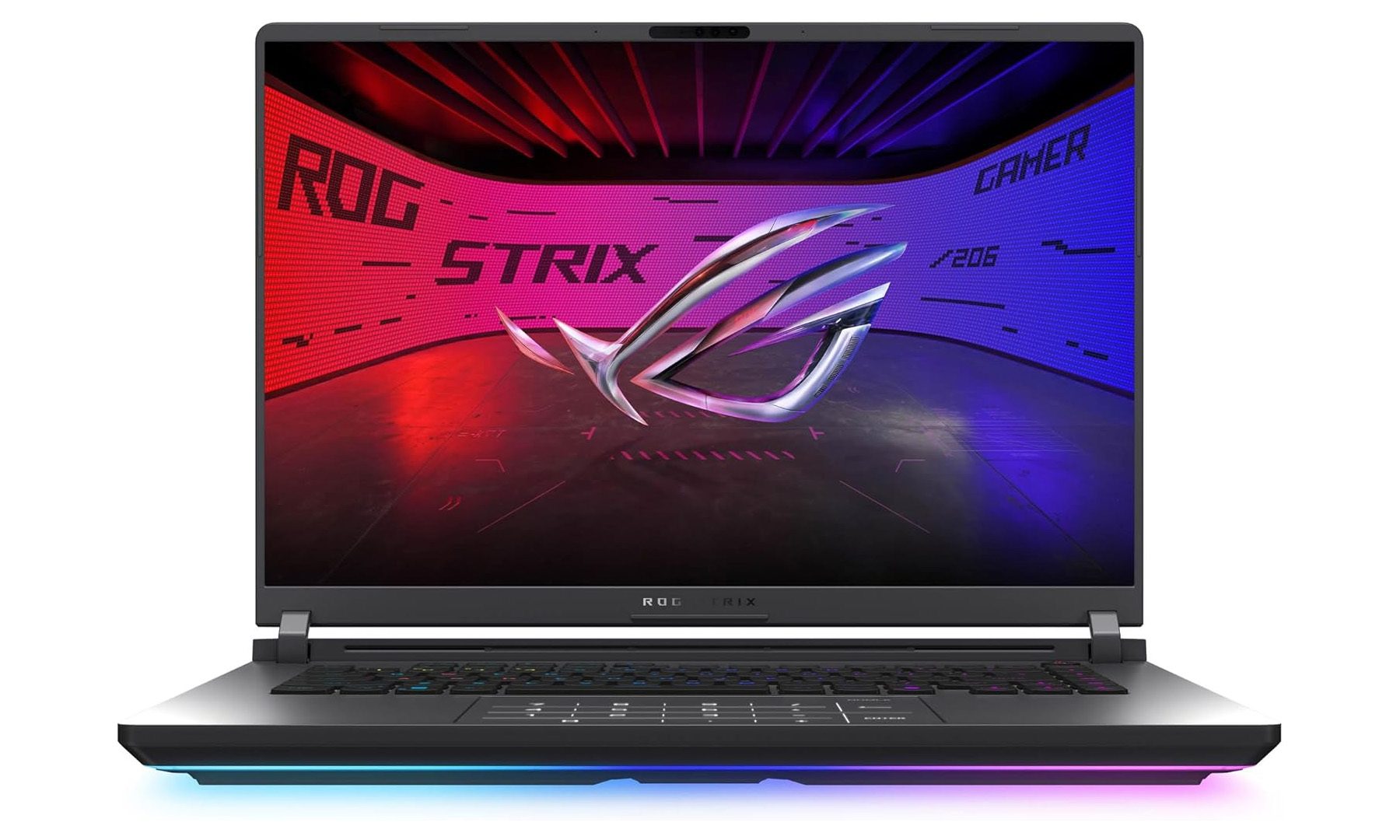
- RTX 5070 Ti is incredibly powerful
- Gorgeous 2.5K 240Hz Nebula display
- Core Ultra 9 275HX processor
- Excellent cooling and gaming performance
- Bigger and heavier than mainstream laptops
- Premium hardware comes with a premium price
The ROG Strix G16 is the kind of laptop that’s difficult to outgrow. Whether the goal is competitive esports, demanding AAA games, or serious creative work, it has enough power to comfortably handle all three without breaking a sweat.
ASUS pairs Intel’s Core Ultra 9 275HX with NVIDIA’s RTX 5070 Ti Laptop GPU, alongside 32GB of DDR5 memory and a 1TB SSD. The standout feature, though, is the gorgeous 16-inch ROG Nebula display. Its 2.5K resolution, 240Hz refresh rate and 16:10 aspect ratio make it equally enjoyable for gaming, editing photos or simply working through assignments. ASUS’ cooling system also does an excellent job of keeping performance consistent during long gaming sessions.
If someone asked me for one premium gaming laptop that can genuinely replace both a desktop and a college laptop, the ROG Strix G16 would be near the top of my list.
Lenovo Legion Pro 7i Gen 10
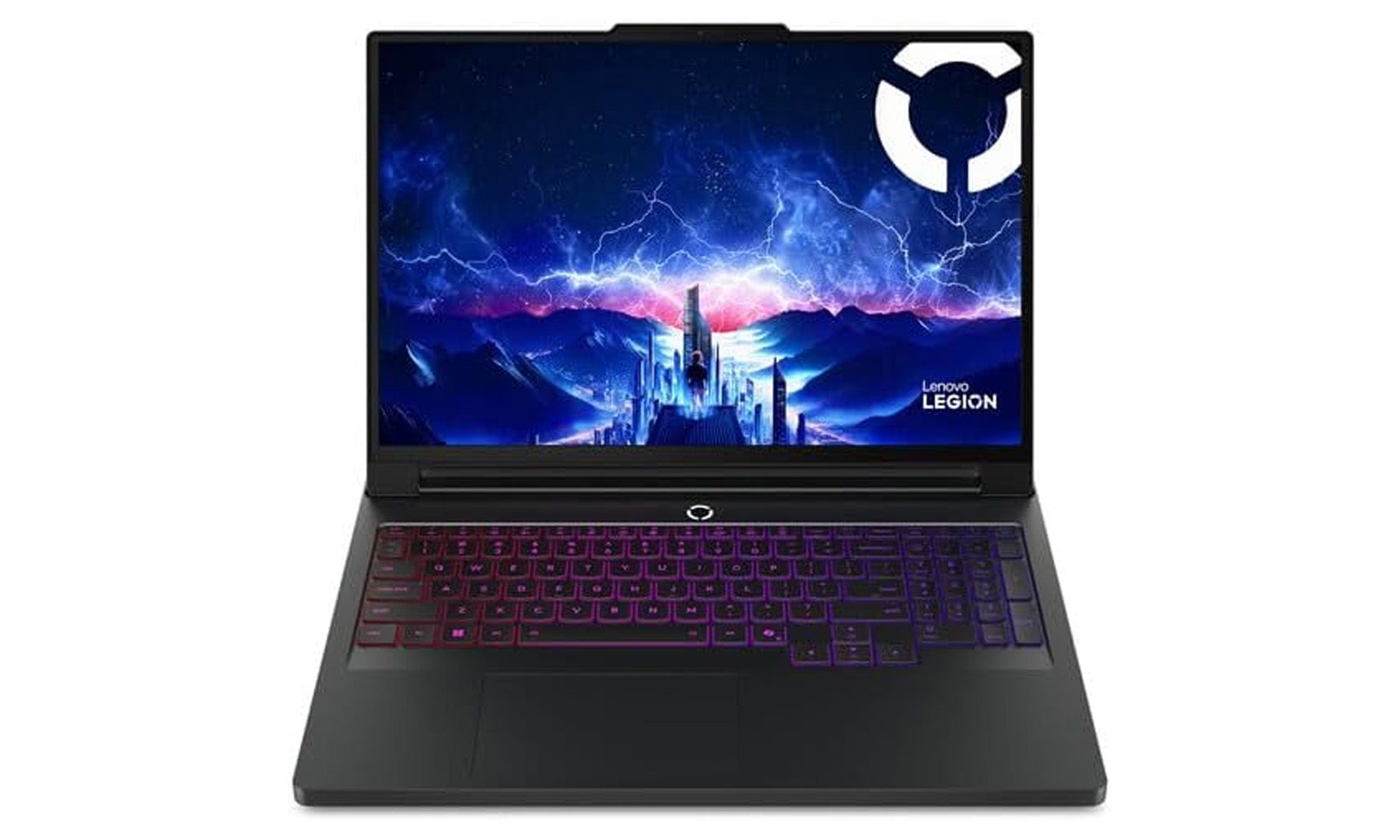
- Desktop-class gaming performance
- Stunning 16-inch OLED display
- RTX 5080 graphics
- Massive 64GB RAM and 2TB SSD
- Overkill for most students
- Expensive and less portable than other options
Let’s be honest: most students don’t need a laptop this powerful. But if budget isn’t the limiting factor and the goal is to buy one machine that’ll comfortably last through college and beyond, the Legion Pro 7i Gen 10 is incredibly difficult to beat.
It’s powered by Intel’s Core Ultra 9 275HX processor and NVIDIA’s RTX 5080 Laptop GPU, backed by a massive 64GB of RAM and 2TB of SSD storage. Those specifications aren’t just meant for gaming, though. Instead, they’re built for demanding workflows like 3D rendering, AI development, professional video editing, and software engineering. The 16-inch WQXGA OLED display refreshes at 240Hz while reaching 500 nits of brightness, making it one of the most impressive displays in this roundup.
This is the laptop I’d recommend to someone who doesn’t want to think about upgrading again for a very long time. It’s undeniably expensive, but it also delivers flagship performance that very few laptops can match, whether it’s for work, study, or gaming.