1. Home
  2. Wearables
  3. Apple
  4. Mobile
  5. News

You can now control Microsoft PowerPoint for iOS from your Apple Watch

Add as a preferred source on Google

Microsoft seems to be on a roll when it comes to supporting the Apple Watch. Yesterday we reported that the company was bringing OneDrive support to the device, and now it’s adding a feature that could be quite useful for those in the business world.

An update to the Microsoft PowerPoint app for iPhone and iPad arrived in the App Store today, and aside from a single line mentioning “bug fixes and performance improvements,” the focus is entirely on newly added PowerPoint Remote for Apple Watch.

Recommended Videos

As the name implies, this allows users to control PowerPoint presentations entirely from their wrist. This includes starting the show and navigating between slides, but it also shows useful information like the time elapsed since the presentation began, the number of slides, and the number of the current slide.

While this is certainly the kind of use that the Apple Watch seems perfect for, there is one caveat: Currently, PowerPoint Remote for Apple Watch only works with the iOS versions of PowerPoint. Considering that the vast majority of PowerPoint presentations are done from a laptop, this isn’t nearly as useful as it could be.

Microsoft has already explored similar functionality in its Office Remote apps for Windows Phone and Android devices that allow users to control presentations on the PC, so it’s clear that the company isn’t totally against this type of thing. On the other hand, the glaring lack of an Office Remote app for iOS when the company has already brought its other apps to the platform leaves us wondering if perhaps we’ll have to wait until Office 2016 is official to see this functionality on the Mac.

In the meantime, frequent users of PowerPoint for iOS who also own an Apple Watch have good reason to be excited. We’re still hoping to see this functionality extended to Macs and PCs in the future.

Kris Wouk
Former Contributor
Kris Wouk is a tech writer, gadget reviewer, blogger, and whatever it's called when someone makes videos for the web. In his…
A smart glasses detector is now among the top paid apps on Apple’s App Store
Smart glasses have become so unsettling that people are buying proximity alerts
A Ray-Ban Meta Glasses wearer talks to another person using live translation.

An iPhone app designed to alert users when smart glasses may be nearby has climbed to No. 3 on the US paid App Store chart. Its name, AntiZuck Smart Glasses Scanner, leaves little doubt about how the developer feels about Meta’s camera-equipped glasses.

The app costs $2.99 and scans for Bluetooth signals linked to smart glasses. It can spot Meta Ray-Bans, Snap Spectacles, Amazon Echo Frames, and RayNeo glasses, then sends an alert when it believes one is nearby.

Read more
DuckDuckGo’s new smart glasses come with zero AI and 100% shade
No camera, no mic, no AI, just glass that blocks the sun the way sunglasses always have.
DuckDuckGo smart glasses

Smart glasses have quietly morphed into tiny surveillance cameras that people willingly wear on their faces. Every other week, a new pair promises to record video, listen to conversations, and feed it to an AI model somewhere in the cloud. They are causing such havoc that they have earned a new name: “pervert glasses.”

Not only are these glasses a privacy nightmare for people being recorded but also for people using them. A recent investigation by Swedish newspaper Svenska Dagbladet showed that Meta Ray-Ban glasses were uploading intimate and private recordings for training its AI. 

Read more
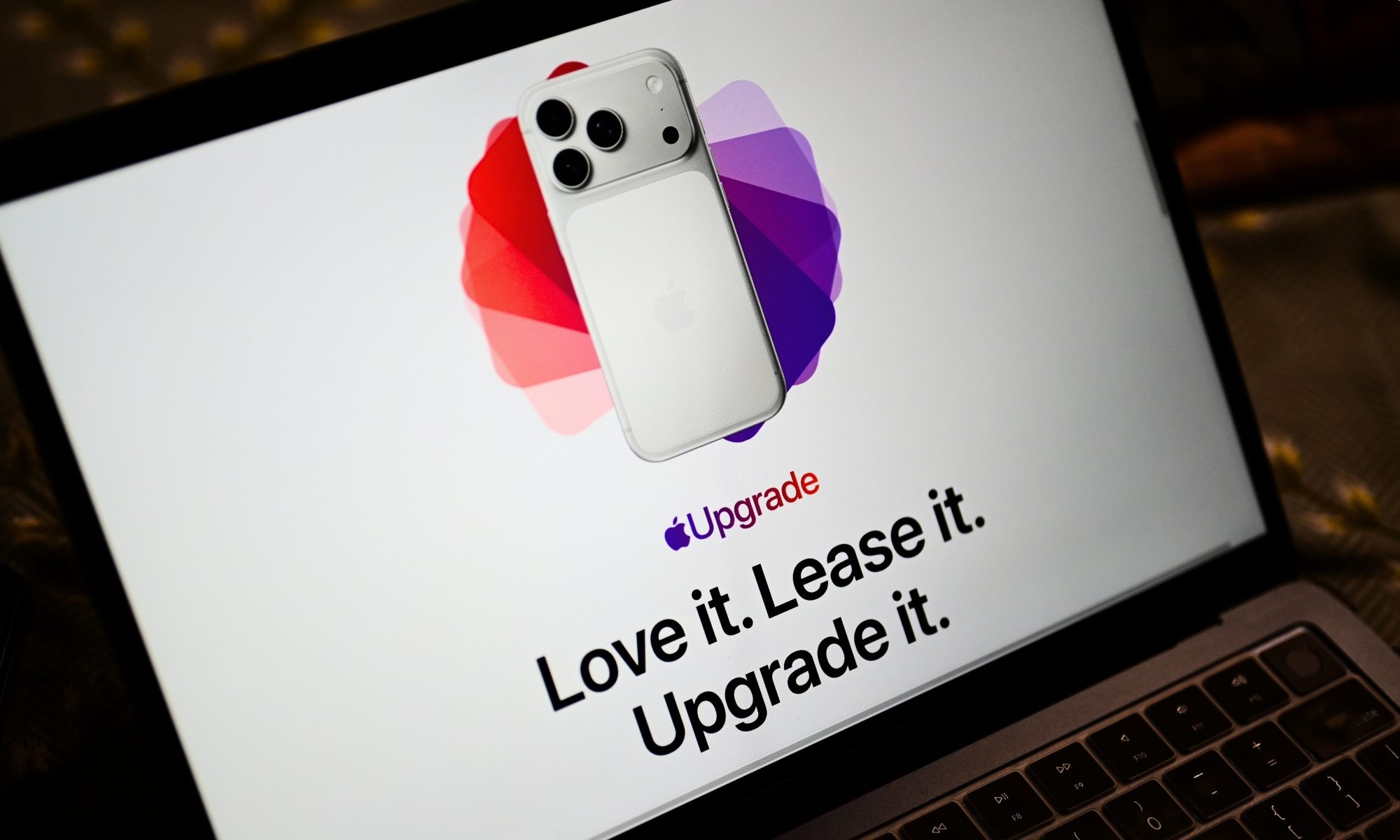
Apple’s new Upgrade plan won’t punish missed payments with restrictions, but three strikes could end your lease
Restricted Mode remains in iOS 27 beta, but Apple says it won’t be used for Upgrade payment defaults
Computer, Electronics, Laptop

Apple recently announced its new Apple Upgrade leasing plan, which lets customers pay monthly for an iPhone, iPad, Mac, or Apple Watch through Klarna. The program replaces the long-running iPhone Upgrade Program and expands the option beyond phones for the first time.

However, code discovered by 9to5Mac in an iOS 27 beta raised concerns about what could happen if someone fell behind on payments. The new App Managed Features system appeared capable of checking a customer’s payment status and placing a financed device into Restricted Mode.

Read more