1. Home
  2. Computing
  3. News

Intel’s Compute Stick will soon come with Windows 10 pre-installed

Add as a preferred source on Google

The Intel Compute Stick, one of the better received and more popular stick PCs on the market, currently ships with Windows 8.1 installed out of the box. Like all PCs with a legitimate copy of Windows, it’s eligible for a free upgrade to Windows 10, but for users afraid of doing the upgrade themselves, it appears that the Intel is set to start shipping the sticks with Windows 10 installed.

Listings for the new stick, which already has a slight change to its model number, now reading BOXSTCK1A32WFCL, are appearing on various online retailers with a price point of around $150, which is the same price as the original. That L at the end of the model number and Windows 10 being installed seem to be only difference between the new model and the old one, but that could of course change once Intel officially announces something.

Recommended Videos

The hardware, which should be the same when the Windows 10-toting stick hits the market, features 2GB of RAM, 32GB of storage, and an Intel Atom Z3735F Bay Trail quad-core processor. Presumably, Windows 10 should run just as well as, if not better than Windows 8.1 on lower-end devices like this one, and users have already been upgrading on their own with no particular reports of problems.

Other notable specs of the Intel Compute stick include 802.11b/g/n WiFi, Bluetooth 4.0, a micro USB port, a USB 2.0 port, HDMI, and a microSD slot for expanding the storage.

Unfortunately, we don’t have any information for when the slightly upgraded version of Intel’s stick PC will hit the market. In the mean time, for those who already have an Intel Compute Stick and are reluctant to get Windows 10, check out some of the best reasons why you should upgrade.

Dave LeClair
Former Digital Trends Contributor
Dave LeClair has been writing about tech and gaming since 2007. He's covered events, hosted podcasts, created videos, and…
Claude redefined my bond with Macs. I am building my own apps and it’s a bliss.
I talk to Claude. It builds me apps. It's as simple as that!
Claude AI on Mac.

A few days ago, one of my colleagues asked me a favor. They wanted a few iOS and macOS screenshots turned into a mockup image where the UI is rendered on an iPhone and a MacBook. The problem? It was 3 am PST, which meant asking one of my design team colleagues was out of the question. 

Now, there are plenty of online tools that will do it, but you either have to pay for a subscription (as in Canva), or sign up to buy usage credits after a few free trials. Moreover, these editors limit you to a handful of design presets. I turned to Anthropic’s Claude, and within half an hour, I had a screenshot-to-mockup editor built for the entire team to use. Take a look:

Read more
ASUS Zenbook Duo UX8407AA review: Two screens finally earned their place in my bag
Two machines are definitely better than one, but on the same laptop? Asus nailed it, but you must be willing to pay for the convenience.
ASUS Zenbook Duo has two displays

See at Amazon

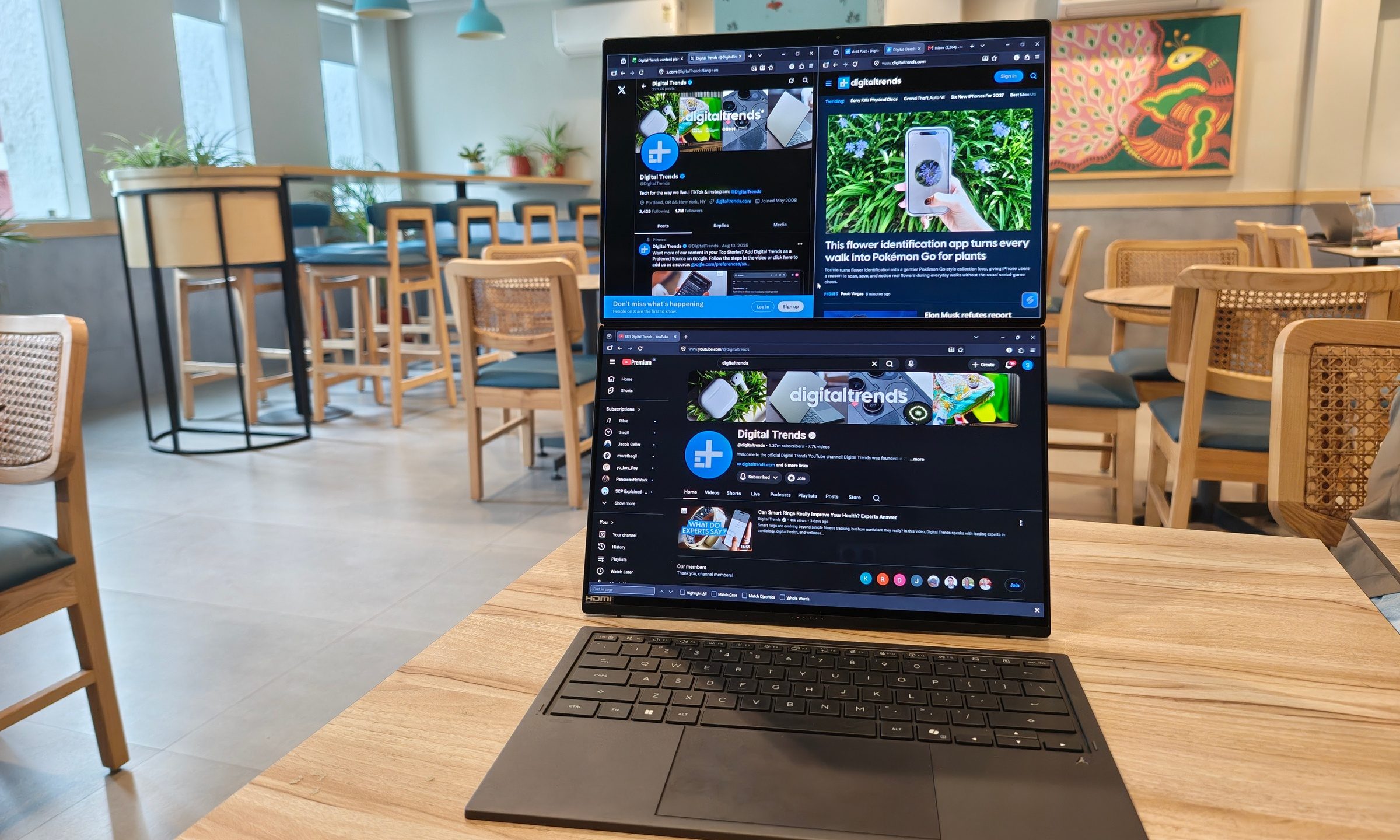
Two displays on a laptop once sounded like an elaborate solution waiting for the right problem. ASUS has spent the past few generations steadily proving otherwise. After using the latest Zenbook Duo (2026) UX8407AA for over two weeks, I started arranging my daily routine around that second display. 

Read more
How Claude helped my 65-year-old dad finally ditch his handwritten ledgers
AI has a lot to answer for, but this one small win is hard to argue with, at least for me.
Claude app on iPhone

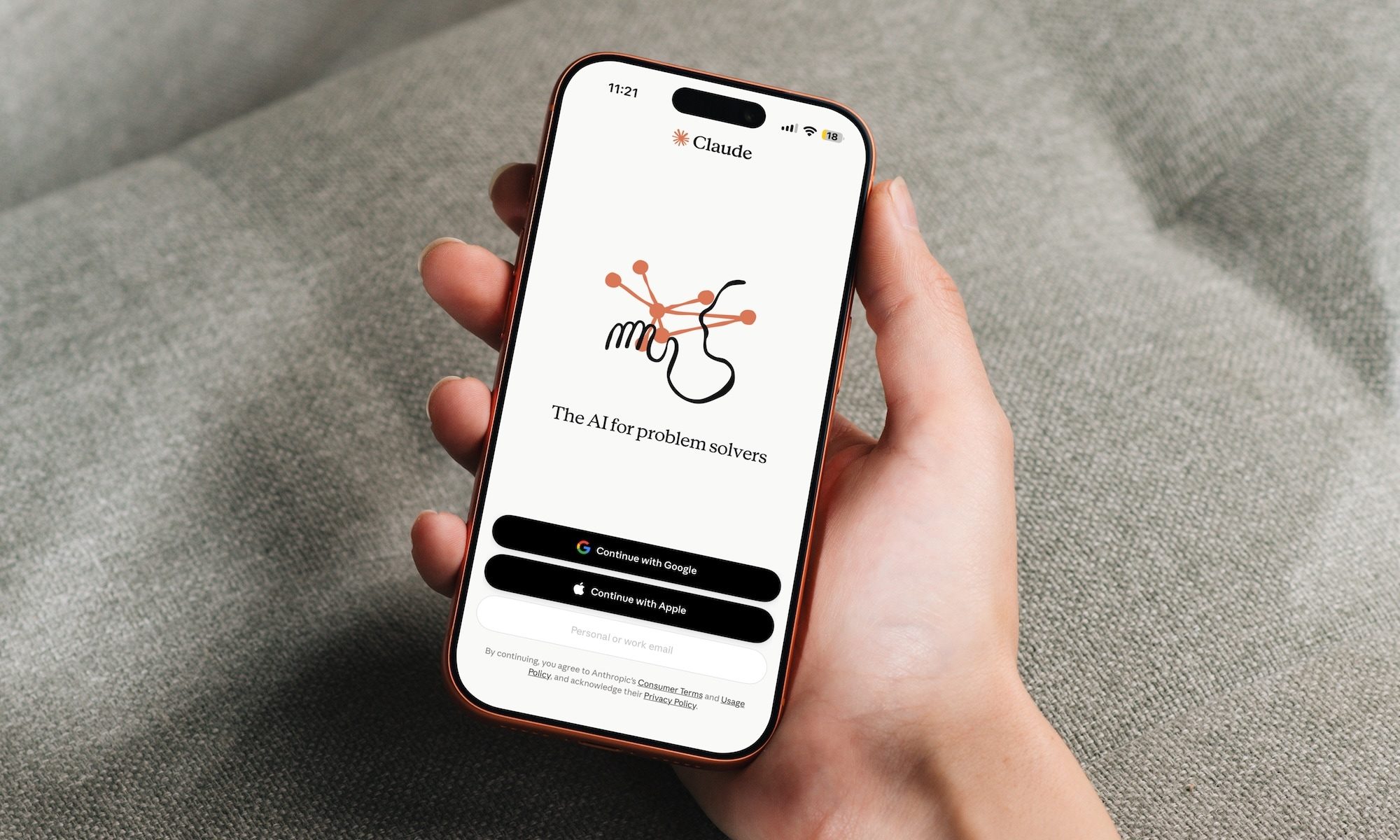
My dad has owned a small business for as long as I can remember, and for just as long, he's kept his books the old-fashioned way. Every sale gets written down by hand so he can file his taxes later. The problem is that his accountant needs this data in Excel, and my dad, who didn’t grow up around computers, has never learned how to use it.

For years, his workaround was paying someone to manually type his handwritten entries into a spreadsheet. It worked, but it was adding additional cost to his business, which he wanted to avoid, but couldn't.

Read more