  1. Home
  2. Computing
  3. Trash
  4. News

Dell’s new UltraSharp display comes with a huge top bezel for 4K video calls

Add as a preferred source on Google

While most PC displays are being engineered with ultra-thin bezels, Dell’s latest 4K UltraSharp monitor comes with the opposite: A large forehead.

What’s all the extra space in the new UltraSharp U3223QZ’s forehead for? Well, Dell says it’s used to house all the tech you’ll need to conduct a clear video conferencing call, including a high resolution webcam, noise canceling microphones, and capable audio speakers.
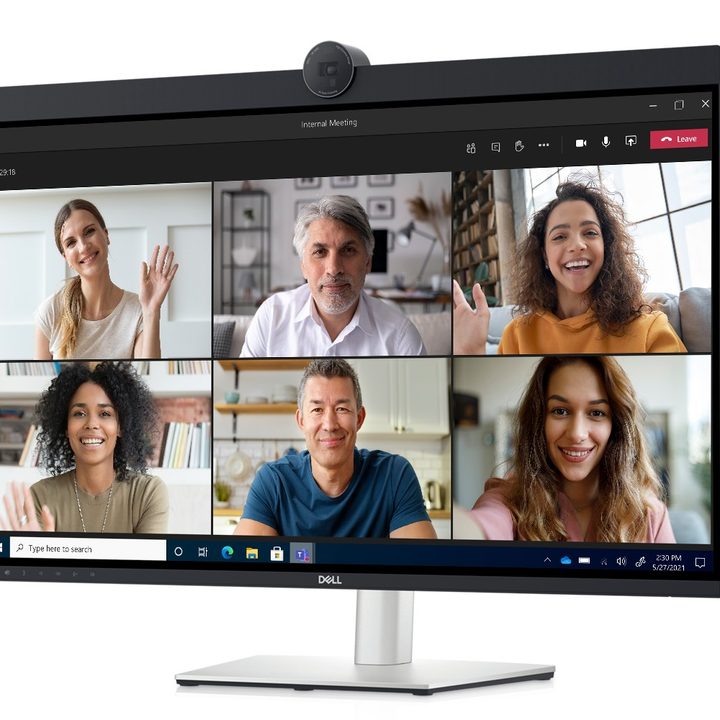
The UltraSharp monitor with a 4K webcam built-in.
Image used with permission by copyright holder

On top, straight in the center, is a circular-shaped camera that houses the 4K HDR Sony Starves CMOS sensor. The barrel-shaped 4K camera housing resembles Dell’s standalone 4K UltraSharp stand-alone webcam solution. It also bears some similarities to the wireless Concept Pari webcam.

The camera itself is mounted in the center of a top-mounted speaker bar and can record and playback 4K streams at 30 frames per second or FHD resolution at 30 or 60 fps. For the optimal recording angle, you can also tilt and adjust the camera. The webcam also supports Windows Hello.

The speaker positioning is rather unique, given that many rival designs use a bottom-mounted speaker positioning. According to the company, the top positioning is optimal, as it includes built-in echo cancellation microphones as well as two 14W speakers in the bar. Dell claimed that the monitor is certified for Microsoft Teams calls.

As far as the display is concerned, you’re getting a 31.5-inch 4K IPS Black capable panel here with a bright 2,000:1 contrast ratio. The screen is able to render 1.07 billion colors, cover 98% of the wide DCI-P3 color space, and is VESA Certified for DisplayHDR 400. The screen is able to reach a brightness of 400 nits. This makes the UltraSharp well adapted for collaboration and creative work.

Newer devices with USB-C support can connect to the monitor with a single cable for power and video output. The Dell UltraSharp 3223QZ includes a relatively high 90W of power delivery, which is great for higher power consumption devices, like the MacBook Pro and gaming notebooks, for example.

The monitor also includes an RJ45 Ethernet port, a USB hub, and a KVM switch so you can connect two PC sources and multitask with picture-in-picture mode.
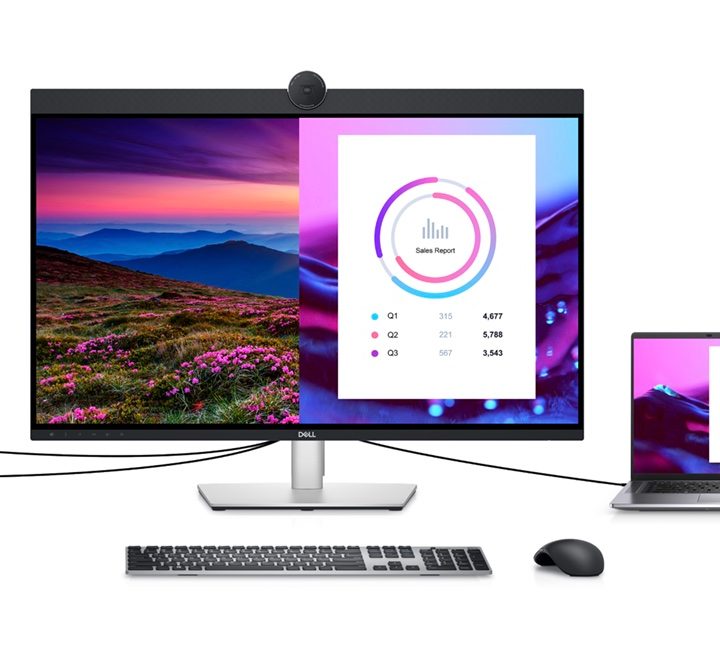
Dell's new UltraSharp 4K is designed for video calls.
Image used with permission by copyright holder

Additionally, you can daisy chain two monitors together with Display Stream Compression (DSC) technology without any noticeable compromise to picture quality, Dell stated.

Dell isn’t the only manufacturer to lean in on integrated monitor solutions designed around video conferencing. Rivals such as Lenovo and HP are unveiling similar video conferencing monitors at CES 2022 to capitalize on the recent trend of remote and hybrid work as a result of the havoc wreaked by the ongoing global pandemic. The UltraSharp U3223QZ is designed to make it easier to communicate, collaborate, and multitask in this new reality.

Chuong Nguyen
Silicon Valley-based technology reporter and Giants baseball fan who splits his time between Northern California and Southern…
Google Earth’s AI misadventure lasted only a day. It was a tale of dangerous ignorance.
Nuclear reactors, tanks, and historical destruction on a life-like satellite map? Yeah, that's bad.
Nano Banana AI image generator representation.

Technology behemoths are clearly not reading the room, or they are just moving faster than they should when it comes to AI deployment. Google has already stuffed its Gemini AI in every corner of its software stack, from Android to daily productivity tools like Gmail that are used by hundreds of millions of users every day. AI is everywhere. Not all of it is bad, mind you. But in a few places, it just feels forced.

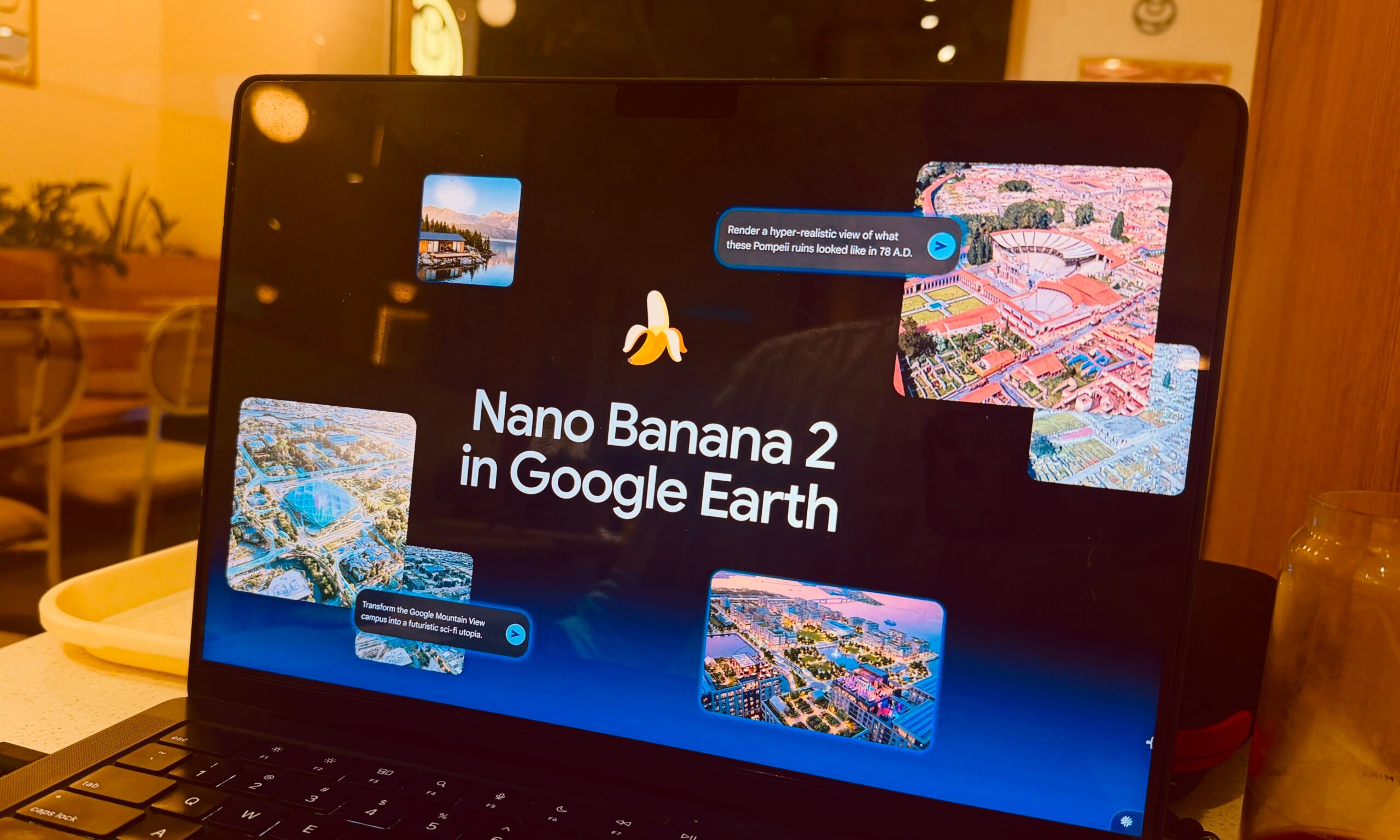
In its latest AI-fication experiment, the company targeted Google Earth. The idea was to let the audience use its Nano Banana 2 AI image generator and make images that can be placed on the map view. On paper, it's a cool idea. What would the Colosseum of Rome look like in your urban neighborhood? Yeah, fun stuff like that.

Read more
AMD is apparently gearing up to raise GPU prices right after Nvidia’s steep hike
AMD has reportedly told AIB partners about a price hike that goes into effect in. August.
AMD RX 7800

AMD is next in line to raise the asking price of its Radeon GPUs, merely days after the news of a similar hike coming for Nvidia graphics cards started making waves. As per ChannelGate on Weibo (h/t VideoCardz), AMD has informed its board partners that the price of GPU and memory bundles will go up by at least 10% in August.

Is a similar price hike coming for standalone graphics cards? I won't be surprised if that happens. The situation is so bad that AMD is planning to bring back graphics cards with 4GB of onboard memory. AMD just introduced the RX 9050 GPU, which costs $279. Notably, it's just $20 less than the RX 9060 XT that offers double the graphics memory.

Read more
Microsoft will make Windows work well with just 8GB RAM. We desperately need it
The dream of a reliable and affordable Windows laptop hinges on the next milestone at Microsoft.
Surface laptop on wooden table

The year 2026 has marked a huge course correction for Microsoft after years of frustrating users with plenty of confusing processes, unoptimized UI elements, and just the generous bloatware that can bring any Windows system to a crawl. Microsoft has finally shifted into a new phase. From fixing the right-click behavior to speeding up the Search system, the company has fixed plenty of papercuts.

The next major milestone is making Windows 11 run smoothly on Windows PCs with just 8GB of RAM. That directly means entry-level and budget laptops will at least get the basics right, even if that means sacrificing the on-device AI bells and whistles. Let's face it. The increasingly AI-first approach to computing on a Windows 11 machine is a little too taxing on the hardware at hand.

Read more