1. Home
  2. Computing
  3. Legacy Archives

How to get rid of the Cryptolocker malware and decrypt your files for free

Add as a preferred source on Google

If you take even the slightest interest in Internet security, you’ve probably heard of Cryptolocker, the malware that hackers use to encrypt a victim’s files, and then demand a ransom for them in exchange for a key that grants you access to them once again.

Related: Best free anti-virus and anti-malware software

Recommended Videos

Hopefully, you haven’t been afflicted by Cryptolocker. However, if you have, you should keep reading. FireEye, an Internet security firm, claims that they have come up with a simple way for you to break free from the shackles of Cryptolocker. Here’s how.

How to get rid of Cryptolocker and decrypt your files for free

First, head over to this FireEye page. Then, enter your email address in the appropriate field, and hit the “Choose File” button to select the file that’s infected by Cryptolocker. Also, be sure to type in the Captcha text below so the site can ensure that you’re a living, breathing human.

Related: How to secure a wireless network

Once you’ve done all that, just hit the blue “Decrypt it!” button towards the bottom. Two things will happen from here. First, you’ll get a key that will allow you to decrypt files imprisoned by Cryptolocker on your computer. You’ll also get a download link to a recovery program provided by FireEye that, in conjunction with the decryption key, can be used to wipe the stench of Cryptolocker from your entire system.

Keep in mind that if you have multiple systems infected with Cryptolocker, you’ll need to repeat this process on each of those computers one at a time. However, that’s a very small price to pay in exchange for peace of mind.

Plus, it could be worse; at least you don’t have to repeat this process on a file-by-file basis.

Konrad Krawczyk
Former Computing Editor
Konrad covers desktops, laptops, tablets, sports tech and subjects in between for Digital Trends. Prior to joining DT, he…
As iPads get pricier, Motorola’s Pad 70 Pro arrives as a solid option… just not for US buyers yet
Great specs, a stylus in the box, and no US launch date: the Moto Pad 70 Pro sounds both impressive and disappointing.
Computer, Electronics, Laptop

If you don’t know about Apple’s recent price hike, which affected all the products in its lineup except the iPhone and Apple Watch (for now), you’ve got to be living under some sort of a rock. The revision made all the iPads much more expensive. 

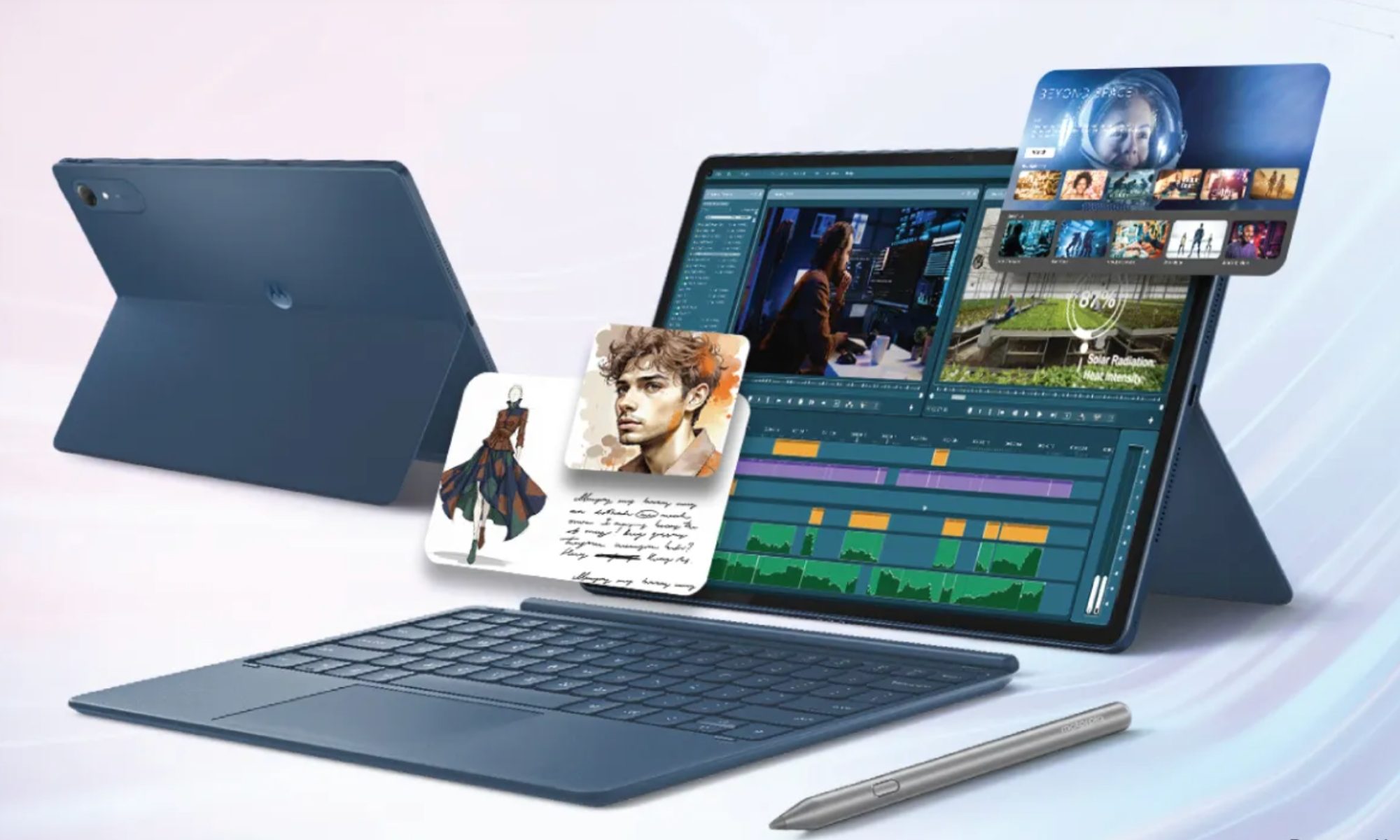
Motorola, however, has just launched a 13-inch tablet that actually sounds good on paper. It’s called the Moto Pad 70 Pro, and it costs around $440 for the baseline model. The catch, however, is that the device isn’t available in the US yet. 

Read more
The refurbished MacBook Neo may be your best way around Apple’s price hike
MacBook Neo has hit Apple’s refurbished store after its price increase
Student using MacBook Neo in classroom.

The MacBook Neo launched in March as Apple’s most affordable notebook, but it has already been caught in the company’s recent price hike. The base model with 8GB of RAM and 256GB of storage now costs $699, while the 512GB version with Touch ID is priced at $799.

Just days later, Apple has already listed refurbished MacBook Neo models on its online store, giving buyers a cheaper official option, though the savings are not as generous as you might expect.

Read more
This cross-device clipboard app solves the copy-paste problem I keep running into on my Mac
ClipboardAI keeps a searchable history of everything you copy
Text, Electronics, Mobile Phone

I have lost count of how many times I have copied something important, copied another thing before pasting it, and then realized the first item was gone. It is a small frustration, but it happens often enough to become annoying. I recently came across ClipboardAI, which caught my attention because it goes beyond Apple’s built-in clipboard by saving copied items into a searchable history.

Instead of replacing the last thing you copied every time, ClipboardAI keeps a searchable record of copied text, links, codes, email addresses, phone numbers, addresses, and images across iPhone, iPad, and Mac. That means an older clip does not disappear just because you copied something new.

Read more