1. Home
  2. Computing
  3. Legacy Archives

Microsoft Releases Live Messenger Beta

Add as a preferred source on Google

Previously available by invitation only, Microsoft has released a public beta of its Windows Live Messenger product, the next iteration of its popular MSN Messenger instant messaging program. With Windows Live Messenger, Microsoft is adding new PC-to-phone calling featured designed to compete with the likes of VoIP giant Skype while boosting sharing features, video support, and Windows integration. The beta is available from Microsoft’s Windows Live Ideas Web site.

Windows Live Messenger offers a revamped interface and a toolbar providing one-click access to common features and services, including Windows Live Call, which can place PC-to-phone telephone calls via the Verizon Web Calling service, currently available in the U.S., U.K., Germany, France, and Span with Austria, Italy, Finland, Belgium, and the Netherlands coming online this week. Via Verizon Web Calling, Windows Live Messenger users can place “affordable” local and international telephone calls from anywhere they can gain Internet access, including wireless hotspots. Users can also purchase cordless telephone handsets designed to work with Windows Live Call: these phones work anywhere in the home (even away from the computer) and are currently available from Uniden and Philips.

Recommended Videos

Windows Live Messenger also supports full-screen video conversation between users who have broadband and Webcam support, and Sharing Folders which enable users to quickly swap files (like photos and documents) by dragging files to the Windows Live Messenger window. The software also supports up to 600 contacts, and shares contacts with Windows Live Mail and MSN Spaces.

The Windows Live Messenger beta is available for free.

Geoff Duncan
Former Contributor
Geoff Duncan writes, programs, edits, plays music, and delights in making software misbehave. He's probably the only member…
Huawei made an utterly sleek laptop that’s 35% lighter than MacBook Air. Too bad you don’t need it.
The MateBook Pro S weighs less than 800 grams but runs HarmonyOS instead of Windows
Pen, Notebook, Computer

Huawei has made one of the most tempting ultralight laptops most people will probably never consider buying. The new MateBook Pro S weighs just 798 grams in its lightest configuration, making it around 35% lighter than the 13-inch MacBook Air. It is slightly thicker at 11.9mm, but Huawei still managed to fit a larger display and a 54Wh battery inside its magnesium-alloy chassis.

Its color options are pure eye candy, too. The soft pastel finishes immediately reminded me of the MacBook Neo and give the laptop far more personality than the usual sea of silver, gray, and black ultrabooks.

Read more
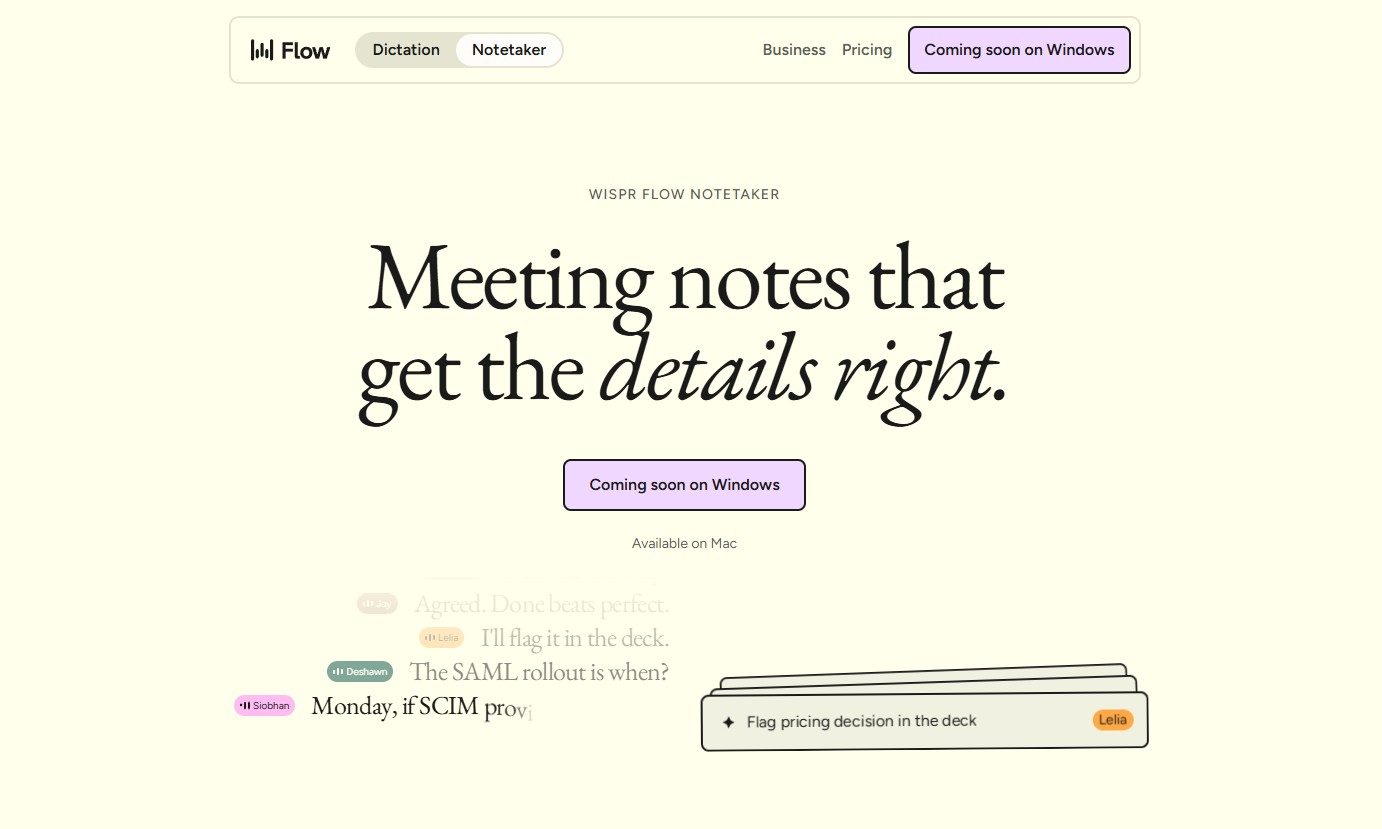
Wispr Flow launches an AI note-taker that works without joining calls
The new Wispr Flow tool called Notetaker creates live transcripts, summaries, and follow-up notes
Page, Text

Wispr Flow has launched Notetaker, an AI meeting assistant built into its existing Mac app. It can record conversations, show a live transcript, and prepare notes covering decisions, deadlines, assigned work, and unresolved issues.

Wispr Flow is best known for its dictation tool, which turns spoken thoughts into edited text wherever the user is working. Notetaker takes the company beyond voice typing and applies its transcription technology to meetings, interviews, and in-person conversations.

Read more
Google Assistant finally has a shutdown date, and it’s only weeks away
Google Assistant starts shutting down September 4 as Gemini takes over.
google assistant mobile.

Google Assistant’s long goodbye now has a firm date. Google says it will begin discontinuing the voice assistant on eligible mobile devices on September 4, 2026, according to an email sent to users and shared publicly on Reddit.

The transition may take several weeks, so Assistant won’t vanish from every device at once. Once the change reaches an eligible Android device, Gemini will replace Assistant with no option to switch back.

Read more