Toshiba was one of the first PC makers to enter the resolution war with its Kirabook and now, at CES 2014, the company has re-affirmed its commitment to high-resolution notebooks with three new products.
Two of them, the Tecra W50 and Satellite P50t, are new systems, and both have a 15.6″ display with a resolution of 3840×2160, which works out to 282 pixels per inch. The Satellite’s screen accepts touch; the Tecra does not.
The Tecra, being a workstation, can be equipped with an Nvidia K1200M GPU with two gigabytes of GDDR memory alongside an Intel 4th-gen Core i7 quad processor. That should make for a powerful combo, but the system manages to keep its weight below six pounds, which is respectable given the hardware.
Storage comes in various sizes, from a 256GB solid state drive to a one terabyte mechanical drive, and the mechanical drives are protected by a sensor that stops drive movement after major jolts. RAM ranges from 8GB in the base model up to a max of 32GB. An optical drive is included, and it can either be a standard DVD-drive or a Blu-Ray. Connectivity is rounded out by four USB ports, HDMI, Bluetooth 4.0 and Gigabit LAN, but 802.11ac WiFi is missing.
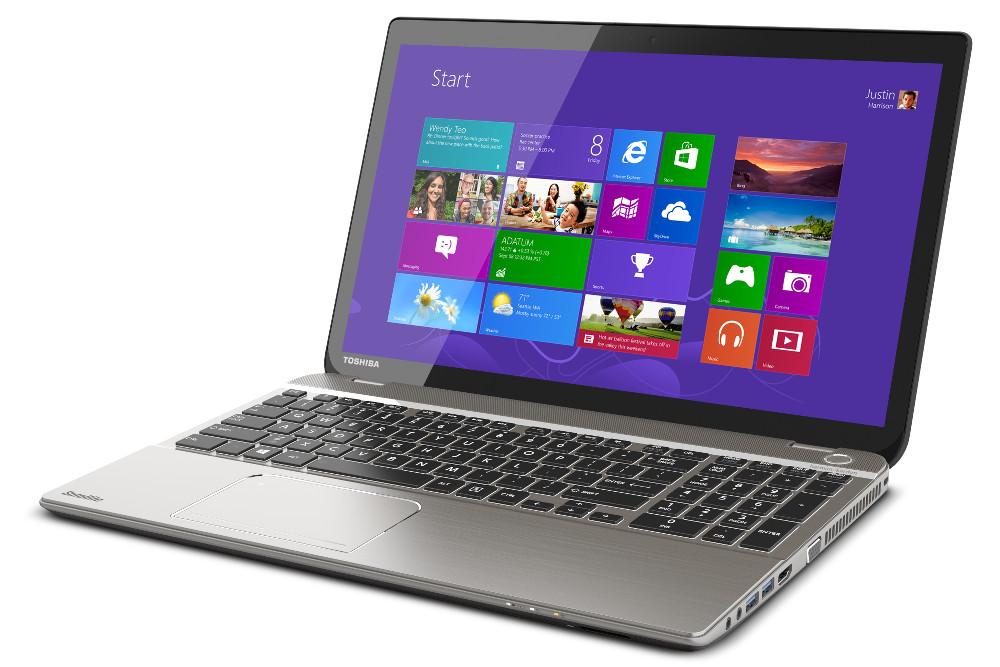
The Satellite, on the other hand, is built for the average consumer, which means it comes with an Intel 4th-gen dual-core rather than a quad, and integrated graphics is the only choice. 8GB of RAM is standard, and maxes out at 16GB, while the hard drive is a 750GB mechanical model. All of this is packed in a package that weighs over five pounds and measures a tad more than an inch thick, so the P50t is no featherweight. The connectivity options for the Satellite are similar to the Tecra, but a Blu-Ray drive isn’t offered.
Pricing for the Tecra and Satellite remains unknown, and availability is not expected until mid-year.
Besides this pair of new 4k notebook, Toshiba is offering an updated Kirabook, which will now offer a 4th-gen Intel dual-core alongside a 2560×1440 display. This ultra book is otherwise the same as the original, however, which is probably why it will be available in February for $1,499. Important extras include a two-year warranty, 25GB of free cloud storage and complimentary installation of Adobe Photoshop Elements 11 and Premiere Elements 11.
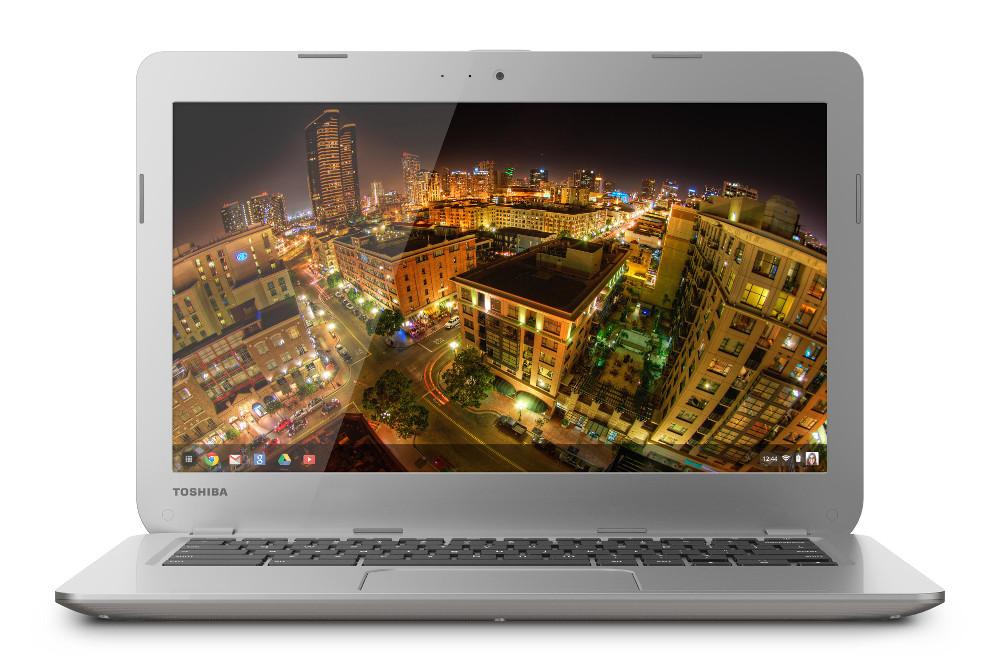
Also new from Toshiba is a 13.3″ Chrome OS system simply called the Toshiba Chromebook. Slated for release on February 16th at an MSRP of $279, the laptop offers a 1366×768 display, an Intel Celeron processor and two gigabytes of RAM. Storage comes from a 16GB solid state drive but, as with other Chromebooks, is backed up by 100GB of cloud storage from Google Drive.
These announcements prove that Toshiba is committed to upping display resolution, but will that translate to better laptops? We’ll have to wait and see when the Tecra and Satellite hit store shelves this summer.