
Labor Day is just around the corner and with it come much-anticipated Labor Day sales. Over the holiday, you’ll have the opportunity to collect some of the best tech at amazingly discounted prices. Even better, in the run-up to Labor Day, retailers are offering some equally tempting discounts on the best gear. At Target, you’ll find deals on tech like Powerbeats true wireless earphones, Canon printers, Roombas, Vizio flatscreen TVs, and more. These are some of the best discounts we see all year, so don’t let them pass you by.
However, if for any reason you miss these deals, there are always Target Black Friday deals to look forward to.
Canon Pixma Wireless Inkjet All-In-One Printer — $80, was $100
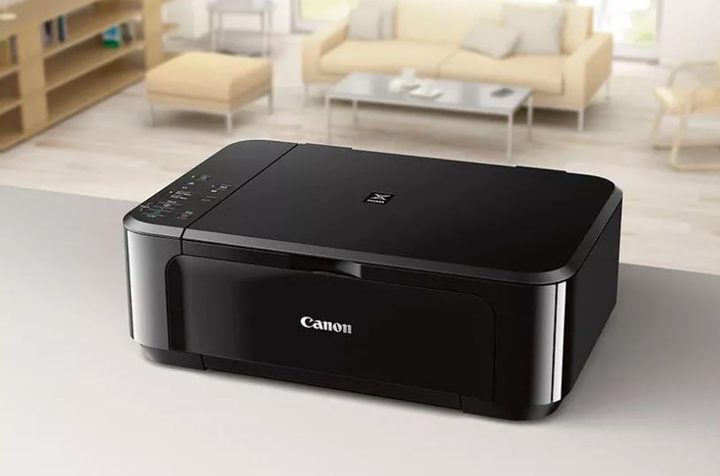
This is an awesome bare-bones printer if printing photos and documents are all you need. Unlike more expensive versions, this Canon printer doesn’t scan or copy. Instead, it’s appeal is in its ultra-compact size, wireless capabilities, and reliability. It’s only 5.9 inches 12.5 inches by 15.9 inches and weighs less than 14 pounds. It can print black and white pages at 13 pages per minute, and nearly seven pages per minute with color, which is super fast. Canon has set it up to print excellent square photos as well. Best of all, because of its wireless setup, it’s all set to print from your phone, tablet or other mobile device.
Powerbeats Pro — $200, was $250
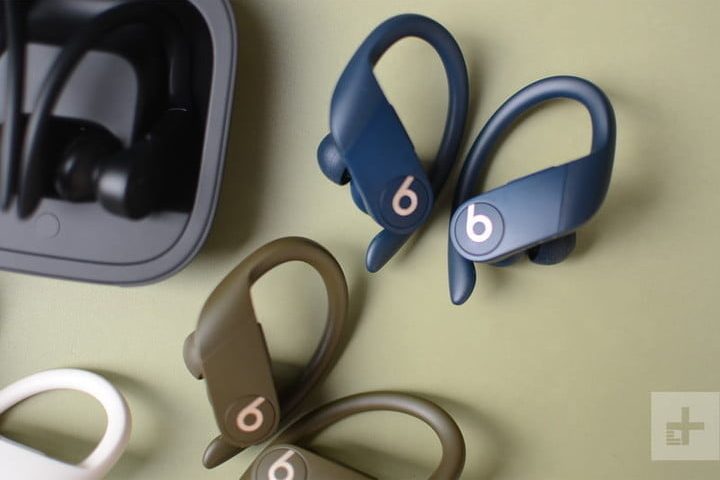
The Powerbeats Pro ere some of the best true wireless in-ear earphones you can buy. Apple-owned Beats redesigned these with an improved ear hook to not only make them look cooler but to ensure they stay on your head and give a much better fit. There’s of course strong, balanced sound with technologically advanced dynamic range and noise isolation. Also, there’s a rock-steady Bluetooth connection base, water resistance, and better call handling. The icing on the cake is nine hours of battery life, backed up by Fast Fuel, where a five-minute charge provides 1.5 hours of playback. What else do you want?
iRobot Roomba 675 Wi-Fi Connected Robot Vacuum — $250, was $300
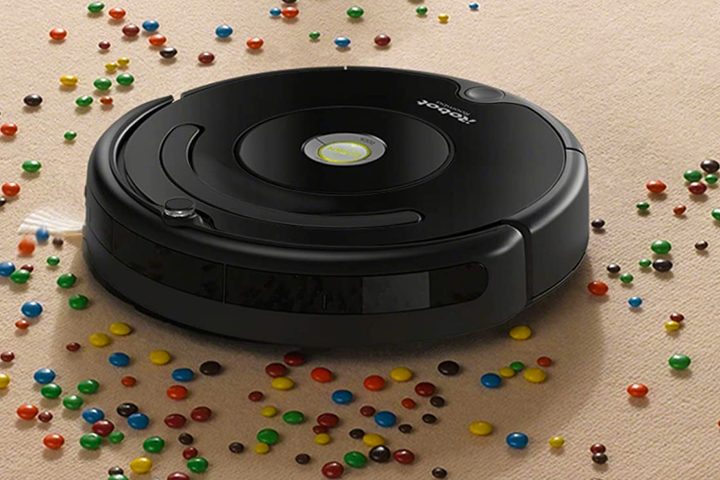
Have vacuuming? So do we. Thankfully, a smart robot vacuum like the iRobot from Roomba can remove us from the equation. Roomba learns your habits for cleaning and then provides you with custom schedules to make your life easier. This vacuum is built with an edge-sweeping brush to get into hard to reach places, has dirt-detection technology to find what needs to be vacuumed, and can cut down on dust and pollen particles during allergy season. Best of all, it’s Google Assistant and Alexa compatible, so you don’t even have to lift a finger when it’s time to clean.
65-inch Vizio V-Series 4K TV — $470, was $500
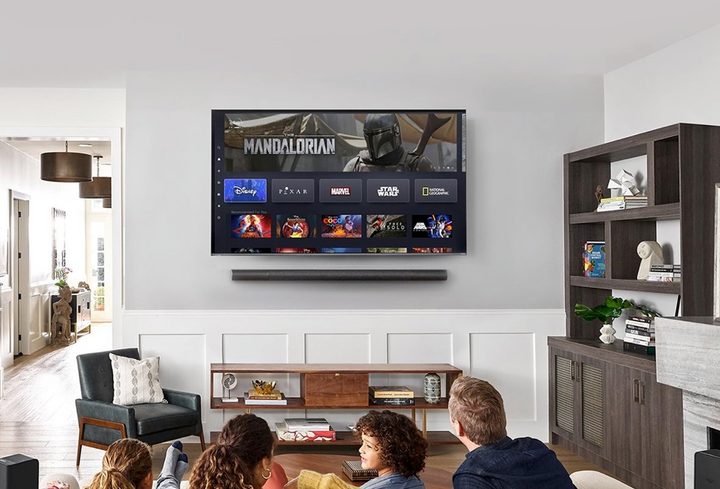
Whoever thought we’d see the day when you could get a 65-inch 4K TV for under $500? This one by Vizio has some amazing features for that price. It has a 3,840 x 2,160 resolution for lifelike motion pictures, backed up by HDR 10 and industry-leading Dolby Vision HDR compatibility. All this means the most precise, bright, beautiful images you’ll ever want. For the sake of convenience, it uses the Vizio SmartCast platform, which already has Google Assistant and Alexa pre-installed. It also supports HomeKit and Siri, so you’re covered in terms of hands-free. On top of this, there are apps like Netflix and Hulu already built in — and then there are three HDMI ports and a USB to support your consoles and any other tech you’d like to attach. Transform your home theater with the 65-inch Vizio V-Series 4K TV for only $470.
15-inch Lenovo IdeaPad 5 — $799, was $900
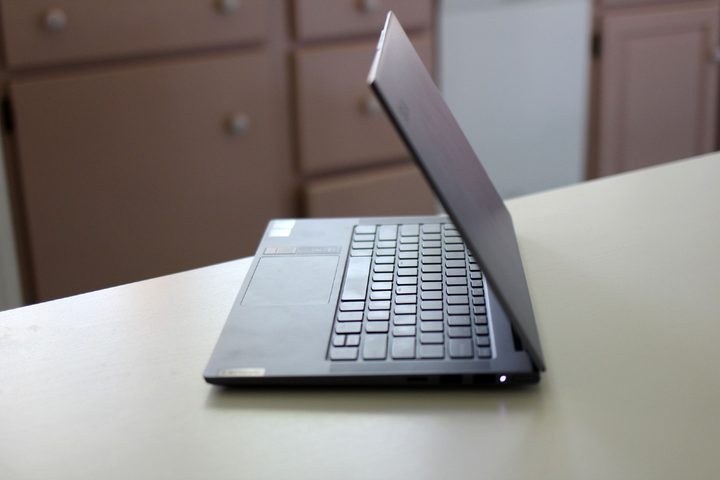
We love the IdeaPad as an everyday PC laptop — it kicks butt. It’s sleek and light and up to date with current laptop specs. Its engine is a Ryzen 7-4700U Octa-core processor which is boosted by 16GB of RAM to deliver plenty of power for multitasking, easy gaming, and streaming. Also, in terms of storage, there’s a plenty-big 512GB solid-state drive. This has more oomph than you’ll need for everyday tasks for work or entertainment, and Lenovo is renowned for its reliability. On top of all this, there’s a Radeon graphics card, which can handle more than a little light gaming if that’s how you’d like to make use of the big, beautiful, 15.6-inch screen, with its 1,920 x 1,080 Full HD Resolution. No matter how you look at it, this laptop looks good.


