  1. Home
  2. Mobile
  3. Legacy Archives

Cluzee is Android’s latest answer to Siri

Add as a preferred source on Google

cluzeeAndroid users with App envy may be interested in the latest Siri Contender from a startup named Tronton. The company launched Cluzee on Tuesday, labeled as a “talking intelligent personal digital assistant,” and the app has began to create some buzz.

Cluzee is a free download, 19M in size and is available for those Android devices running 2.1 or above. Productivity is the keyword in the company’s statement and demonstrating video. The intelligent app does the speaking bit and supposedly understands natural language variations along with the voice recognition commands, thought Iain Thomson over at The Register believes Cluzee doesn’t like British accents.

Recommended Videos

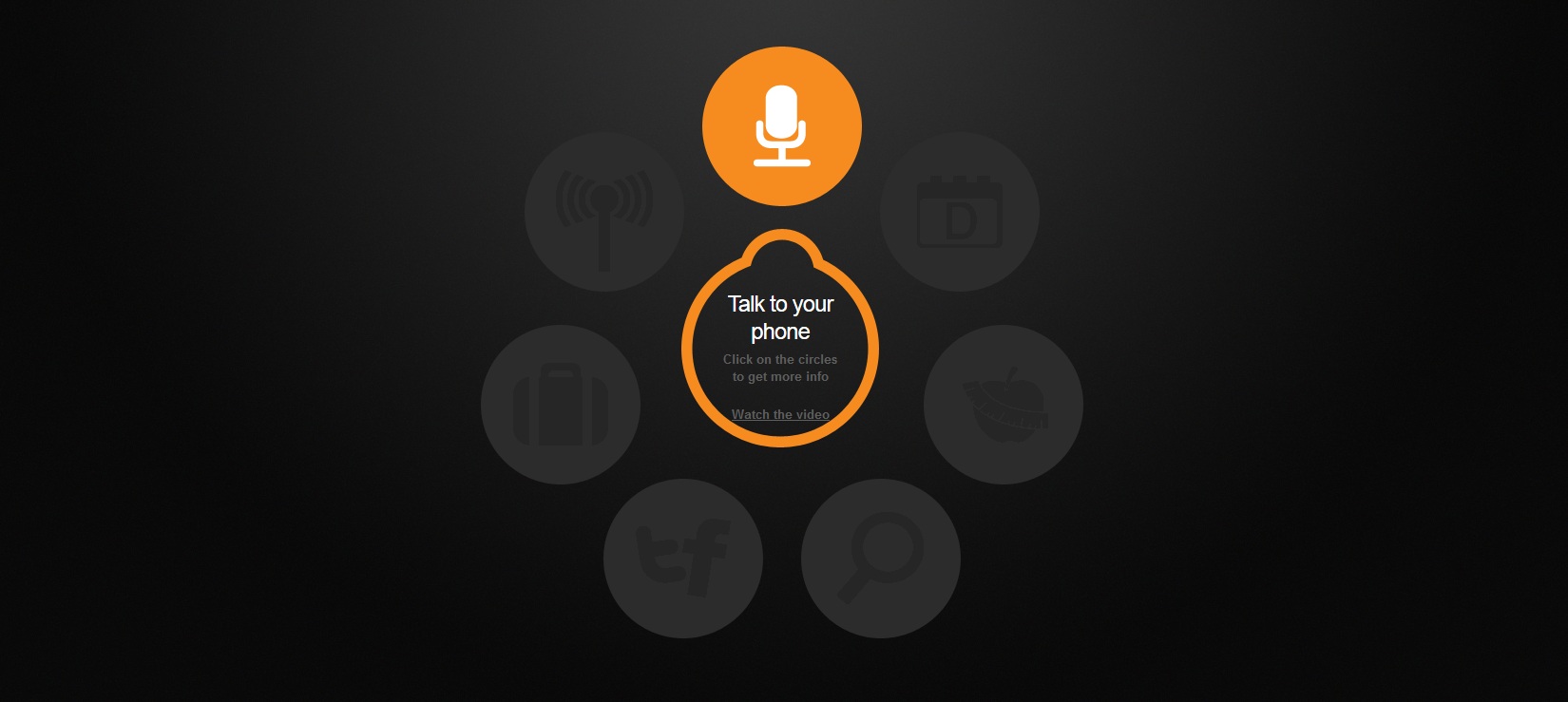
The app reads emails aloud, replies to texts and converts voice to text. Cluzee keeps you organized with a Day Planner as well as a health planner that tracks calories and helps you exercise. You can command it to handle social media like Twitter or Facebook and there’s also a personal radio option.

Along with the information organization comes a shopping feature that gives you recommendations on travel and more, filtered based on your personal shopping habits. Local searches, powered by Groupon and Yipit, will also find you the best deals in your area.

The question is: Will Cluzee be enough to counter Apple’s much touted Siri, or will it join the rest of the malformed clones like Iris, Vlingo, Speaktoit or Jeannie? Scott Webster at Cnet says the app definitely has its limitations and he can see “plenty of opportunity for future updates,” but is a decent 1.0 offering. Other users who have downloaded the app have complained of force close and freezing trouble. The search for a suitable Siri Slayer may have to continue, but let us know what you think if you happen to download.

Correction: Vlingo is not a Siri clone.

Jeff Hughes
Former Digital Trends Contributor
I'm a SF Bay Area-based writer/ninja that loves anything geek, tech, comic, social media or gaming-related.
The best phones in 2026: our 14 favorite smartphones right now
We tested phones across all price brackets so that you can make the best pick based on your needs and budget.
Google Pixel 10 Pro Fold vs Galaxy Z Fold 7 cameras

Choosing the right smartphone in 2026 is no easy task. Apple and Android manufacturers now have strong options at almost every price, while better cameras, longer battery life, improved software support, new AI features, and more refined foldable designs have made the market more competitive than ever. But picking one is not easy, especially if your budget is tight, or you are just legitimately concerned about getting the best value for your money and need a reliable daily driver for long-term usage.

We have tested and compared the leading smartphones available today, looking beyond the spec sheet to see how they actually perform in daily use. Camera quality, battery life, performance, display quality, software, design, and long-term value all play a part in our recommendations. Whether you are looking for a powerful flagship, a dependable budget phone, a compact device, or a foldable, this guide should help narrow down your choices.

Read more
Snapchat Planets Meaning: Order, Rankings, and How Friend Solar System Works
Snapchat Planets turns your best friends list into a solar system, and yes, your orbit says a lot
Snapchat Planets being shown on the Snapchat app on iPhone.

Snapchat+ includes several exclusive features, but few have generated as much curiosity as Snapchat Planets. Part of the app's Friend Solar System, it transforms your Best Friends list into a planetary ranking, assigning each of your top eight friends a planet based on how often you interact.

From Mercury, which represents your closest friend, to Neptune, which represents your eighth closest, the system offers a quick visual snapshot of your interactions. But what do the different planets actually mean, and how does Snapchat decide who gets which one?

Read more
How to use WhatsApp Web
We'll show you how to use WhatsApp on your desktop or laptop
WhatsApp Web

As one of the most popular messaging services, you’ve already heard of WhatsApp. From its humble beginnings in 2009—two years before Apple introduced iMessage—to its acquisition by Facebook (now Meta) in 2014, WhatsApp has become the dominant messaging platform around the globe.

In recent years, it's grown even more potent with new features like video messages, self-destructing voice messages, the ability to edit sent messages, and more. We even finally got an WhatsApp iPad app in May 2025.

Read more