

Technology has the power to bring us together, but it’s a double-edged sword. If you use your smartphone in the right way, sparks can fly between you and your partner, but if you get it wrong then your phone can really kill the mood. Here are some smartphone romance tips to help you on the path to loved-up bliss. You may also want to check out our last minute Internet guide to not getting dumped on Valentine’s day.
Don’t answer that phone!
There was a survey from Lookout a while back that delved into people’s smartphone obsession and found that almost 60 percent of respondents couldn’t go an hour without checking their phone. In fact, 30 percent would check their phone during a meal with others and 54 percent would check them in bed.
Whether you’re on a date with someone new, or having a romantic dinner with your partner of 20 years, you should never, ever check your phone during the meal. If you prioritize your phone over the person you’re with, you’re sending a horrible message to them. If you ignore it they’ll feel like the center of your attention.
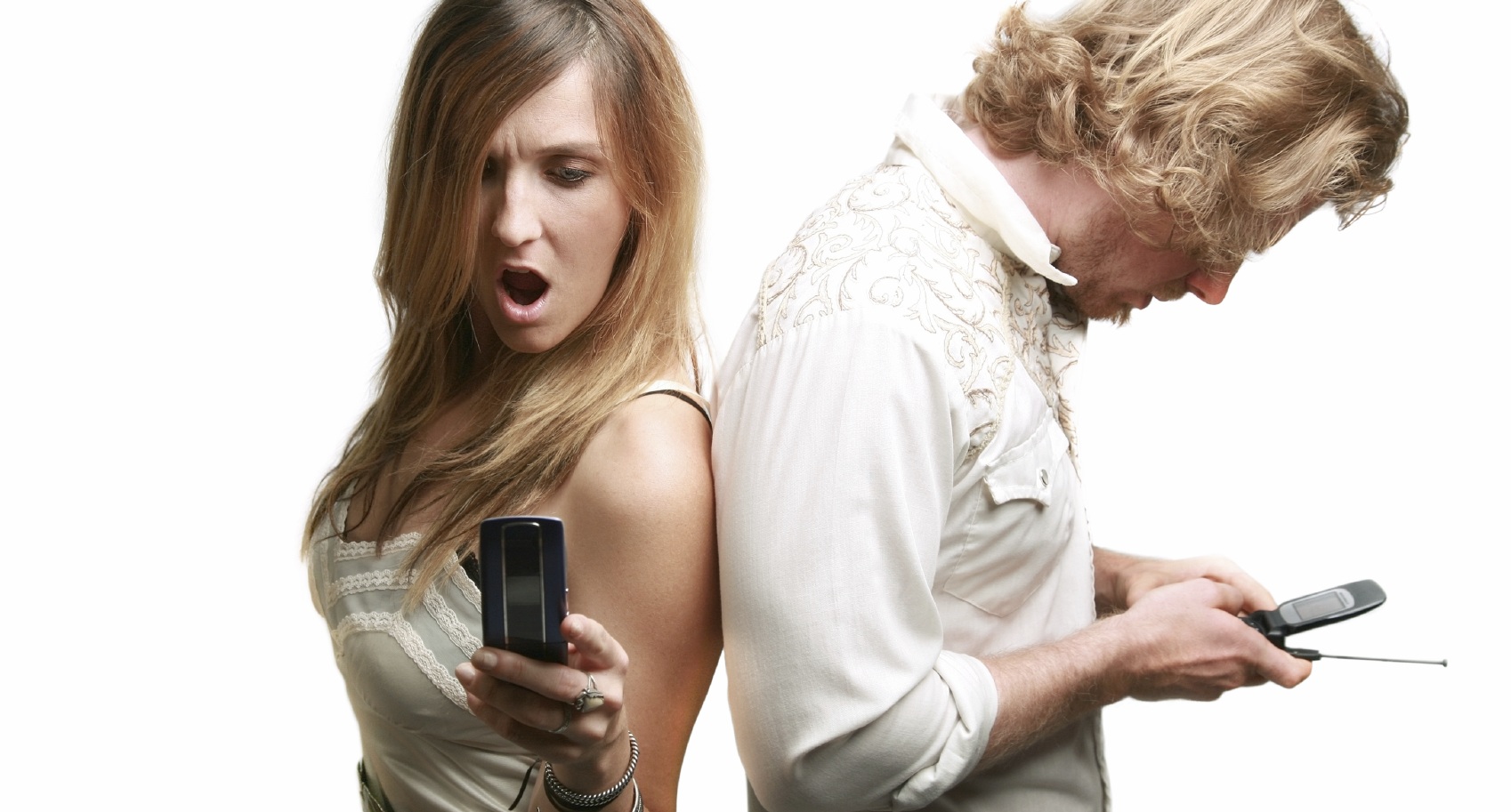
If a call comes in, just send it straight to voicemail without looking. Your partner will appreciate the gesture. The one exception to this is parents, especially of young children, who will be unable to relax without confirming that some toddler based armageddon or kidnapping incident has not occurred back at the homestead.
If your addiction is too strong to overcome, at the very least excuse yourself to go to the bathroom and check the phone there, but be warned an excessive number of toilet trips won’t go down well either.
Set up reminders so you don’t forget
Some people attach an inordinate importance to remembering specific dates. Things like the date you first met; the day you got married; the day your partner was born. Can we really be expected to memorize these things? Well, there’s no need. Plug all of those dates into your calendar and set up alerts for a few days in advance. Now you can make sure you plan something in advance.
Pretending that you forgot only to reveal that you actually planned something great is optional. It can go down brilliantly, but it can also backfire. Be careful.
Apps to enhance romance
Romance is big business, so apps for couples are inevitable. If you want to have your own private social network with your other half then check out Avocado or Couple. These apps will let you and your loved one stop posting romantic messages to each other in Facebook – saving your friends and family much annoyance.
There are also loads of apps to help you find things to do. We generally avoid anything labeled as a Valentine’s app or “exclusively for couples” because they’re usually cheesy and/or rubbish. Use apps like Kayak, Field Trip, TripIt, OpenTable, and Foodspotting to organize short breaks, surprise holidays, and meals out. If you want to cook a meal, try Epicurious.
If you’re really into cheesy sentimentality, you could try something like Valentine Camera+ or Love Card. You’ll find a few that let you create ecards and Valentine’s messages. We recommend someecards as the perfect antidote to the schmaltz.

For the romantically challenged you might find the ideas offered up by the Helpful Romantic app useful. It’s a repository for all the important relationship details that should really be indelibly imprinted on your mind and it has a big database of romantic suggestions. Just don’t get caught using it or it will be a bit like that bit in The Wizard of Oz where they look behind the curtain.
Apps to avoid unless you want to sleep alone
If you’re super cheap and you want to try a digital twist on traditional flowers then you could risk Send eFlowers. It’s basically a paid app that lets you send a picture of some flowers which is exactly the type of lazy crap that will leave you eating a frozen dinner for one on Valentine’s night.
The idea of Valentine Radio is good – it’s supposed to find romantic radio stations, but it’s really just an easy listening filter that won’t impress. You’d do better with TuneIn. If you want to hit the right note on a romantic evening, you really need to make the digital equivalent of an old school mix tape and create a playlist especially for the occasion.
Avoid apps in the vein of Kiss Me. It rates your kiss when you pucker up and give your phone a smacker. Whether you’re practicing your kissing skills or using it as a “hilarious icebreaker,” it’s never a good idea to kiss your fingerprint-smeared, probably bacteria-covered touchscreen. It’s also not really qualified to rate your kissing skills.
Any app with the word “flirt” or some variation of it in the title is likely to be packed with cheap pickup lines and dubious advice. If you need training to recognize emotional micro-expressions and decide whether “she’s into it” then you need a lot more help than a smartphone can provide.
The story of your romance
Real romance isn’t about showy public displays of affection or the same old roses and chocolates combo. It’s about rekindling those uniquely personal special moments where time slows down and you make each other feel like you’re at the center of the universe.
Your phone does play a role in your relationship. You’ll use it to talk to your partner countless times. You’ll have photos and videos of you together over the years. You’ll have plenty of those special texts that make you feel warm and fuzzy when you read them. You might even have a voicemail that you can’t bring yourself to delete. If it makes you feel happy, there’s a good chance your partner would feel the same, so just remember to leave one for them every once in a while.
How do you use your phone to increase romance? Let us know your dos and don’ts in the comments.
Top images courtesy of Shutterstock/David P. Smith


