Guest contributor Berna Erol is the founder of iPhoneAndKids.com, which hosts fun iPhone and iPad kids apps, as well as a wealth of tips for parents. Follow her on Twitter.
Not long ago, the Nintendo Gameboy was every child’s handheld gaming console of choice. Today, however, while devices like Gameboy remain popular, it seems there’s a new sheriff in town. By 2009, Apple released figures that the iPod Touch had sold over 37 million units, causing a new level of unforeseen competition for the typical handheld gaming console market.
Sales of the iPod Touch seem to be driven by the pre-teen and teen consumer market. While parents appreciate the entertainment and educational value of the iPhone, and the wide array of apps available from iTunes, they simply cannot justify the purchase of a $600 phone and monthly data plan fees for an elementary school student. The iPod Touch offers a solution that reduces initial cost, eliminates monthly fees and allows children access to the technology they crave so much.
It’s not just teens who are seeking the iPod Touch from their parents. The intuitive touch screen interface has made the iPod Touch a favorite among younger children as well. Countless YouTube videos demonstrate the ability of mere babies (and cats, for that matter) to operate the iPod Touch, so it’s no wonder that this handheld wonder is a favorite among toddlers.
Fortunately for parents, app developers have taken note of the toddler market segment and created a wealth of apps that are not only child-friendly, but also highly educational. Some of the best children’s apps available are referred to as “interactive story apps,” and allow kids the chance to interact with their favorite storybooks as they read along.
For more of our favorite apps check out Best iPhone Apps.
 How to Train Your Dragon Kids Book HD$0.99
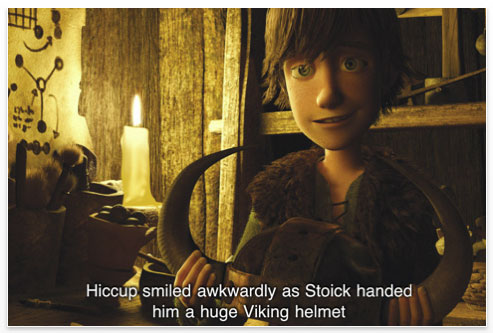
Based on the popular animated film How to Train Your Dragon, this iBook app gives kids quick access to a fairytale land of mystical dragons and gruff Vikings. Ideal for children ages two and older, readers are able to listen to the book read aloud as the app highlights each word that is read in an effort to help build a foundation of word recognition.
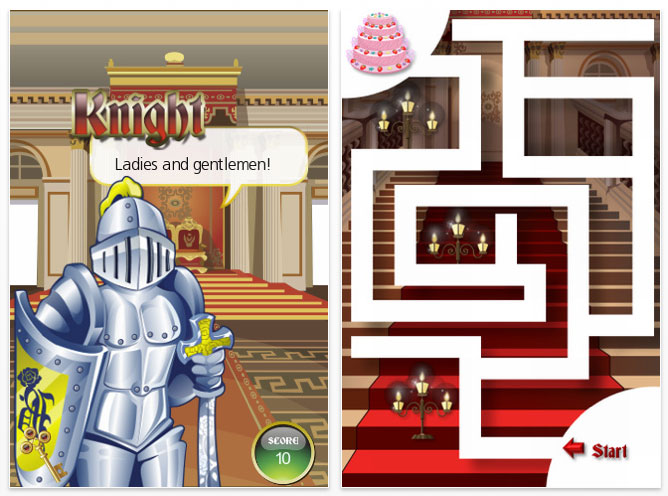
BrightKnight Kingdom$0.99

Children of elementary school age will be engaged by the story of two royal children in the Kingdom of BrightKnight as they work to plan a party for a mystery guest. Familiar items like iRing phones and apps are entwined in a magical storyline that is shaped by the answers that readers give to questions presented along the way. A fun story, cute graphics and interactive questions pertaining to math, manners and more make BrightKnight Kingdom a great value.
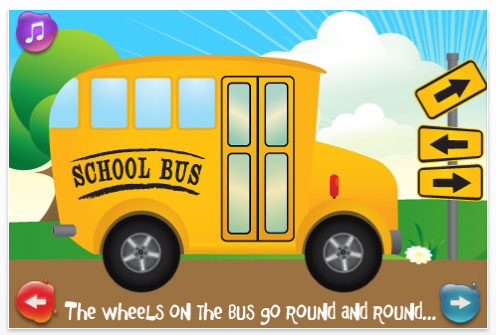
Wheels on the Bus$0.99
The app developers at Duck Duck Moose never fail to create high-quality children’s apps that strike an ideal balance between education and entertainment. Wheels on the Bus, which is based on the classic children’s tune, is full of interactive opportunities for parents and children. Users can listen to the story in multiple languages, listen to the sound of various instruments on the bus, or record their own sing along!
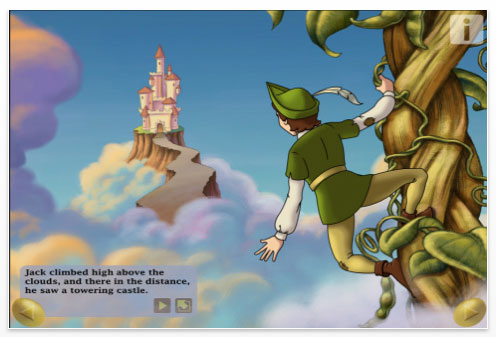
Jack and The Beanstalk$3.99
Thirty two pages of clear illustrations and engaging text are filled with all sorts of opportunities for interaction as children learn the tale of Jack and his legendary magical beanstalk. Kids will love the opportunity to find the surprises on each and every page; ranging from virtual finger paints to sing-along’s with Jack himself. The vast array of interaction within this storybook app is sure to keep readers coming back time and time again.
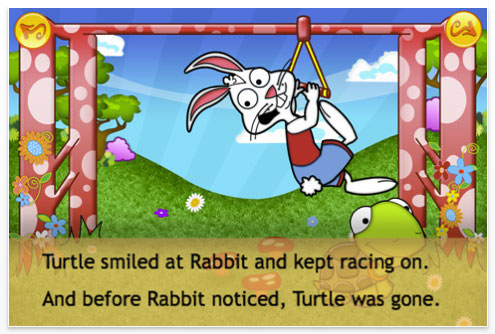
Rabbit & Turtle’s Amazing Race – See, Touch & Learn$3.99
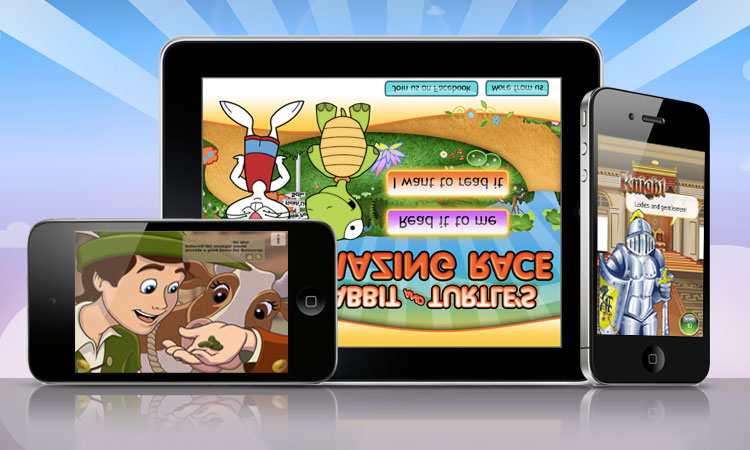
Rhyming verses tell the tale of Rabbit & Turtle, while helping teach children that in the end, trying your best is always more important than winning. Colorful, cute graphics present bright illustrations for each page of the app, as children are given the option to read along with a pre-recorded narrative or read independently. Interactive surprises are hidden along the way to make sure children are paying attention!
The Cat in the Hat – Dr. Seuss$3.99
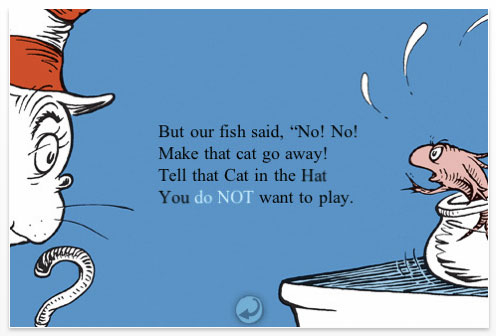
Dr. Seuss stories are a staple for any children’s library, and with The Cat in the Hat interactive story app, children can take the adventure of Dr. Seuss along with them. Classic Seuss-style animations are a feature of the story, as children are able to choose from a number of read-along configuration options. Word association skills are fostered along the way as specific items throughout the story are highlighted along with the spoken words. And besides, who doesn’t bolster their rhyming skills after a good Dr. Seuss read-along?
Lightning Was Here: My Puzzle Book$0.99
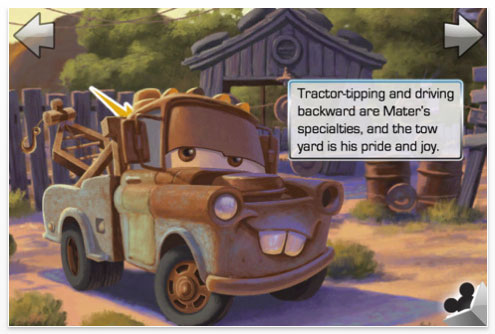
Kids who are fans of the animated film Cars will be delighted to read along with the superstar race car Lightning McQueen in this app, which combines story time with puzzle challenges! Three different jigsaw-style puzzles throughout the story put little minds to work as they put the pieces back together and continue to read the story. Besides variety, this app also offers the ability to record a parent or child’s voice reading the story to personalize the experience!