

It might seem hard to believe but at one point, collecting baseball cards was kind of a big deal. Even though it’s less prevalent today, rare cards still carry an extremely high price tag for major collectors. It’s more niche now than ever – partially because people just don’t by physical things anymore and partially because the card games that survive today involve a game of some sort and baseball cards don’t – you buy the pack, check for players you know or interesting finds, and toss them in a drawer. Topps, one of the largest card makers around, has tried to reinstate some relevancy into card collecting by taking it digital and adding a game aspect to it. Making it’s debut on the iPad, Bunt holds its own as a fantasy baseball substitute with a collectables style twist.
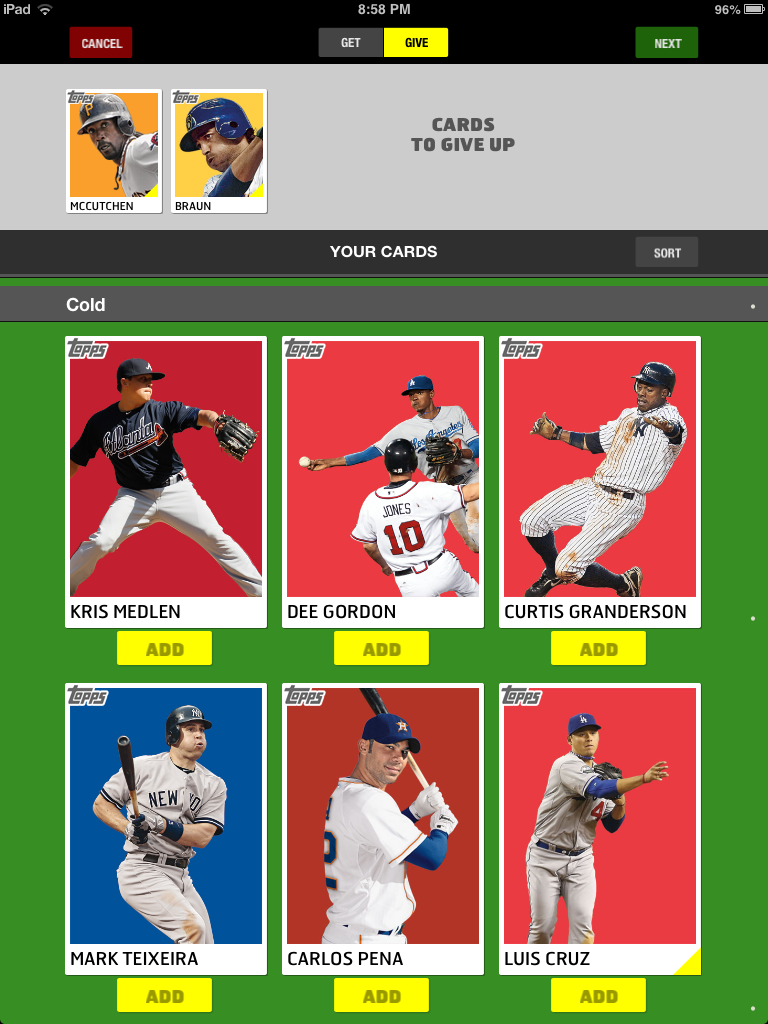 Though the initial release of Topps’ Bunt came last year, it’s making its first ever at-bat for the iPad for the 2013 season. Though the iPhone screen is closer to the size of a baseball card, the iPad is really a better home for this game. The larger screen presents a much better visual platform to accompany pictures of players and their sizable stat boxes. That said, the artwork that graces the cards squanders the opportunity to be displayed on the mobile device equivalent of the Jumbotron. The plain backgrounds and single image of the players is a simplistic look that can make the player pop, but it gets old pretty quick. Half of the fun of baseball cards is seeing the different sets with unique designs. That is lacking here. You’re just collecting players, not cards, and that’s a pretty big swing and a miss.
The emphasis for this app isn’t so much about the cards in the long run, though; it’s about the game. That’s where Topps thinks its hook is, and it’s not wrong. Bunt borrows rather heavily from both fantasy sports and the various sports video games that have instituted card-based team building modes, most notably Madden’s Ultimate Team and NBA 2K’s MyTeam. You are given enough coins when starting the app to buy a pack of cards which consists of nine cards – enough to field your first team. You can earn more coins by getting others to sign up and use your fan name as a promo code. It’s essentially a referral system, but it’s better than forcing users to make in-app purchases to keep playing – though you can take that route as well. Commenting on and sharing news articles from within the app will also score you more coin to keep building your team.
If you aren’t satisfied with your roster and want to do some rebuilding, you can head over to the trading block and move around some pieces. Take the cards you no longer want and put them up as available to see what kind of offers you receive in return. You can specify the player or players that you’d like to acquire in return as well. It’s a chance to sell high on players that may be over achieving or ship off a guy just before he hits a hot streak so you can spend the rest of your free time kicking yourself.
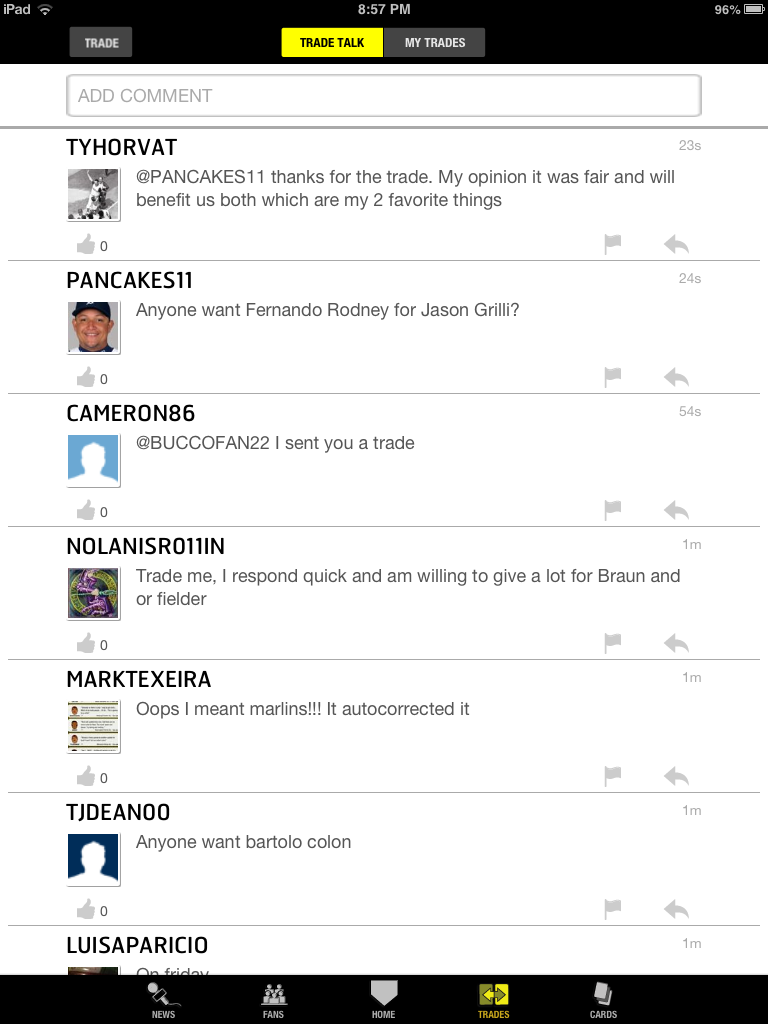 If you’re wondering why you’d want certain players over others aside from just personal preference, it’s because the stats of those players in real life translates to your virtual team. Points are earned for on-field performances and your score is compared to others on your friends list. It doesn’t have quite the depth that a fantasy baseball game does as there is no bench and you can’t swap out players daily. You have your starting nine and you’re locked in to them until you move a player in a trade. It’d be nice to see some additional strategy added in, as injuries or consecutive days off for a player will do damage to your overall score. Still, it’s a bit lighter than a full fantasy league for the casual fan and has a far better interface than the less friendly, numbers heavy games.
In all, it’s kind of difficult to place Bunt in terms of who would actually want to play it. It’s probably not hardcore enough for the die hard baseball fan, and it’s difficult to imagine there is a hardcore card collector but casual fan of the actual sport. It’s potentially a good introduction to America’s past time for someone who likes baseball but isn’t engaged in it enough to follow the every day happenings. The game aspect of it is fun enough but lacks the appeal that a real card collector would need to make the change to digital only. Maybe the app could come packaged with a piece of bubble gum?
Bunt is available to download from the iTunes App Store for free.


