1. Home
  2. Phones
  3. Android
  4. Apple
  5. Mobile
  6. News

Google’s Gboard now uses A.I. to recommend GIFs based on your conversation

Add as a preferred source on Google

Users of Google’s Gboard mobile keyboard may soon find it a whole lot easier to find GIFs and stickers related to their conversations. Google is pushing an update to Gboard that will include a feature that contextually suggests GIFs And stickers that it thinks may relate to the conversation at hand.

According to Google, the new feature should make it easier for users to express themselves, but it also understands the privacy implications, too — considering the fact that it means that the keyboard has to have access to the conversation in the first place to recommend related GIFs and stickers. To that end, Google says that everything is processed on-device, helping ensure that it’s private and fast.

Recommended Videos

There are plenty of advantages to on-device artificial intelligence, as Google highlights. Perhaps the most obvious is that it’s much more secure than cloud-based artificial intelligence. On top of that, it works when you don’t have a cellular connection — so even when you’re on a hike in the middle of nowhere, you should still get access to some of the artificially intelligent features on your phone. In particular, Google has been pushing artificial intelligence on the Google Pixel 3 and Pixel 3 XL, and that is likely to continue in future versions of the Pixel.

To access the Gboard-recommended GIFs, simply tap the GIF icon when it appears in the top left-hand corner of the Gboard. Tap it, and you will see a range of GIFs, stickers, and emojis that Gboard things you might want to use.

Of course, this isn’t the first time Google has inserted artificial intelligence into Gboard in an attempt to make it a smoother experience for users. Recently, Google launched a feature to Gboard that allows users to create small emoji stickers of themselves using by taking a photo and then tweaking your facial features — similar to how you would on a Nintendo Wii when creating a Mii.

Gboard has long been hailed as one of the best software keyboards for Android and iOS, and features like this are why. We’ll likely see more artificial intelligence-based features in Gboard as time goes on.

Christian de Looper
Christian de Looper is a long-time freelance writer who has covered every facet of the consumer tech and electric vehicle…
Samsung’s Galaxy S27 Pro and Ultra could finally ditch that ancient selfie camera
Samsung might finally be done recycling old camera hardware.
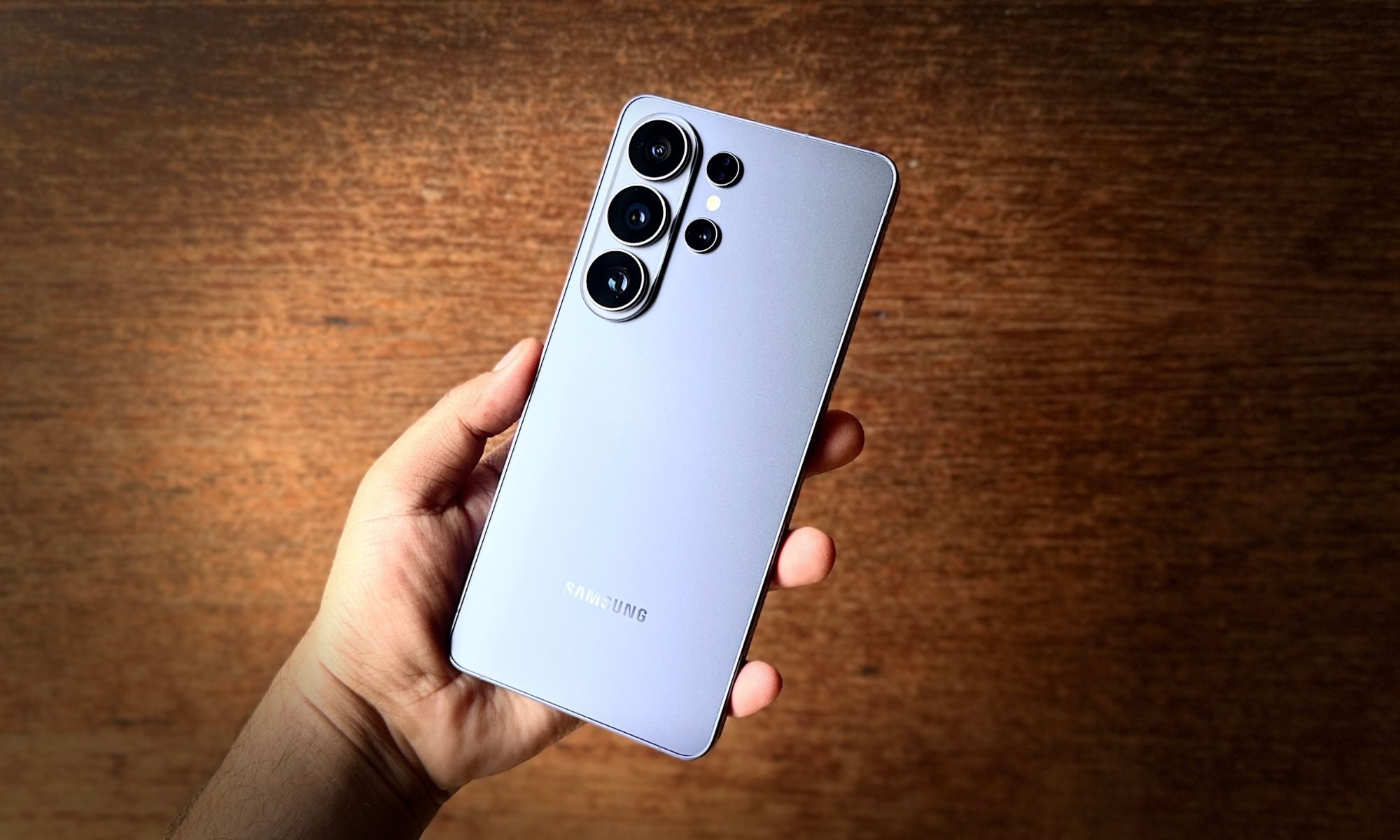
Samsung Galaxy S26 Ultra smartphone in blue color.

Samsung has used the same 12MP front camera on its flagships for what feels like forever, and I was starting to think it would never change, but a recent leak gives us some hope. According to Ice Universe, a reliable source, GalaxyClub, known for its accurate Samsung leaks, has said that we might finally see a selfie-camera upgrade with Samsung’s next-generation flagships, the Galaxy S27 Pro and Ultra, and it’s not just a spec bump either. 

https://twitter.com/universeice/status/2072837912979509422

Read more
Meta just launched a vibe-coding app for games, and it’s called Pocket
The new AI-powered app lets users create, play, and share mini-games using natural language.
Pocket by Meta featured image

If "vibe coding" wasn't already everywhere, Meta is making sure it is now. The company has quietly launched Pocket, a new AI-powered app that lets users generate, play, and share interactive mini-games simply by typing what they want. No game engine, no programming language, and definitely no debugging at 2 a.m. Just prompts.

Turn prompts into playable games

Read more
OPPO’s Bubble made me wish magnetic accessories were this fun
This magnetic OPPO accessory is more useful than it looks
Oppo Bubble Featured

Some smartphone accessories, like power banks, are quite useful, while others are cute for about five minutes before the novelty wears off. The Oppo Bubble looked like it was going to be part of that latter, but I had too much fun with it, and now I want more accessories to be this way. One that doesn't take itself too seriously, without missing out on some well-thought-out functionality.

I used it with the Oppo Reno 16 Pro, which already has one of the flashier phone designs I have seen this year. The Pop White version has Oppo’s 3D Pop Planet look on the back, giving it this floating, toy-like visual effect. Snap the Bubble onto the rear, and it's all iced out.

Read more