

“For the avid traveler, the college dorm resident, or the tablet-toting young adult, the Carbon Audio Zooka will definitely enhance the media experience, and would likely make a desirable gift.”
- Smooth, clear treble
- Convenient minimalist design
- Multiple features
- Limited frequency response
- Some pops while connecting Bluetooth
- A few minor design quirks
“Why you can trust Digital Trends – We have a 20-year history of testing, reviewing, and rating products, services and apps to help you make a sound buying decision. Find out more about how we test and score products.“
We’ve had more than our share of fun evaluating various Bluetooth speaker designs this year, but we’re always up for more. Recently, we snatched up the opportunity to check out the debut product from a locally-based startup called Carbon Audio, a company situated just down the street from our Portland offices.
The Zooka is a small rubbery tube with speakers on each end that face outward, like a double-sided flashlight. It’s made to work with the iPad, iPhone and iPods (though it will work with many laptops and tablets) and connects via Bluetooth to play audio for music, video chat, and phone calls, all at a claimed “five times” the volume level these mobile devices can achieve on their own.
Priced around $100, and with two relatively small 30 mm drivers at work, we weren’t expecting the Zooka would “raise the roof” at our next office party. But we were interested to see how functional this supremely mobile add-on could be, especially considering how notoriously poor the built-in sound quality of tablets and smartphones can be. Here’s what we discovered.
Out of the box
The Zooka experience is about as minimalist as you can get for a piece of electronics gear. Cut the tab on the underside of the small box, and out drops the Zooka, lying in a cast-plastic frame. Pulling the soft wand from the frame, we found only two other items in the box: a small USB to mini-USB cable (for charging purposes), and a little white card with a picture diagram that shows how to get your Zooka up and running. Following the little cartoon with relative ease, we soon had the Zooka powered-on, connected, and ready for action
Features and design
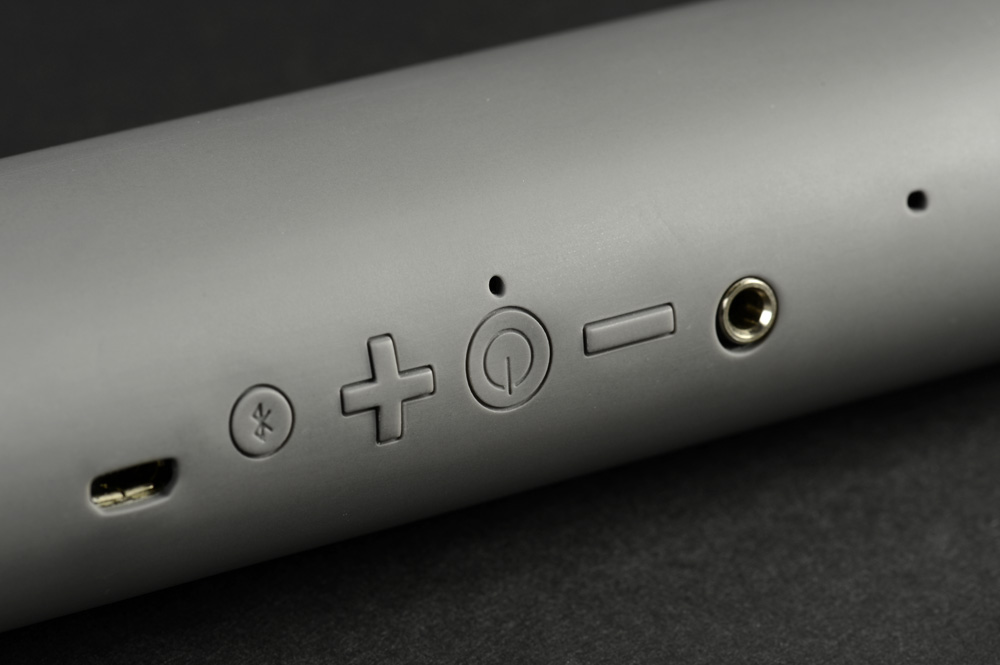
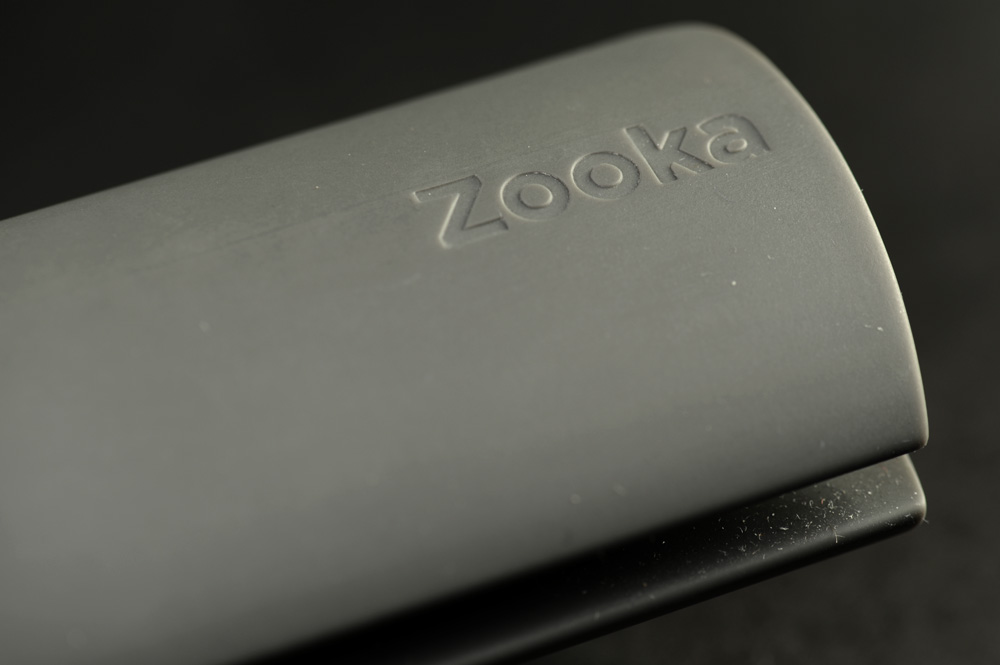
On Carbon Audio’s website, the Zooka is displayed in a rainbow of available color choices, though ours was a rather understated charcoal grey. The soft bar is covered with a smooth, grippy silicone surface, and feels pretty durable. Along the spine of the device are buttons for power, volume control, and Bluetooth pairing. A multi-color LED situated above the power button indicates power status, charging status and Bluetooth pairing status. Just to the side of the control buttons is a mini-USB input for charging the Zooka, and 3.5mm input for non-Bluetooth devices.
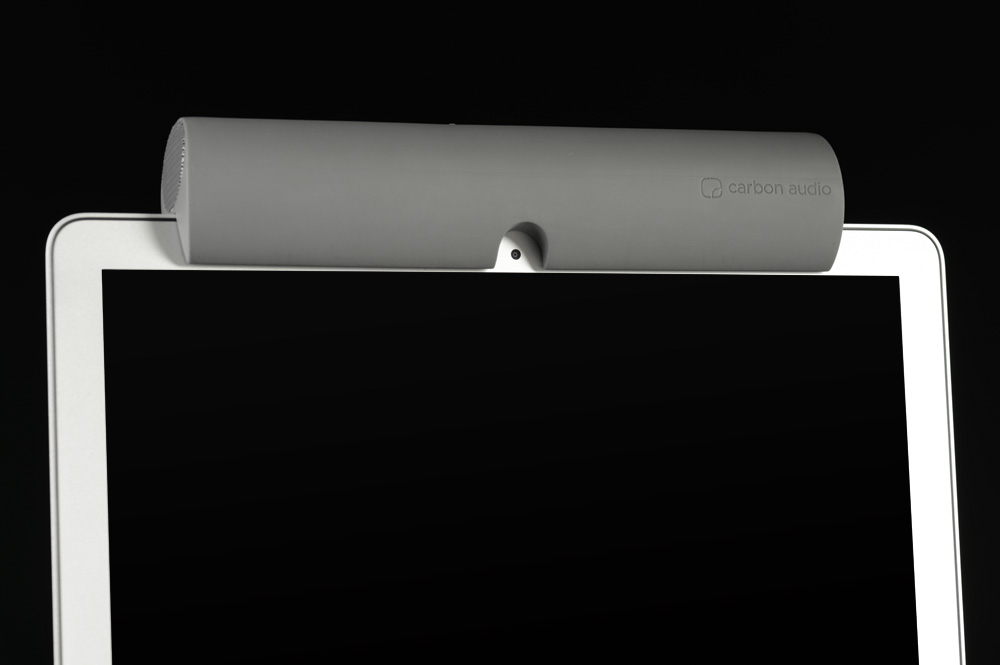
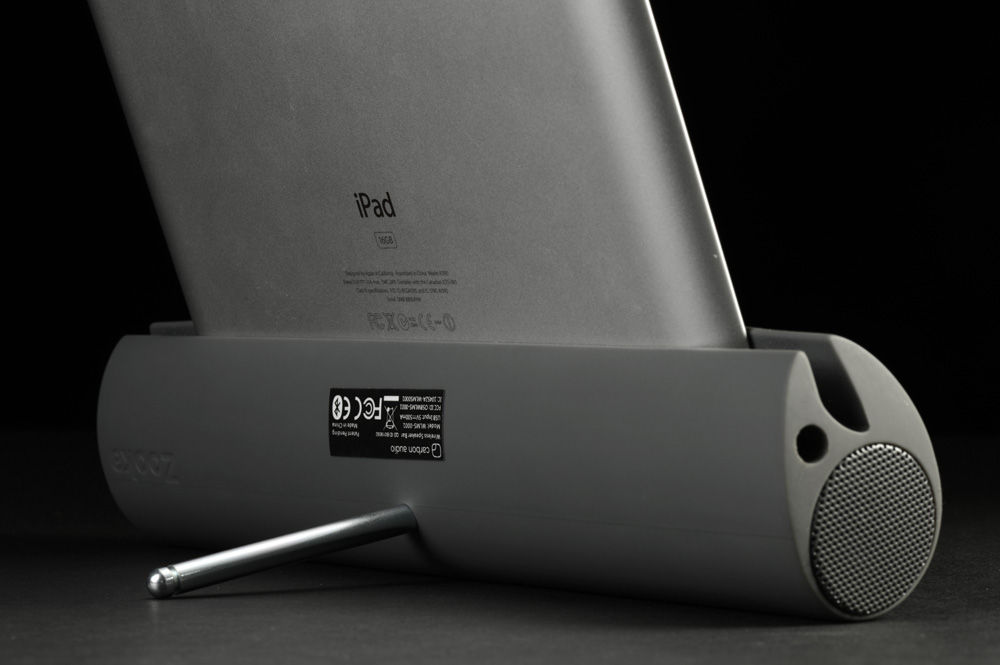
The Zooka features a slit along its side to accommodate a laptop lid or a tablet. The clever design includes a circular cutout in the middle, so the rubber “mouth” doesn’t cover your iPad’s home button or laptop camera when attached. Slipping our first-gen iPad into the gap, we discovered another clever Zooka feature: A silver bead protruding from one end turns out to be a short metal peg when you pull on it. Screw the peg into a threaded insert on the back of the Zooka and voila: your Zooka becomes a tablet stand – perfect for watching movies and video. Strangely, though, Carbon Audio has placed the Zooka’s control buttons such that they are hidden away under the device when it is used to prop up a tablet. You can still control volume with your device, sure, but we’d still like to have access to the buttons at all times.
 |
 |
 |
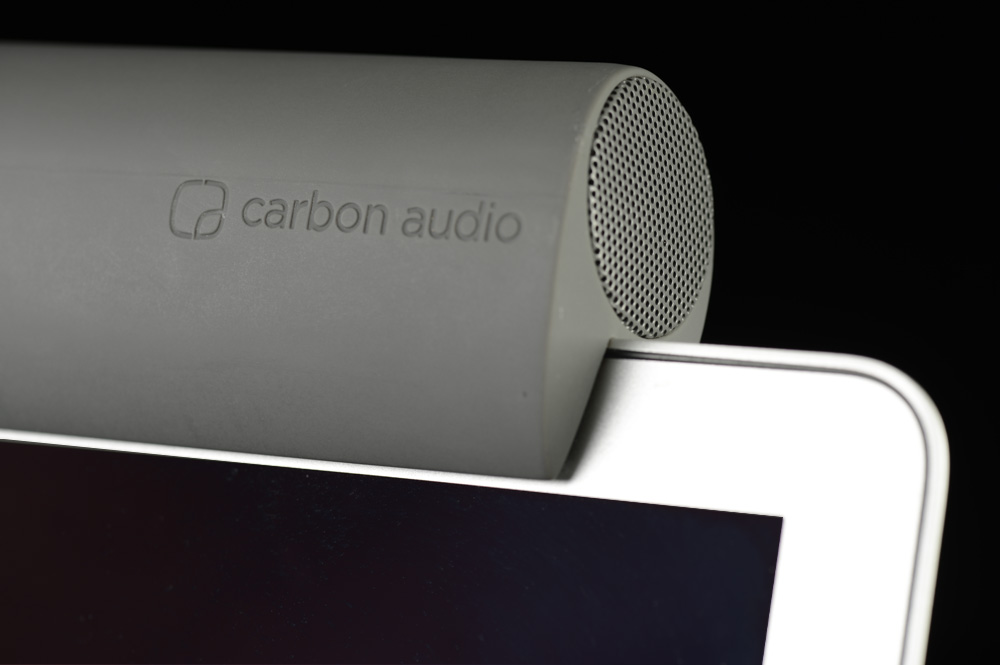 |
Placed atop our Macbook screen, the Zooka seemed a bit heavy and precarious. For those with loose laptop lid hinges, the Zooka’s weight could be a problem. Also, we noted that, while seated atop a laptop’s lid, the Zooka’s stereo speakers become inverted. This could be a problem while watching movies, as stereo effects would contradict the on-screen action. You might see the Batmobile cruise in from the right, but you would hear it come in from the left. That would get annoying after a while. As a laptop speaker, the Zooka works ok, but we preferred using it as a tablet stand, by far.
Audio Performance
We never expected the Zooka to deliver sonic precision or studio-quality sound, but when we compared the Zooka back-to-back with the tiny speakers in our different devices (especially our iPhone 3GS), there was no question the Zooka provided a much-improved audio experience.
The small drivers on each end of the Zooka offer little to no bass and midbass response – you’re not going to hear bass grooves thumping in your hip-hop tracks. However, as we moved through our music catalog, we noted smooth, crystalline treble sounds from instruments such as synthesizers, flutes and violins. While watching video, voices were clear, and there was plenty of volume in most scenarios as well.
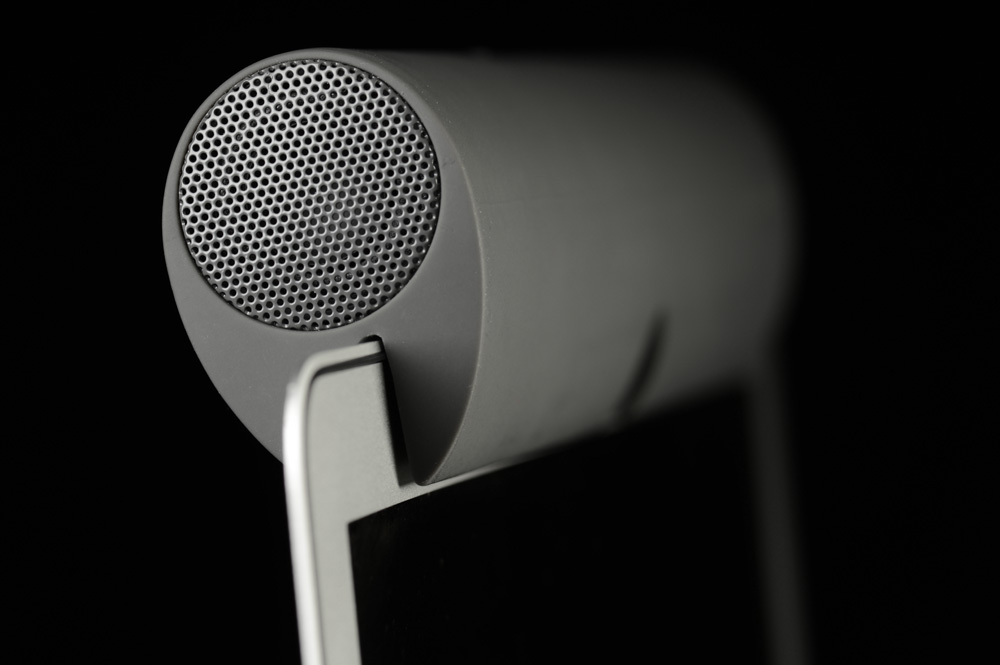
The Zooka’s side-firing speaker design is a little limiting in terms of sound clarity, but it did help make stereo effects more convincing and, generally, we got a bigger-than-expected soundscape from the small tube.
With clear treble and notably bigger sound than our mobile devices were capable of, the Zooka produced some enjoyable moments. Still, without much low end, the sound came off as unsupported sometimes. It’s as if you’re only hearing some of your music.
Also we eventually got a little annoyed with the clicks, pops and beeps that the Zooka produced as we disconnected, reconnected, changed or turned off our devices. Any speaker that makes sounds when not instructed to gets a bit tiresome for us.
Conclusion
While the Zooka delivers solid detail in higher registers and relatively wide stereo sound, it isn’t a replacement for larger desktop speaker sets. Is it five times louder than most portable media devices? Probably. Does it sound five times fuller than those media devices? No.
This little bar shines brightest when it is used for its many applicable multimedia functions. The Zooka’s strength lies in its convenience, and we like the fact that, when paired with a tablet, it becomes a sort of miniature entertainment center, video chat enhancer, and speakerphone, all in a singularly sleek and portable package. The Zooka may not be the choice for supreme sound quality – and it has its quirks – but for the avid traveler, the college dorm resident, or the tablet-toting young adult, the Carbon Audio Zooka will definitely enhance the media experience, and would likely make a desirable gift.
Highs
- Smooth, clear treble
- Convenient minimalist design
- Multiple features
Lows
- Limited frequency response
- Some pops while connecting Bluetooth
- A few minor design quirks


