


“For the first time, the new iPad feels like the device Steve Jobs promised two years ago. This is a capable post-PC device and should usher in another great year for tablets.”
- Screen actually is 'Resolutionary'
- Great battery life
- Powerful graphics processor
- Responsive screen
- 200,000+ optimized tablet apps
- Excellent rear camera
- 4G LTE capability rocks
- iOS showing some age
- 4G models split (AT&T or Verizon)
- Front-facing camera still VGA
- Slightly thicker and heavier than iPad 2
- No Siri
“Why you can trust Digital Trends – We have a 20-year history of testing, reviewing, and rating products, services and apps to help you make a sound buying decision. Find out more about how we test and score products.“
The iPad 2 corrected some of the biggest problems and omissions of the first iPad, but with the third model, Apple is done fixing holes. Instead, it’s beefing up all of the internals of its signature tablet to attempt to deliver on the experience Steve Jobs laid out two years ago. Does it live up to the hype? Find out below.
Video overview
Design and feel
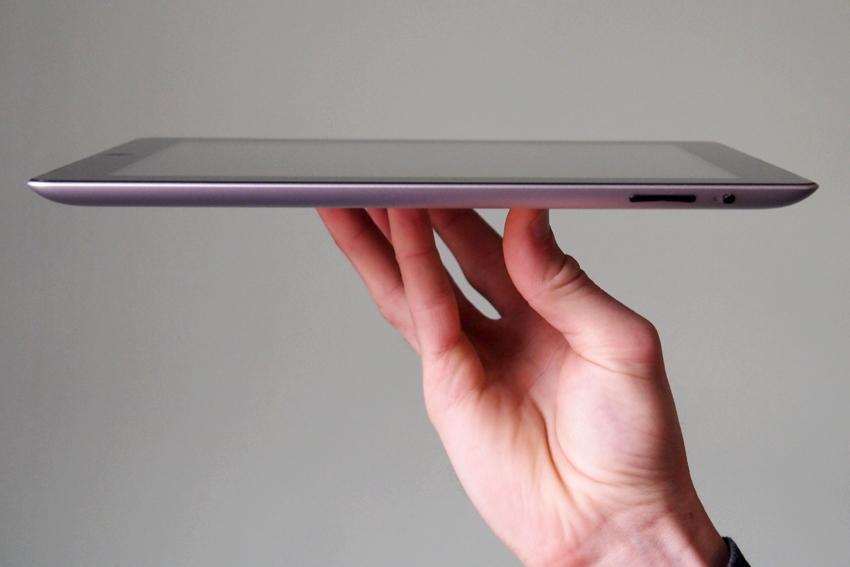
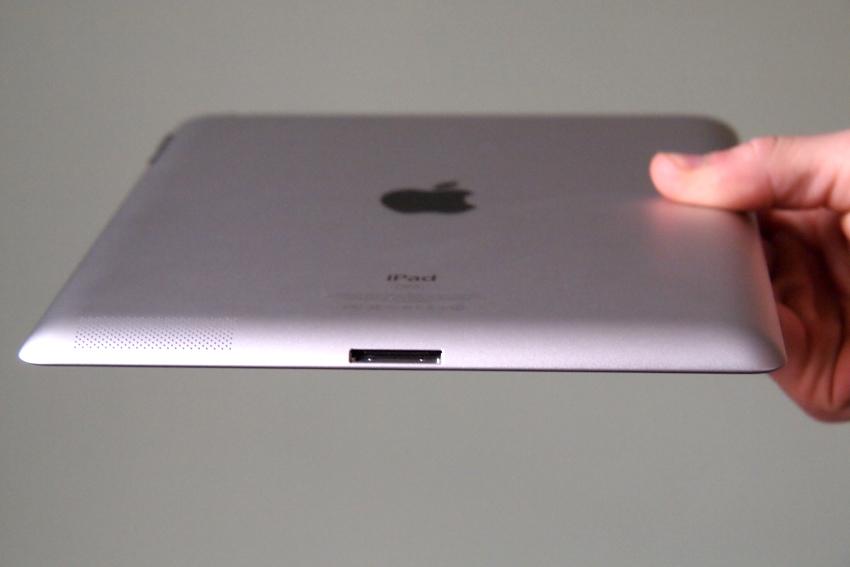
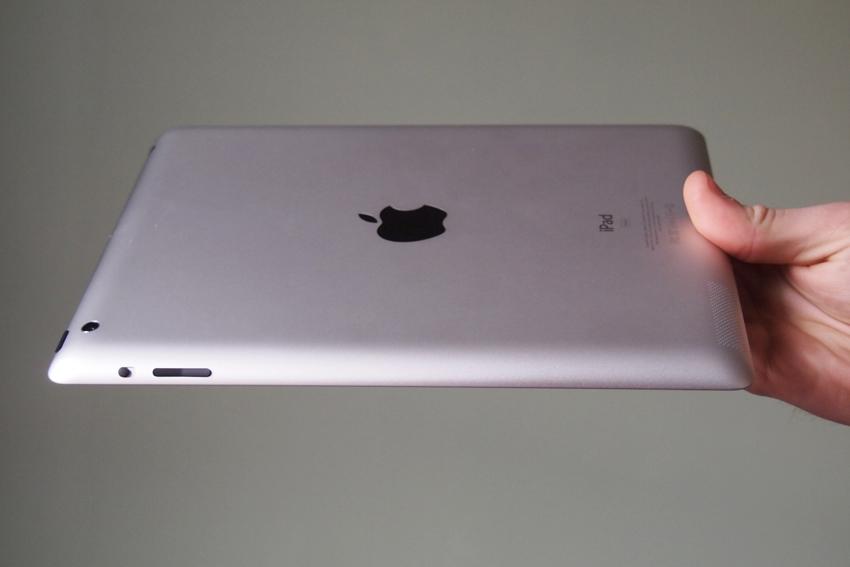
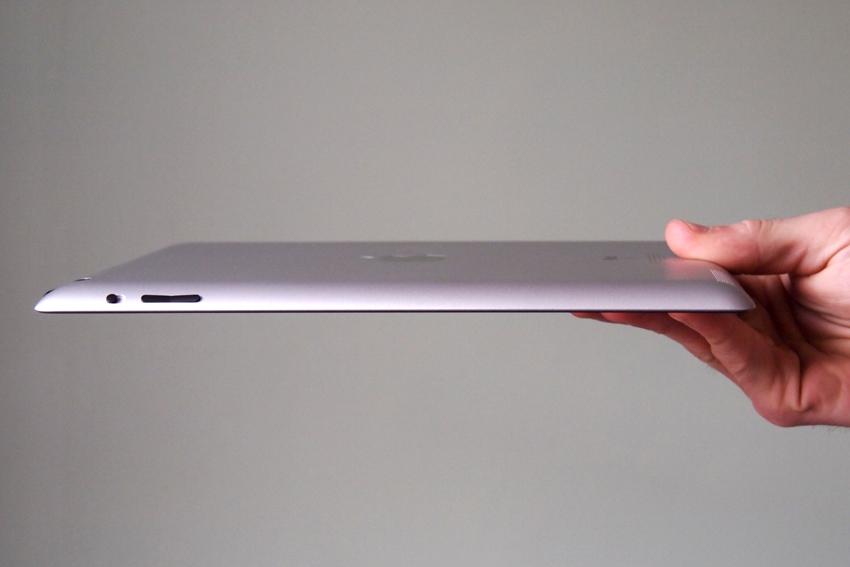
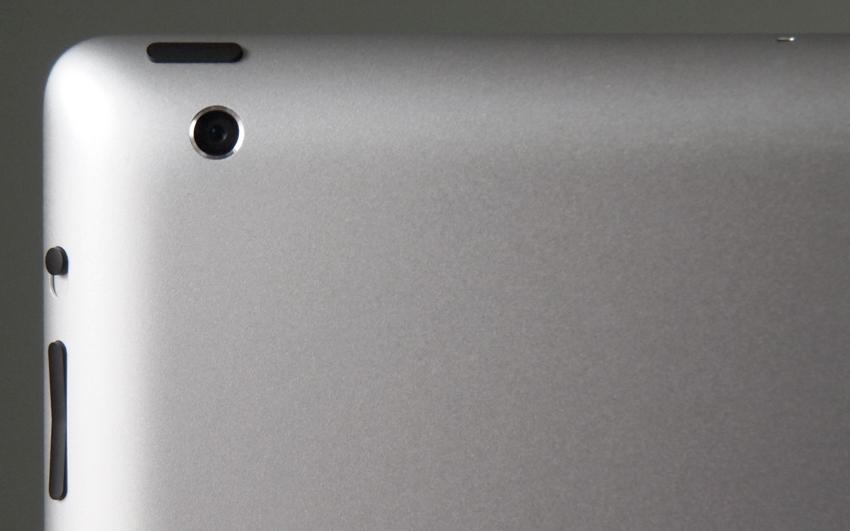
The new iPad is almost identical to the iPad 2. It has the same flat-back, brushed aluminum frame as its predecessor, the same button placement, and the same size and look to its screen/bezel (at least, until you turn it on). While it’s always fun to have a completely new look to each device, the iPad 2 is still probably the best-looking tablet on the market. As they say, if it ain’t broke, don’t fix it.

 |
 |
 |
 |
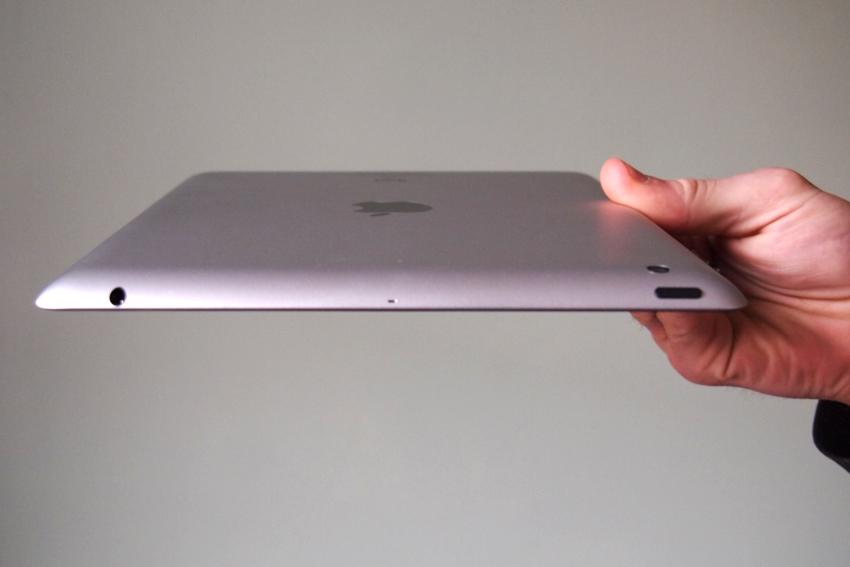 |
Apple has made a few necessary modifications to the design, though they’re almost unnoticeable to the untrained eye. The new iPad is a bit thicker (9.4mm) than the iPad 2 (8.8mm) and a bit heavier (1.44lbs) as well (the last version was 1.33lbs). Both of these changes are due to the larger battery Apple had to install to help the new device, with its 4G LTE connection, super HD screen, and quad-core graphics processor retain a respectable battery life.
Overall, the iPad is on the large size, but feels more petite than most of the 10.1-inch Android tablets that have come out to compete with it. It’s hard to say exactly why Apple’s tablet still feels more comfortable than most tablets, but it does. Perhaps it’s the 3:4 aspect ratio, which better mimics a sheet of paper (about 1.5 inches shorter and 1 inch thinner). In any case, it’s easy to make your way to most of the buttons and functions on the new iPad, and I cannot say that for most tablets.
The ‘Resolutionary’ screen
The third-generation iPad has a number of improvements, but the new screen is, naturally, the most noticeable. Apple also invented the cheesiest name ever (Resolutionary) to describe it. But hey, as much as we want to poke fun at the post-Jobs marketing, the screen is pretty damn impressive. It’s 9.7-inch screen has a resolution of 2048 x 1536 pixels, or exactly double that of the iPad 2’s 1024 x 768 pixel screen. As you’d expect, that also doubles the pixels per inch (ppi) from 132 to 264 ppi. The iPhone 4 is still the benchmark for a high-resolution screen at 326ppi, but hey, the new iPad has a resolution greater than 1080p. For our money, that’s pretty damn good.
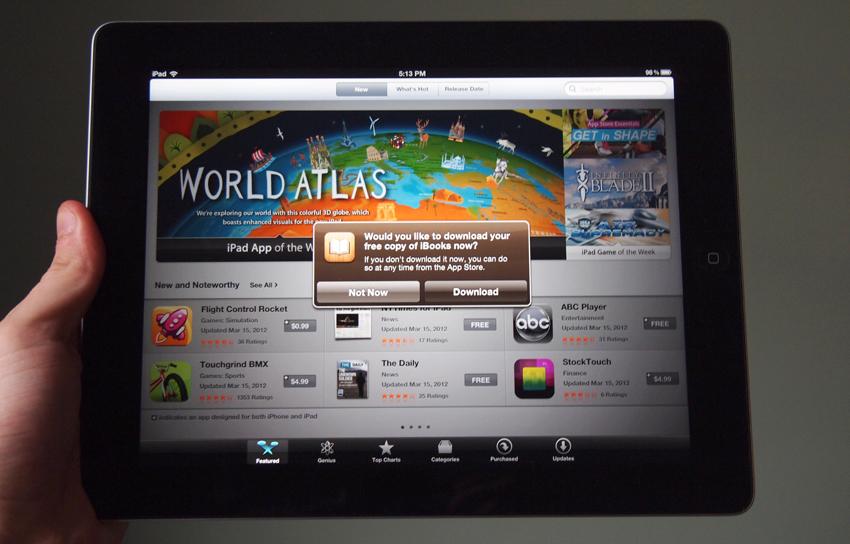
The jump from the iPad 2 (or any other tablet) to the new display is quite dramatic. The higher resolution hasn’t changed how we use the tablet much (at least not yet), but it has made it a far prettier and more pleasant experience. Future jumps in pixel count will not be as grand, but this is a leap and it makes sense that Apple is calling this a Retina display. We don’t think we’ve seen a display any prettier on a handheld device, or possibly any device. Kudos to the Cupertino engineers who helped devise this.
Operating system
It’s always been a bit strange that Apple doesn’t seem interested in fully optimizing iOS for the tablet form factor, and iOS 5.1 hasn’t changed things. The unlock screen, small buttons, and icon grid are all extremely similar to the iPhone. Apple has created some nice apps that take advantage of the large screen size, but not as much as you’d think. Smartly, it requires developers to create a completely new version of their apps for the iPad, which has resulted in more than 200,000 completely optimized apps made for Apple’s tablet. In that sense, it’s difficult to complain. Android and Windows 8 appear to be built in a more custom way for tablets, but iOS has far better app support than either of these platforms will have for quite some time.
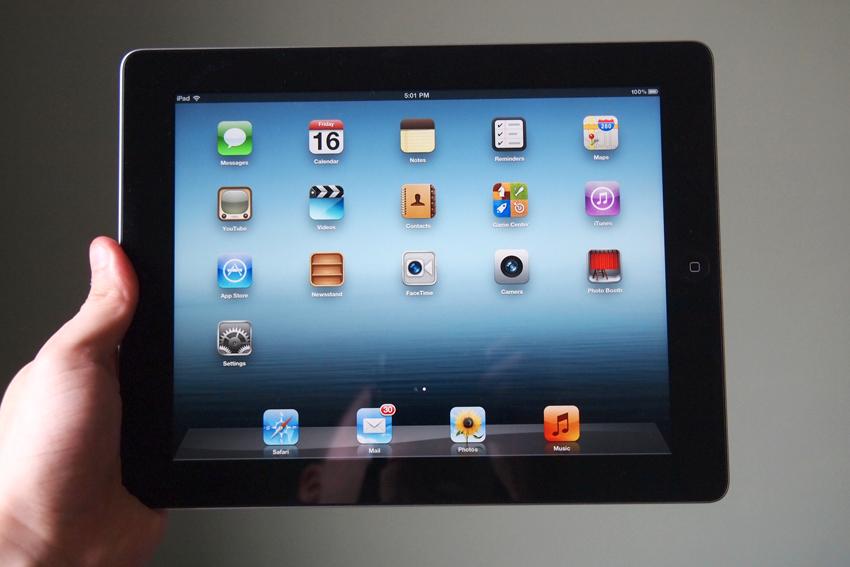
iOS 5.1 adds a notification tray and iCloud support, among other things, but the experience is mostly familiar. Hopefully Apple will release a more noteworthy update soon. And maybe some Siri support? The iPad now supports Voice Dictation for typing, but Siri is absent.
Specs
Apple is notoriously mum about system specs, unless those specs are beneficial to them. In its unveiling, the only spec given was that the new iPad runs on a dual-core A5X processor instead of the A5 on the iPad 2. What does this mean? Well, it’s certainly faster, despite having to pump out graphics on a screen with a huge 2048×1536 pixel resolution. Apple claims that the quad-core PowerVR graphics processor in it and is much more powerful than Nvidia’s Tegra 3 chip that will be running in a lot of Android smartphones and tablets in the near future. We can’t verify this, but we do know that the iPad 2 definitely seems much more capable than its predecessor. From a spec perspective, it also doubles the RAM at 1GB. Internal storage is still limited to 16GB, 32GB, and 64GB models.
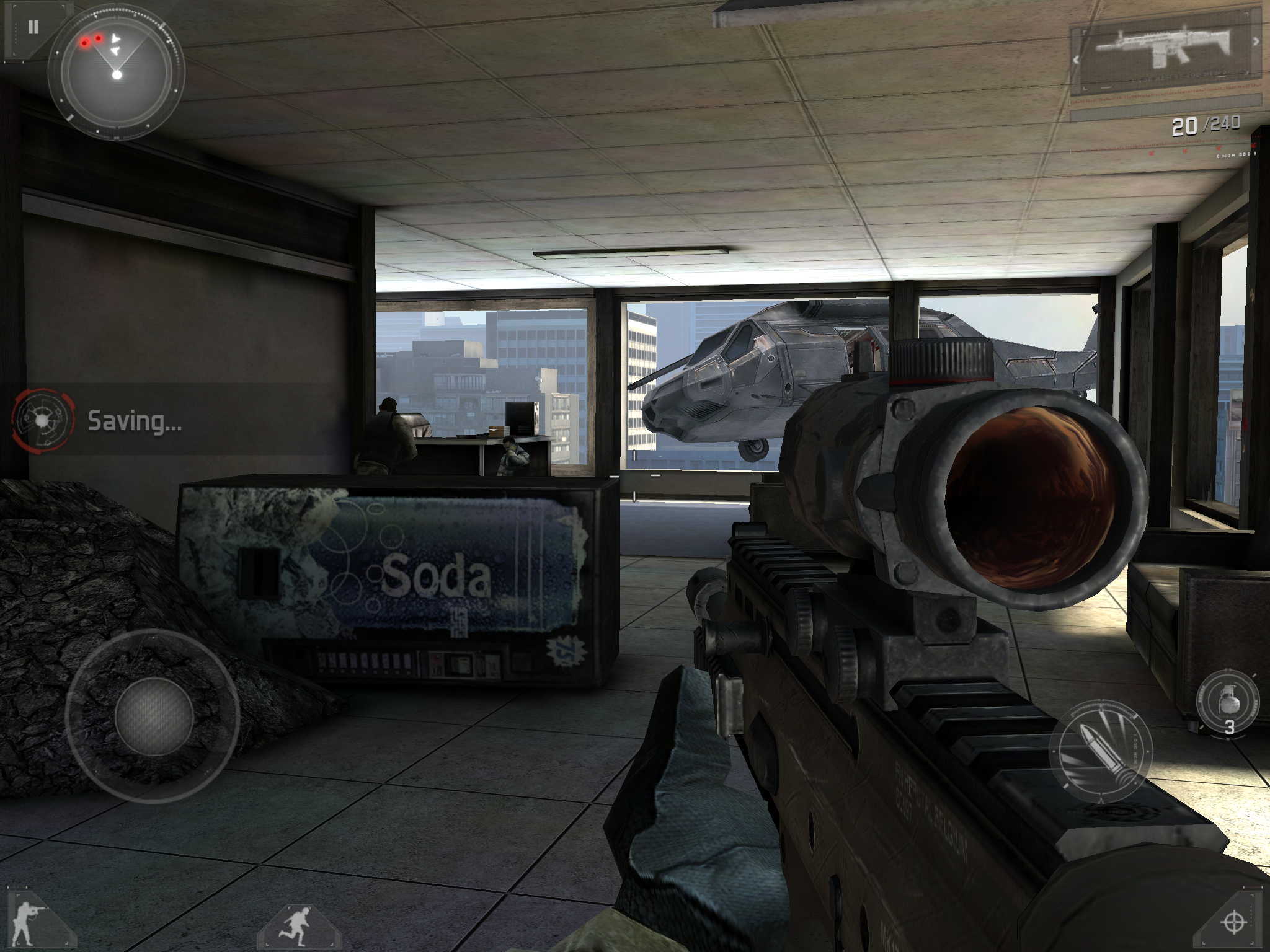
We haven’t played too many games just yet, but there are already a few apps that take advantage of the new super HD screen and graphics processing. Modern Combat 3 is our current favorite and looks about as good as a first-generation Xbox 360 game. If that doesn’t sound impressive, keep in mind that it has a resolution that’s much better than the 720p that an Xbox outputs, and the iPad’s screen is nicer than any HD television on the market.
Camera
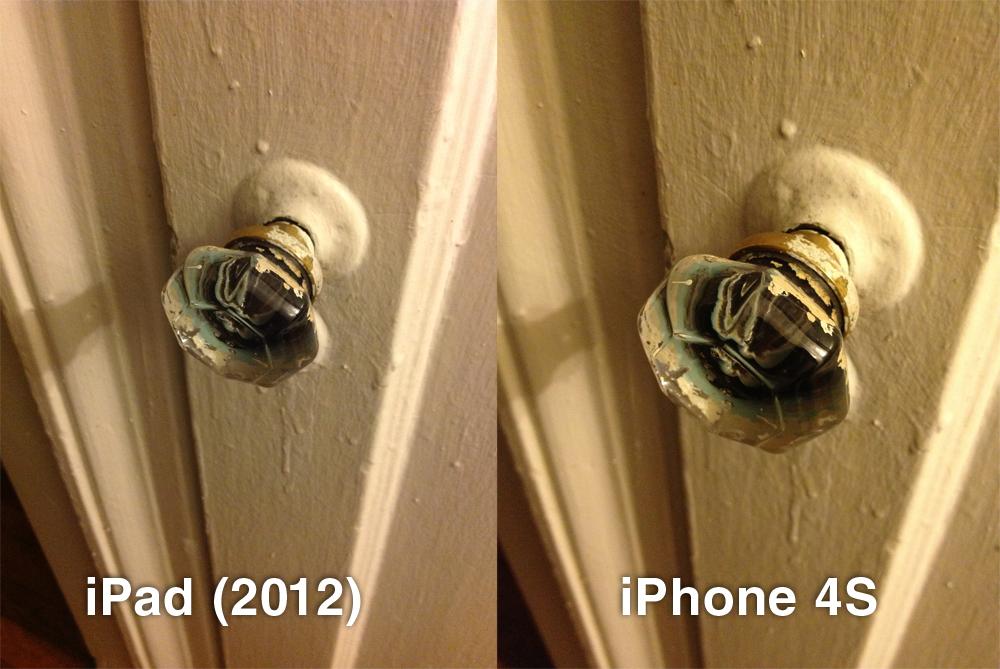
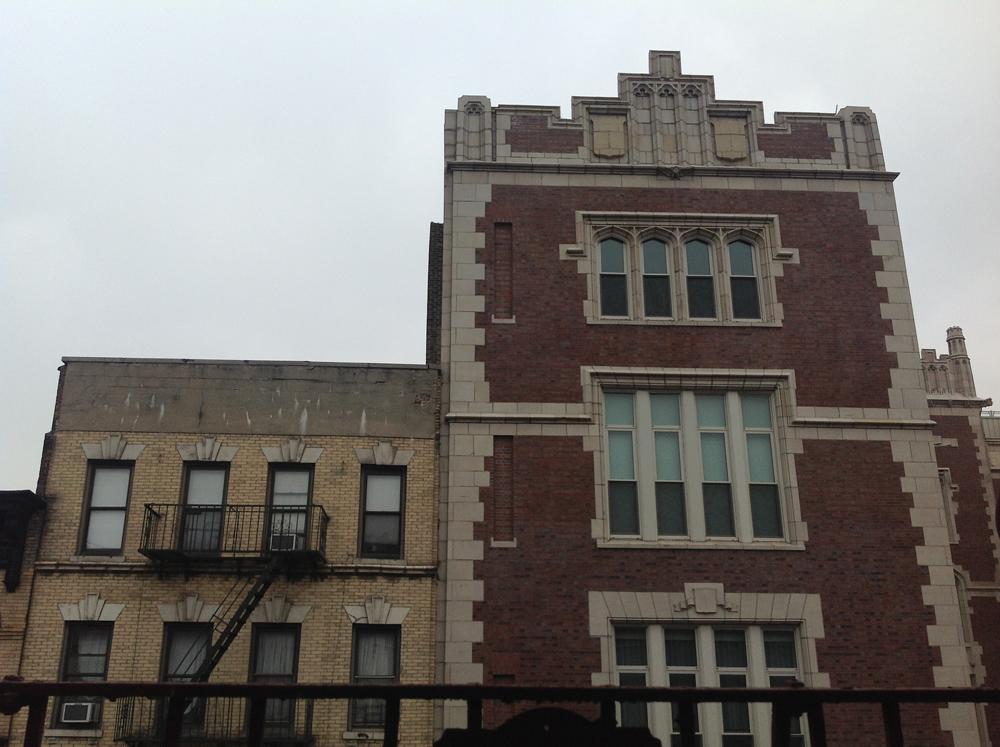
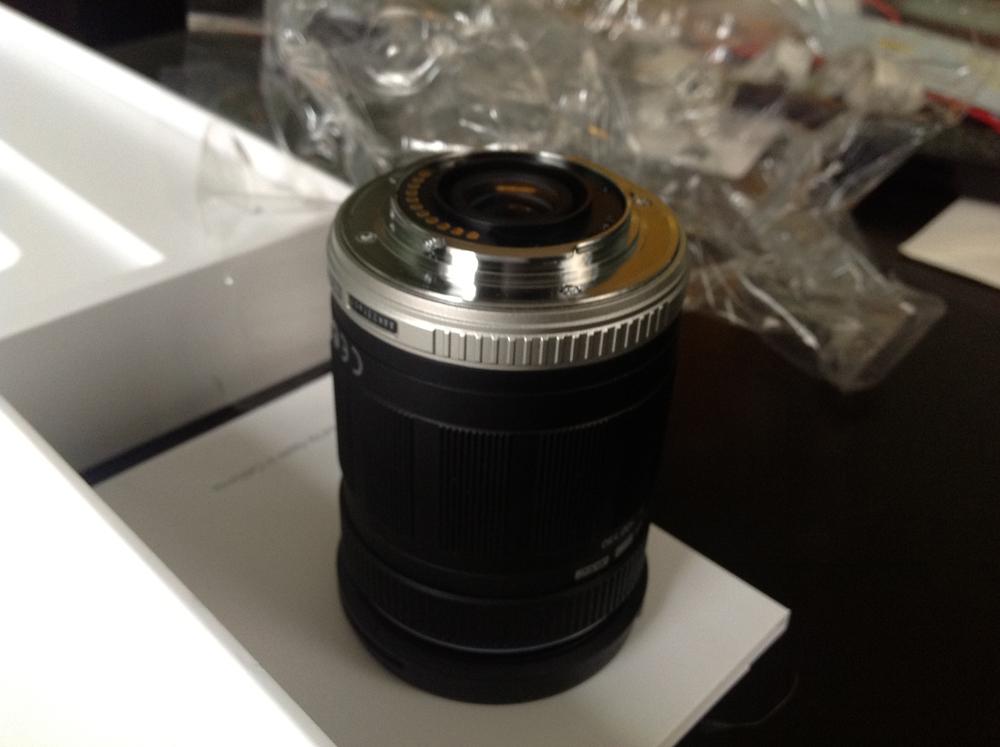
The new 5-megapixel iSight camera on the iPad is the best we’ve used on a tablet. Granted, that isn’t saying much because most tablet cameras are terrible, but perhaps this will mean more: The new iPad’s rear camera appears to take slightly better photos and video than the iPhone 4S, which is widely considered to be one of, if not the, best smartphone camera on the market. We’ve included some comparison photos and video below, but generally, the iPad produces images with a bit more clarity in focus and slightly better color correction. Unfortunately, there isn’t a LED flash on the tablet, giving the iPhone an advantage there, but unless you’re shooting in the dark, you’re better off with an iPad.
Whether any of you will actually use a giant tablet for photography is a question we don’t know the answer to, but for the first time, there is a good option out there for anyone who dares to look like a weirdo.
 |
 |
One thing you won’t be doing on the new iPad is taking pictures with its front camera. Apple hasn’t upgraded the lame VGA (640 x 480) front camera so don’t expect to be FaceTiming in HD this go round. Pictures with the front camera look pretty bad, as you’d expect.
4G LTE
Our in-house model is Wi-Fi only, but if you choose to go with a 4G model (and 4G LTE is almost worth the ridiculous price of data), we encourage you to buy the Verizon model. If you want reasons why, we wrote a comparison between AT&T and Verizon’s 4G iPad offerings. Check it out.
Battery life
We haven’t had the iPad here for a full day yet, so it’s impossible to say how the battery life will hold up. Apple is advertising 10 hours of battery on Wi-Fi and 9 hours if you buy the 4G LTE model. Today, we have been using the iPad pretty frequently for about five or six hours, and it is at about 75 percent battery capacity. So far, so good. We’ll report any bad or good news on battery life in the coming days and fill in this section a bit more. Typically, Apple products (minus the 4S) get fairly good battery life.
Conclusion
After personally sitting out for the first two iPads, Apple’s unveiling of the third iPad finally got me excited enough to consider shelling out $500 for a new tablet. After using it, it doesn’t feel like quite as huge a leap as we were hoping for, but it’s still a big step forward for tablets and Apple’s iPad line. It will be nice if Apple chooses to introduce an 8-inch tablet, but the iPad takes mobile computing one step closer to the desktop. Attach a keyboard and stand to this, and you have a very capable PC that can play some impressive games and software. And did we mention the screen? It doesn’t drop your jaw at first, but going back to anything less is already becoming difficult. For the first time, the new iPad feels like the device Steve Jobs promised two years ago. This is a capable post-PC device and should usher in another great year for tablets.
Highs:
- Screen actually is ‘Resolutionary’
- Great battery life
- Powerful graphics processor
- Responsive screen
- 200,000+ optimized tablet apps
- Excellent rear camera
- 4G LTE capability rocks
Lows:
- iOS showing some age
- 4G models split (AT&T or Verizon)
- Front-facing camera still VGA
- Slightly thicker and heavier than iPad 2
- No Siri


