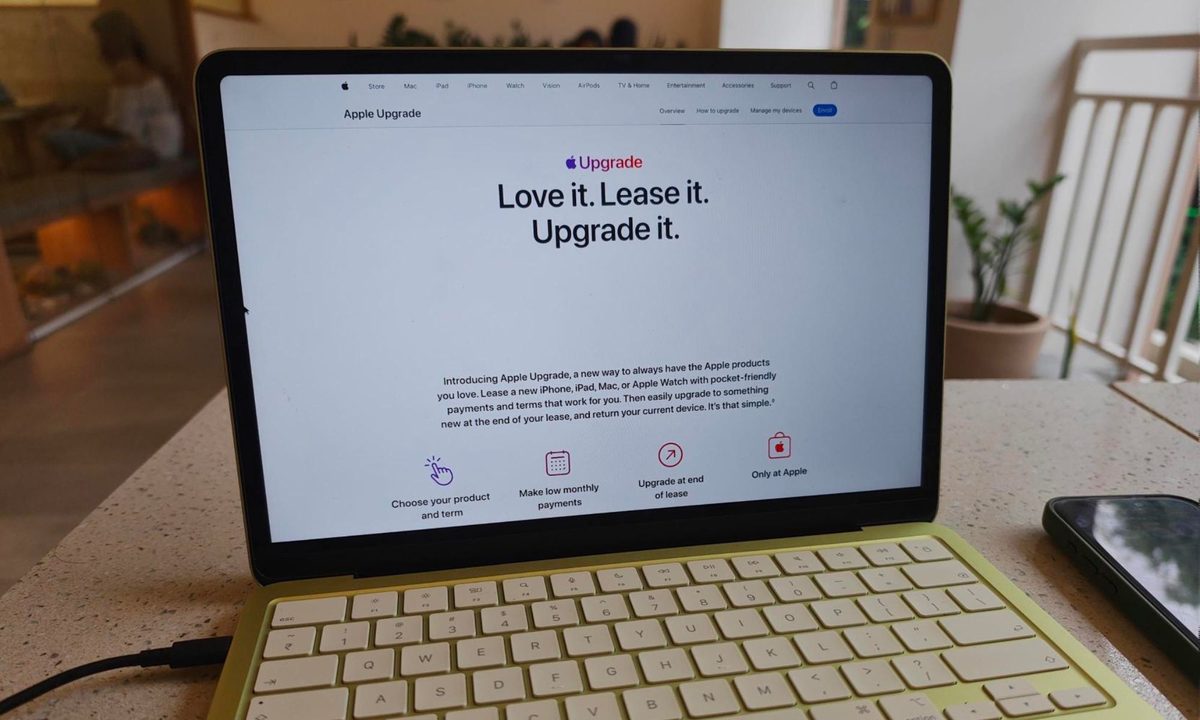
Apple has officially launched Apple Upgrade, a leasing program that lets customers pay monthly for an iPhone, iPad, Mac, or Apple Watch instead of buying the device outright. The program went live today on Apple’s website in partnership with Klarna, replacing the iPhone Upgrade Program that Apple has offered since 2015.
What you can lease and what it costs
The lease length depends on what you’re planning to get. Phones and watches get shorter terms, 12 or 24 months, while iPads and Macs stretch to 24 or 36 months, giving those categories more room before the lease is up. The program covers most current hardware, including iPhones, the MacBook Air, MacBook Pro, iMac, Mac Studio, iPad Pro, iPad Air, iPad mini, Apple Watch Series 11, and Apple Watch Ultra 3. However, the iPhone 16, base iPad, and MacBook Neo aren’t eligible. Anyone leasing an iPhone also needs to be on a postpaid plan with AT&T, T-Mobile, or Verizon, as prepaid carriers don’t qualify.
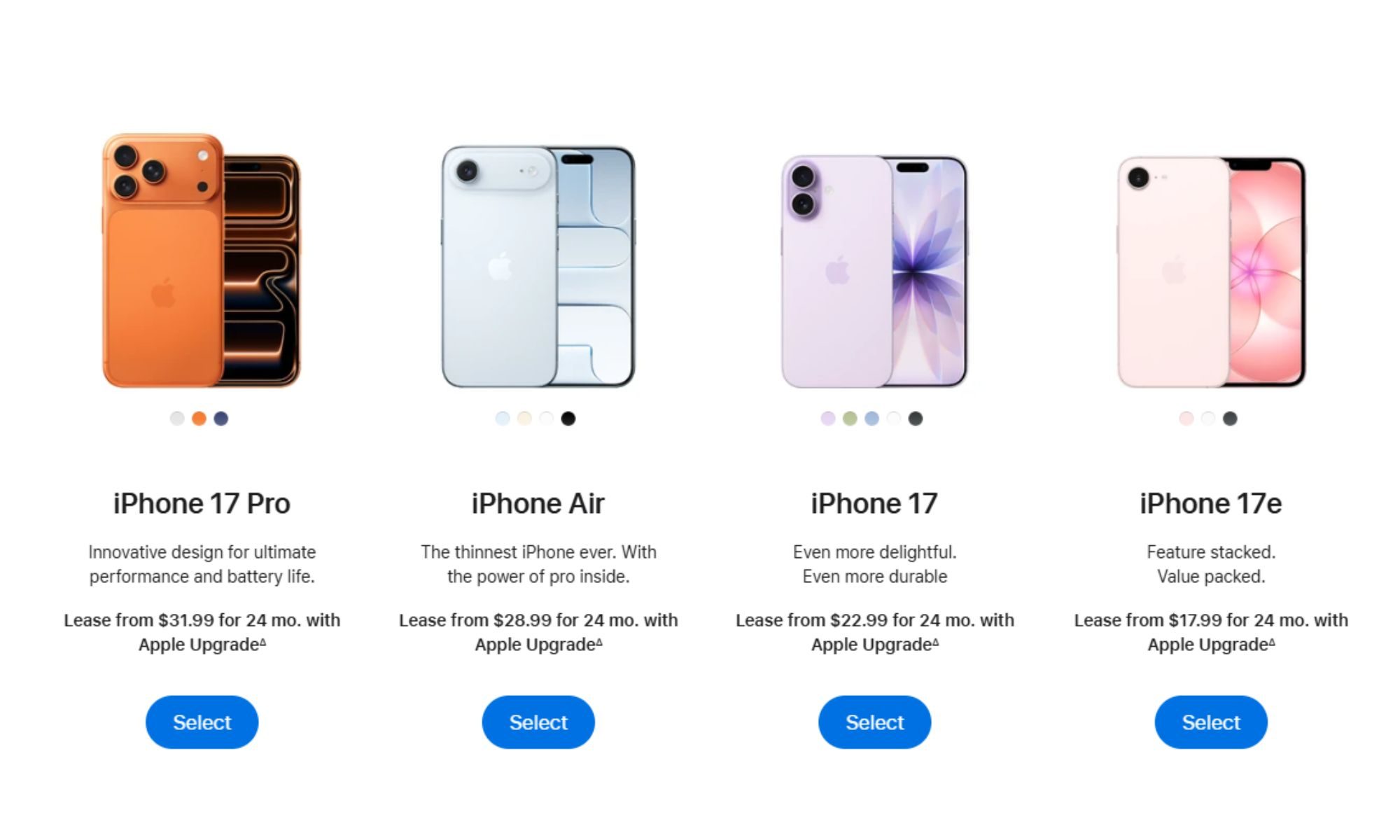
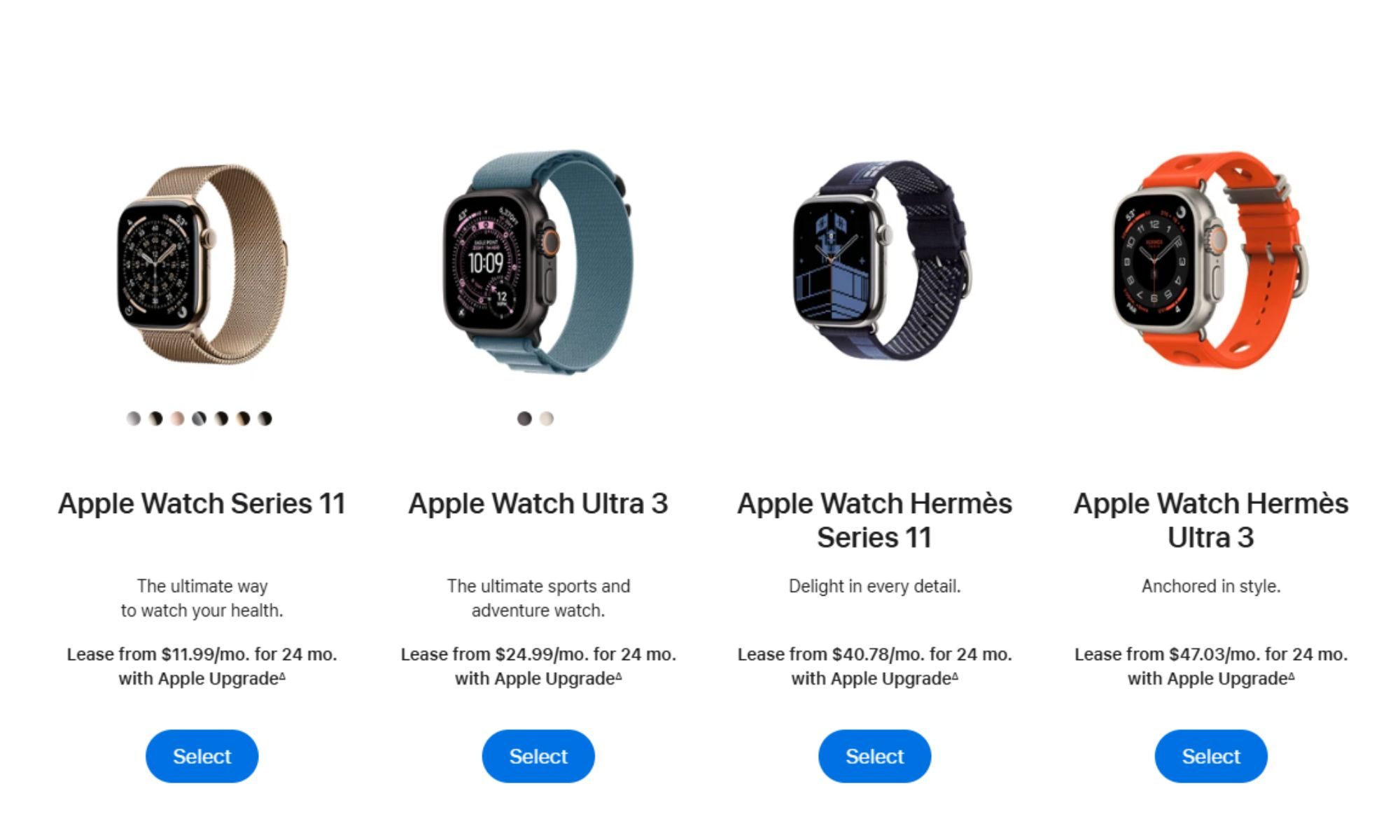
Pricing differs from device to device. A 256GB iPhone 17 Pro starts at $31.99 a month on the 24-month plan, or $45.99 a month for those who want out in a year. Tablets and laptops land in similar territory, with a 256GB iPad Pro starting at $24.99 a month over 36 months and a 16GB MacBook Pro starting at $38.99 a month over the same term.
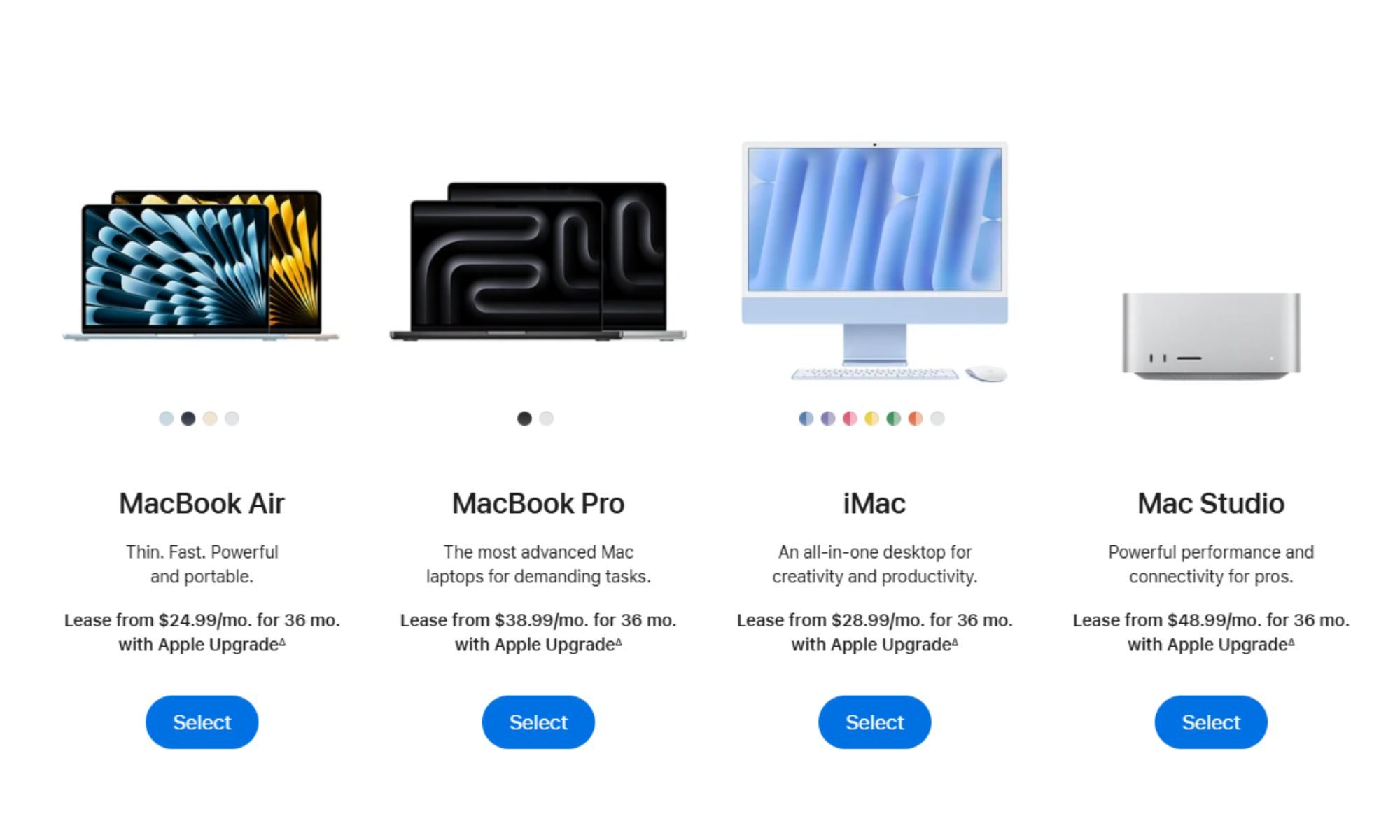
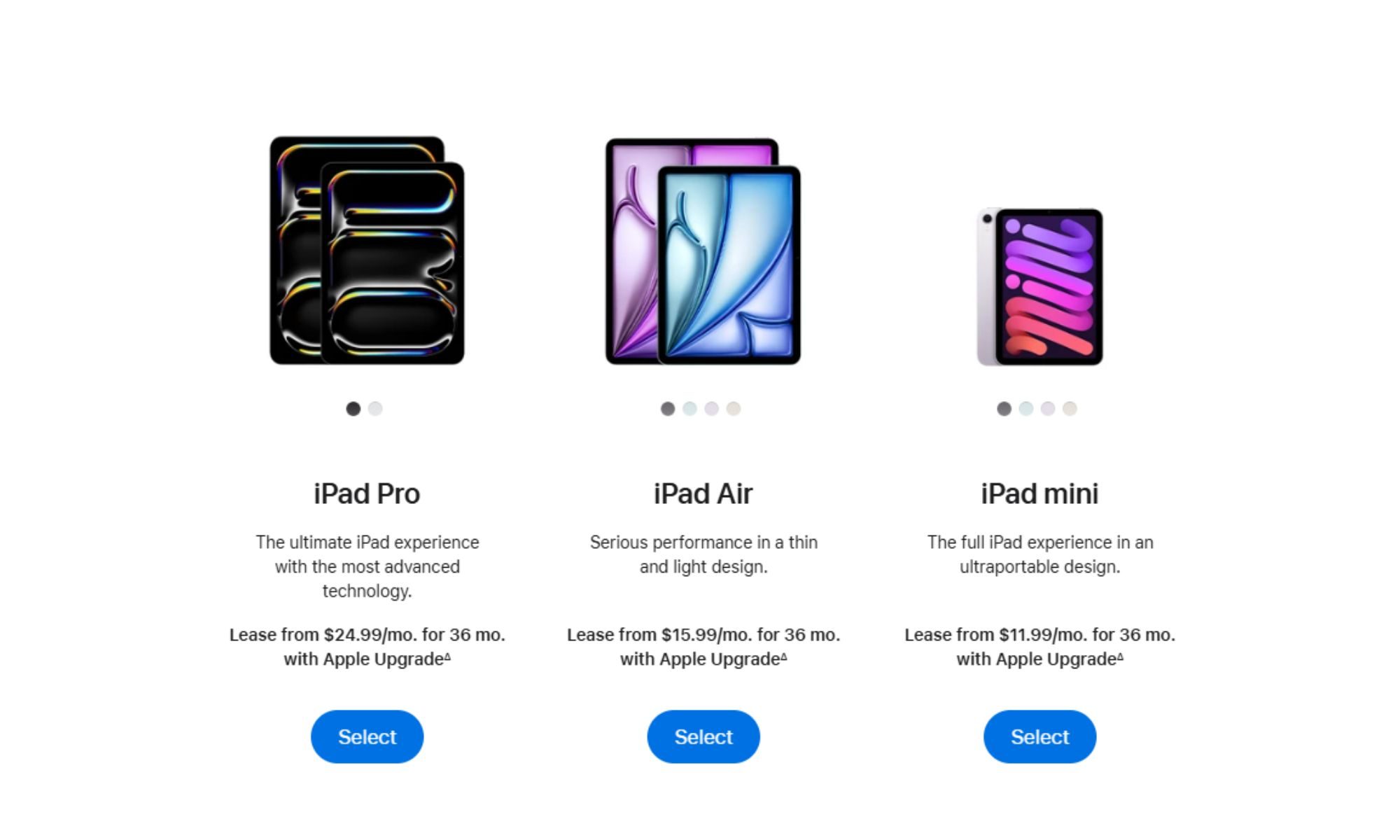
Apple doesn’t require a security deposit for the lease, but it also doesn’t allow customers to make a down payment to reduce their monthly payments. The one lever customers do have is a trade-in, which can reduce the monthly rate for the length of the initial lease.
What you’re actually committing to
Signing up is simple on paper. Apple requires a Klarna account and runs only a soft credit check, so applying won’t affect credit scores, but Klarna then owns the relationship for the life of the lease, handling billing through its own app rather than Apple’s.
The terms get more complicated after that. Upgrading to a new device before a lease ends is allowed, but the fee for doing so grows the more payments are still owed, which turns an early upgrade into a calculated cost rather than a simple swap. A device also has to come back in good condition when the term wraps up, or Apple will charge a damage fee, something customers can offset with an AppleCare plan, though it isn’t bundled into a lease price the way it was under the old iPhone Upgrade Program.
Apple is also offering a short window to walk away entirely. Canceling within 14 days of receiving a device cancels the lease outright, but missing that window means paying an early termination fee instead. Customers who ride out the full term get three options. They can upgrade and return the current device, leave the program and return it, or pay a one-time fee through Klarna to buy it outright. Waiting more than six months to decide removes the choice, since Apple will automatically charge the purchase fee by default.
Apple Upgrade retires a financing model Apple built around outright ownership and replaces it with one in which monthly payments don’t guarantee owning anything at all. Customers deciding whether to sign up should read the fee structure in Apple’s FAQ closely, since it does more to define the actual cost of the program than the marketing copy on the page.