

“Whether your style calls for a light grip or a death grip, the SensoGlove can help you get it just right, and do it consistently.”
- Real-time, audio feedback
- Ease of use - compactness (fits in a pocket in your golf bag)
- Accuracy and sensitivity
- No thumb sensor
- Scattered, somewhat complicates operating instructions
- Leave the golf instruction 'tips' to competent coaches
“Why you can trust Digital Trends – We have a 20-year history of testing, reviewing, and rating products, services and apps to help you make a sound buying decision. Find out more about how we test and score products.“
Golfers are used to hearing how to tweak any number of variables to improve their game. Grip pressure, how securely you hold or grasp a golf club’s handle, is a concept often discussed – and largely misunderstood. Whether light, “like a tube of toothpaste without its cap on,” or tight, “white knucklish” – golfers have heard, and tried, it all when it comes to how to hold and swing a golf club optimally. And that’s not to even mention the consistency of the hold, or how constant the grip pressure may remain from the start of the swing to the finish.
That’s where SensoGlove, billed as the “world’s first digital golf glove” comes into the equation.
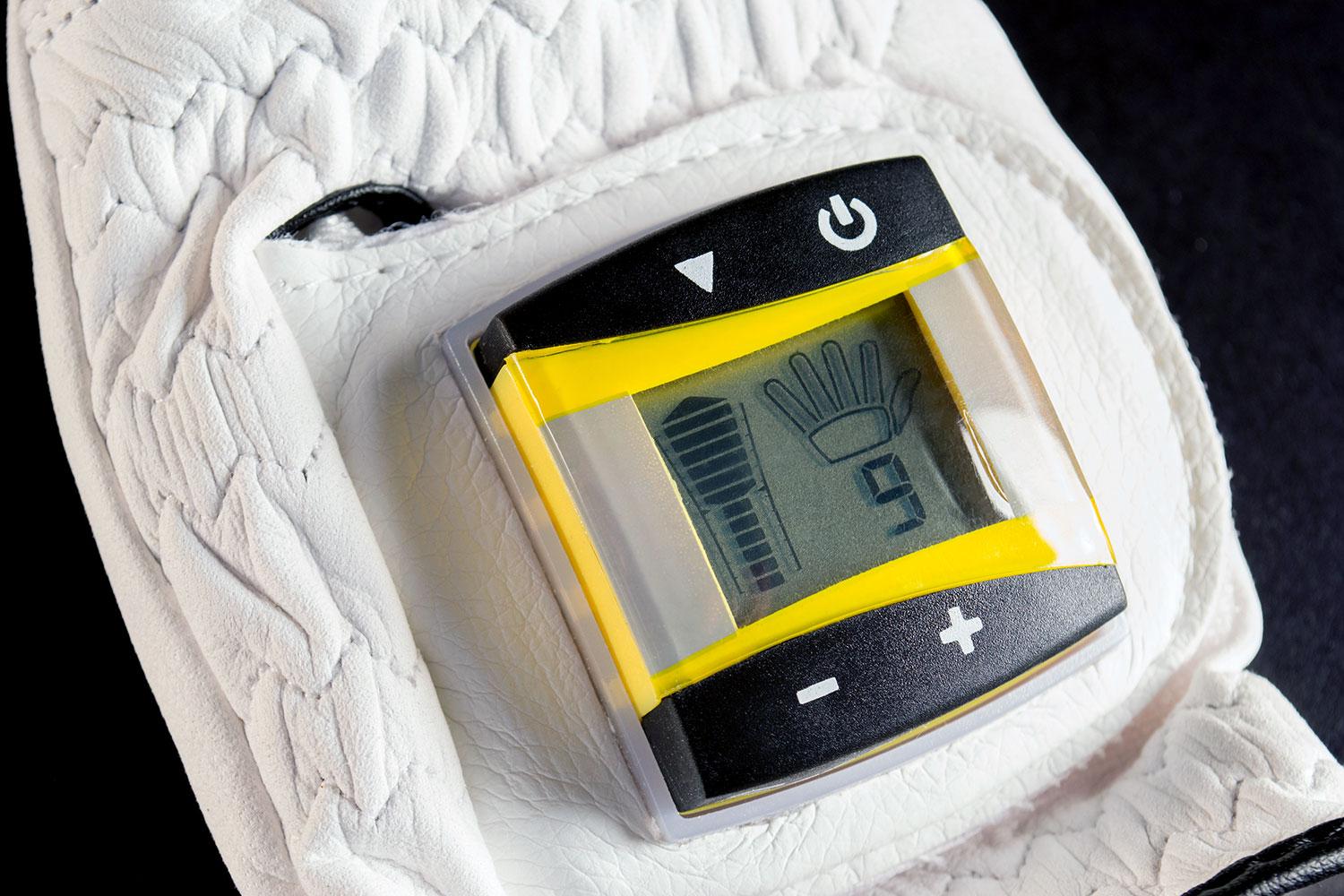
Developed by the German company Sensosolutions GmbH, a leading provider of innovative IT systems for sports analysis, motion and performance measurement, the SensoGlove was created based on feedback from international PGA professionals. It features a small, sweat-proof 1.2-inch LED digital monitor (this can be removed so it can be used as a “regular” golf glove) that analyzes the grip pressure throughout the swing via highly responsive sensors placed throughout the glove.
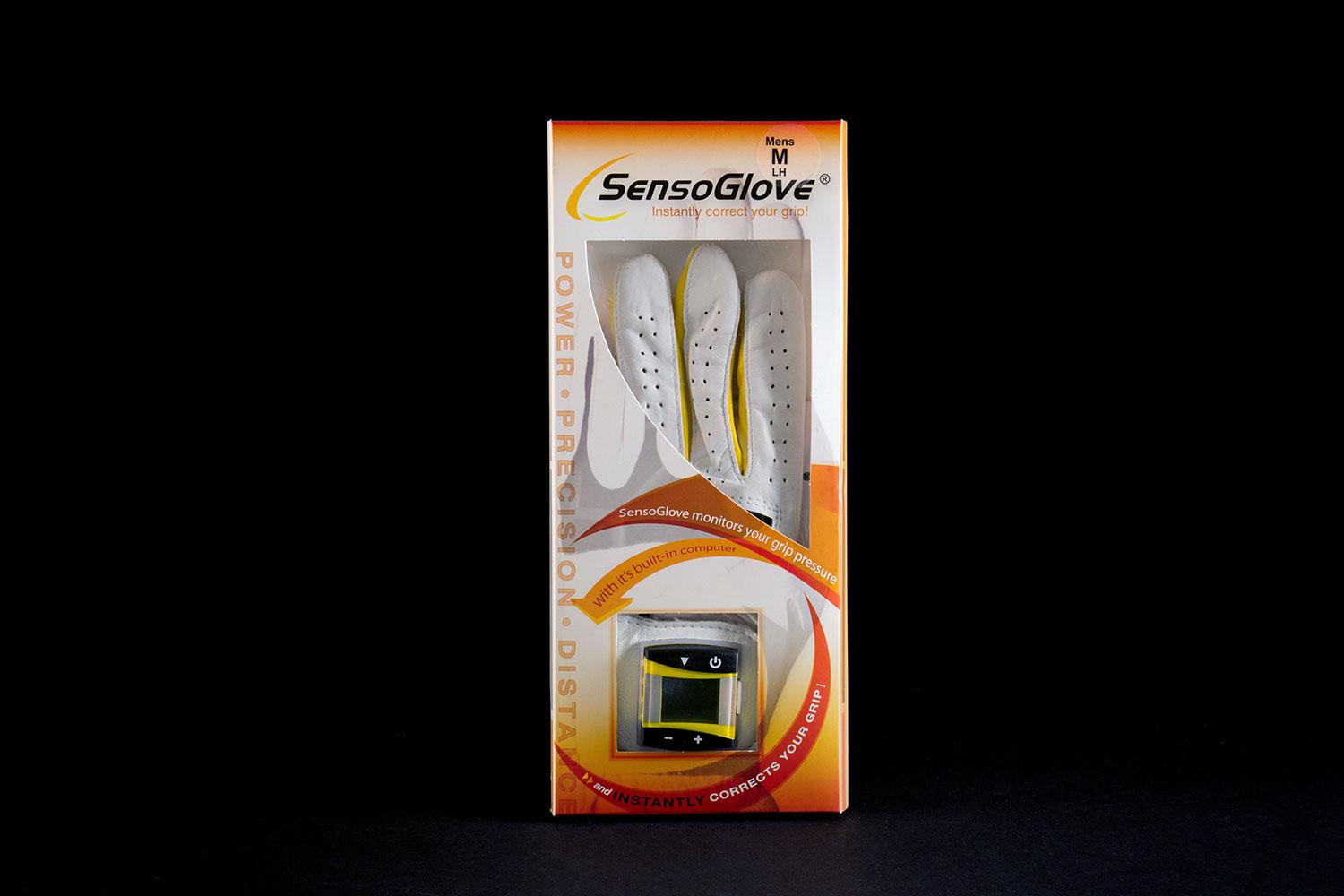
SensoGlove provides real-time audio feedback (visual feedback is available immediately after the swing on the screen) at 80 times per second. In addition, it can show you which fingers are gripping more tightly than others. The glove is made of the highest quality cabretta leather, is available in both right and left hand models for men and women, and comes in sizes small to X-large.
But does all that data improve your game? We found out.
Set up
Getting started with the SensoGlove is relatively simple. Press the power button, then you have the option of selecting a generic, automatic grip pressure or an “individual pressure profile.” You’ll want to select the latter (more on this later) but the instructions for selecting different amounts of pressure for certain fingers – are tough to follow and jumbled. While we figured it out, Senosolutions could certainly make them easier.
Fit-wise, the SensoGlove has some challenges and idiosyncrasies. The sensors themselves, situated towards the fingertips, feel like tiny marshmallows hovering between your skin, the leather and the rubber golf grip. Oddly, there is no sensor in the thumb – a spot where many golfers apply far too much pressure – often evidenced by a wear spot in the grip itself. The LED monitor is less of a hindrance, and light enough to go unnoticed when swinging.
Performance and Use
Once you’ve established the “proper” grip pressure, the SensoGlove is, well, sensitive and receptive. The high-pitched beeps that function as an alarm are both attention-grabbing, and in my experience, quite accurate. When the designated grip pressure is exceeded, the glove beeps at the precise point in the swing when the “pressure violation” occurred. I’m a big fan of audio feedback for learning motions and motor skills, as it ties in beautifully with the ever important element of kinesthetic awareness (knowing where your body, or even club in a golf context, is in space at different periods of time).
When the designated grip pressure is exceeded, the glove beeps at the precise point in the swing when the “pressure violation” occurred.
I had to ratchet up the sensor pretty quick, as my personal preference is more towards a “firm” grip pressure. On a scale from 1 to 10, with 1 being super light (think barely holding onto the golf club) and 10 being super tight (think death grip), many players and instructors recommend something around “4.” This is safe, but not always accurate nor functional. Plus, it’s all relative, right? My “4” could be quite different than your “4” or Tiger Woods’ “4.” The most up-to-date research (yes, they do research on these things…) tells us that the stronger one is physically, the lighter one can, and should, grip the golf club. This means that golfers with less strength in their fingers, hands, wrists and forearms (juniors, most women and the elderly) need to grip the club firmer than most men. However – this is golf – not science. Interestingly enough, both Tiger Woods and Arnold Palmer, two legends of the game and individuals with incredible strength in the aforementioned anatomical areas, grip the club tightly. Confused? Good, welcome to the game of golf.
As I hit full shots with the SensoGlove, my results – where and how the golf ball flew – did not always match up with a quiet, non-beeping glove. Once I found my ideal grip pressure, I hit more than a few shots where the pressure stayed the same throughout the swing (no audio) and the results were average. And, I hit some wonderfully solid, flush golf shots where the glove barked at me in the downswing and follow through, indicating my grip pressure had changed, or tightened. Hmmm…
Short shots – putting, chipping and pitching was a different matter. Change of pressure in the smaller swings produced herky-jerky movements, where tempo, rhythm and pace were less than optimal. When the grip pressure remained the same throughout the motion, results and contact with the golf ball were more consistent.
Conclusion
The SensoGlove provided some interesting feedback, and is a nice tool to bring awareness to grip pressure – in one hand, minus the thumb. We seem to have forgotten that we hold a golf club with both hands, and that the pressure in both is highly relevant to outcome. I’d think about buying these as a pair, although if you had them both activated at the same time, it might be tough to tell which is beeping when.
Highs
- Real-time, audio feedback
- Ease of use – compactness (fits in a pocket in your golf bag)
- Accuracy and sensitivity
Lows
- No thumb sensor
- Scattered, somewhat complicates operating instructions
- Leave the golf instruction ‘tips’ to competent coaches


