1. Home
  2. Phones
  3. Mobile
  4. Photography
  5. News

Digital Trends may earn a commission when you buy through links on our site. Why trust us?

Popular mixed-media app PicsArt gets a speed and performance upgrade

Add as a preferred source on Google

PicsArt has mixed photos and art for over 300 million downloads, but now the app is mixing in even faster performance with its latest update.

According to its developers, PicsArt boasts a greater selection of editing tools than any other app of its kind. Along with the usual filters, it offers a unique remix option that allows users to mix in clip art or add freehand drawings, which explains nicely how the app got its name. Along with editing photos, the drawing feature can also be used on a blank canvas. PicsArt has options for creating double exposures, adding creative blur, using text overlays, and cropping with shapes.

Recommended Videos

The June update brings faster performance, along with a cleaner, more intuitive interface. The latest version keeps the wide range of tools from earlier versions but makes it a bit simpler to use.

“We believe there’s creativity inside everyone and that people want to do more than add filters before sharing their photos online,” said Argam DerHartunian, vice president of product. “PicsArt offers every creativity tool you could wish for, in a simple and easy-to-use interface that makes sharing your creativity fun and easy.”

Along with the editing options, the app is home to a growing community for sharing graphics without leaving the app. Photo editors with sharing communities are nothing new, but PicsArt has a unique ReMix section, in which users can share their own creative twists on an original photo with the #freetoedit hashtag. Images can also be quickly shared on Instagram, Facebook, Twitter, Google+, and Flickr.

PicsArt currently has 75 million active users and growing. Forbes named it among the top five “Hottest Startups” last year.

PicsArt is a free download, available for iOS, Android, Windows Phone, and Windows 10.

Download for iOS  Download for Android  Download for Windows

Hillary K. Grigonis
Hillary never planned on becoming a photographer—and then she was handed a camera at her first writing job and she's been…
Android desktop mode made me miss my laptop in record time
I tried writing and publishing from Google’s phone-to-monitor setup, and the future of mobile computing immediately started sweating.
Computer, Electronics, Laptop

Android 17 desktop mode has a very simple pitch. Plug your phone into a monitor, add a keyboard and mouse, and watch the slab in your pocket pretend to be a computer. I wanted to give that pitch a fair shot, so I tried using it for an actual workday instead of a cute demo.

The goal was boring on purpose: write an article, edit it, build the page in WordPress, upload whatever needed uploading, and publish the thing without running back to my laptop like a coward.

Read more
After test-driving iOS 27, my iPhone still doesn’t feel like it has made a substantial leap
Siri learned new tricks. Safari got smarter tabs. My morning routine didn't change at all.
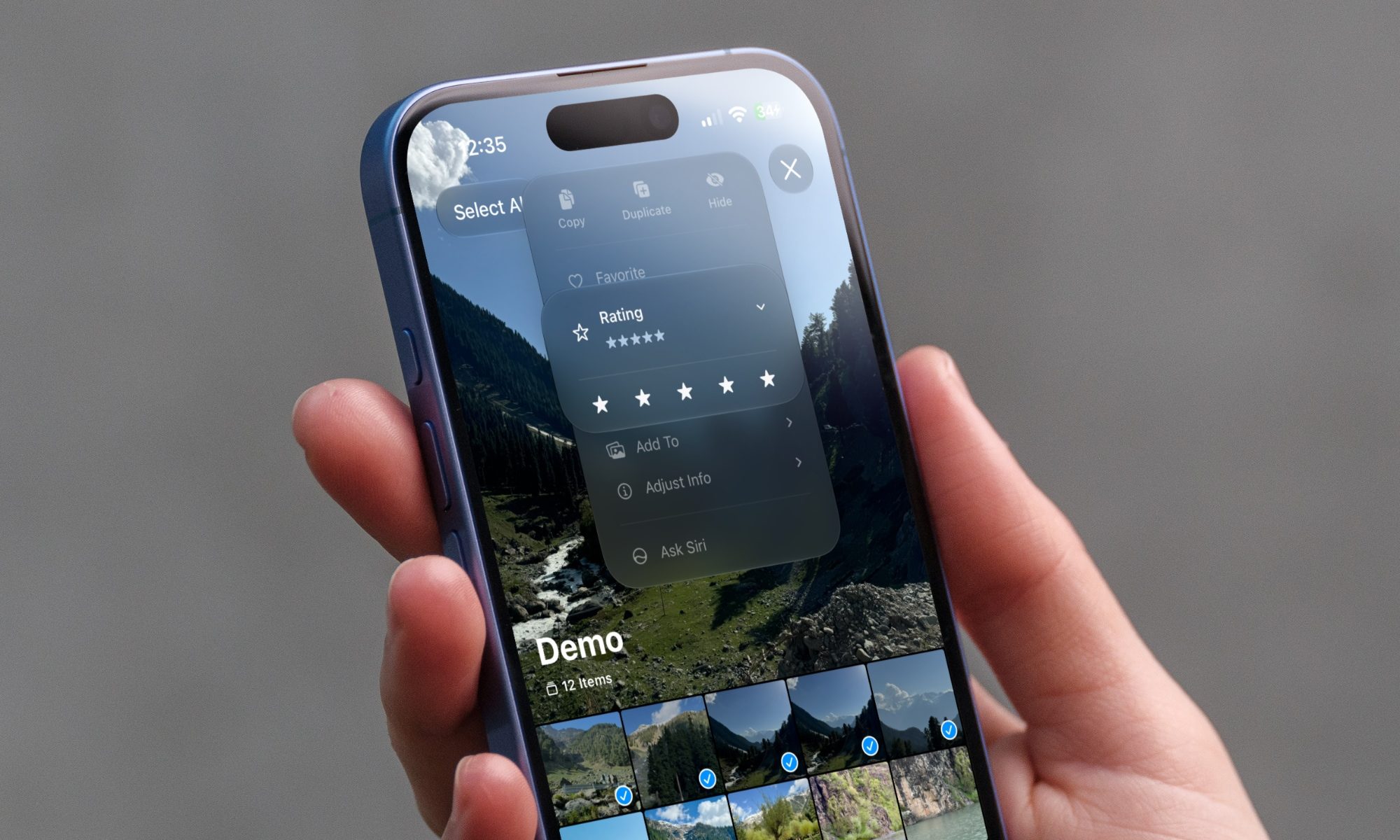
iOS 27 new star rating feature in Photos

Every June, after Apple wraps up its annual WWDC keynote, I install the latest iOS beta on my iPhone, watch the progress bar crawl to completion, and wait for the inevitable restart. For years, picking up my phone afterward felt almost identical to how it did before the update. 

I saw the same grid of icons, the same Control Center, and the same version of Siri until iOS 26 finally broke that pattern in 2025.

Read more
Android 17 makes a strong case for ignoring Android version numbers entirely
When the most noticeable change is a better Quick Settings button, the annual update cycle starts looking more like branding than progress.
Android 17 logo.

Android 17 finally separated the Wi-Fi and mobile data buttons, and I hate how much that improved my mood. For years, Android treated internet access like one mysterious blob, as if Wi-Fi and cellular data were emotionally codependent. In Android 17 Beta 3, Google split the old combined Internet button into separate Wi-Fi and mobile data tiles, making each connection easier to switch off with a single tap.

That’s a good change, which is also why it’s a little damning. When one of the cleanest wins in a major OS update is “the buttons make sense again,” the celebration gets awkward fast.

Read more