1. Home
  2. Computing
  3. News

Microsoft improves high-DPI display support in Windows 10 Creators Update

Add as a preferred source on Google

One of the significant and most legitimate complaints about Windows versus MacOS is that the latter does a much better job with high-resolution screens than the former. Windows 10 has alleviated some of that discrepancy but it is still not nearly as good as MacOS at properly scaling applications based on display resolution.

Microsoft worked hard on improving this so-called “high-dots-per-inch” performance in last year’s Anniversary Update, but it did not stop there. It put a bunch of work into improving high-DPI support in the upcoming Windows 10 Creators Update as well and it took to its blog on Tuesday to give an idea of what is coming.

Recommended Videos

Simply put, Windows wasn’t designed in a time when we had access to high resolutions like 4K UHD (3,840 x 1,920) that pack a lot of pixels into the same physical square inch. And, unfortunately, Microsoft didn’t design into the operating system the ability to adjust how applications display text and user interface elements all the way up to the DPI.

In the past, Windows has required each developer to specifically adjust every application element for every possible DPI. For example, a developer would have to make icons that are nice and sharp for the Surface Pro 4’s 192DPI as well as ones for legacy displays running at 96DPI.

That is an expensive proposition given how many different Windows devices are available, and while Microsoft made some improvements in Anniversary Edition, there are still scenarios such as multiple monitor configurations that cause serious issues for how applications are displayed. The following image is an example of all of the things that can go wrong when screen elements are not adjusted for different DPI.

Image used with permission by copyright holder

Creators Update should help with that, with improvements for two constituencies, developers and end users. For developers, Microsoft is implementing a number of changes, from continued improvement to how Windows 10 handles multiple monitors with different DPI and how it automatically scales DPI for dialogs.

End users should benefit from Microsoft’s work in Creators Update as well. First, they will be able to override default DPI scaling and select how scaling should be performed. Second, Microsoft is building in new enhanced system DPI scaling that should help with those applications that will likely never be updated to work with high-DPI displays. Finally, desktop icons are getting some work to make sure they scale correctly.

Image used with permission by copyright holder

There is a host of new and highly technical details that are at the heart of how Microsoft is working to improve how Windows 10 handles high-DPI displays. There is also plenty of work remaining. If you are a developer or just technically inclined, then you will find some fascinating reading in Microsoft’s blog post. Otherwise, just rest easy knowing that your high-DPI machine will likely look better once you install Creators Update in a week or so.

Mark Coppock
Former Computing Writer
Mark Coppock is a Freelance Writer at Digital Trends covering primarily laptop and other computing technologies. He has…
AMD just made Ryzen laptop chips even more confusing, but here’s what’s actually new
The refreshed lineup brings more Zen 4 processors to mainstream and budget laptops.
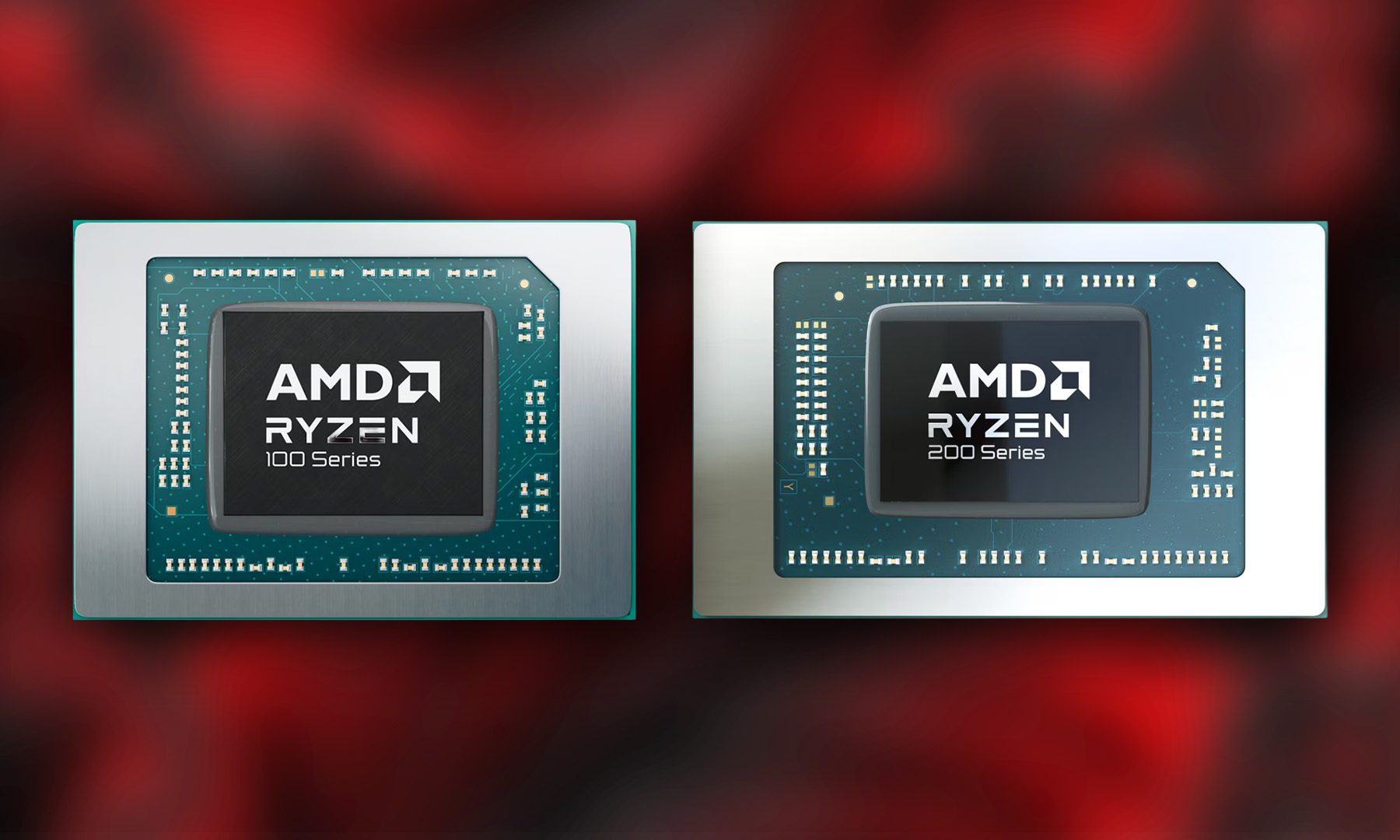
AMD Ryzen 100 and 200 series

AMD has quietly expanded its mobile processor portfolio with 11 new Ryzen laptop processors, adding fresh models under both the Ryzen 200 and Ryzen 100 families. While that sounds straightforward enough, the bigger story isn't the chips themselves -- it's AMD's increasingly confusing naming strategy. The company has introduced seven new Ryzen 200 processors alongside four new Ryzen 100 models, but despite belonging to different series, many of them are actually built on the same Hawk Point silicon featuring Zen 4 CPU cores and RDNA 3 integrated graphics.

The Ryzen 200 series gets seven new CPUs

Read more
OpenAI is killing ChatGPT Atlas browser. I loved it, but it was an uphill race to the top
It was a trailblazer in a few ways, before it was copied down to its skeleton.
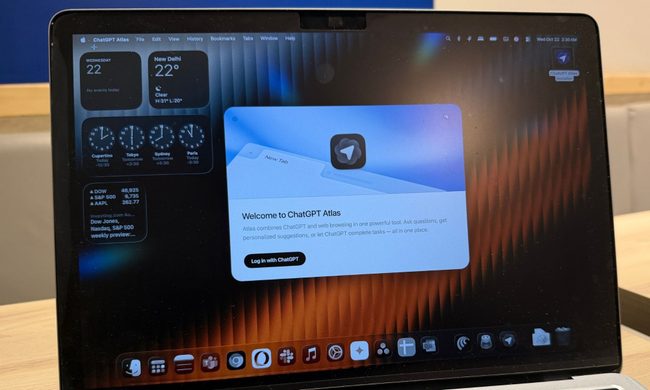
ChatGPT Atlas browser on a MacBook.

When OpenAI launched its own web browser, there was plenty of skepticism as to why a frontier AI lab is even bothering with making a browser in the first place. And yet, the company went ahead and launched ChatGPT Atlas with a heavy dosage of AI features built in. Well, the days of browser ambitions are over, and it will be put on cold ice in September this year.

OpenAI says it is sunsetting the short-lived browser in favor of pushing the new ChatGPT work desktop app, which already has a built-in browser as well as a cloud browser for AI agents. And now that ChatGPT is making its way to other browsers, such as Chrome, as an extension, there is little need for maintaining a dedicated browser project of its own.

Read more
Windows 11 Search is getting bigger, but only by 4 pixels
The change could be in preparation for the upcoming Ask Copilot feature
Windows 11 Laptop

If you have used Windows 11 Search after the June update, you may have noticed it feels a little less annoying. Microsoft recently made the Start menu and Search more responsive, and also fixed one of Search’s stranger limits by letting it find local files using just two characters.

Now, the company appears to be making a much smaller change. According to Windows Central, Microsoft accidentally revealed that the search box in the Taskbar and Start menu is getting 4 pixels taller. Four pixels sounds like the kind of change only a UI/UX designer could love, but screenshots from the Insider Preview build suggest it is visible once you know where to look.

Read more