  1. Home
  2. Computing
  3. News

Chromebooks will finally get the tablet mode they always needed

Add as a preferred source on Google
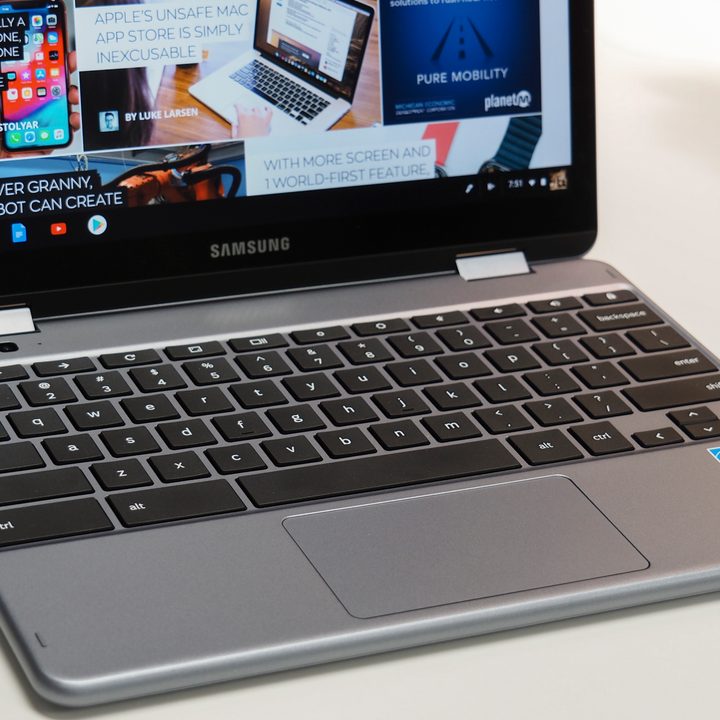
Samsung Chromebook Plus V2
Mark Coppock/Digital Trends

After Chrome 70 released to desktop and Android earlier in October, it is now in the process of rolling out to Chromebook devices around the world. This latest update introduces new changes focused on making Chrome OS more touch-friendly, as noted by Chrome Unboxed.

Foremost among the upgrades in Chrome OS 70 is a new interface that centers the system taskbar and makes app icons larger and spaced out for easier access via touch. Also new in that area is a fresher quick settings menu, which adds in cleaner toggle switches for Wi-Fi, Bluetooth, sound, and brightness settings.
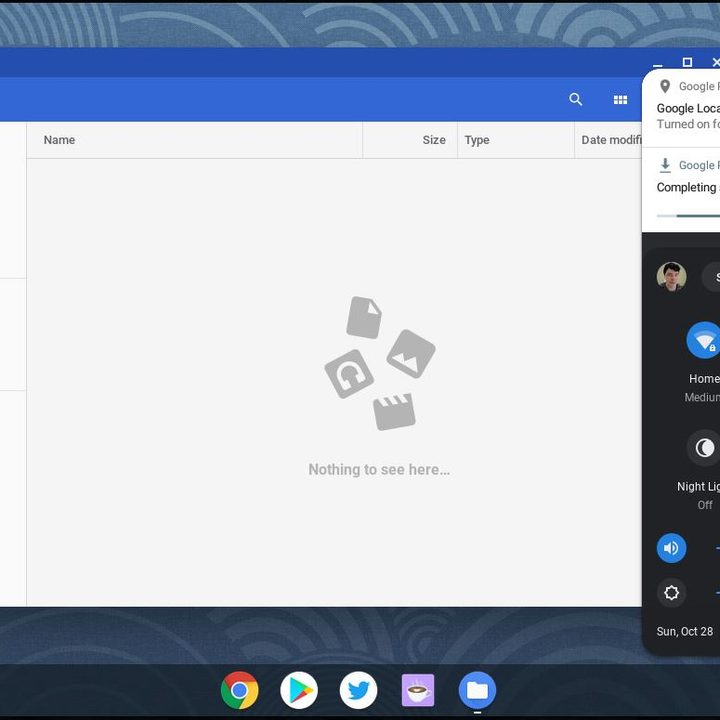
The new UI and Quick Settings menu (via Android Police) Image used with permission by copyright holder

Elsewhere, another key change is new support for Android app shortcuts, where right-clicking or tapping on apps in the system tray will display secondary options. That fits in with support for a new floating touch keyboard, which includes handwriting recognization and emoji input. The keyboard even can be undocked to a length similar to Gboard on Android, a significant change from the previous versions of Chrome OS in which it took up half the display.
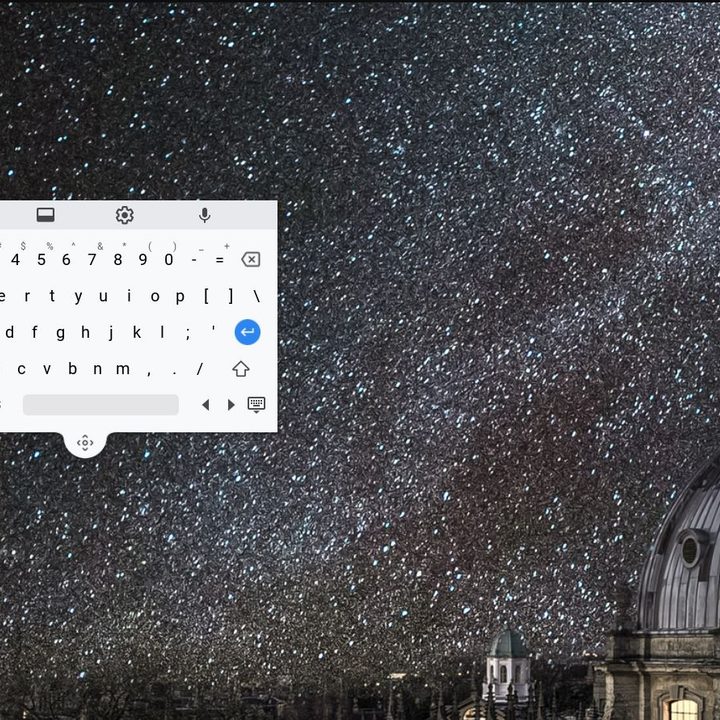
The new touch keyboard on Chrome OS 70 (via Chrome Unboxed) Image used with permission by copyright holder

Currently, not all Chromebooks models are eligible for this update and only 33 percent of all devices have received it thus far. Google officially says that “systems will be receiving updates over the next several days,” so not everyone will be seeing the update right away.

Recommended Videos

That should not be too surprising, considering that Chrome OS 70 also introduces a new AV1 video decoder, which focuses on delivering better video quality. Newer features on the software side don’t always work out well with older hardware.

Other key changes in Chrome OS 70 include new controls for managing extension permissions, and “not secure” warnings when entering personal information on non-HTTPS webpages. A full list of the smaller changes is available on the Google Chromium blog.

It is nice to see Google making Chrome OS more optimized for touch, especially as more Chromebooks are picking up touchscreens and other premium features.  That was a big highlight in our hands-on review of the Google Pixel Slate, which looks to be running this same version of Chrome OS. The new software also will likely play nice on big touchscreen devices such as the new thin-bezeled Chromebooks from Asus.

Arif Bacchus
Arif Bacchus is a native New Yorker and a fan of all things technology. Arif works as a freelance writer at Digital Trends…
Peacock Premium Plus joins YouTube as the streaming bundle battle gets messier
The $16.99 subscription brings Peacock’s sports-heavy catalog into YouTube, with account details still unclear.
Adult, Female, Person

Peacock Premium Plus is now available through YouTube Primetime Channels, giving viewers a new way to add a major streaming service inside YouTube.

The $16.99-per-month subscription brings Peacock’s live sports, NBC and Bravo shows, originals, Universal movies, Telemundo programming, and Spanish-language FIFA World Cup 2026 coverage into YouTube’s channel marketplace.

Read more
OpenClaw lands on Android and iOS, turning your phone into a control hub for your AI agent
OpenClaw's mobile apps bring chat, voice, and approvals straight to your phone.
openclaw-ios-android-app

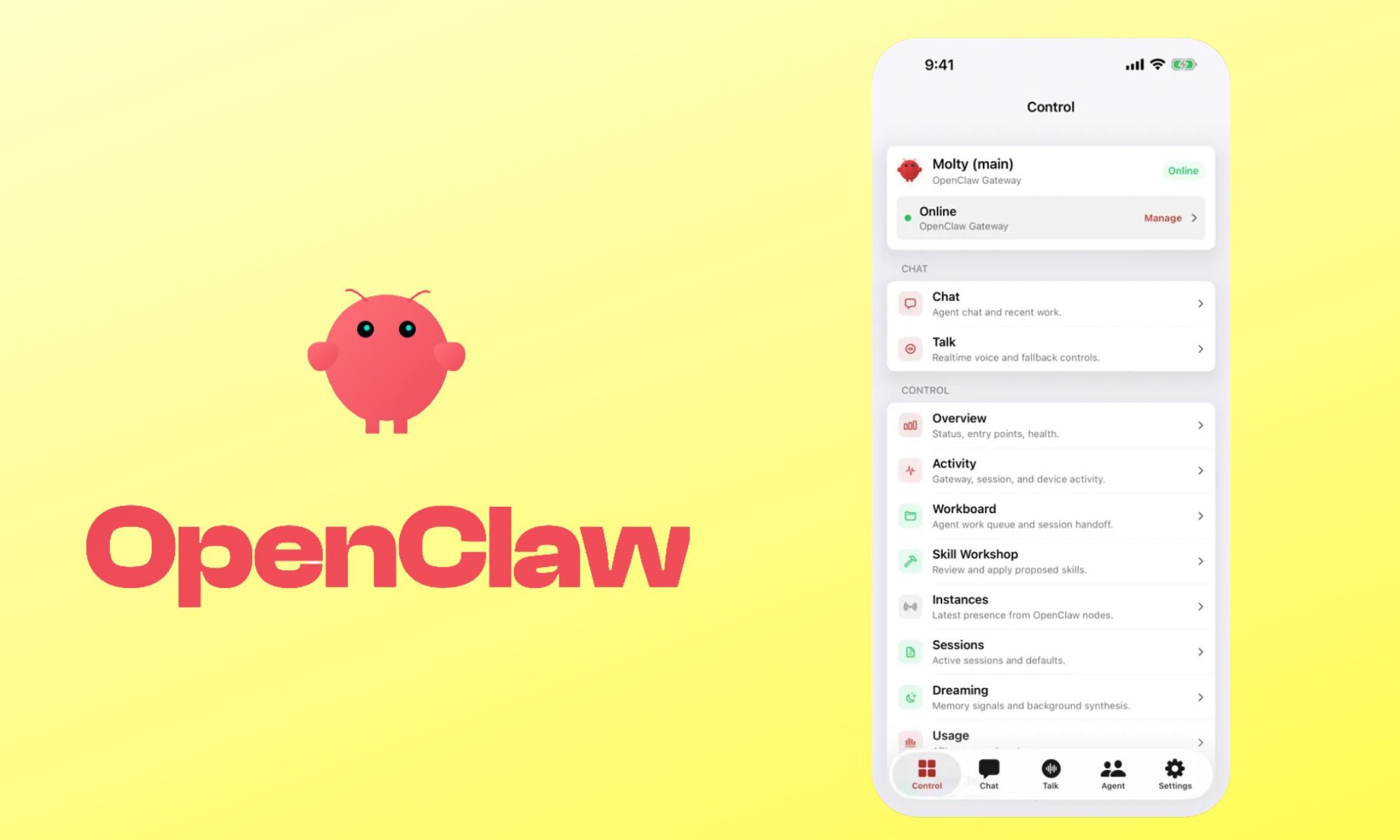
OpenClaw, the open-source AI agent that runs entirely on your own computer, just landed native apps for Android and iOS. The app does not run the AI itself. Instead, it connects to a private gateway you set up yourself on a Mac, PC, or Linux machine, turning your phone into a secure remote for everything that gateway can do.

https://twitter.com/openclaw/status/2071688039114342592

Read more
Gemini will now take notes for you in Google Meet for you, if you the minimum $20 AI tax
Yet another Google subscription just dropped for Gemini
Google Meet Take Notes for me Gemini

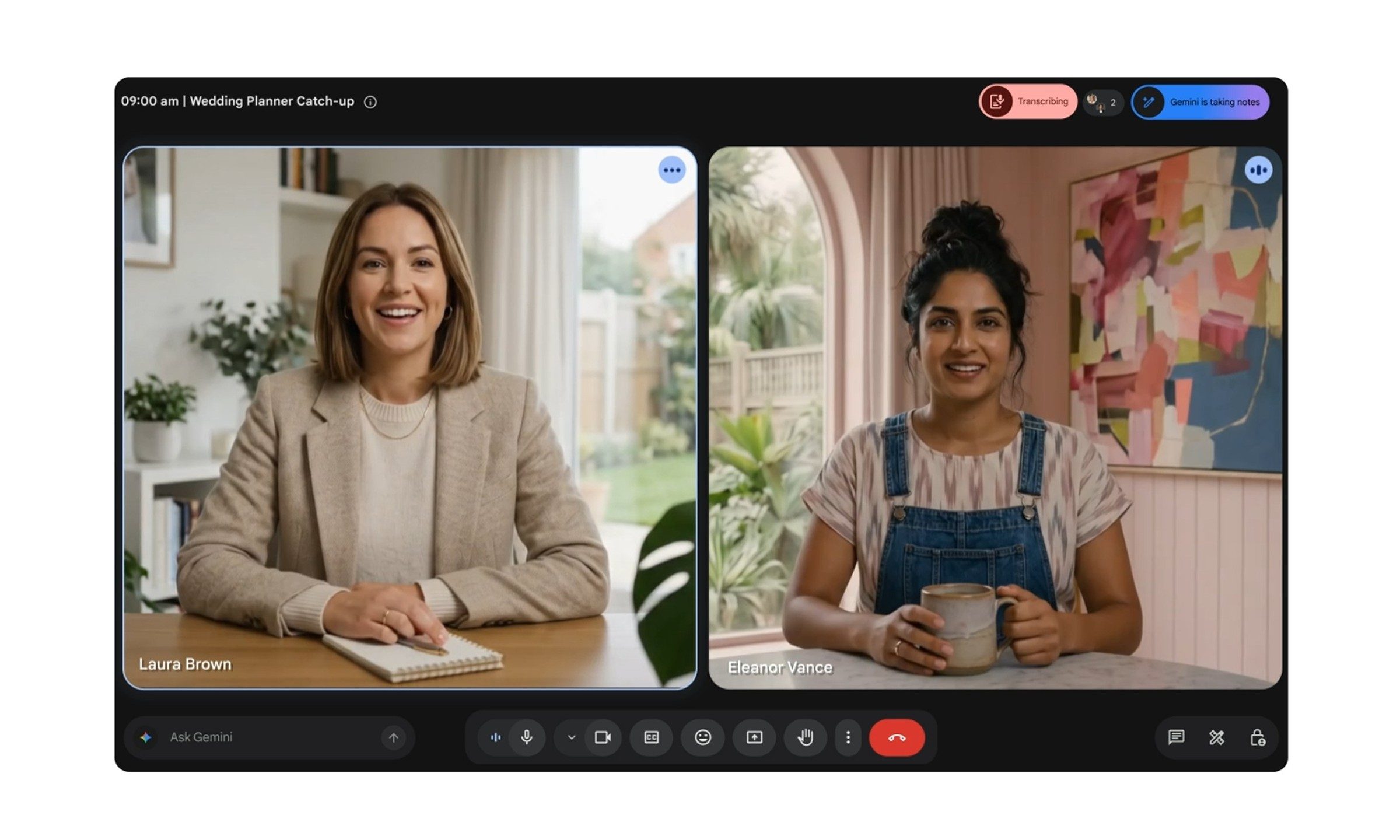
Google has just released a useful Gemini feature, which you can try if you are a paying member of course. The company is now bringing "Take notes for me" for Gemini, which will be available in Google Meet for Google AI Pro and Google AI Ultra subscribers, along with eligible Workspace business customers.

For personal users, the feature starts with Google AI Pro, which costs $19.99 per month in the US. In other words, Gemini can now take your Google Meet notes, provided you pay the minimum AI tax.

Read more