  1. Home
  2. Computing
  3. Business
  4. Social Media
  5. Web
  6. News

Google+ continues to sink with a second massive data breach. Abandon ship now

Add as a preferred source on Google
Google website
Image used with permission by copyright holder

Google had planned to close the Google+ social network in August 2019, but the date can’t come quickly enough: A second massive data breach was just revealed, only a few months after the previous. In a blog post by the Mountain View, California-based company, Google notes that the most recent breach has affected over 52.5 million users worldwide — that’s a significant chunk of individuals whose information now might be floating around on the web.

Google’s latest data breach has subjected over 100 times more users to an information leak when compared to its last data leak, which affected around 500,000 people. The data involved in the breach includes personal profile information and did not involve financial data or passwords. While a profile breach might be seen as less catastrophic of a system breach, the incident places serious concern around Google’s current security practices for the dying social network.

Recommended Videos

As a result of the breach, Google announced that it will shutter Google+ earlier than originally planned with a new final date of April 2019, four months ahead of its announced schedule. But why take the time and wait to have your data removed from Google’s servers? When a company loses your information twice in only a few months and subjects over 52.5 million folks to the incidents, it might be wise to abandon that ship — before you go down with it.

Delete Your Google+ Account

If you’re looking to delete your Google+ profile, follow these easy steps to get it done in minutes.

  1. Log in to your Google+ account via www.plus.google.com.
  2. Click the hamburger menu (those three horizontal lines) in the upper left corner of the screen.
  3. Select the Settings option.
  4. Scroll down to the Account section and select Delete Your Google+ Profile.
  5. Verify your password, check the box that acknowledges you wish to delete your account, and then click the Delete button.

That’s it, your Google+ account and surrounding personal information are now deleted, and now only you can leak your own data to the web — not Google. Stay protected from these latest string of data breaches by staying one step ahead.


Michael Archambault
Former Digital Trends Contributor
Michael Archambault is a technology writer and digital marketer located in Long Island, New York. For the past decade…
Study finds humans will talk to AI ghosts of the dead as reincarnations, and it’s pretty grim
The first AI ghost study is in. The results are about as complicated as you'd expect.
VR Headset, Person, Face

A new study from the University of Colorado Boulder confirms something that sounds both impressive and concerning. People find interacting with AI simulations of their dead loved ones deeply meaningful, and most will come away wanting to do it again.

The researchers call it a "generative ghost," which is a clear reference to generative AI, but I’d still prefer to call it unsettling.

Read more
Apple’s Hide My Email feature has an unfixed bug that leaves email addresses exposed
100% exploitable in limited testing, known since June 2025, and still unfixed as of today.
apple-merging-sign-in-with-apple-hide-my-email-icloud+

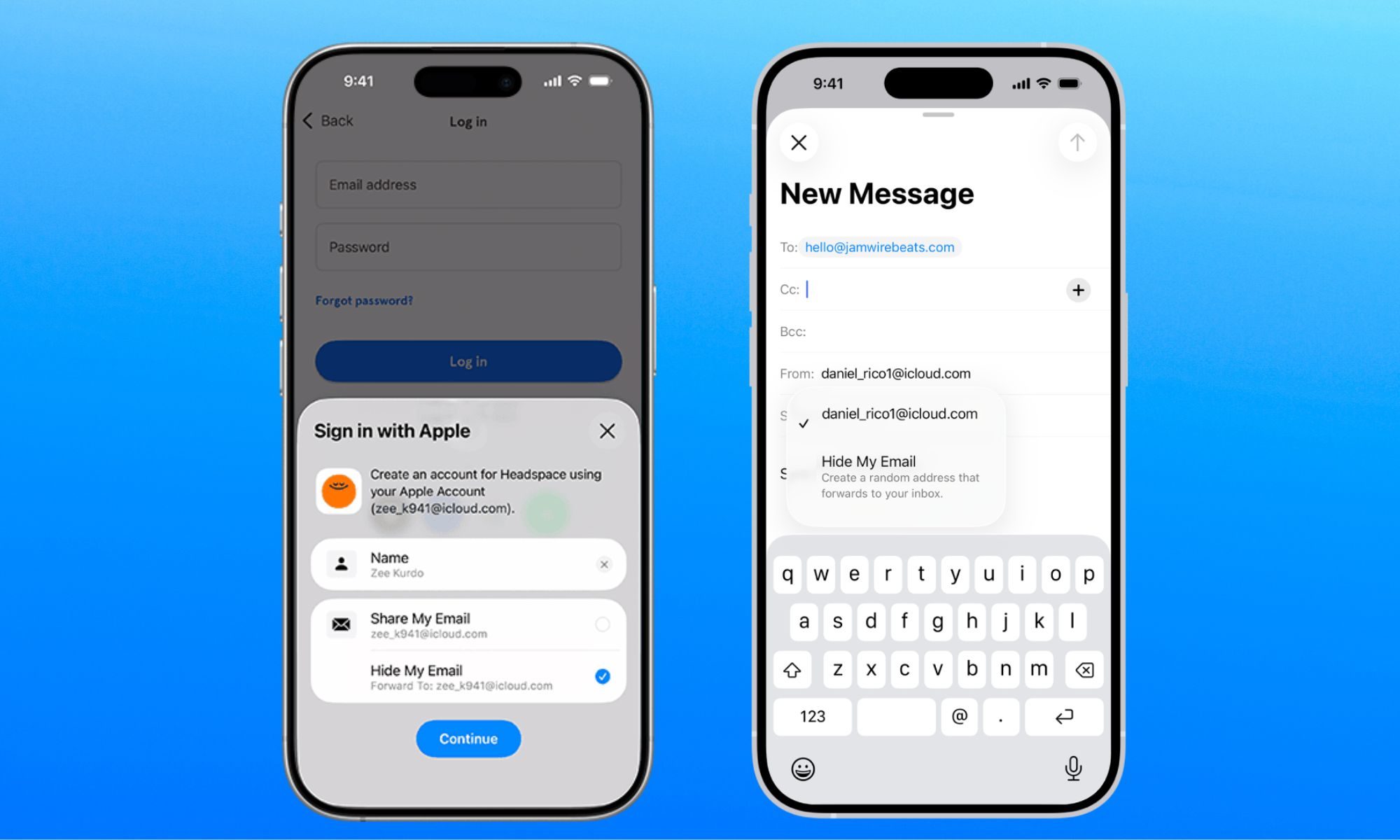
Apple has been selling Hide My Email to keep your real email address hidden, but it has a vulnerability that does the exact opposite. The worst part is that the company has known about it for a year. 

Hide My Email, part of Apple’s paid iCloud+ subscription, lets users generate anonymous email addresses for signing up to a website, so that their personal or work email remains free of promotional emails and spam. 

Read more
I hate sharing my Mac, but a face-unlocking app finally cured my privacy paranoia
Someone finally built the app locker every Mac user has been asking for.
FaceGate in action on Mac

If you have ever handed your Mac to a friend, family member, or coworker for "just a minute," you know the mild panic that follows. Sure, your Mac has a lock screen, but once someone is past it, they can open Messages, Photos, Notes, Mail, WhatsApp, and your browser.

iPhones had the same issue, but Apple solved it by adding an app lock feature with the iOS 18 update. Sadly, no such feature exists for macOS. That’s where the new FaceGate app for Mac can help you. It’s a free and open-source app that lets you lock apps on your Mac and even has some novel tricks up its sleeve. So, let’s talk about it, shall we?

Read more