  1. Home
  2. Computing
  3. Android
  4. Mobile
  5. News

Close your tabs: Chrome for Android may launch a new sneak peek feature

Add as a preferred source on Google
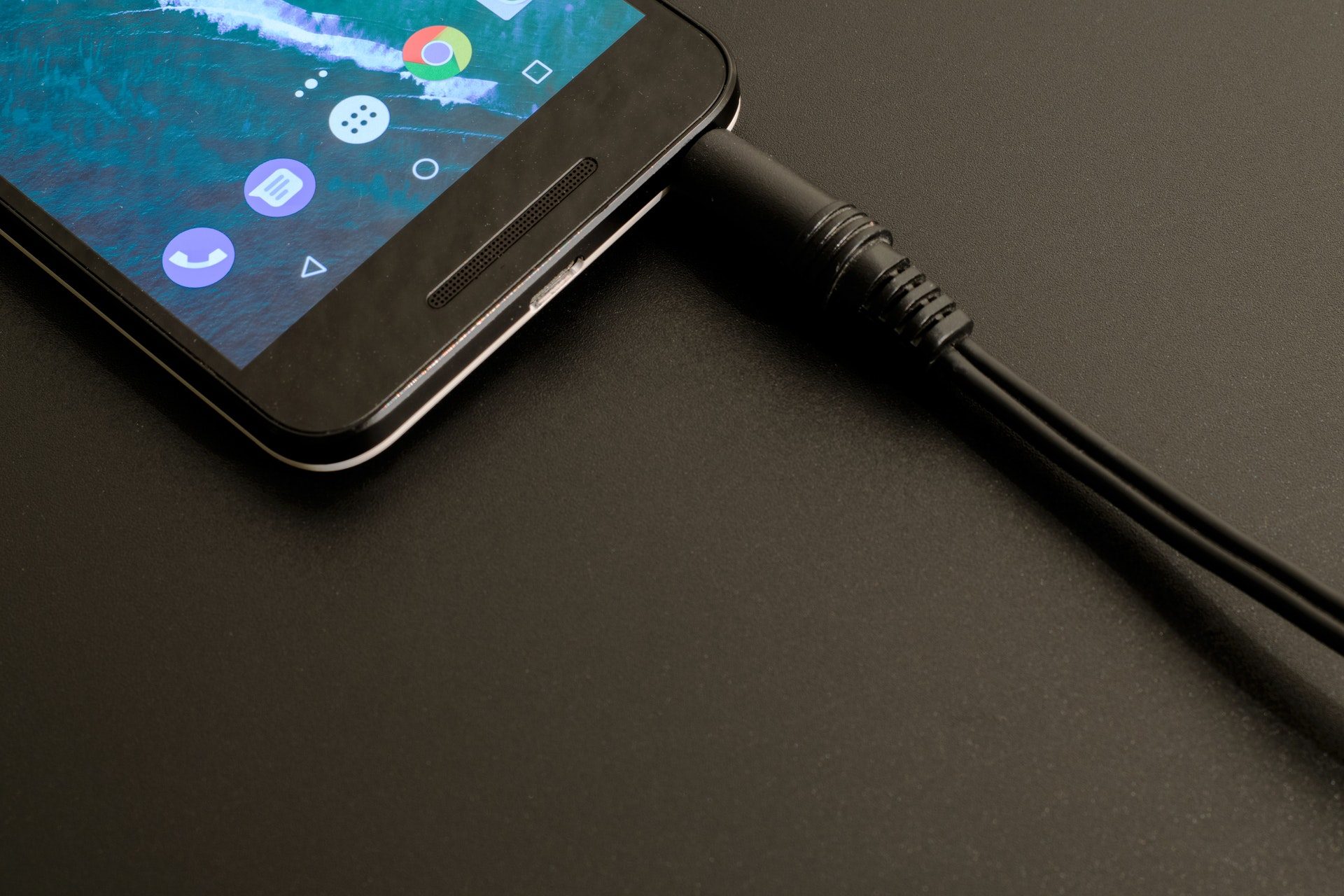
Android Smartphone with Google Chrome installed
Lum3n.com/Pexels

Having a ton of tabs open while browsing the internet may soon be a thing of the past. At least for users of Chrome for Android. According to Android Police, a new “Sneak peek” feature may allow users to view another webpage as an overlay within the tab they’re currently viewing.

When users are viewing a page and notice another link they might be interested in viewing, the “Sneak peek” feature would let them click and hold the link to select an overlay that shows them the link’s content. With the use of the Sneak peek option, opening separate tabs could be best reserved for webpages users are certain they want to come back to. Getting to peek at another page can help users decide if certain content is worth opening a new tab.

Recommended Videos

Sneak peek is not currently available for the stable version of Chrome for Android, but interested users can still check it out if they have either Chrome Canary or Chrome Dev downloaded on their mobile devices.

To test the new feature, launch either Chrome Canary or Dev and enter the following into the search bar: chrome://flags/#enable-ephemeral-tab. Once the corresponding flag page loads, the feature will be listed as An Ephemeral Tab in an Overlay Panel. There is a drop-down menu beneath its name, just tap it and select Enabled. Once enabled, the app must be relaunched before the Sneak peek feature will appear.

The feature can be tested by opening a webpage, selecting a link on it, and holding it until a menu appears. The Sneak peek option should appear within the menu as New sneak peek. Once the option is selected, the link should load as an overlay that rises from the bottom of the screen.

The Sneak peek overlay, when allowed to rise to its maximum height only covers about 90 percent of the screen, but it does allow users to view and scroll through the entirety of the content within the link that is being previewed. Once users are done with their peek, the overlay can disappear with a swift downward swipe or by tapping the gray X in the top-right corner of the overlay.

There does not seem to be a way to convert the overlay into a tab of its own at this time. Users may need to open a new tab as they normally would, once they exit the overlay.

Anita George
Anita George has been writing for Digital Trends' Computing section since 2018. So for almost six years, Anita has written…
I let Radial menu take over my Mac, and I’m never going back
One mouse jiggle, endless shortcuts. My Mac has never felt this fast.
Radial app running on Mac

I have been testing Radial for the past week, and it's quickly become one of those apps I didn’t know how I could live without. It's a radial menu for macOS that puts your shortcuts, scripts, and automations right where your cursor is, so you never have to go hunting through menus to find what you need.

The app just received its 5.0 update, adding AI actions powered by Claude, window layouts, variables, a redesigned settings interface, a new Atmosphere background effect, and a squircle menu shape. I got to try most of these, and here's what I found.

Read more
Android desktop mode made me miss my laptop in record time
I tried writing and publishing from Google’s phone-to-monitor setup, and the future of mobile computing immediately started sweating.
Computer, Electronics, Laptop

Android 17 desktop mode has a very simple pitch. Plug your phone into a monitor, add a keyboard and mouse, and watch the slab in your pocket pretend to be a computer. I wanted to give that pitch a fair shot, so I tried using it for an actual workday instead of a cute demo.

The goal was boring on purpose: write an article, edit it, build the page in WordPress, upload whatever needed uploading, and publish the thing without running back to my laptop like a coward.

Read more
As AI turbocharges digital abuse, UK agencies urge parents to limit who sees kids’ photos online
The National Crime Agency and Internet Watch Foundation are asking parents to tighten privacy settings as AI-generated abuse material rises.
Social Media

Parents who post pictures of their kids online are being told to rethink the habit. The UK's National Crime Agency and the Internet Watch Foundation have issued new guidance urging families to lock down their social media accounts, warning that publicly shared photos are increasingly being pulled and altered by AI tools to create child sexual abuse material.

The two organizations say most parents have no idea this is happening. Criminals no longer need to contact a child directly to generate such material. They can scrape an ordinary photo and run it through widely available nudify apps.

Read more

