MacOS Catalina — the latest version of the software that runs Apple’s Mac computers — has officially launched to the public. If you want to give it a try, you can download it here.
With its release, the new MacOS brings with it a laundry list of changes, including a host of new features, a few updated apps, and the demise of a beloved app. But among these features, five really stand out from the rest. Here are the five best features in MacOS Catalina.
Apple Music, Podcasts, and TV replace iTunes
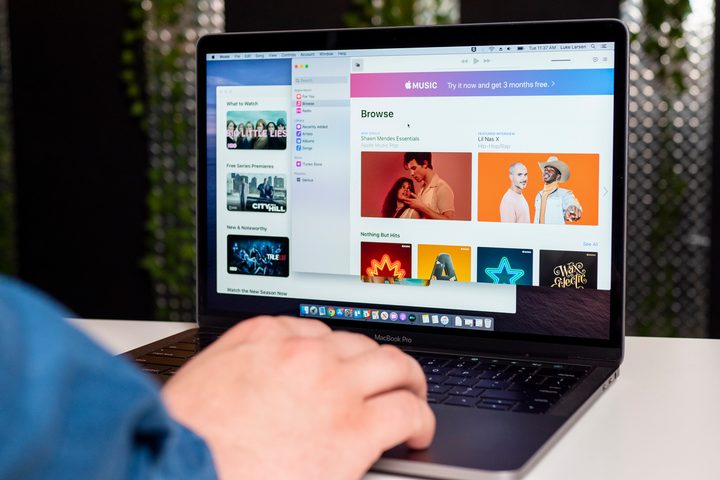
Yes, Apple confirmed the death of iTunes during its official MacOS Catalina announcement at WWDC 2019. This announcement also revealed that a new trio of media apps have been named as the joint successors to the media manager app. Beginning with Catalina, iTunes is expected to be replaced with the following apps: Apple Music, Apple TV, and Apple Podcasts.
According to a press release published the same day as the WWDC announcement, the Apple Music app is “lightning fast” and offers a library of “50 million songs, playlists, and music videos.” Apple Music users also still have access to the iTunes music store. The Apple TV app supports 4K HDR and Dolby Atmos, and offers access to over 100,000 iTunes movies and TV shows which are available for rent or purchase.
The Apple TV app will also support Apple’s forthcoming “original video subscription service,” known as Apple TV+. And lastly, the Apple Podcasts app includes a catalog of over 700,000 shows; and you can search for podcast episodes by host “or even discussion topic” with the help of machine learning.
Second screen support for iPads with Sidecar
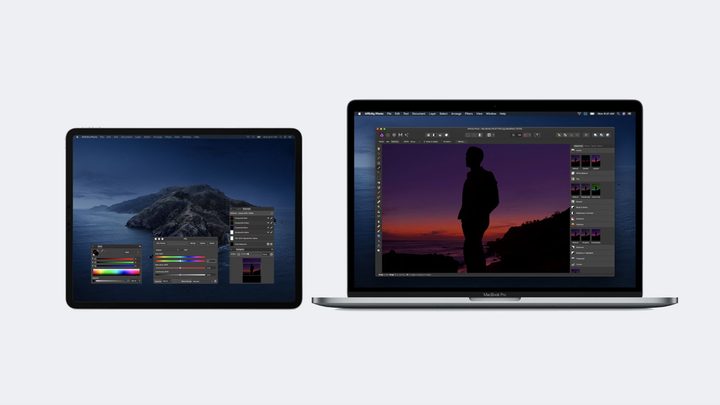
MacOS Catalina also offers second screen support for iPads. Known as Sidecar, the feature essentially allows Mac users to utilize their iPads as a companion second screen for their Macs. Sidecar offers second screen support in two meaningful ways: you can drag windows from your Mac to your iPad and use it just as you would an external monitor, or you can pair your iPad with an Apple Pencil and make changes that are reflected on the Mac.
According to Apple, Sidecar can be used wired or wirelessly. But it’s worth noting that for the wireless version to work, you’ll need to stay within ten meters of your Mac. Sidecar also offers support for Touch Bar if the apps you’re using with Sidecar also support Touch Bar. These Touch Bar controls should appear at the bottom of your iPad screen when turned on.
Use your iPad as a drawing tablet
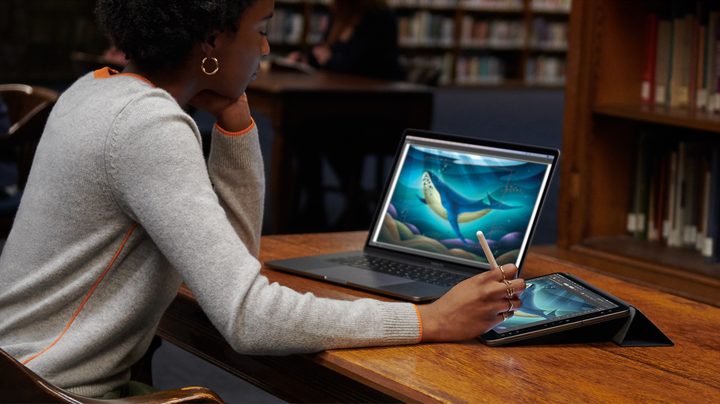
The second aspect of Sidecar is especially exciting for artists, designers, and illustrators. After you have your iPad connected through Sidecar, you can use an Apple Pencil to draw and annotate things right on your iPad.
In theory, this should work with your Mac apps seamlessly, meaning you could ditch your Wacom tablet and use your iPad to work directly in applications like Photoshop or Illustrator.
Screen Time
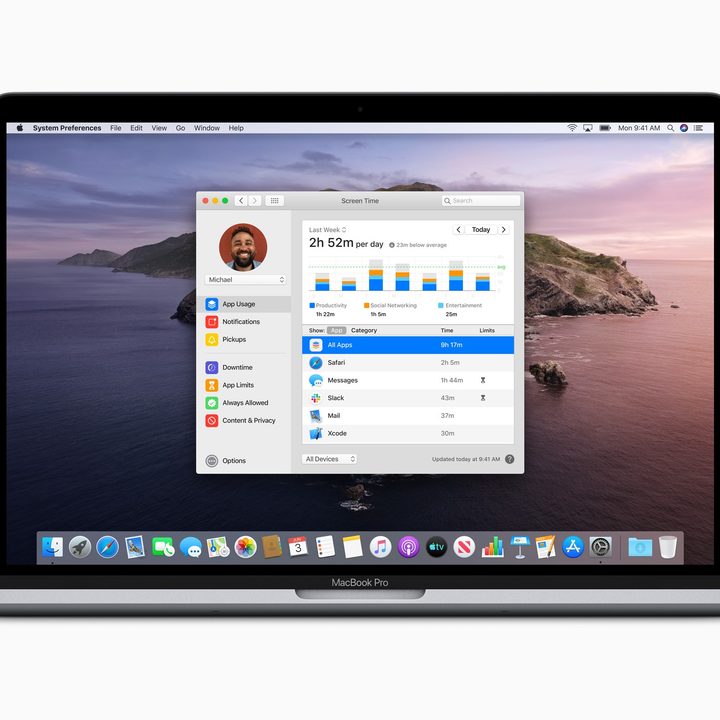
Managing your family’s screen time is now quite a bit easier that the Screen Time app has finally made it to macOS Catalina. Catalina’s updated Screen Time app allows users to not only set App Limits on the macOS device but all of your Apple devices.
This app lets you set Communication Limits to help stop your children from talking to strangers online and generates reports that showcase how users spend their screen time.
The app also boasts a One More Minute feature to extend your screen time once you reach the limit.
An updated Photos app for better curation
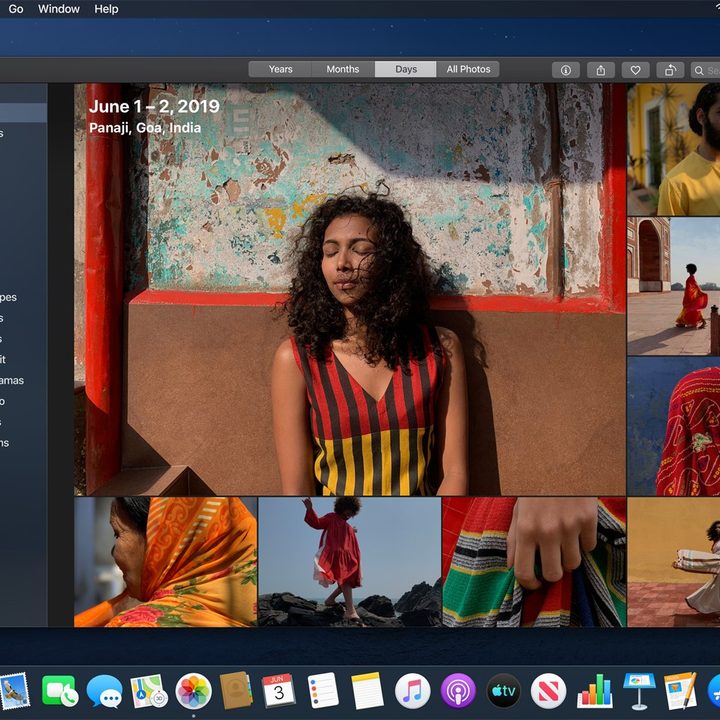
Also, Apple overhauled the Photos app in macOS Catalina. This update makes the app run more efficiently because it does all of your photo-sorting work for you. It will delete any duplicate images, which helps save on storage space, and it also eliminates low-quality images, so your gallery looks impeccable. Speaking of your gallery—the updated Photos app will curate your best photos and feature them prominently.
Other new features make browsing your Photos app smoother than ever. The new auto-play option will display each of your live photos and videos as you’re looking at your gallery. Larger thumbnails also make it easier on your eyes as you preview your photos.
Along with its new features, the upgraded Photos app also operates with built-in machine learning. It will read the data on each image and sort it accordingly into albums grouped by date taken. It also enhances the search feature so you can easily find images relating to certain terms.