The iPad (2020) and iPad Air 4 were some of the best tablets to hit the market in 2020. Both options have a lot to offer those looking for a standard-sized iPad, whether you want cost savings or lots of extra performance. If you’re looking to pick up a new iPad we can help out with the best ways to buy (and some extra advice on getting deals). Here’s everything you need to know.
Buying the iPad (2020)
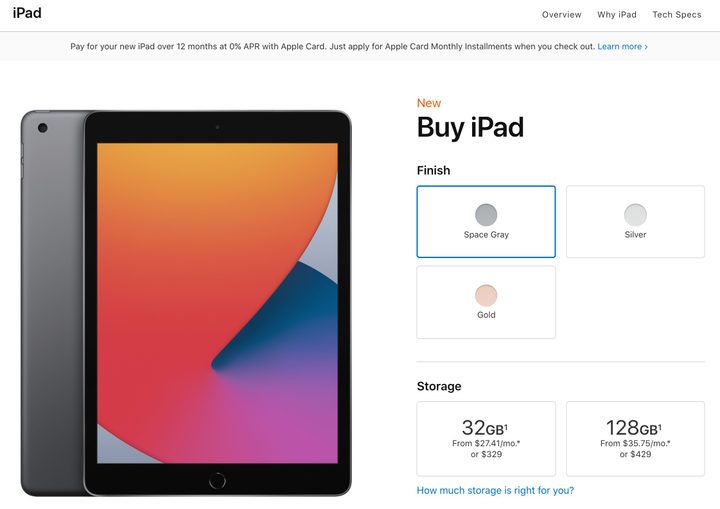
Note that you don’t have to buy from Apple. Major retailers are also carrying the newest iPad models. You can get it from Amazon if you prefer (there are also cellular models available). Here’s where to buy from Target, and here’s where you can get it on Best Buy.
These stores may be a better choice if you are part of their loyalty programs or have credits you can use to help with your purchase. However, Apple is a great default option because it’s very easy to customize, add engravings if you want, and purchase AppleCare for an extended warranty.
Buy the iPad Air 4
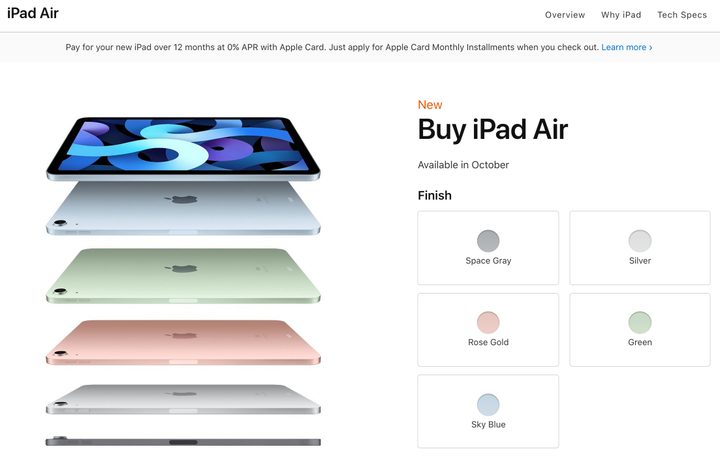
The iPad Air 4 can be bought directly from Apple like all current Apple products. You can also purchase the new iPad Air 4 from the same third-party retailers as mentioned above. You can find it at Target, BestBuy, and Walmart. As noted before, you may prefer these locations if you participate in reward programs or retailer credit cards.
Looking for deals? Remember to trade-in
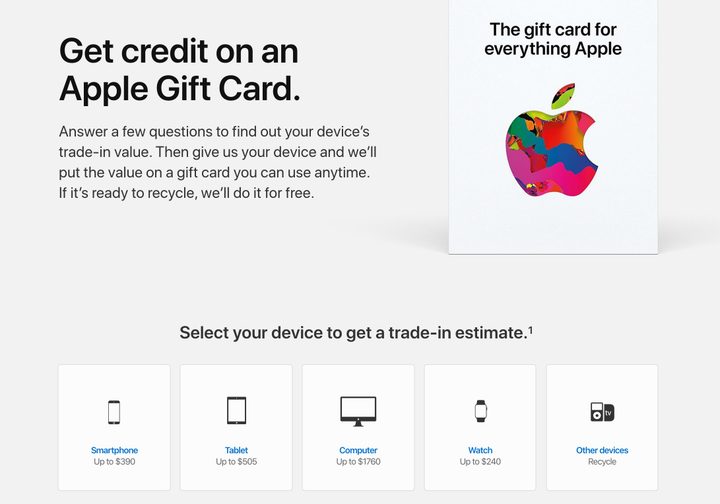
New Apple devices, and Apple products in general, don’t usually have that many deals. However, there is one way that you can guarantee that you save when buying a new iPad — combine it with a trade-in of an old Apple device.
Any Apple trade-in will do, but it’s especially handy to give up an old iPad in exchange for the new model. First, visit the Apple Trade-In site and select the type of device that you want to trade. Apple will then ask you some basic questions about the model, so try to have the serial number at hand if possible. You can then choose to get an Apple Store online credit that you can apply to the purchase of a new iPad, and Apple will send you a box to send your device back to the company.
Amounts can vary based on the age of the device and wear and tear, but an iPad (2019) in good condition can help you net more than $200 toward buying a new model! The actual credit does vary with time and may decrease as time passes or demand changes, so it’s important to trade-in as soon as you can.
Otherwise, you can wait for around the holidays. You might get a special deal for extra money on a trade-in, or companies like Target or Best Buy may offer gift cards along with the purchase of a new iPad, as they have many years in the past. It won’t count as a major discount, but every bit helps.
Looking for accessories?
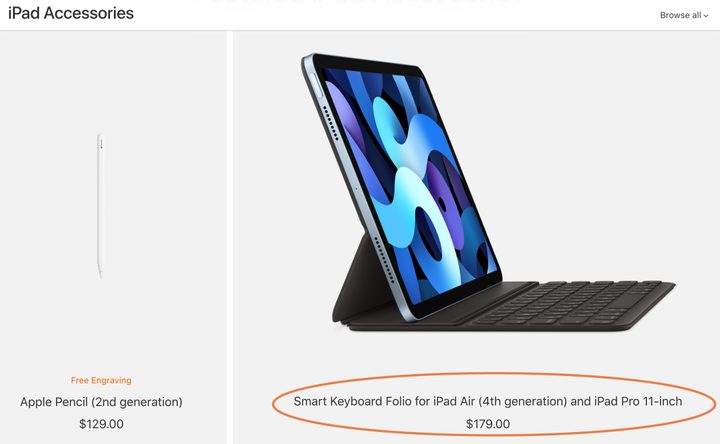
Need some new accessories to go with your new iPad? Apple will recommend a couple when you make your purchase, but for the full list, you will want to visit the iPad accessories page.
Remember that compatibility varies between the iPad (2020) and the Air 4. For example, the Air 4 is compatible with the latest Smart Folio keyboard with a trackpad, while the iPad only works with the older Smart Keyboard, and different Apple Pencils also have different requirements. Apple is good about noting the compatibility in their product titles on this webpage, so read carefully, and you should be fine.