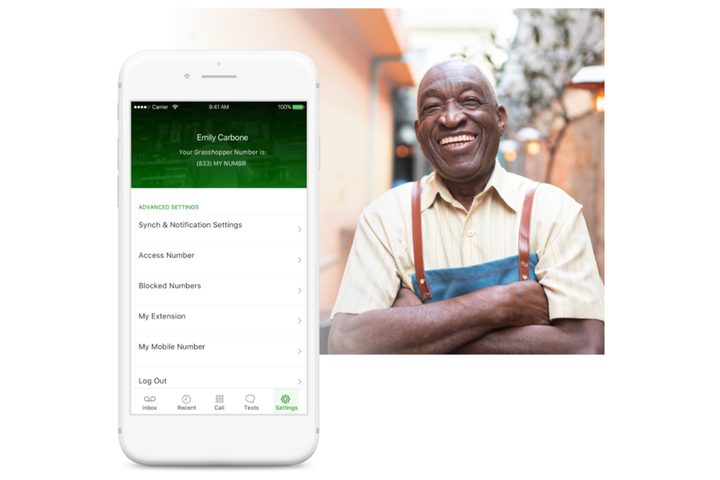
As a small business, it’s important to make it easy and convenient for your customers to communicate with you. Even in these modern times, many customers prefer to call businesses rather than wait for email or contact form responses. It’s a smart move to offer a professional phone service that leaves your customer feeling cared about and appreciated. That’s precisely why we recommend Grasshopper for making everything run more smoothly at a low cost and low amount of effort for you.
What is Grasshopper?
Grasshopper is a virtual phone system for small businesses. It means that you can combine your business phone number with a complete virtual phone system, providing you with plenty of benefits that ensure your business looks bigger than it is. Simply sign up and you can have calls directed to your personal phone number while still looking like you have a dedicated business line. You get all the benefits of a true business phone system without the need for additional devices or anything more complicated than a simple app-based interface. This way, your personal number remains private while maintaining a professional appearance to your potential future clients. Larger businesses use VoIP services to perform similar things at a much higher cost. Grasshopper is specifically aimed at smaller firms thanks to its simple-to-use interface that doesn’t require any additional equipment which keeps costs to a minimum.
How does Grasshopper work?
Via desktop and mobile apps, Grasshopper always gives you a heads-up when a call is business-related. That means you can immediately put on your more professional voice before answering so you’ve got your business mind on and ready to assist. It goes further than that though thanks to numerous useful features that save you time and make you look more organized to your prospective clients.
These include the ability to add automated custom greetings, include extension numbers for specific departments or employees, as well as the ability to take multiple calls at once by routing them to another phone or team member. They’re all useful features for both you and your customers, plus they make your business look bigger than it probably is.
Other useful tools include voicemail transcription, virtual fax facilities, and business texting. Short on time or can’t talk right now? Simply send a customer a text so they know you’ll get back to them. It’s the ideal way to make sure your client knows you’re still thinking of them.
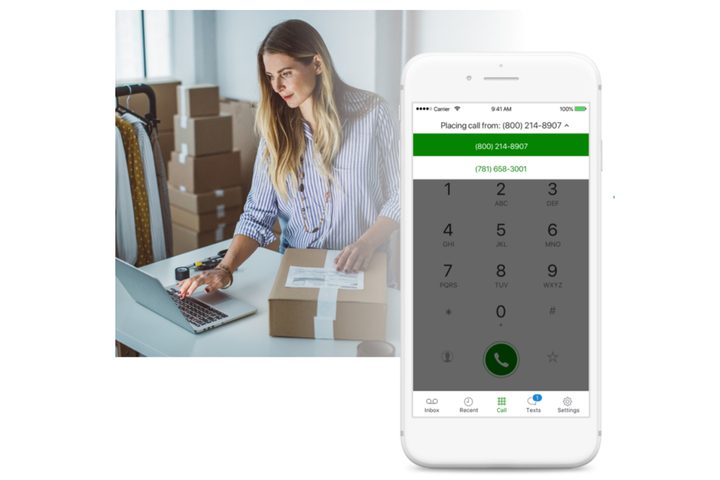
Grasshopper’s killer feature — vanity and toll-free numbers
First impressions count even more so as a small business. Grasshopper helps you look extra professional by giving you the ability to create a vanity number that’s exclusive and unique to your company. Through the site, you can pick a number from what’s available then choose a plan that works for you and get started. There’s even a 7-day free trial to see if it works well for you.
Alternatively, if you simply want a toll-free number, that’s also an option with plenty of toll-free numbers available ensuring you gain a more professional appearance to your clients.
You can even pick out a local number if you want to cultivate trust and credibility in your local area. After all, everyone loves to know they’re supporting a local business.
Whatever you decide, in all cases, you get unlimited texts so you can add an extra means in which to communicate with your customers. There are customized business greetings too so you can automatically welcome and direct your clients to the relevant department, or simply let them know if you’re unavailable. It’s the perfect way to look professional at all times, even if you’re swamped with work.
How much does Grasshopper cost?
Grasshopper starts at just $26 per month with $75 off an annual plan available at the moment. It’s a small price to pay for a lot of functionality and an ideal way to appear like a bigger business to potential customers. Saving you time and effort trying to keep up with calls and be constantly responsive, think of Grasshopper as your own personal virtual receptionist. It’s easily worth the monthly cost.