1. Home
  2. Computing
  3. News

M1 MacBooks can now run Windows 10 up to 30% faster than Intel Macs

Add as a preferred source on Google

Parallels Desktop for Mac, the popular program used to run virtualized versions of Windows 10 on Apple’s Mac devices, has gotten even better. Version 16.5 of the app now lets Mac users enjoy a seamless Windows 10 on ARM experience on Apple’s newest Macs featuring the M1 silicon.

According to Parallels, with version 16.5, Mac users can enjoy improved performance compared to when running Windows through the program on Intel-based macs. When running Windows 10 on ARM Insider Preview virtually through Parallels 16.5, users with M1 Macs can enjoy 2.5 times less energy consumption and 60% better DirectX 11 performance.

Recommended Videos
More specifically, Parallels says running Windows 10 on ARM on Parallels Desktop 16.5 with an M1 Mac performs up to 30% better than a Windows 10 VM running on an Intel-based MacBook Pro with Intel Core i9 processor. That’s because the Parallels team worked to reengineer the app under the hood for the M1 silicon. Over 100,000 M1 Mac users also tested the Technical Preview of Parallels Desktop 16.5 for M1 Mac, according to the company.
Image used with permission by copyright holder

Parallels Desktop 16.5 also supports features catered to the M1 Mac. You can run Windows applications on your Mac as if they were native Mac applications, without managing two separate desktops or rebooting. You also can share profiles, enjoy Touch Bar controls and customize Mac keyboard layouts.

A 14-day trial of Parallels Desktop for Mac is available for prospective users, and anyone with Parallels version 16 can update to 16.5 for free. A perpetual license for upgrading from older versions of Parallels is available for $50, and new subscriptions cost $80 a year, with new perpetual licenses costing $100 a year. Then there are Parallels Desktop for Mac Pro Edition and Parallels Desktop for Mac Business Edition, too.

Along with QEMU and ACVM, Parallels remains the only way to run Windows 10 on Apple’s new M1 Macs. That’s because Microsoft has yet to offer the ARM-based flavor of Windows 10 for Apple to use in Bootcamp (which isn’t available on newer M1 Mac models.) At the end of last year, Apple’s Craig Federighi said that this is up to Microsoft to support and that Macs are “certainly capable” of running Windows 10.
Arif Bacchus
Arif Bacchus is a native New Yorker and a fan of all things technology. Arif works as a freelance writer at Digital Trends…
Apple’s Hide My Email feature has an unfixed bug that leaves email addresses exposed
100% exploitable in limited testing, known since June 2025, and still unfixed as of today.
apple-merging-sign-in-with-apple-hide-my-email-icloud+

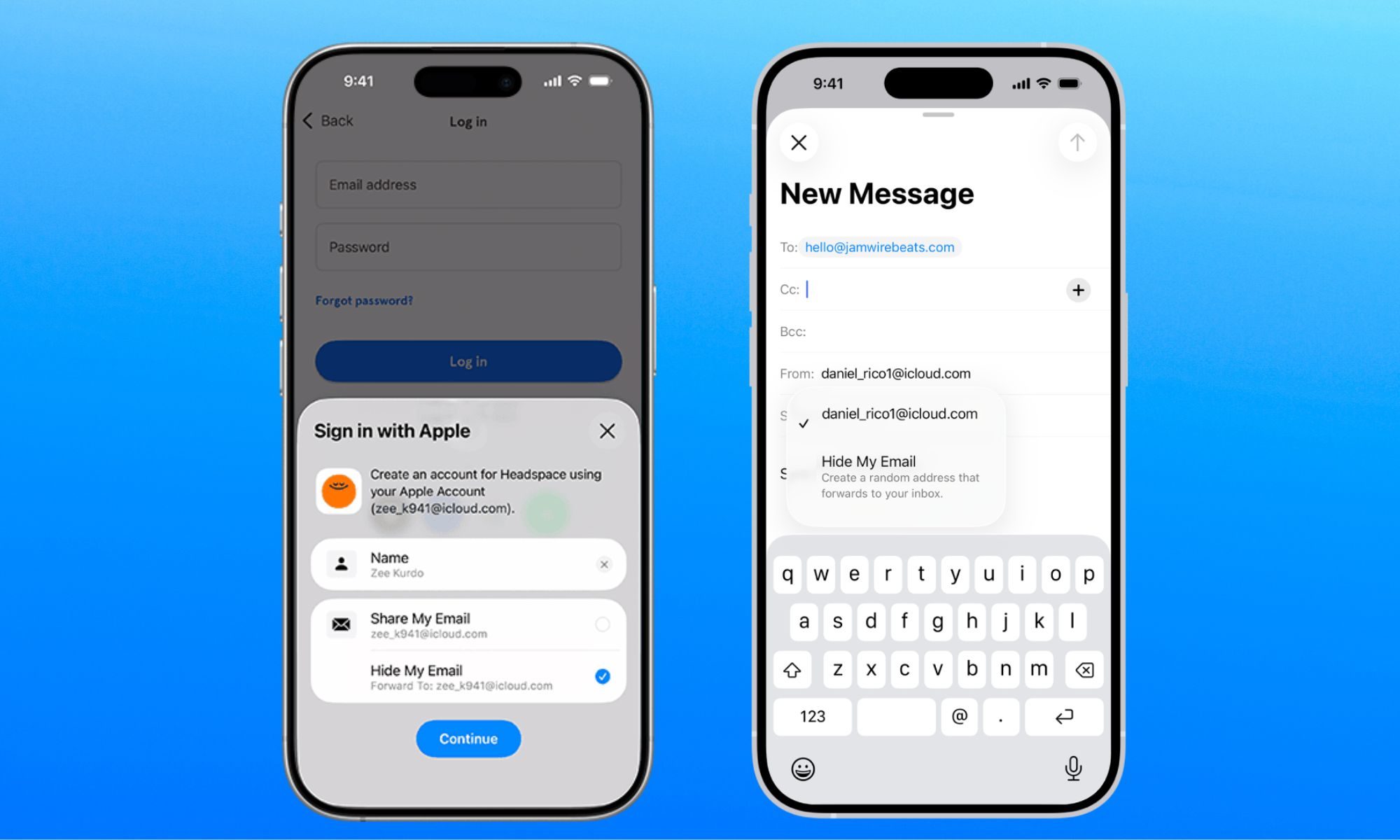
Apple has been selling Hide My Email to keep your real email address hidden, but it has a vulnerability that does the exact opposite. The worst part is that the company has known about it for a year. 

Hide My Email, part of Apple’s paid iCloud+ subscription, lets users generate anonymous email addresses for signing up to a website, so that their personal or work email remains free of promotional emails and spam. 

Read more
I hate sharing my Mac, but a face-unlocking app finally cured my privacy paranoia
Someone finally built the app locker every Mac user has been asking for.
FaceGate in action on Mac

If you have ever handed your Mac to a friend, family member, or coworker for "just a minute," you know the mild panic that follows. Sure, your Mac has a lock screen, but once someone is past it, they can open Messages, Photos, Notes, Mail, WhatsApp, and your browser.

iPhones had the same issue, but Apple solved it by adding an app lock feature with the iOS 18 update. Sadly, no such feature exists for macOS. That’s where the new FaceGate app for Mac can help you. It’s a free and open-source app that lets you lock apps on your Mac and even has some novel tricks up its sleeve. So, let’s talk about it, shall we?

Read more
The charm of a tiny Windows tablet is apparently dead at Microsoft. Long live the Surface Go!
Microsoft’s budget Surface era may be over
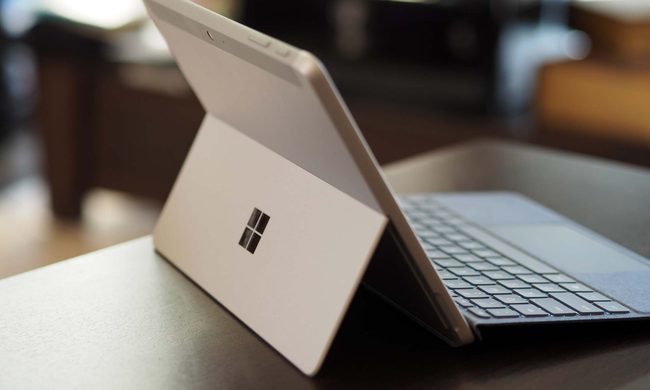
Microsoft Surface Go 3 stand.

Microsoft might be cleaning up its Surface lineup. According to Windows Central, Microsoft has stopped manufacturing the Surface Go and Surface Laptop Go lines, with no successors currently planned. Surface Go 4 and Surface Laptop Go 3 are reportedly out of stock in most places, and once remaining retail stock is gone, that may be it.

If this is true, then we are looking at the end of the brand's budget Surface PCs as Microsoft has plenty of premium Windows hardware.

Read more