Touchscreens aren’t just available for laptops and mobile devices: There are many desktop monitors that include touchscreen capabilities for those who like to tap and swipe. This can make managing more complex tasks easier, and touchscreens are often preferred by designers and other professionals taking an active approach to their work. Here are the best touchscreen monitors you can buy today.
The best touchscreen monitors
- Dell P2418HT
- Asus VT229H
- ViewSonic TD2760
- Planar Helium PCT2435
- Asus ZenScreen MB16AMT
- Acer UT222Q
- C-Force 015XT
- Microsoft Surface Studio 2
Dell P2418HT
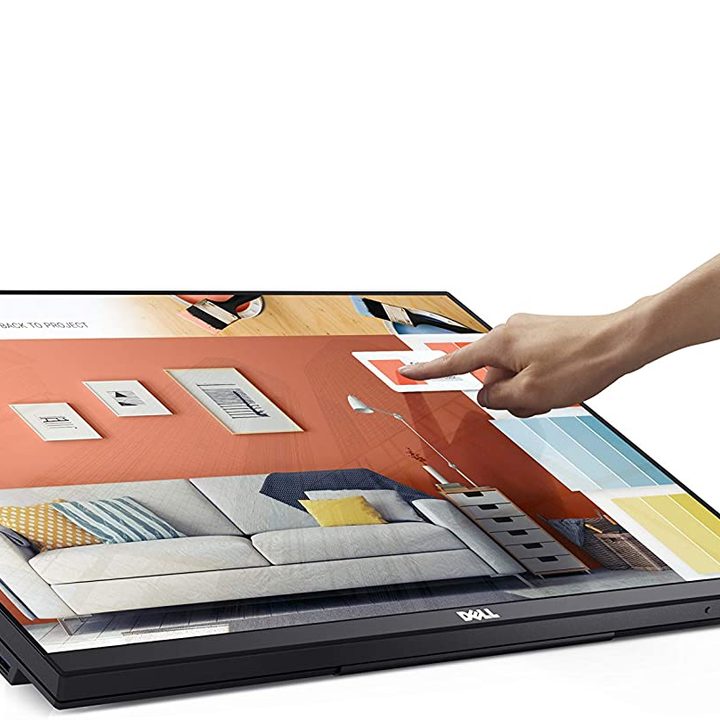
Why you should buy this: It’s a well-round mix of reliability and affordability for a touchscreen monitor.
Who it’s for: Professionals that want a reliable touchscreen monitor that can lie flat when needed.
Why we picked the Dell P2418HT:
Dell’s touchscreen display is more than meets the eye: This 24-inch monitor has a sturdy base when upright, but can also collapse down at an angle for more serious touchscreen work whenever you want. That also makes this monitor an excellent choice for either a primary display or a secondary monitor to link up and use for specific, touchscreen-oriented tasks when needed.
As for specs, the offers a 1080p resolution 6ms responsible time, and 60Hz refresh rate. It can reach up to a brightness of 250nits as well. Connections for the model include HDMI, DisplayPort, and DVI. Anti-glare coatings and blue light filters also make it easier on professionals working throughout the day.
Asus VT229H
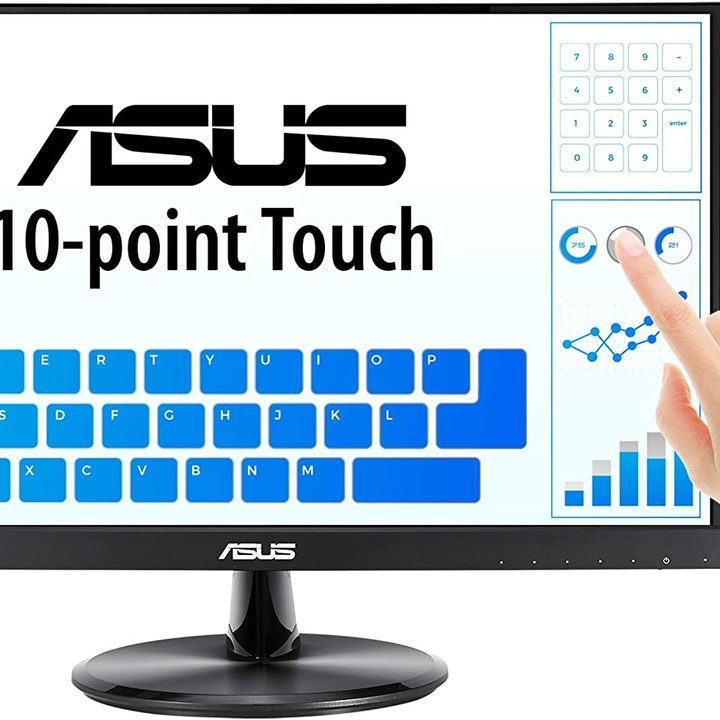
Why you should buy this: It’s a particularly affordable touchscreen monitor with Asus’ reliable eyecare software.
Who it’s for: Those looking for an affordable PC touchscreen, or a touchscreen that can serve as a secondary monitor.
Why we picked the Asus VT229H:
Those looking for a more affordable desktop monitor will appreciate this Asus 22-inch monitor with touchscreen capabilities. While not loaded with features, the 1080p monitor is well-prepared for a full day of work with a study design and all of Asus’s eyecare software to help manage backlighting and flickering for the best experience.
The offers up to a 75H refresh rate, brightness up to 250 nits, and connections that include both HDMI and VGA. With its smaller size, it serves well as an accompanying touch monitor in a professional setup or can work as a primary display when space is limited and a touchscreen is a vital feature to have.
ViewSonic TD2760
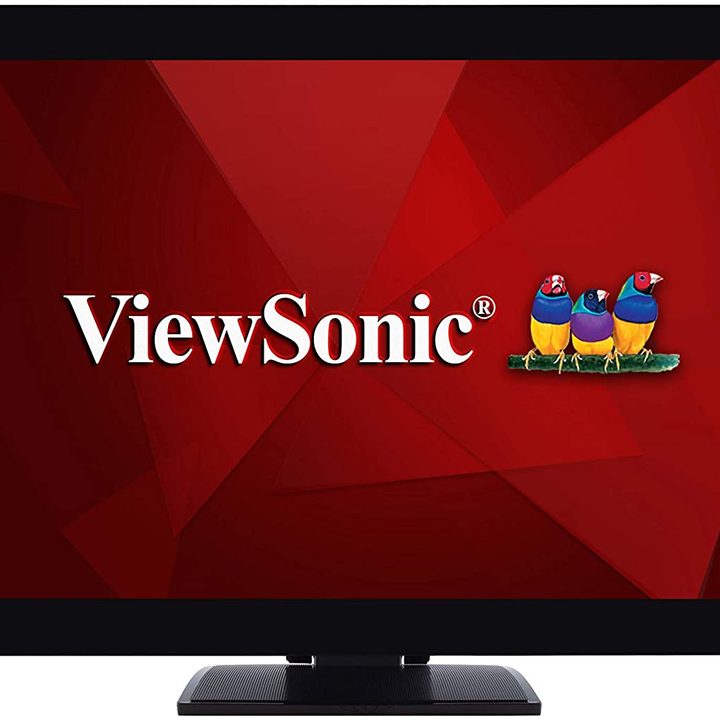
Why you should buy this: It’s a larger 27-inch touchscreen ready to serve as a primary monitor.
Who it’s for: Buyers who want a full-sized PC screen with touch capabilities and professional support.
Why we picked the ViewSonic TD2760:
If you already know that you need your primary monitor to have touchscreen capabilities, check out this full-sized, 27-inch model from ViewSonic. It offers 10-point multitouch capabilities for every kind of touchscreen control option, and the 1080p panel is made to be durable. This is another model that offers a dual-hinge design so you can angle back or lay it flat against the table depending on how you prefer to work. Oh, and if you’re using something like a Mac Mini, it offers full compatibility with MacOS too, so you won’t lose any touchscreen capabilities.
The ViewSonic TD2760 includes a 1080p resolution, 60Hz refresh rate, and connections for HDMI and DisplayPort, as well as VGA. It also includes support for HDMI-CEC, which can be useful for arranging automatic control of peripheral devices, saving some time, and enabling more effective professional setups.
Planar Helium PCT2435
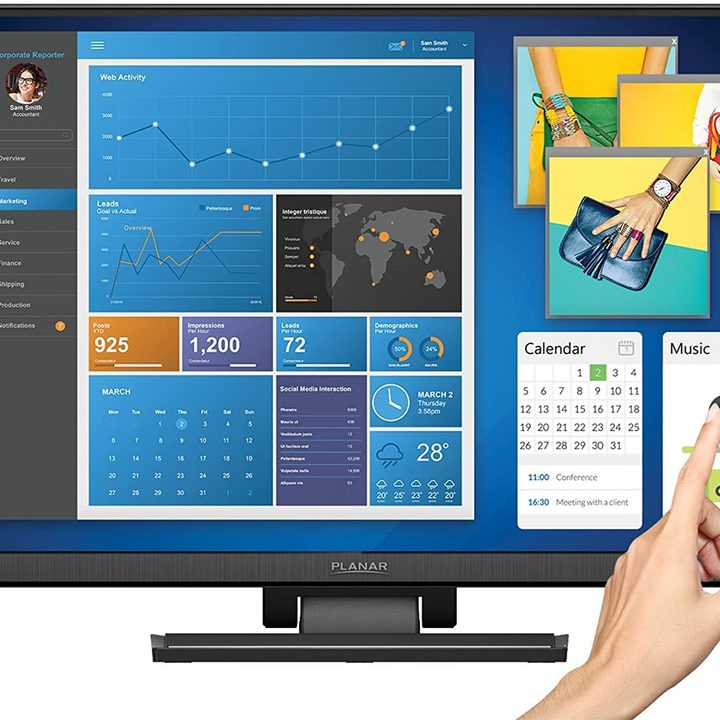
Why you should buy this: It’s got a sleek, durable dual-hinge design for any position.
Who it’s for: Users who know they’ll be adjusting the touchscreen angle a lot.
Why we picked the Planar Helium PCT2435:
Designers will appreciate a number of features on this 24-inch Planar model: Once again, a dual-hinge design makes the monitor ready for work at any angle, and light filters help reduce flickering and blue light for the sake of your eyes. We’re particular fans of the smooth, stable design of this monitor, which is important when the hinges see frequent use over time and need to last for years.
Connections for the include HDMI, VGA, and a USB 3.0 hub to help manage accessories. Brightness levels go up to 250 nits, and the refresh rate up to 75Hz.
Asus ZenScreen MB16AMT
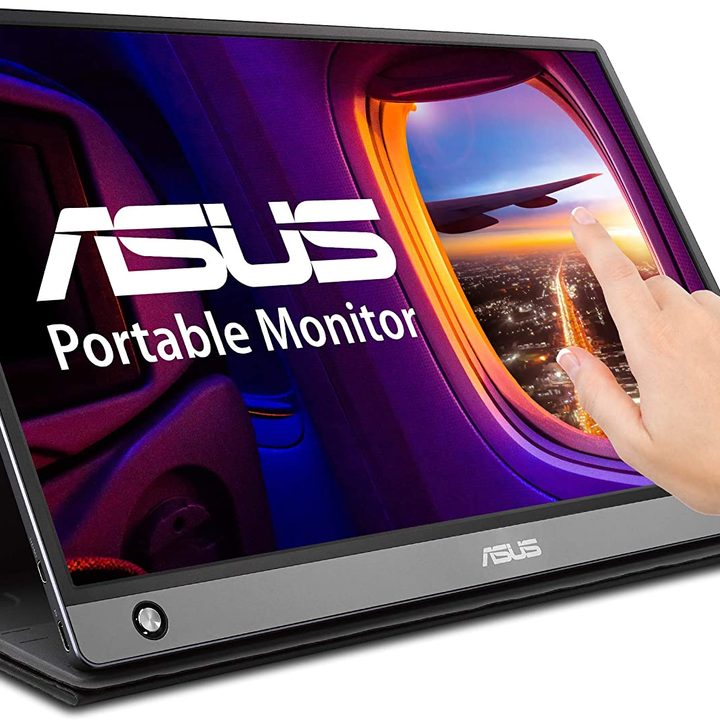
Why you should buy this: It’s an excellent portable touchscreen you can set up anywhere.

Who it’s for: Those who want a wireless touchscreen as an accessory for their PC or laptop.
Why we picked the Asus ZenScreen MB16AMT:
Some types of PC touchscreens are made to be portable. These smaller displays take only seconds to set up, allowing them to serve as a secondary display for almost any occasion, from working with your laptop to helping out in a flexible office situation. This 1080p Asus model measures 15.6 inches and easily collapses down, similar to a tablet, for quick carrying around or storage. It also has a built-in 7800mAH battery so you don’t have to worry about managing a power connection wherever you are.
The Buy at Newegg includes speakers, two USB ports, both Type A and C, and Asus’ eyecare technology makes an appearance here, too. It works with pretty much any operating system you have in mind and comes with a smart cover and a stylus hole for easy storage.
Acer UT222Q
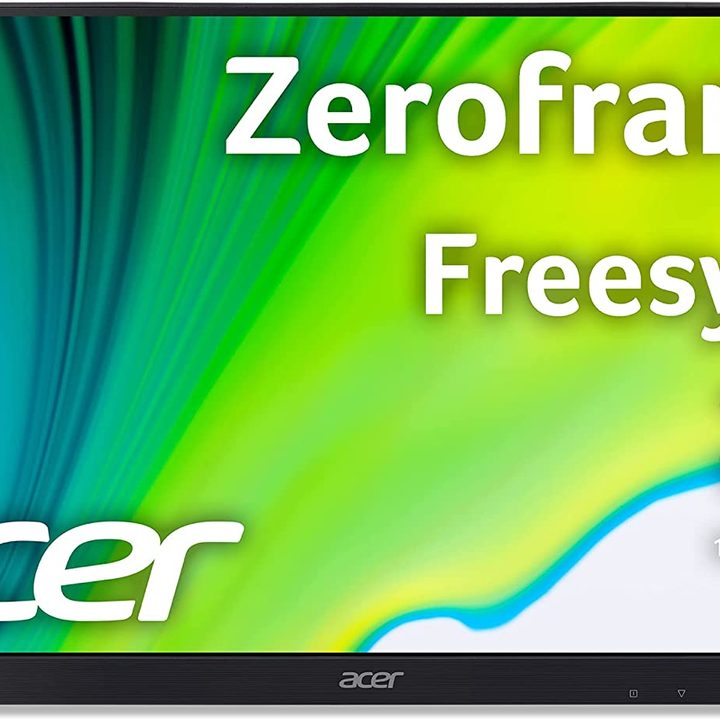
Why you should buy this: Easy maneuverability and FreeSync support.

Who it’s for: Those with AMD graphics cards, those looking for a well-rounded touchscreen.
Why we picked the Acer T272HL:
Asus’ 22-inch monitor offers a high-durability glass surface and 10-point touch support that are exactly what we like to see in a touchscreen monitor made for serious work. The design also offers the ability to easily tilt to get just the right angle for your work and whether you prefer to sit or stand. AMD users will also be pleased to see that FreeSync is supported on this mode to reduce screen tearing and associated issues.
The Acer T272HL also comes with a 75Hz refresh rate, plus two built-in 2W speakers for sound. Ports include DisplayPort, HDMI, VGA, and USB-A. The Acer VisionCare software is also included here to help reduce flicker and cut down on blue light. All in all, it’s a well-rounded monitor that can help with anything from rapidly searching photo albums to playing a game.
C-Force 015XT
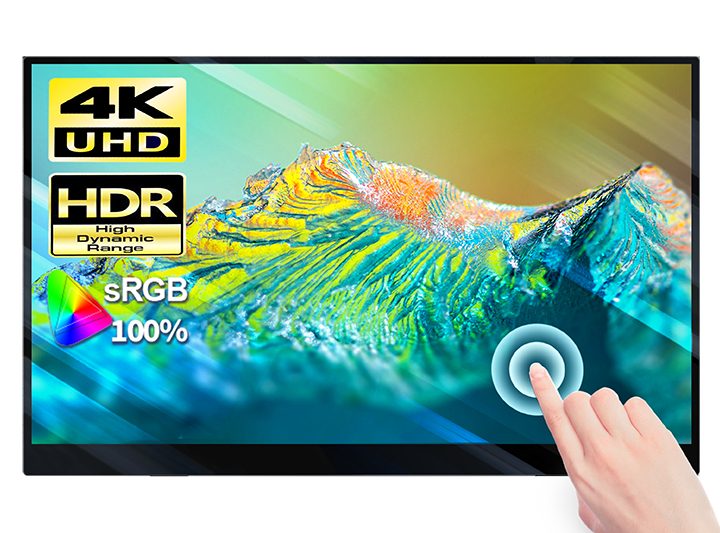
Why you should buy this: It’s a 4K portable screen with a USB-C connection
https://cforcedesign.com/products/4k-portable-monitor-touchscreen-c-force-cf015xt-15-6-slimmest-10-point-touch-uhd-3840×2160-dual-usb-c-monitor
Who it’s for: Users that want a higher resolution, gamers looking for a companion screen.
Why we picked the C-Force 015XT:
If resolution is on the top of your list — and many photographers and designers will find it necessary — then this C-Force monitor brings the 4K resolution you want. This 15.6-inch monitor is portable enough to move it around to wherever you need it in your workspace but large enough to still be useful when handling a wide variety of subtasks (including gaming tasks or enlarging a mobile game). It also has HDR support for video optimization and FreeSync support for AMD card users. Creatives will also appreciate the 100%s RGB gamut coverage.
The monitor offers up to a 60Hz refresh rate, 400nits of brightness, and a 6ms response time. It comes equipped with USB-C ports, including versions with Power Delivery and versions focused on data transfer, as well as DisplayPort over USB support. There’s also a mini HDMI port if USB-C isn’t your ideal option.
Microsoft Surface Studio 2
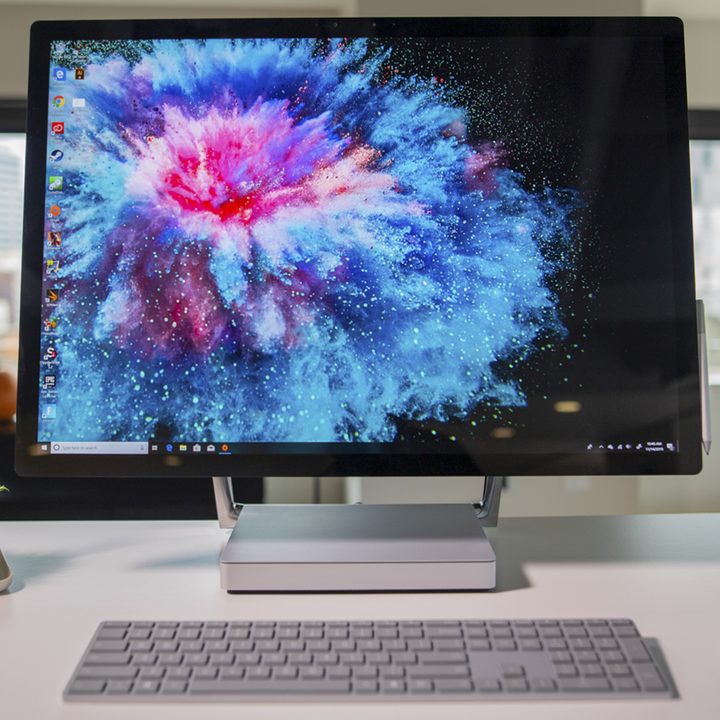
Why you should buy this: It’s a versatile all-in-one touchscreen with an amazing resolution.

Who it’s for: PC buyers who want the best touchscreen for design work and don’t mind paying for it.
Why we picked the :
There’s another option for a touchscreen desktop that may be particularly appealing for some buyers – an all-in-one PC that combines the PC and monitor into one component that can save on space while still delivering a premium experience. Microsoft’s Surface Studio 2 is an excellent example of this solution. The 28-inch monitor offers a UHD resolution with full 10-point touchscreen capabilities, perfect for artists and designers willing to pay more for an all-in-one PC. It can operate in both Studio and normal mode depending on your preference and works with the innovative Surface Dial, which can help cycle through color palettes or other tricky tasks.
Inside, this Surface Studio 2 has an Intel Core 7 processor, 1GB of RAM, and a 1TB SSD for storage space (there are also 32GB versions available for extra speed). That allows Buy at Newegg to run just about anything, including extra-demanding editing and photography software. It’s the complete package for professionals who want a touchscreen…something that iMacs simply can’t provide.