Normally, we’d encourage you to always update to the latest version of your operating system. But some Mac users got more than they bargained for when they installed the latest MacOS Monterey 12.3 update — it bricked their devices.
According to posts on Apple’s developer forums and on social media, the 12.3 update is causing all manner of issues, from simple error messages to infinite rebooting loops and completely bricked Macs. Attempting to upgrade from MacOS Monterey 12.2.1 or earlier appears to be causing the problems.
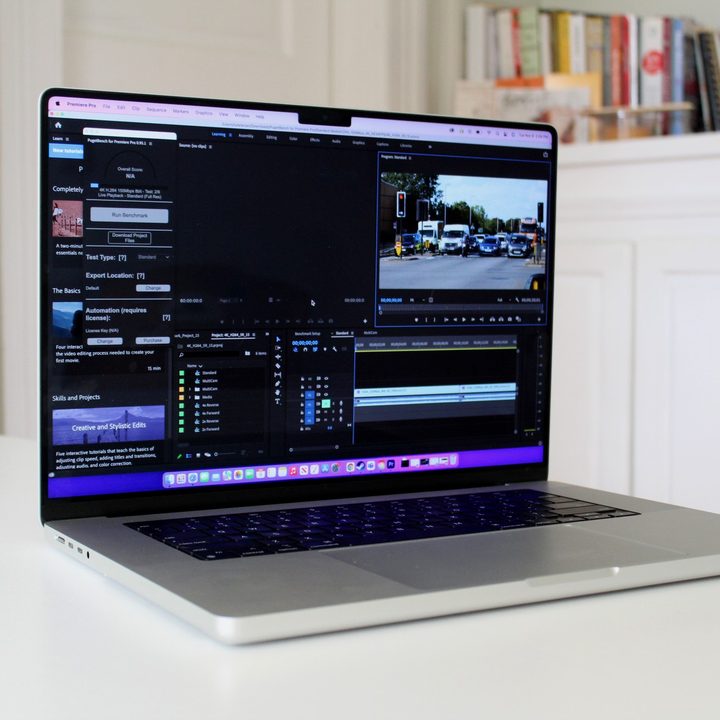
Interestingly, the issue seems to be limited to 14-inch and 16-inch MacBook Pro laptops with replaced logic boards (at least according to one user on the forum). They report the process usually goes along the following lines:
-
“You try to upgrade, the upgrade will fail but recovery to handle it correctly, you’ll reboot still on 12.2.1 but with a report a problem dialogue informing you of an iBoot Panic
-
You’ll try to upgrade again. This time, the iBoot FW will corrupt. You’ll see the apple icon flash on boot 5-6 times before seeing the exclamation mark symbol telling you recovery is needed.
-
You can try and revive using a second Mac with Apple Configurator 2. This will fail, because it tries to load the 12.3 firmware from the IPSW, in either DFU or Recovery mode.
-
The only way to get things running again is to manually download the 12.2.1 IPSW and use Apple Configurator 2, with the Mac in DFU mode, to load the revive image. This will update the firmware of iBoot, and the recovery image to a working build. The Mac will then restore 12.2.1’s OS, keeping your data upon finishing.
“I’ve submitted as many logs of all this to AppleSeed via Feedback Assistant, but I suspect this will take days to actually get to someone who can acknowledge the issue. In the meantime, there’s going to be many bricked MBPs as most people won’t have a second Mac to perform a revive, and even if they do, won’t understand why that fails as it tries to load 12.3.
“There’s seemingly no point going to the Apple Store Genius Bar based on @sfriedrich’s comments. They’ll just do a logic board replacement again, which will fail on upgrade.”
The user mentioned in the above comment, sfriedrich, was particularly unlucky. They described how they installed the MacOS Monterey 12.3 beta 3, only for it to brick their Mac laptop. The issue was so serious that Apple replaced the logic board. Thinking all was well, the user later installed MacOS Monterey 12.3 beta 4 — only for their laptop to be bricked again, requiring a second logic board replacement.
If you’ve tried to upgrade to the latest MacOS Monterey 12.3 beta and it’s wreaking havoc with your Mac, there’s still hope. Apple has instructions on how to revive Apple silicon Macs and how to restore Intel-based Macs, so try those instructions first. Note that you’ll need a second Mac to help with this process.
Despite this notable issue, MacOS Monterey is safe to install in most situations. I’ve been running it since the first beta came out in summer 2021 without any issues, both in the form of official updates and developer betas. We’ve got instructions on how to install MacOS Monterey if you want to give it a try.