1. Home
  2. Computing
  3. News

Cursive note-taking app now on all compatible Chromebooks

Add as a preferred source on Google

ChromeOS version 102 is now available as an update for Chromebooks, bringing three new features, including the rollout of a new Cursive app, improvements for magnification, and some new alerts relating to USB-C cables.

If you’re on a Chromebook that supports a stylus, the new Cursive app should be the biggest highlight for you. This app originally launched last year on select new Chromebooks, and now Google says it is rolling out to all Chromebooks with a stylus. Cursive makes it easier to capture, edit, and organize notes on your Chromebook, using a stylus with features like sketching drawings, pasting images, and sharing as PDF.
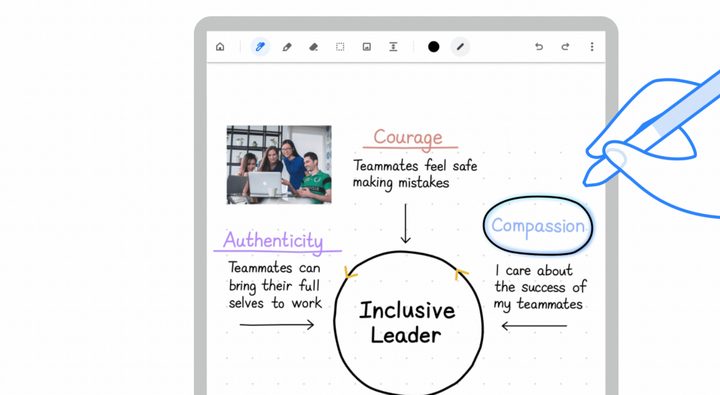
The Chrome OS Cursive App on a sample chromebook.
Google

You already could access Cursive and install it as a Progressive Web App via the web, but it is now more upfront on eligible Chromebook models. Some additional features for Cursive are coming soon, including ways to easily change the thickness, style, and color of the stylus stroke.

Recommended Videos

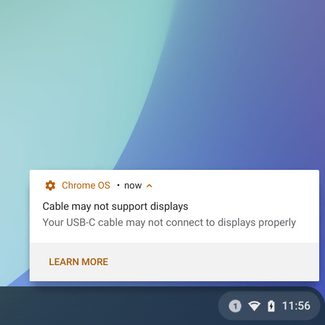
ChromeOS is now also smarter with USB-C devices. ChromeOS can now alert you if your connected USB-C cable has limited functionality. This applies to situations where a USB-C cable can’t work with a docking station or monitor, or if it is not performing the best with your laptop.

ChromeOS will even let you know if the cable doesn’t support USB 4 or Thunderbolt 3 standards if your Chromebook already does. Google says this is rolling out first to Chromebooks featuring 11th- or 12th-generation Intel Core CPUs with USB4 or Thunderbolt capability. More devices are set to come soon.
Google

The third major feature in this release is magnification customization options. Now in ChromeOS 102, you’ll be able to control the size of any part of your screen that’s magnified. You’ll be able to make it bigger or smaller. This builds on the continuous panning feature introduced in the past, where if you move your cursor, the rest of the screen follows it.

As always, you can update your Chromebook to this new release by visiting the Settings app. Then click About ChromeOS. From there, your Chromebook should download the version 102 update. You’ll then be prompted to restart and be back in the action to try out these new features after just a few seconds.

Arif Bacchus
Arif Bacchus is a native New Yorker and a fan of all things technology. Arif works as a freelance writer at Digital Trends…
Windows 11 is getting a new Screen Tint mode, and your eyes might thank Microsoft
Users can apply custom color overlays to reduce screen intensity and visual fatigue.
Windows 11 on a laptop

Microsoft is testing a new accessibility feature for Windows 11 called Screen Tint, and it could be one of those small additions that make a surprisingly big difference. Instead of changing your display's color temperature like Night Light, Screen Tint applies a customizable color overlay across the entire screen, making bright displays easier on the eyes during long work or gaming sessions.

A softer screen for tired eyes

Read more
Apple’s looking at a politically radioactive fix for the memory crisis, and the US government isn’t happy about it
Apple blamed memory costs for your price hike. Its proposed solution involves a Pentagon blacklist.
Apple Mac Mini on a Desk

A few days ago, Apple announced an ugly mid-cycle price hike, blaming the worsening-by-the-day memory crisis. According to the Financial Times, the company is now lobbying the government for approval to buy memory chips from a Chinese company. 

The company in question is CXMT, a Chinese chipmaker that the Pentagon added to its Chinese Military Company blacklist for alleged ties to the Chinese army.

Read more
As iPads get pricier, Motorola’s Pad 70 Pro arrives as a solid option… just not for US buyers yet
Great specs, a stylus in the box, and no US launch date: the Moto Pad 70 Pro sounds both impressive and disappointing.
Computer, Electronics, Laptop

If you don’t know about Apple’s recent price hike, which affected all the products in its lineup except the iPhone and Apple Watch (for now), you’ve got to be living under some sort of a rock. The revision made all the iPads much more expensive. 

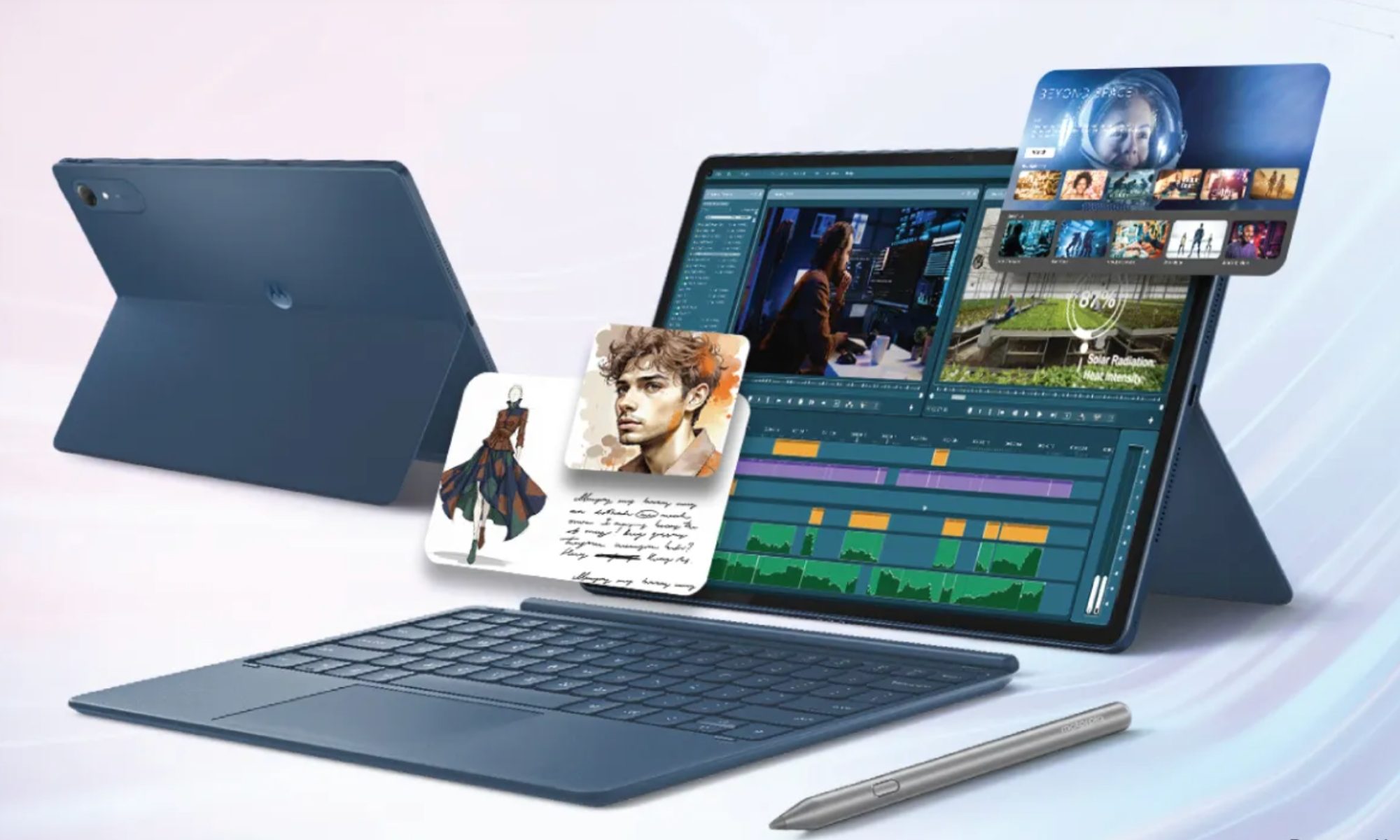
Motorola, however, has just launched a 13-inch tablet that actually sounds good on paper. It’s called the Moto Pad 70 Pro, and it costs around $440 for the baseline model. The catch, however, is that the device isn’t available in the US yet. 

Read more