The Houston Astros and Philadelphia Phillies are set to go clash in the 2022 World Series. It’s baseball, so there’s drama. (And we’re not just talking about the argument for lifetime bans of Astros folk.) The Phillies are in their first postseason since 2011, never mind making it all the way to the final series.
So, yeah. This is gonna be good. And it’s exactly the sort of thing you’ll want to watch in the best resolution possible.
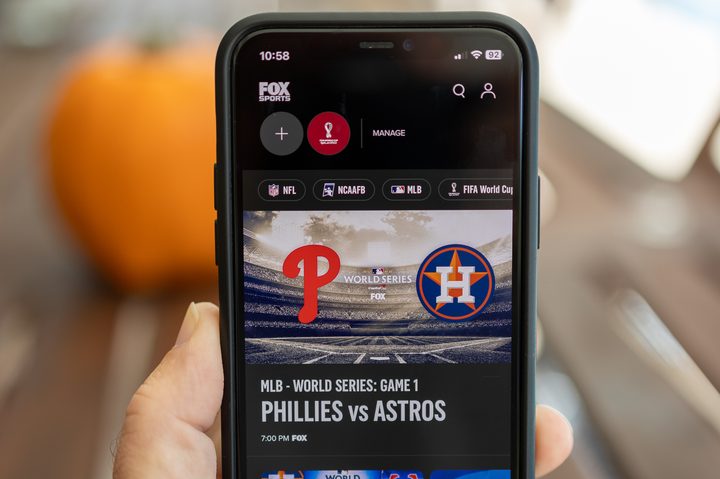
Live TV is still pretty hard to come by in 4K. But sports has paved the way for it. And before you even try to toss the word “upscaled” at us, just stop. Sure, even if it’s not truly 4K from one end to the other, the simple fact is that if you’ve seen any sports in 4K on your television, you’re going to want more. That’s whether it’s football, soccer, or baseball.
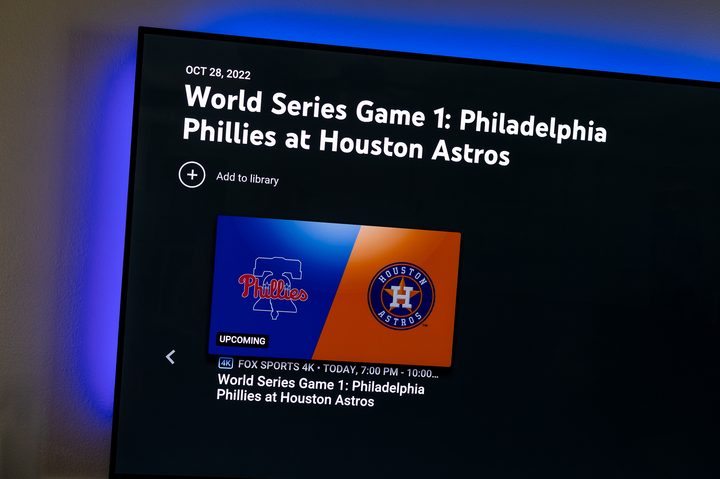
And you can watch this year’s World Series in 4K, from Game 1 on Friday night all the way to the end of the best-of-seven series, on Fox, in a number of places. It really is the best way to watch the game, especially given that Fox often does some shenanigans to the frame rate on its standard-definition broadcasts. The full 4K view does it right, in HDR, and it’s really the wya to go.
And that’s before you consider that the series opened with a bang, with the Phillies going down five runs by the end of the third inning before tying it up just two innings later. But it took a 346-foot home run from J.T. Realmuto in the 10th — free baseball! — to end it.
Not a bad Game 1.
Here’s how to watch Game 2 in full 4K glory.
Watch the World Series on YouTube TV
If you’re streaming your live TV, there’s a good chance you’re doing so on YouTube TV. It’s the most popular streaming service in the U.S., with more than 5 million subscribers at last count. And YouTube TV has a 4K option.
You’re going to have to pay up a little extra for the privilege, though. The full price is $20 a month, which definitely is steep on top of the $65-a-month base subscription, with which you get more than 100 channels. You’ll get a free trial, though, which covers the first 30 days. And that’ll get you through the full World Series. There’s also a pretty decent discount for the first 12 months, which cuts the cost in half. So you’re talking $120 a year for the first year, and an extra $240 a year after that.

Is it worth it? That really depends on how badly you want to watch anything in 4K. For live TV, you’re looking at NBC Sports, Fox, Nat Geo, FX, and ESPN. But not every live game or event will be shown in 4K, so you’ll have to check the schedule pretty often, and then cross your fingers.
That’s just the start of things, though. There are also are number of on-demand channels available in 4K, including shows from Discovery and Tastemade. So that sweetens the deal a little.
The 4K Plus add-on also gives you the ability to watch on many devices at once while you’re on your home network, and the ability to watch recorded shows (on some networks) offline on mobile devices.
Whether that’s worth it is up to you. YouTube TV is available on every major streaming platform, including Amazon Fire TV, Roku, Apple TV, Google TV, Android TV, on smart TV systems, gaming consoles, and in a web browser.
Watch the World Series on FuboTV
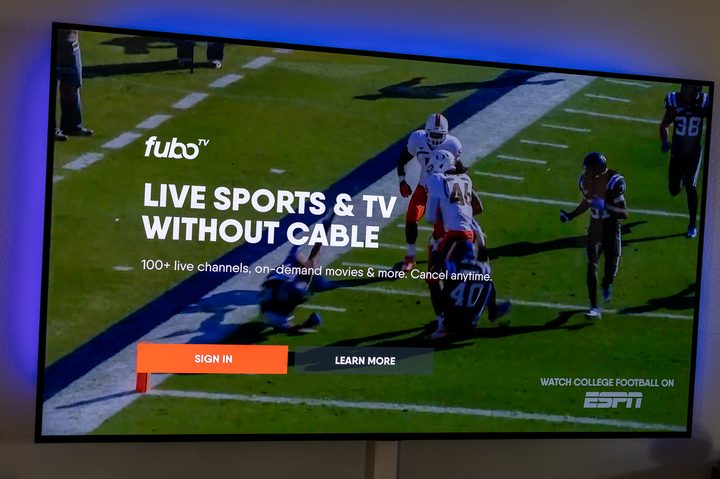
FuboTV is one of the smaller live TV streamers, but it’s been growing and now stands in fourth place with about 1.22 million subscribers. It also was the first streaming service to offer any live sports in 4K, which it continues to do today.

FuboTV starts at $70 a month for 113 channels, 1,000 hours of recording, and the ability to watch on up to 10 screens at home. There’s also a free seven-day trial, which will get you through at least the five games of the World Series, provided that one team doesn’t sweep.
There’s also a huge stable of optional add-ons with FuboTV, many of which will get you sports that can’t be found elsewhere.
FuboTV is available on every major streaming platform, web browsers, smart TVs, and gaming consoles.
Watch in the Fox Sports app
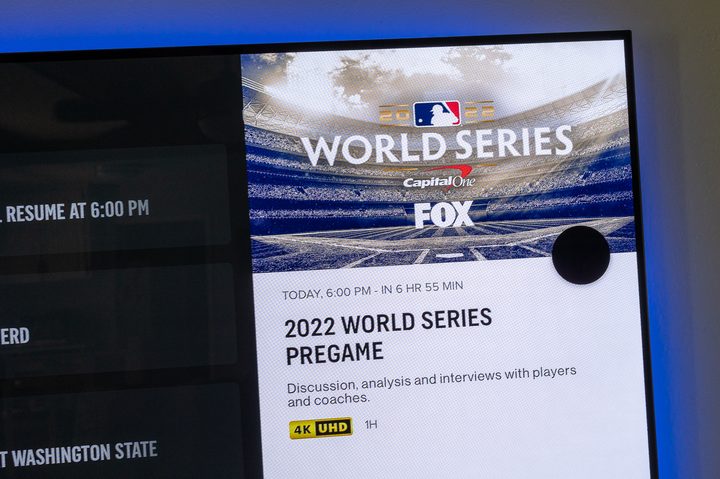
The World Series also is available on the Fox Sports app. That’ll require a subscription to some other service, be it cable or satellite or streaming. Or, if we’re being completely honest while also winking a good bit, it’ll require access to a subscription.
From there, you’ll just log in to the Fox Sports app on whatever platform you’re using, whether it’s phones and tablets, or in a web browser, or on a streaming platform like Roku and Amazon Fire TV. It’s also available on smart TVs.
This will be a good option for a lot of folks who don’t otherwise subscribe to any sort of cable or satellite service, or streaming — but know someone who does.
Just hope folks don’t ask too many questions.