1. Home
  2. Computing
  3. News

Google may have just fixed Chrome’s most annoying problem

Add as a preferred source on Google

While Google Chrome is one of the best web browsers, over the years it has gained a reputation for being something of a resource hog, gobbling up your PC’s memory like it’s going out of style. That can be a problem if you’re running other resource-heavy tasks and don’t want things to slow down. Now, Chrome has been updated with two new features that cut down on memory usage and extend your laptop’s battery life, according to Google. The changes are set to roll out today with the latest release of Chrome on desktop (version m108).
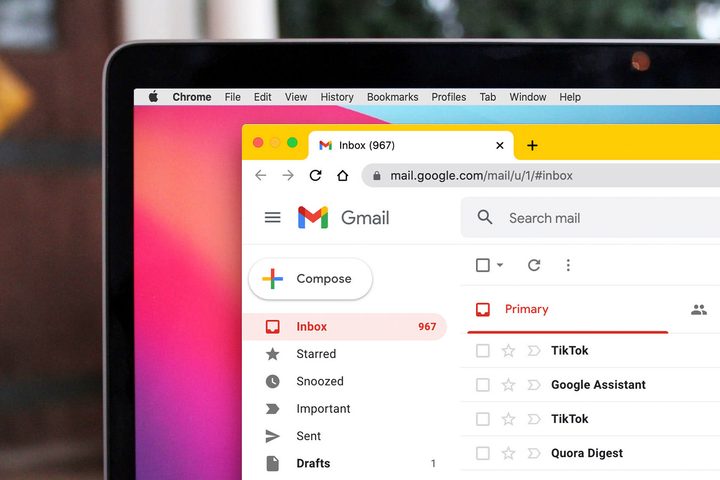
A Macbook with Google Chrome opened to a Gmail inbox.
Digital Trends

The first new feature, dubbed Memory Saver, is designed to reduce the amount of memory Chrome’s tabs use. It does this by freeing up memory from inactive tabs, and putting them to sleep so they can’t monopolize your system’s resources. When you need to access the tabs again, they will be reloaded and become active. The goal of Energy Saver, meanwhile, is fairly self-explanatory — helping your laptop battery last longer — but it does so in a somewhat interesting way. When your battery drops to 20%, Chrome will try to prolong your battery life by “limiting background activity and visual effects for websites with animations and videos.”

Recommended Videos

Presumably, this means Chrome will limit the kind of flashy effects that have made a comeback in web design in recent years. Google says that when these new features launch, users will still be able to customize them to their liking. You can disable either Memory Saver or Energy Saver (or both), and mark certain websites as exempt in Chrome’s settings. The changes could turn out to be important. While Chrome has managed to become the dominant Windows web browser and one of the best browsers for Mac, it has been plagued by poor memory management for years. If Memory Saver and Energy Saver are able to help ameliorate that — and make your battery last longer too — then Google might have gone some way to fixing Chrome’s biggest problem. Both Memory Saver and Energy Saver will be launched globally over the next few weeks. The features are coming to Chrome on Windows, macOS, and ChromeOS.

Alex Blake
Alex Blake has been working with Digital Trends since 2019, where he spends most of his time writing about Mac computers…
A Windows 11 bug may be quietly eating hundreds of gigabytes of your storage
Windows 11’s storage-eating bug now has a fix from Microsoft
Windows 11 suffering from RAM crisis

If your Windows 11 PC suddenly looks low on storage, your downloads folder or game library may not be the problem. According to Windows Latest, a bug tied to a Windows system file can silently consume tens or even hundreds of gigabytes on the system drive.

The file in question is called CapabilityAccessManager.db-wal, and it sits inside Windows’ Capability Access Manager folder. Windows Latest says the issue may appear as unusually high “System files” usage in Windows 11’s storage breakdown, even though the Settings app does not clearly identify the exact file responsible. In some reported cases, users saw it grow to 200GB, and even more.

Read more
Your next Teams meeting could have an AI teammate that answers questions for you
Teams is getting smarter, cleaner, and quieter about it. The AI features are opt-in, the chat cleanup is automatic.
Computer, Electronics, Laptop

Microsoft Teams is getting a meaningful update that overhauls almost every part of how you use the app, from AI-assisted meetings to a cleaner chat layout. Most of the changes are already in testing, and several are scheduled to roll out before the end of the summer.

Starting with the most interesting addition: an upgraded AI Facilitator that can listen to your meeting, spot when someone seems confused, and generate a response (via Windows Report). 

Read more
A hacker’s arrest just revealed how Microsoft can track your Windows device
Microsoft knew what websites his Windows PC visited.
Windows 11 on a laptop

A teenager allegedly used a VPN to cover his tracks while hacking a US jewelry retailer, but Microsoft knew anyway.

Court documents unsealed in the US case against Peter Stokes, a 19-year-old dual US-Estonian citizen accused of being a member of the notorious Scattered Spider hacking group, reveal that Microsoft provided the FBI with records tied to a tracking mechanism called the Global Device Identifier, or GDID. 

Read more