
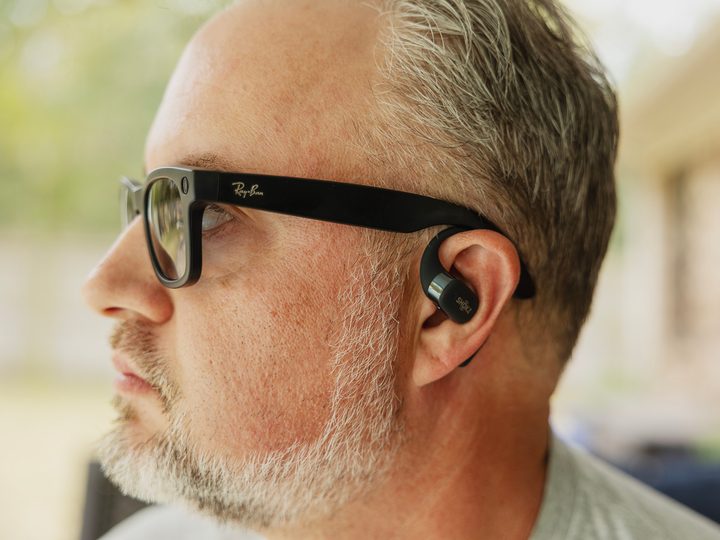
I’m a big fan of having the right tool for the right job — which is something I’ve definitely said before. If you’re a photographer, it means you probably have more than one lens. If you’re a chef, you have more than one knife or pan. You don’t take a sedan muddin’, as they say in my neck of the woods. And you don’t take a johnboat 100 miles offshore to go fishing.
The same can be true for headphones. There are real reasons to have more than one pair. I wouldn’t work out in full over-the-ears cans. (And can’t understand how the kids these days do.) But nor would I wear AirPods Pro when I’m cycling. That’s when open-ear earbuds, or bone-conduction headphones — something that doesn’t actually go inside your ear and block ambient sound — are required.
But lately I’ve found myself more often grabbing a multitasker. Headphones that — for me, anyway — are able to do the job in more than a single category. I still wouldn’t wear them to the gym, but I have worn them on a bike. I’ll wear them while driving, but won’t actually use them.
The “headphones” in question? The $299 Ray-Ban Meta sunglasses.
Smart glasses with decent-enough speakers mean you might not need proper earbuds with you.
Due to the nature of this job, I have a decent stable of current wireless earbuds and headphones from which to choose. And I’ve been leaving the house more often lately only with the Ray-Bans. Not because they’re the best headphones I have. But having the Ray-Bans on hand means I don’t have to carry sunglasses — a must here in Florida — as well as a separate pair of earbuds. That means one fewer thing in my pockets.
A lot of that decision comes down to the circumstances. My day starts at 4:45 a.m. when I leave for the gym. And I do so with my AirPods Pro in my pocket. It’s dark, so I don’t need sunglasses just yet. (Though now that we’re hitting daylight saving time again, the sun is well up by the time I’m headed home a couple hours later.)
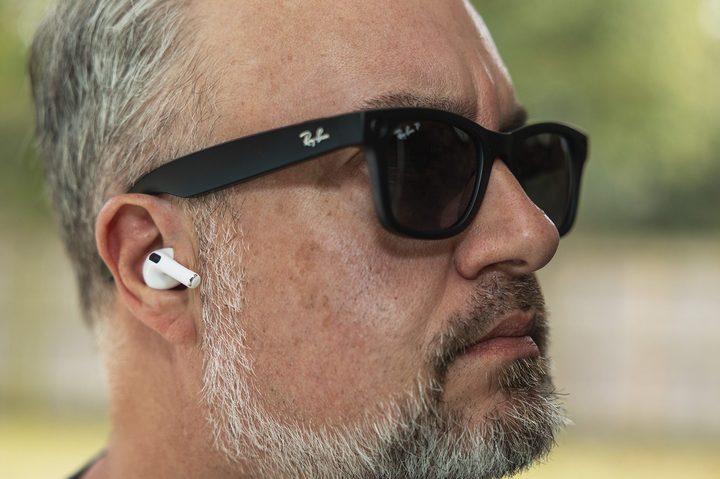
But on the weekends, when I’m traveling with one or both kids at soccer tournaments? The Ray-Bans — and their charging case — have been all I’ve had with me. The case part is important because these things don’t have the biggest batteries. But I’ve yet to use them so much that I’ve completely drained them before getting them some time back in their case. And if you’re going spend that much money on sunglasses, you really should keep them in a case they’re when not on your face.
And there’s something just more casual about taking a quick phone call — or surreptitiously listing to music or a podcast — while you’re outside doing other things. If I’m going to have thrash metal bouncing around my brain all day anyway, why not actually listen to something when I can?
Again, sunglasses don’t make for the best earbuds or headphones (or whatever we want to call this category) you can buy. If you want something open-eared, go for the Shokz OpenFit, which sound better than the Ray-Bans and cut through wind noise that much more. And I wouldn’t rely on the Ray-Bans on an airplane for any number of reasons. Battery. Noise cancellation. The possibility of sound being heard by my seatmates. For that, I’ll stick with the Beats Studio Pro, or my older-but-trusty Sonys.
But if I’m going to be somewhere that doesn’t require more specialized hardware? It might well just be me and the Ray-Bans. And I’m not alone in that idea.



