
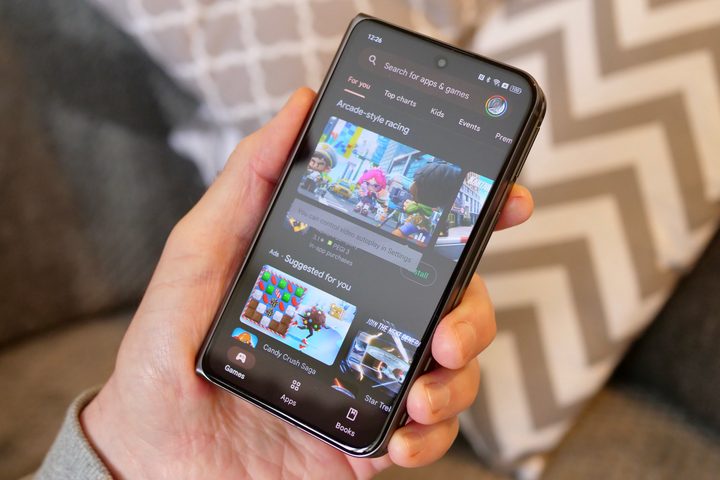
Google announced a wide range of features for Android phones at the I/O 2024 developers conference earlier today. However, the event was not all about user-facing changes. The company also revealed a handful of new tricks for developers to showcase their apps effectively while maintaining a vigilant eye on safety.
Among the most important changes — one that is also going to make life easier for users – is support for more payment options. The most notable of these is support for installment subscriptions, which has already yielded positive results for developers in the early access phase.
The idea is straightforward. For apps that charge a high upfront fee, users can choose to pay in smaller installments to reduce the initial hit on their wallet. This could come in handy not just for apps that demand a one-time lifetime purchase fee, but also for those that offer recurring subscription-based models for payment.
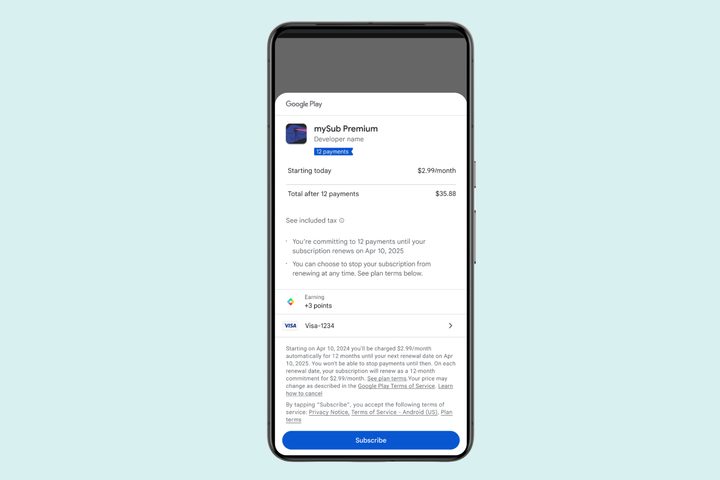
It so happens that annual subscription models are more value-centric compared to paying for the monthly plans. With support for installment subscriptions, users can save with annual subscriptions while breaking the payment into smaller chunks that are paid via the Google Play billing cycle over time.
For now, installment-based payment for subscriptions is available for users in Brazil, France, Italy, and Spain. Google is also introducing the Play Billing Lab app, which lets developers offer new payment-related features to their target audience.
Developers can now price their apps as high as $999.99 and take advantage of the new currency fluctuation trends (against the U.S. dollar) in the Play Console to adjust their prices accordingly.
Improving app discovery
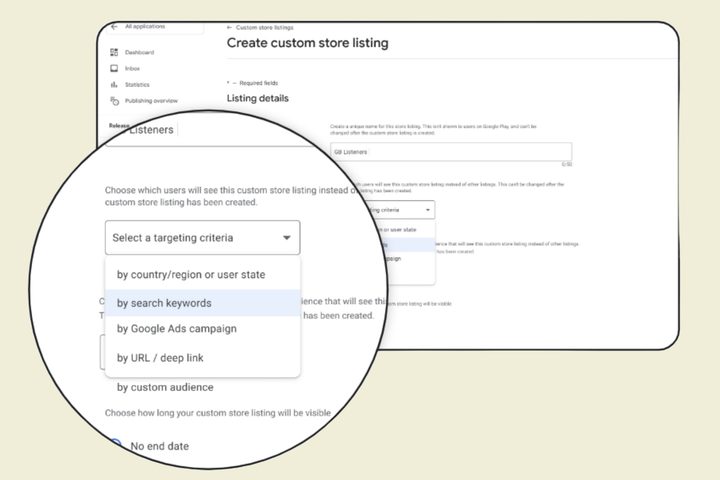
Taking a page out of the Google Search ranking system for web content, the company is also adding a new keyword-driven system for listing and discovering apps. So far, Google Play has been doing it for apps within its curated categories, but it’s not always accurate and often leaves out apps that should ideally appear in a category.
With the latest update, Google will make “keywords” a targeting criterion for listing and marketing apps on the Play Store, alongside other filters such as region, ads targeting, and URL linking. This would also help users, as they would have a more transparent and efficient way to find apps based on their specific search queries.
Another small, but meaningful change is support for multiple form factors. Google Play apps now run on screens of all sizes across regular and foldable phones, tablets, and even Chromebooks. However, most apps on the Play Store only have media assets that show how they look on a phone.
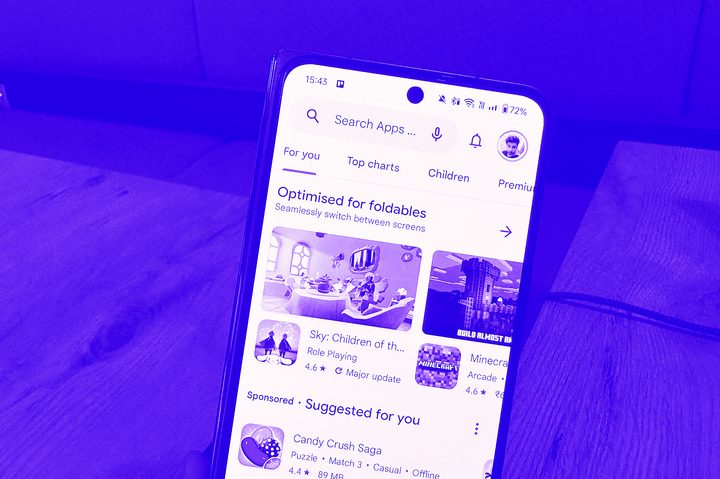
With the latest enhancement for Play Store, app listings will now show screenshots of how an app looks on all supported device formats. Users will also see separate ratings and reviews of the app for each form factor, giving them an idea of how an app performs on different devices instead of getting potentially misled by a unified rating system.
On the safety front, Google is hawking three new feature additions to the Play Integrity API that let developers monitor the safety of their apps. Among them is App Access Risk, which alerts developers if another app on a user’s phone is secretly recording screen activity or abusing its privileges.
There is also an automated response system that will show the status of Play Protect for an app and whether any malware activity has been detected. This would make it easier for developers to not only fix security-related issues, but also alert the users in time before any damage happens.


