  1. Home
  2. Computing
  3. News

Figma just embraced AI in a big way

Add as a preferred source on Google
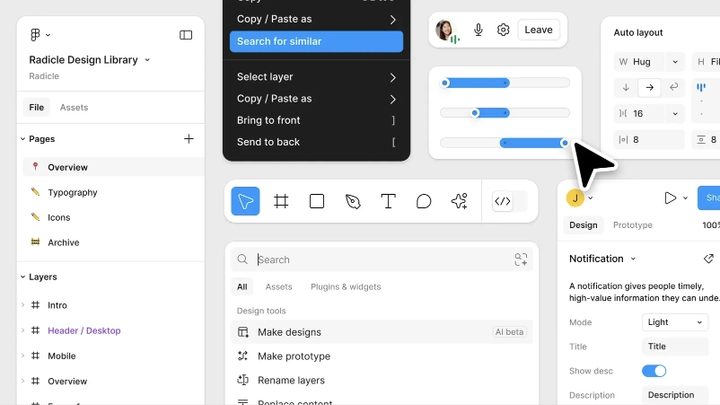
Example of Figma app design.
Figma

At this year’s Config conference, web interface design app Figma unveiled a major redesign and a suite of new AI-powered tools to simplify and accelerate design workflows.

This marks Figma’s third major overhaul, introducing a new visual style with rounded corners, an updated toolbar, and 200 new icons. Figma’s foray into AI brings Figma-specific tolls akin to other apps’ “draft an email” features. These AI capabilities aim to streamline everyday tasks, such as an “AI-enhanced” asset search and auto-generated text replacing the standard Lorem ipsum placeholder.

Recommended Videos

While these AI tools will be free during the beta phase, Figma may implement usage limits, and it promises to provide transparent pricing details once officially launched.

One helpful addition is Figma Slides, a new feature that offers an official way to create and share presentations directly within the app. A Google Slides-like feature within the app where users can create presentations and even change designs in real time without affecting the original design files. You’ll no longer need to turn to workarounds for the slide-like features.

Figma also plans to enable the presentation of app prototypes within the presentation deck, removing the need for separate screen recordings. Additionally, interactive features such as polls and alignment scales can also be added.

Developer mode also gets a boost with new features, including a “ready for dev” task list that aims to ensure that final products accurately reflect the developer’s intent.

The redesigned interface is available to beta testers now, with a waiting list open for those eager to try it out. It will be available through the end of the year.


Judy Sanhz
Computing Writer
Judy Sanhz is a Digital Trends computing writer covering all computing news. Loves all operating systems and devices.
WhatsApp’s Liquid Glass redesign is finally coming to Mac after months of waiting
WhatsApp's Mac app is getting Apple's Liquid Glass-inspired makeover
WhatsApp

WhatsApp has been steadily adopting Apple's new design language across its apps, but Mac users have largely been left watching from the sidelines. That is finally beginning to change.

The messaging platform has started rolling out its Liquid Glass redesign for the WhatsApp Mac app, bringing the desktop experience much closer to what iPhone and iPad users have been seeing over the past few months. The update introduces a refreshed interface with redesigned navigation elements, updated menus, and a cleaner layout that aligns with Apple's latest software aesthetic. According to WABetaInfo, the rollout has begun through the latest Mac App Store update and is currently reaching a limited number of users.

Read more
NVIDIA’s new AI can detect deepfake videos in just 22 milliseconds
NVIDIA has a new AI tool that can tell fake videos from real ones in milliseconds
Nvidia logo

As generative AI becomes increasingly capable of producing videos that are nearly indistinguishable from real footage, the race is no longer just about creating synthetic media. It's about detecting it before it spreads.

At SIGGRAPH 2026, NVIDIA unveiled Synthetic Video Detector, a new AI-powered verification tool designed to identify AI-generated videos with remarkable speed and accuracy. Rather than replacing traditional fact-checking or forensic analysis, the company says the technology is intended to give newsrooms, broadcasters and enterprises another layer of confidence before synthetic videos enter the public domain.

Read more
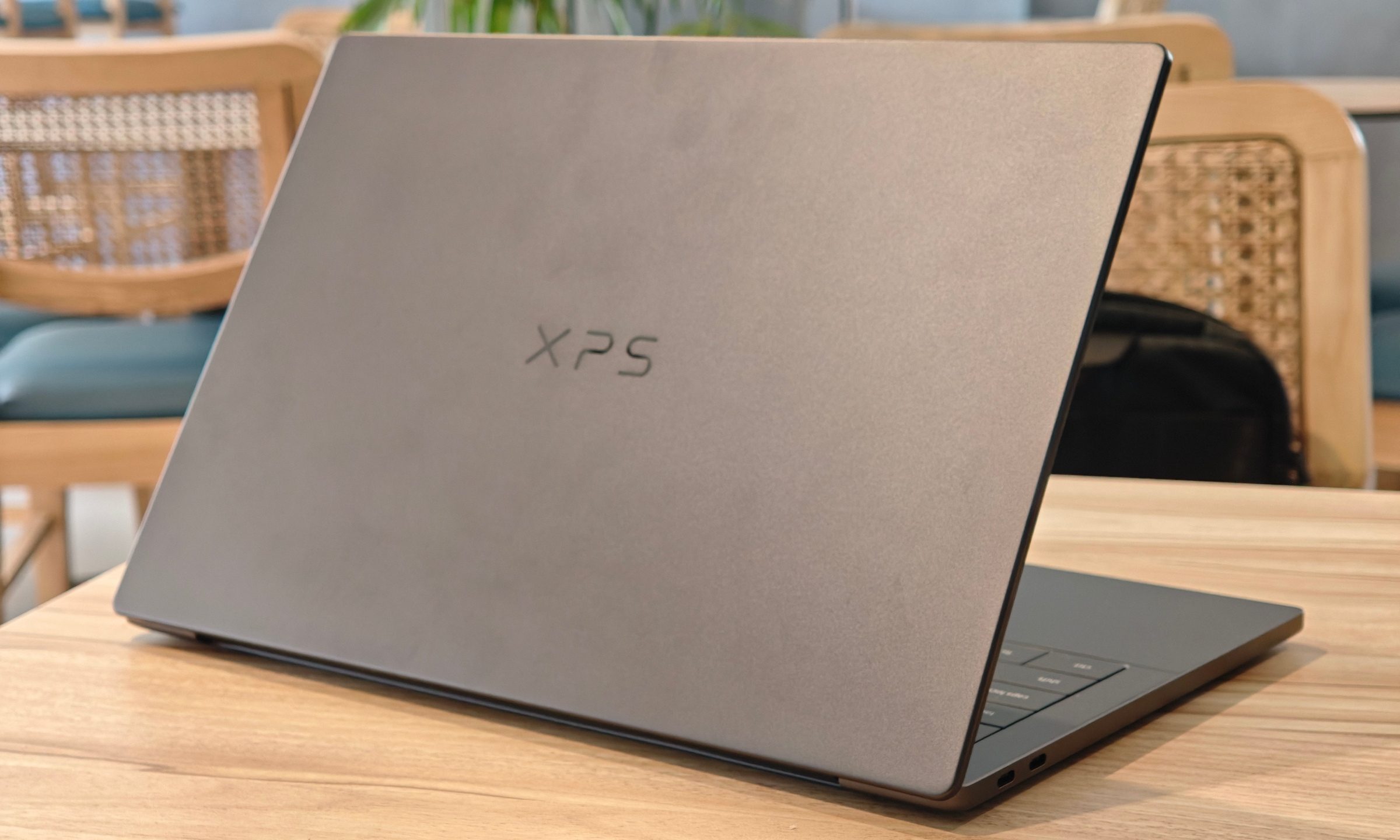
Dell XPS 14 (2026) Review: Dell’s classic Windows laptop returns, and it’s hard to put down
The icon returns, and shows why it's still relevant
Dell XPS 14 Review: Featured

Quick take

Dell’s XPS line has always carried a certain weight. It is one of those Windows laptop families that people recognize even if they don’t follow laptops too closely. Clean design built with premium materials, sharp displays, and high-end hardware. The Dell XPS 14 DA14260 continues that legacy. 

Read more