  1. Home
  2. Phones
  3. Mobile
  4. News

Samsung Galaxy Z Fold Special Edition is slimmer, yet more powerful

Add as a preferred source on Google
Rear view of Samsung Galaxy Z Fold Special Edition.
Samsung

Samsung has just pulled a bit of a surprise by giving a svelte design makeover to its flagship foldable phone. Earlier today, the company introduced the Samsung Galaxy Z Fold Special Edition in its home market.

The latest foldable phone from Samsung makes a couple of key upgrades in the design and camera departments. First, Samsung has shaved off 1.5 millimeters of thickness compared to the Galaxy Z Fold 6. The weight, however, has only reduced by 3 grams, so it’s hardly much of a difference.
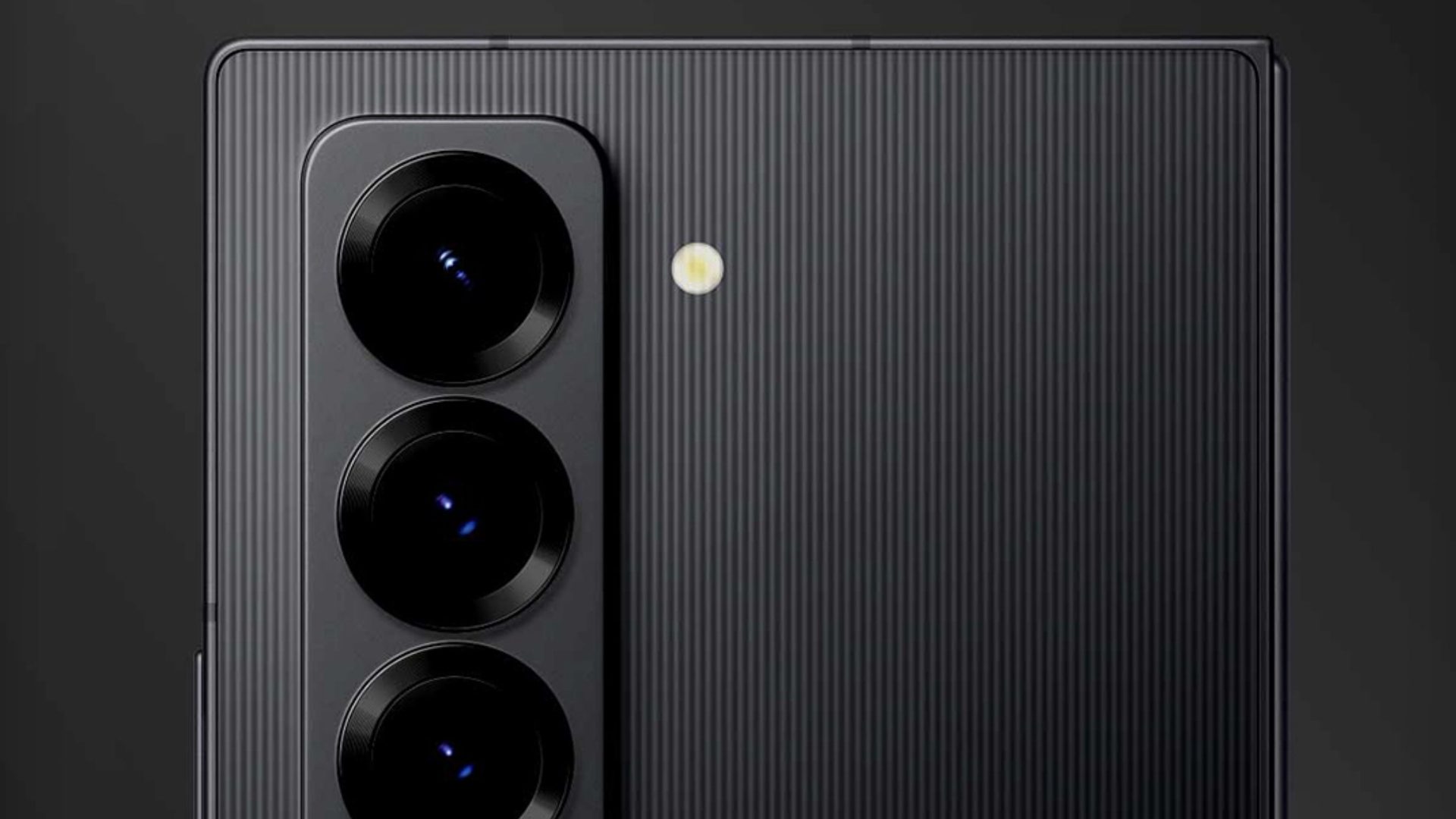
Closeup view of Samsung Galaxy Z Fold Special Edition.
Samsung

The display size has increased ever so slightly, and resolution figures have also gone up, but there’s nothing too dramatic here. The cover screen now stands at 6.48 inches (up from 6.3 inches), while the inner foldable panel measures roughly 8 inches, compared to the 7.6-inch screen on the Galaxy Z Fold 6.

Recommended Videos

Another notable change is the color chemistry. The special version only comes in a single “shadow black” trim. However, this is treated to an eye-catching rear glass refresh that has thin lines running across it and is inspired by pinstripe suit patterns.
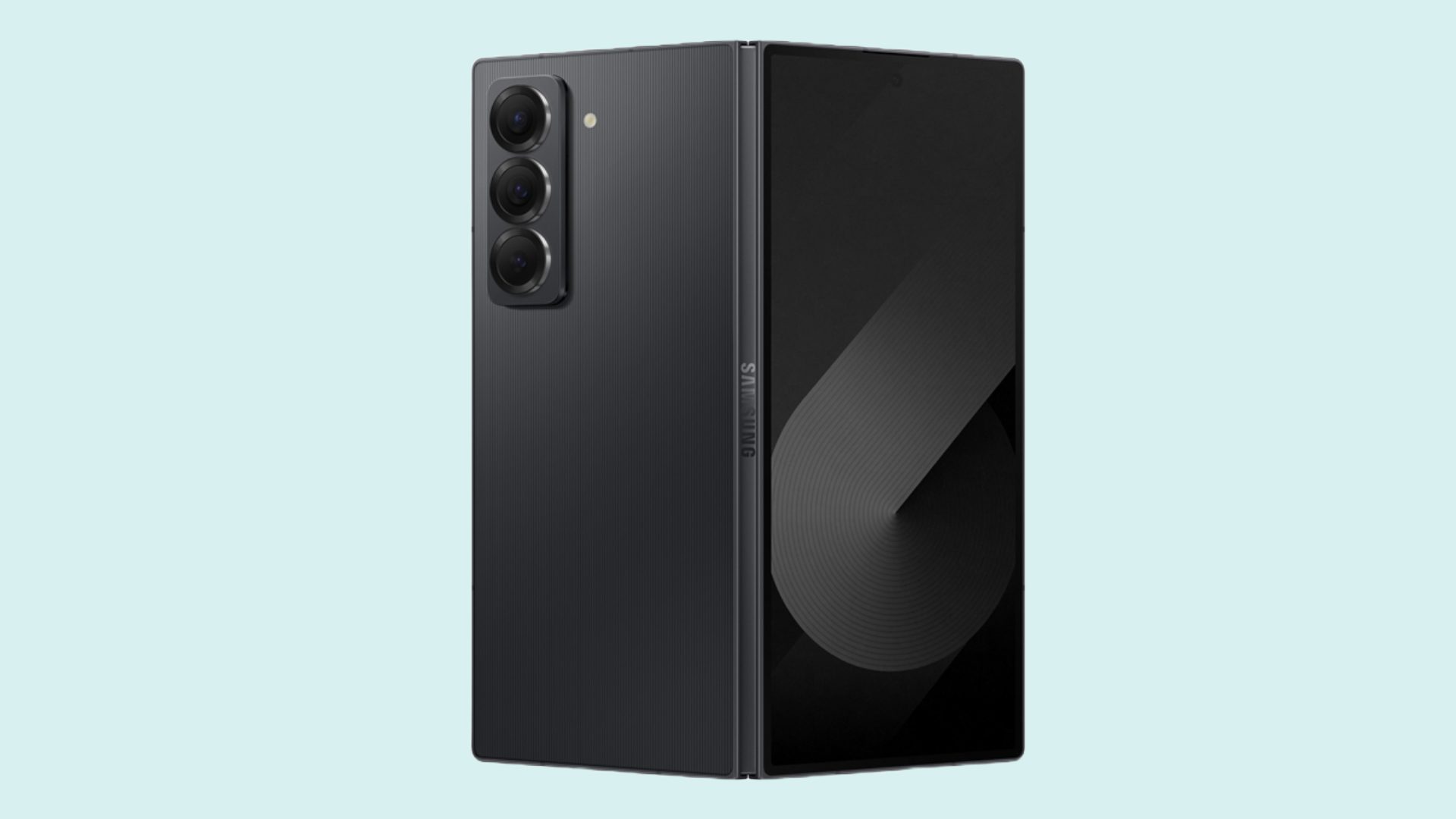
Half-open front and rear view of Samsung Galaxy Z Fold Special Edition.
Samsung

Interestingly, Samsung has managed to reduce the cross-section profile of its latest foldable without toning down the battery size. The battery capacity matches that of the Galaxy Z Fold 6 at 4,400mAh, which is impressive.

The second noteworthy change on the Galaxy Z Fold Special Edition is a new camera sensor. Samsung has treated it to a 200-megapixel primary camera at the back, upping the ante from a 50MP wide lens on its mainstream foldable phones.
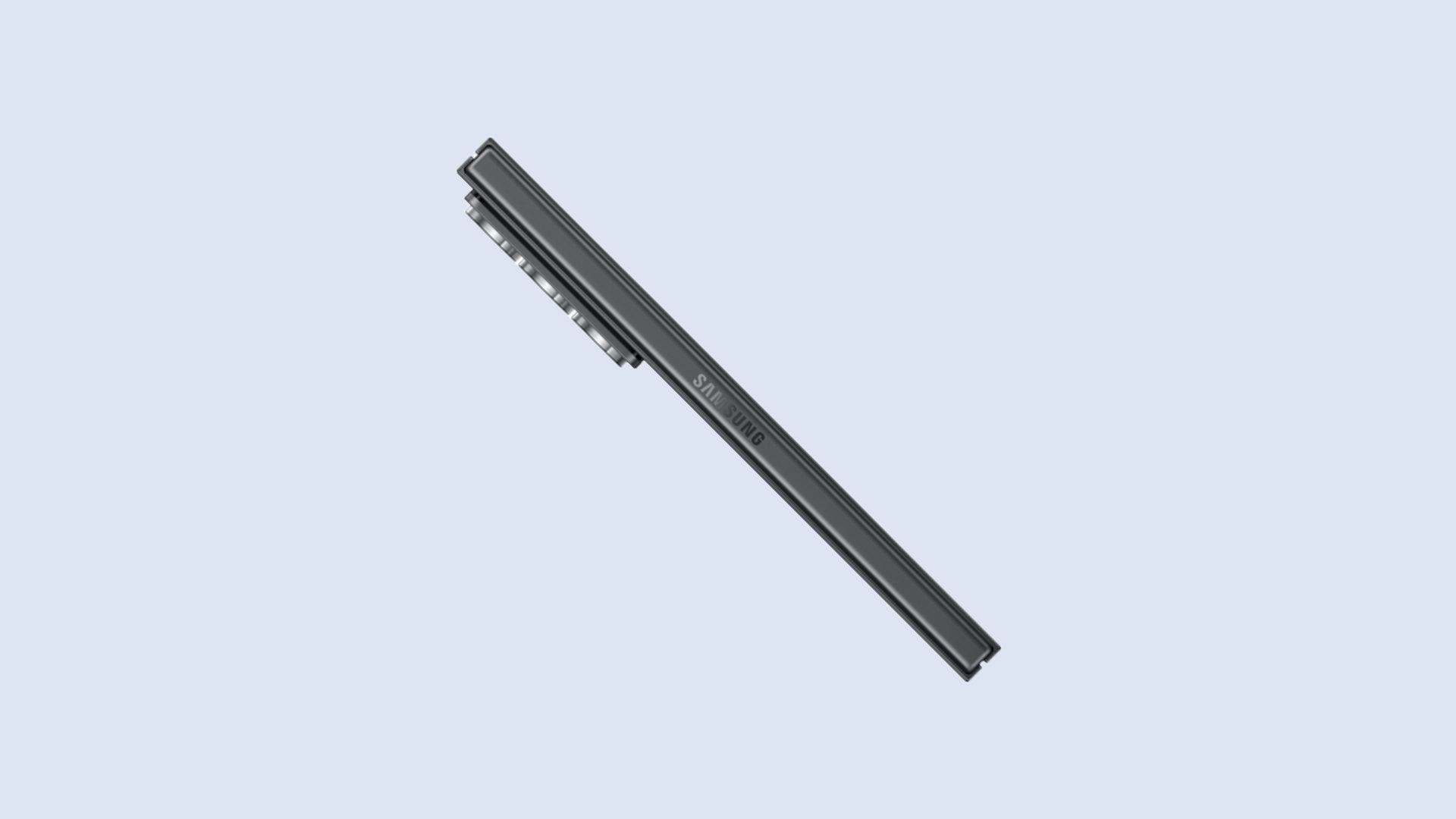
Side hinge view of Samsung Galaxy Z Fold Special Edition.
Samsung

The rest of the camera hardware remains identical. There’s a 12MP ultrawide snapper and a 10-megapixel telephoto camera with 3x optical zoom output. The camera atop the front display relies on a 10MP sensor, while the under-display unit on the cover screen outputs 4MP shots.

Rear and front view of Samsung Galaxy Z Fold Special Edition.
Samsung

The silicon in question is Qualcomm’s Snapdragon 8 Gen 3 Mobile Platform for Galaxy, alongside 16GB RAM and 512GB of storage. For comparison, the Galaxy Z Fold 6 is capped at 12GB of onboard memory.

Samsung also claims that it has used armor aluminum for the frame and has retained the IP48-level dust and water resistance on its new foldable offering.
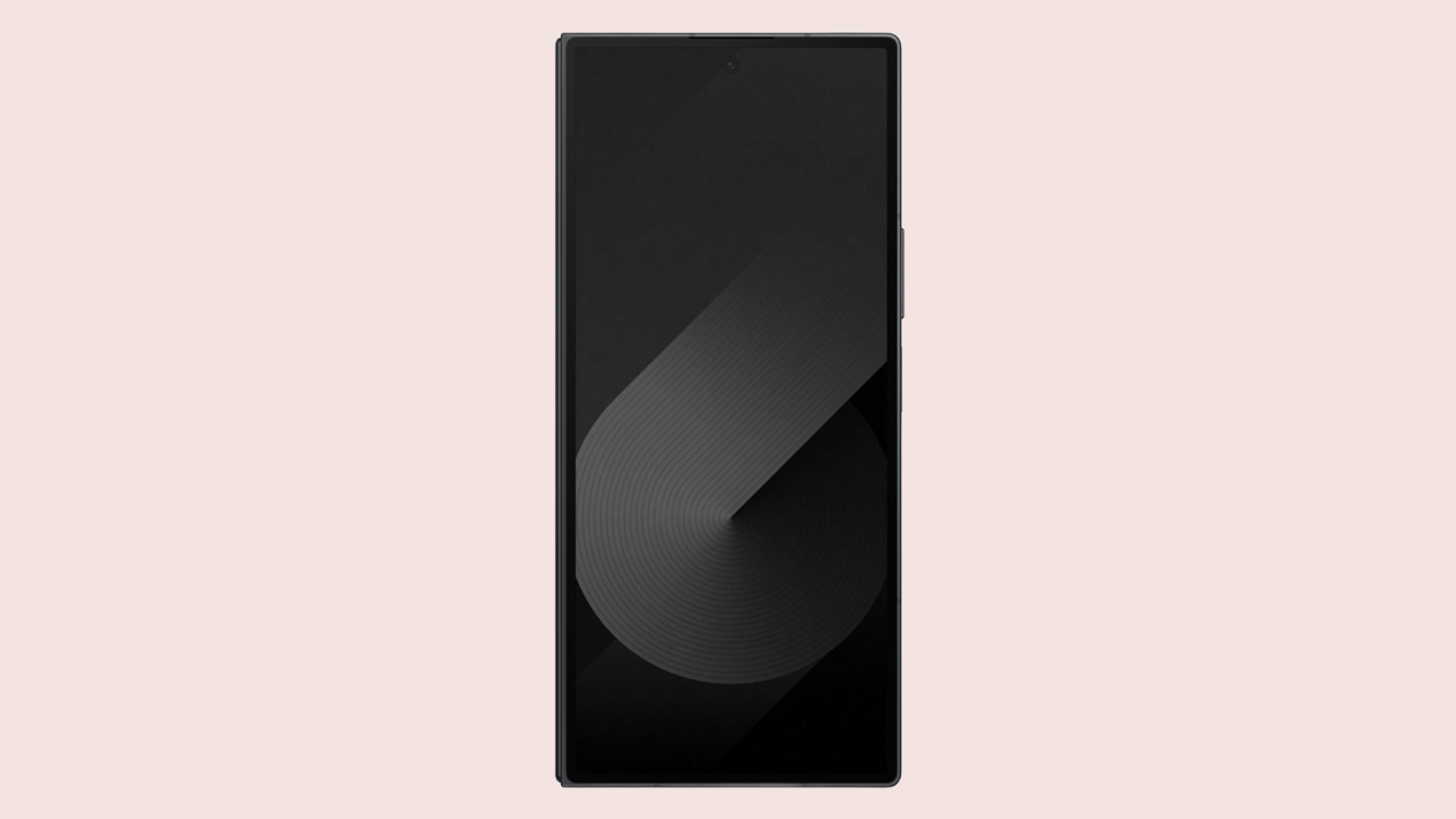
Cover screen view of Samsung Galaxy Z Fold Special Edition.
Samsung

The asking price of the Samsung Galaxy Z Fold Special Edition has been set at 27,89,600 South Korean won, which roughly translates to $2,024 based on the current conversion rates. The Galaxy Z Fold 6, on the other hand, starts at $1,900 in the U.S.

The latest from Samsung will go on sale starting October 24 in Korea. However, the company has yet to reveal any details about the phone’s arrival in overseas markets, especially in the West.

Nadeem Sarwar
Nadeem is the Managing Editor at Digital Trends.
Setting up your dorm desk? These are the phone stands I’d actually spend my money on
From a $2 folding stand to a three-in-one Apple charging dock, these are the phone stands worth setting up this semester.
Analog Clock, Clock, Electronics

A phone stand is one of the smallest purchases on any back-to-school list, but it's also one of the easiest to get wrong, especially since there are dozens of options available on Amazon. A good phone stand is one that does its job well and, more importantly, doesn't put much of a dent in your budget.

This is one of those product categories where you don’t need to spend big, unless a MagSafe dock or a multi-device charging stand is genuinely useful for your desk or dorm setup. That is why this list begins with the most affordable options and works its way up to the more expensive ones. From a two-pack that costs about as much as a coffee to a three-in-one Apple charging station, I picked eight of Amazon's best-reviewed phone stands worth considering this back-to-school season.

Read more
I picked four wireless chargers so you can stop making your iPhone, AirPods, and Apple Watch fight over one dorm outlet
The best back-to-school wireless chargers for dorm desks, study spaces, and travel
Computer, Electronics, Laptop

A dorm-room desk can disappear surprisingly quickly beneath a laptop charger, phone cable, Apple Watch puck, and the growing collection of adapters required to power them all. Add textbooks and other academic materials, and finding enough room to study becomes the first assignment of the semester.

A wireless charging stand can consolidate several of those cables into one station. It also gives your phone a dedicated place to sit, which helps when you are checking the time or watching a lecture. Every charger here still needs one connection to the wall. So finding a peripheral that works with all of your gadgets isn't just convenient, it's smart. I picked four models ranging from an inexpensive two-device stand to a fast 25W wireless charger capable of powering an entire Apple setup.

Read more
Your backpack needs one of these power banks before classes start
I picked 4 power banks that can survive your longest day on campus
Anker Nano 3-in-1 10,000mAh portable power bank for iPhone.

Finding an empty outlet on campus can require more patience than registering for a popular class. Common spaces like libraries or lecture halls rarely have sockets in the right places. So a good power bank gives you far more freedom. It gives you the option to choose the quiet corner of the library, work outside between classes, or even finish an assignment without worrying about your laptop's battery.

The right model depends on what you carry, since a phone needs far less power than a MacBook or gaming laptop. I picked four Anker power banks that cover everything from everyday phone charging to running several demanding devices at once.

Read more
