1. Home
  2. Computing
  3. News

Microsoft suggests four fixes for ancient Microsoft Store bug

Add as a preferred source on Google
Microsoft Store
Digital Trends

After six years, Microsoft has officially released four methods for fixing the “Try that again” or “0x80131500” Microsoft Store error. The bug was first reported in 2019, but the good news is that there is now an official solution for you.

You can fix the “Try that again” error by resetting the Microsoft Store app, using the Microsoft Store troubleshooter (Windows 10 only), checking for updates, and updating your internet’s TLS (Transport Layer Security) settings. However, Microsoft recommends enabling TLS 1.2 and TLS 1.3 for compatibility. However, if the first three methods don’t work, the issue may be due to TLS incompatibility. If this sounds too technical, don’t worry; just follow these steps: press the Windows key > search for Run > type inetcpl.cpl > press enter > click Advanced tab to ensure that the Use TLS 1.2 and 1.3 are checked. That’s all there is to it.

Recommended Videos

Before these official solutions, you may have turned to different workarounds. You possibly paused the antivirus protection (even if it was one of the best antivirus software), created a new local Windows account, turned off your VPN, or maybe even logged in with Safe mode turned on. So, what causes the 0x80131500 error? Various potential causes include an unstable Internet connection, firewall blocking access, incorrect proxy settings, or even a missing Windows update.

Microsoft hasn’t explained why releasing this official solution for the Microsoft Store bug took so long, but at least they’re here for everyone. If, after trying all the suggested solutions, you still need more help, you can contact Microsoft Support to continue looking for a possible fix for your Windows-related issue.

Judy Sanhz
Computing Writer
Judy Sanhz is a Digital Trends computing writer covering all computing news. Loves all operating systems and devices.
Windows 11 is getting a new Screen Tint mode, and your eyes might thank Microsoft
Users can apply custom color overlays to reduce screen intensity and visual fatigue.
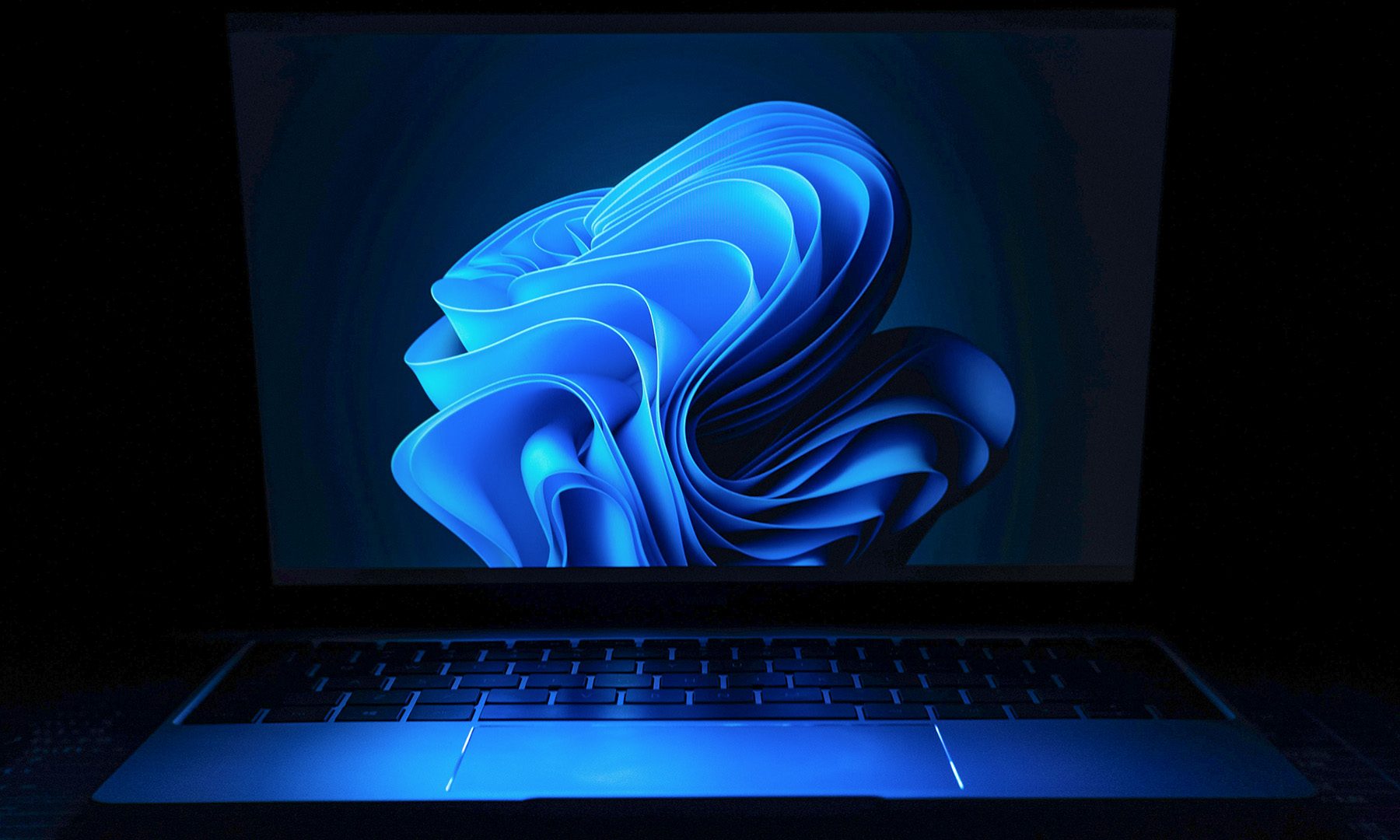
Windows 11 on a laptop

Microsoft is testing a new accessibility feature for Windows 11 called Screen Tint, and it could be one of those small additions that make a surprisingly big difference. Instead of changing your display's color temperature like Night Light, Screen Tint applies a customizable color overlay across the entire screen, making bright displays easier on the eyes during long work or gaming sessions.

A softer screen for tired eyes

Read more
Apple’s looking at a politically radioactive fix for the memory crisis, and the US government isn’t happy about it
Apple blamed memory costs for your price hike. Its proposed solution involves a Pentagon blacklist.
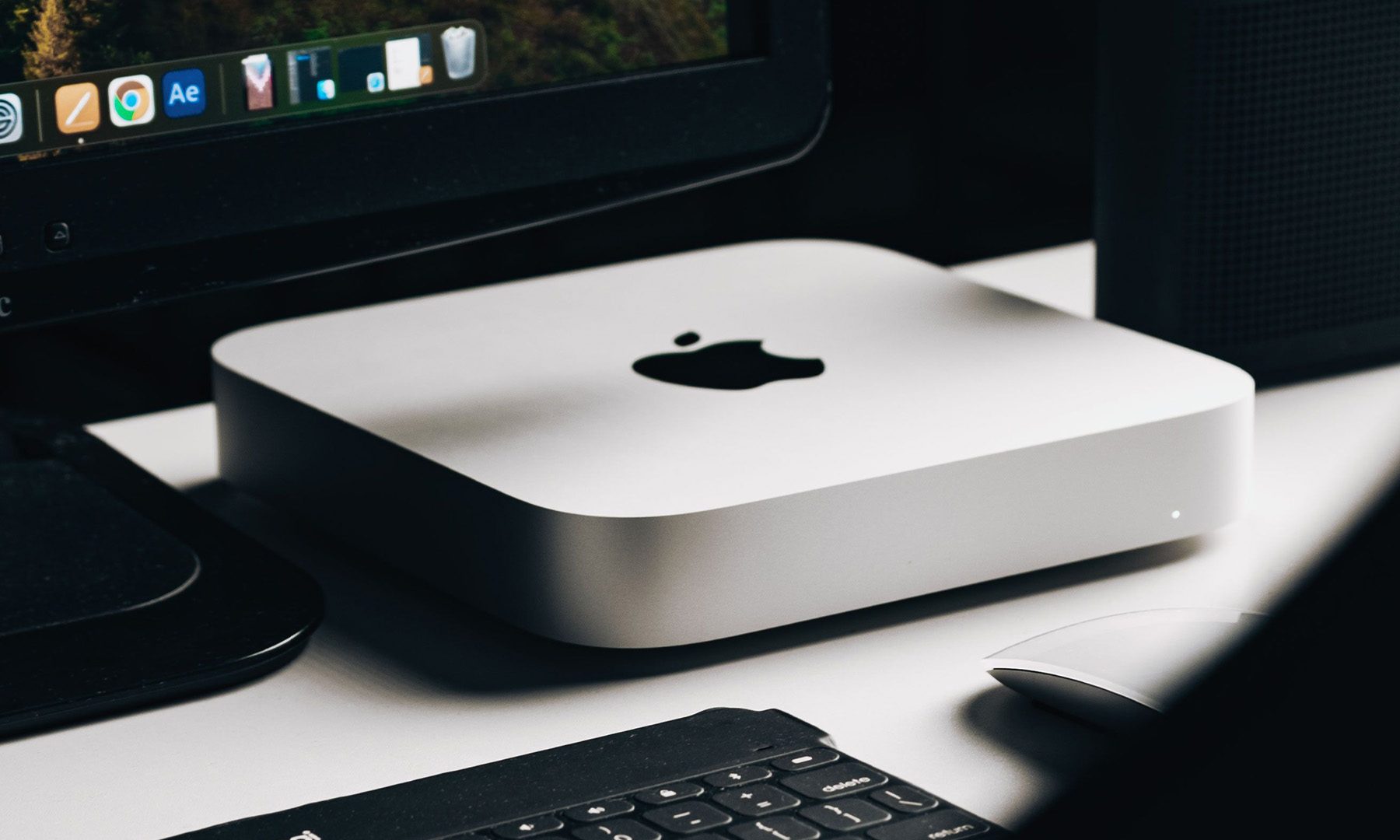
Apple Mac Mini on a Desk

A few days ago, Apple announced an ugly mid-cycle price hike, blaming the worsening-by-the-day memory crisis. According to the Financial Times, the company is now lobbying the government for approval to buy memory chips from a Chinese company. 

The company in question is CXMT, a Chinese chipmaker that the Pentagon added to its Chinese Military Company blacklist for alleged ties to the Chinese army.

Read more
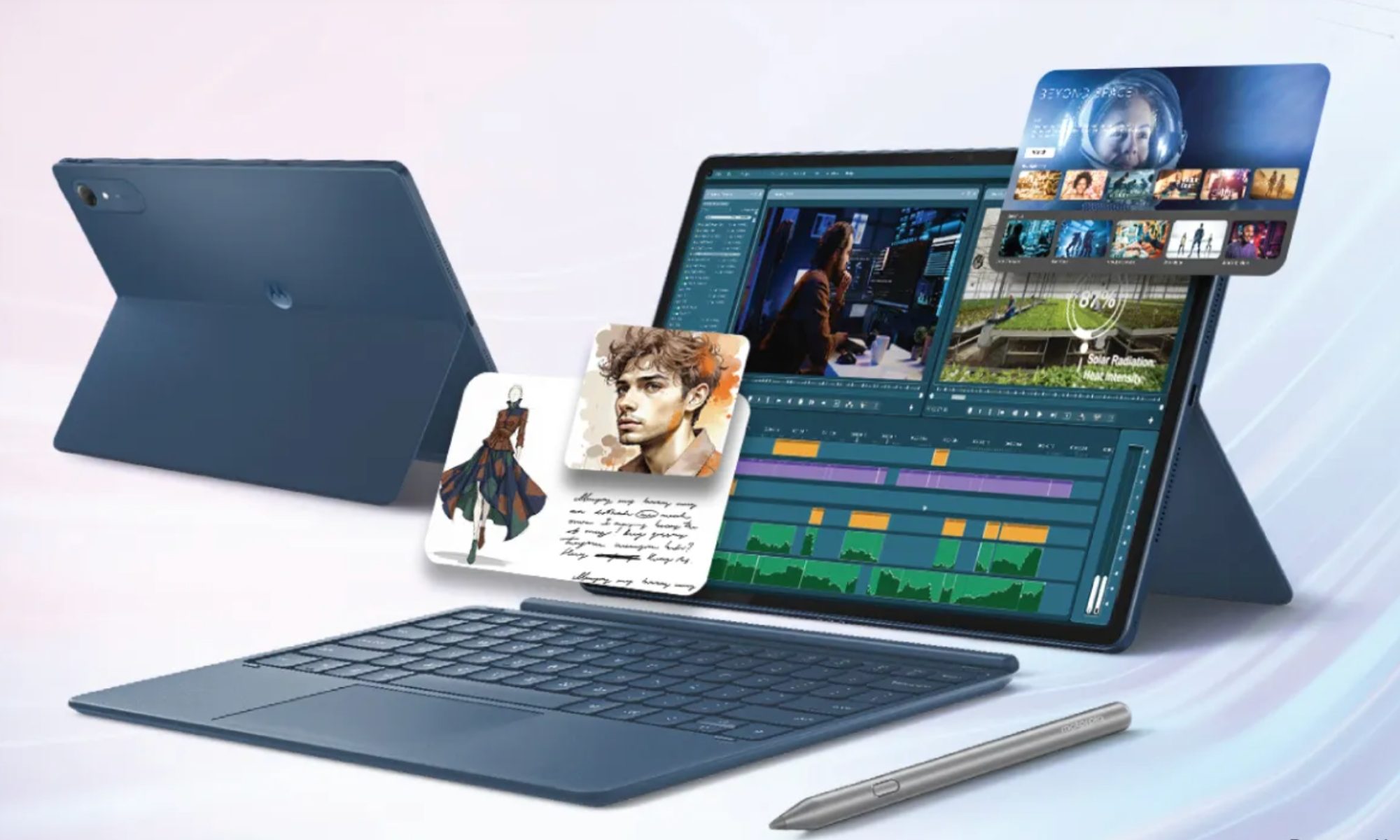
As iPads get pricier, Motorola’s Pad 70 Pro arrives as a solid option… just not for US buyers yet
Great specs, a stylus in the box, and no US launch date: the Moto Pad 70 Pro sounds both impressive and disappointing.
Computer, Electronics, Laptop

If you don’t know about Apple’s recent price hike, which affected all the products in its lineup except the iPhone and Apple Watch (for now), you’ve got to be living under some sort of a rock. The revision made all the iPads much more expensive. 

Motorola, however, has just launched a 13-inch tablet that actually sounds good on paper. It’s called the Moto Pad 70 Pro, and it costs around $440 for the baseline model. The catch, however, is that the device isn’t available in the US yet. 

Read more